9. Test result
During the token refresh process, I alternated between the two Lambda trigger versions, so I can ensure that both versions are working properly.
After adding the Lambda trigger to the Cognito Extension, now it’s time to test the functions again to see if there are any errors!
Refresh tokens
First, we need to refresh the token for the user tuannguyen.
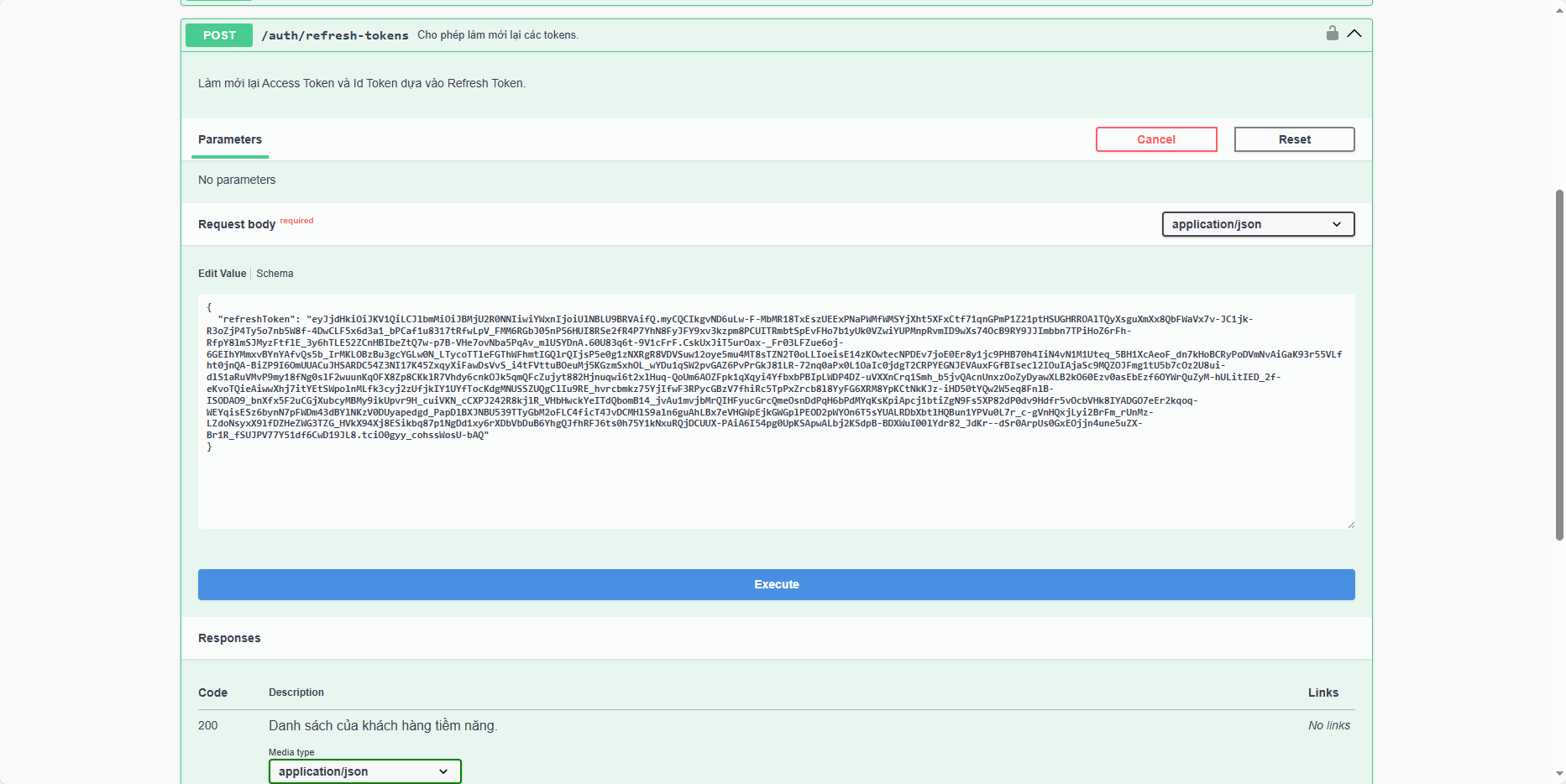
Save this token.
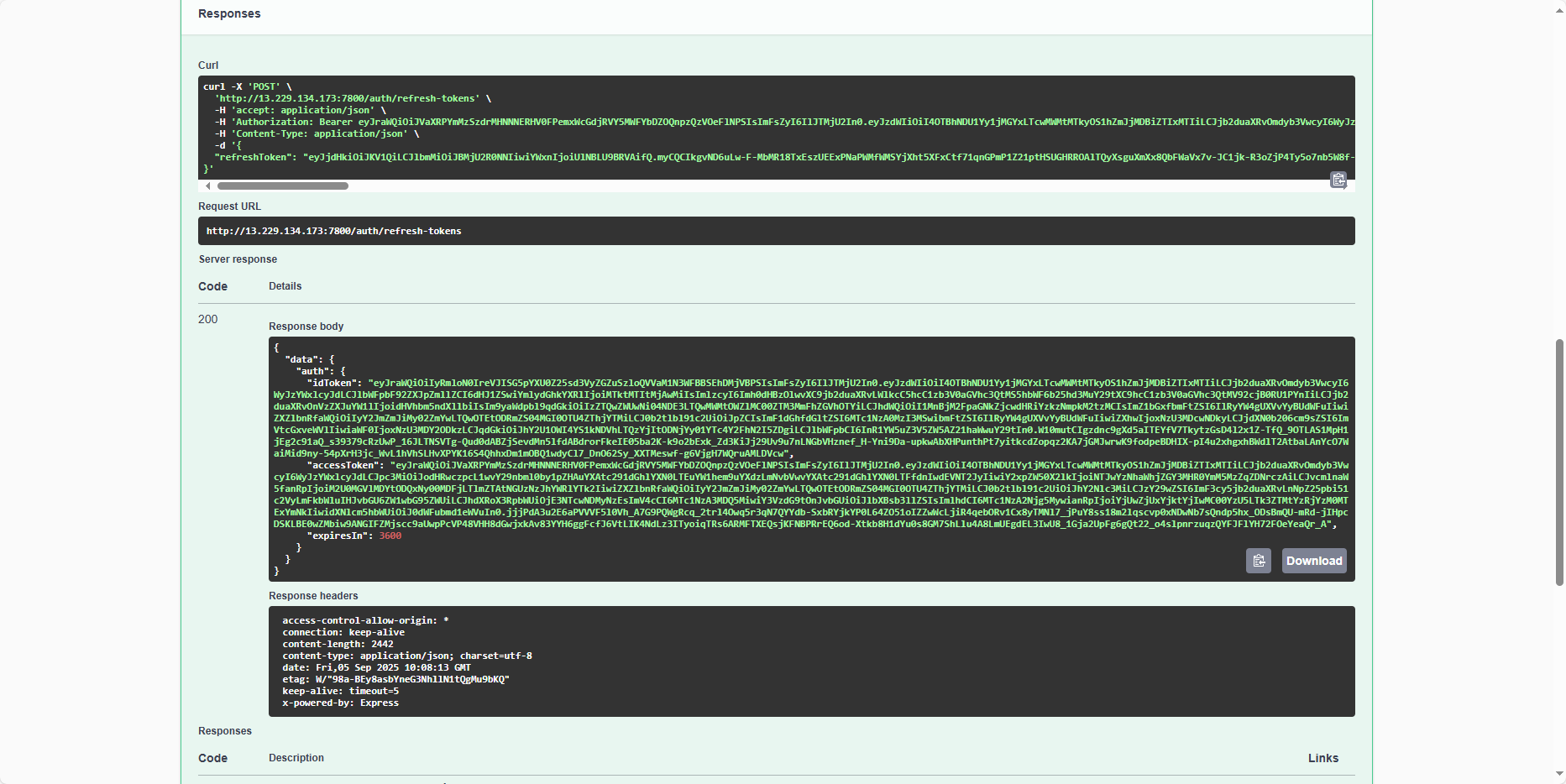
Add it to the Authorize section of Swagger UI as we did before.
Similarly, we do the same for the user anhtuan1912.
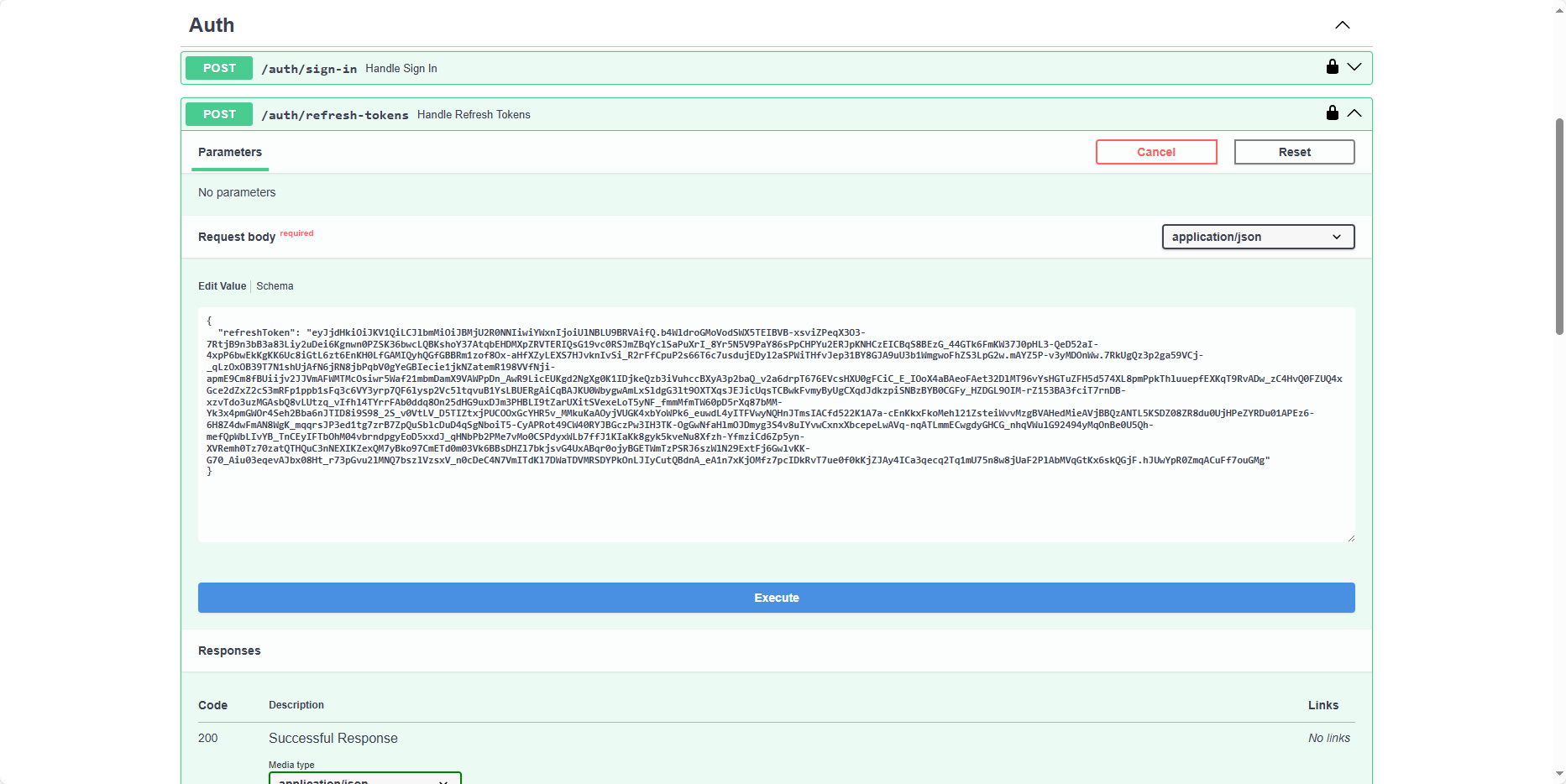
Save this token.
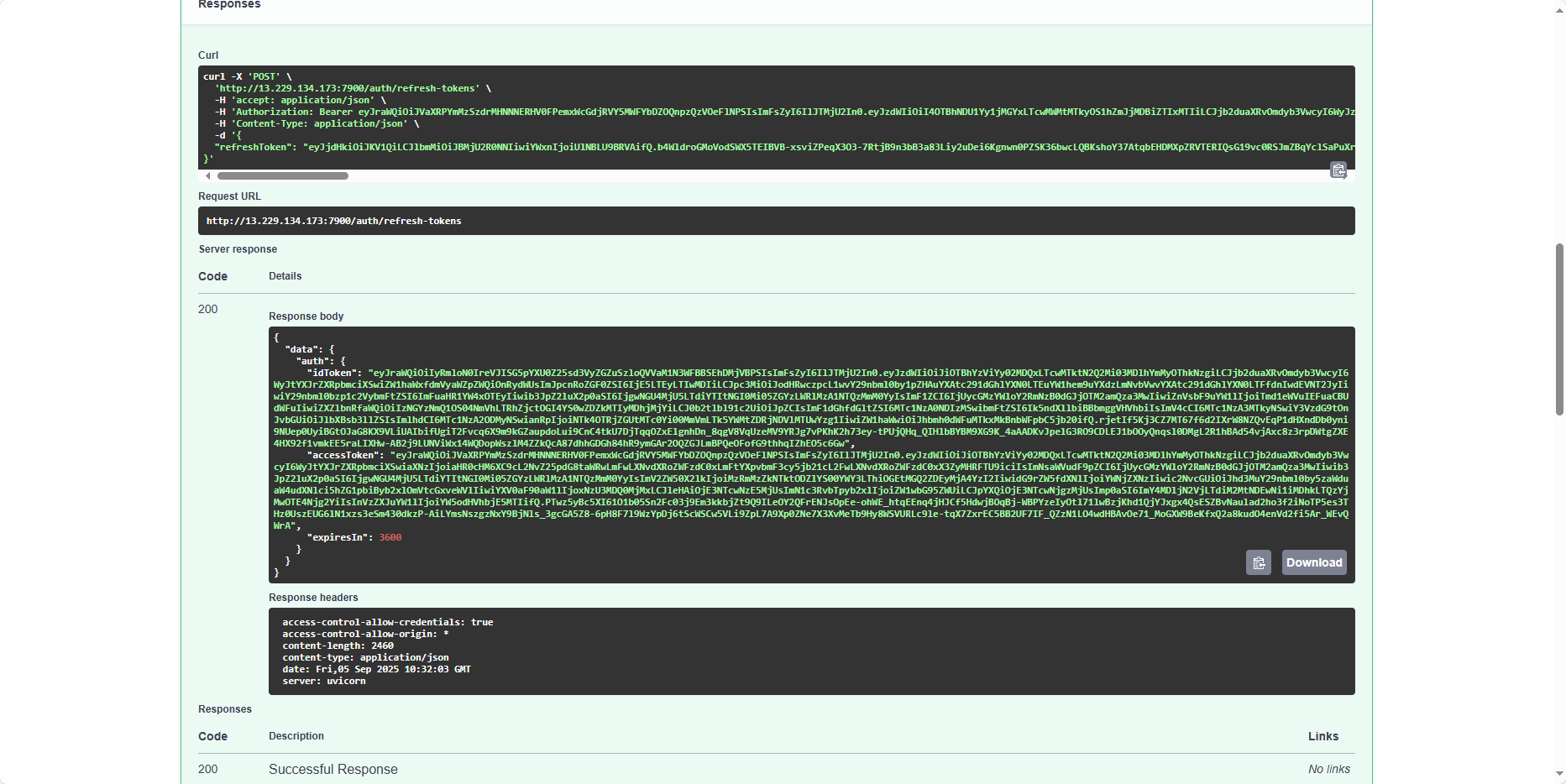
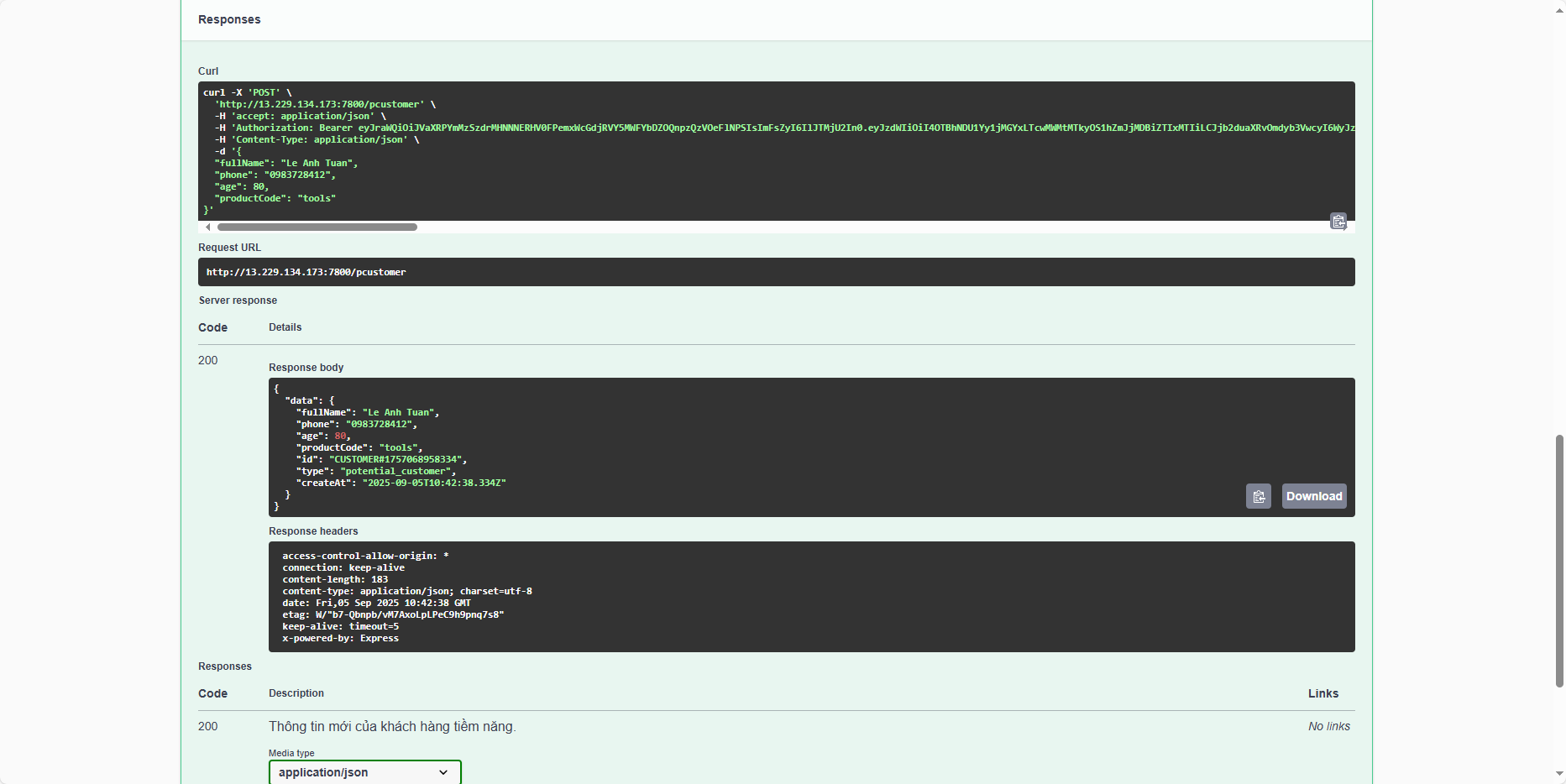
Create customer
Now let’s try creating some users to query with the user tuannguyen.
Test with the user anhtuan1912 to retrieve information.
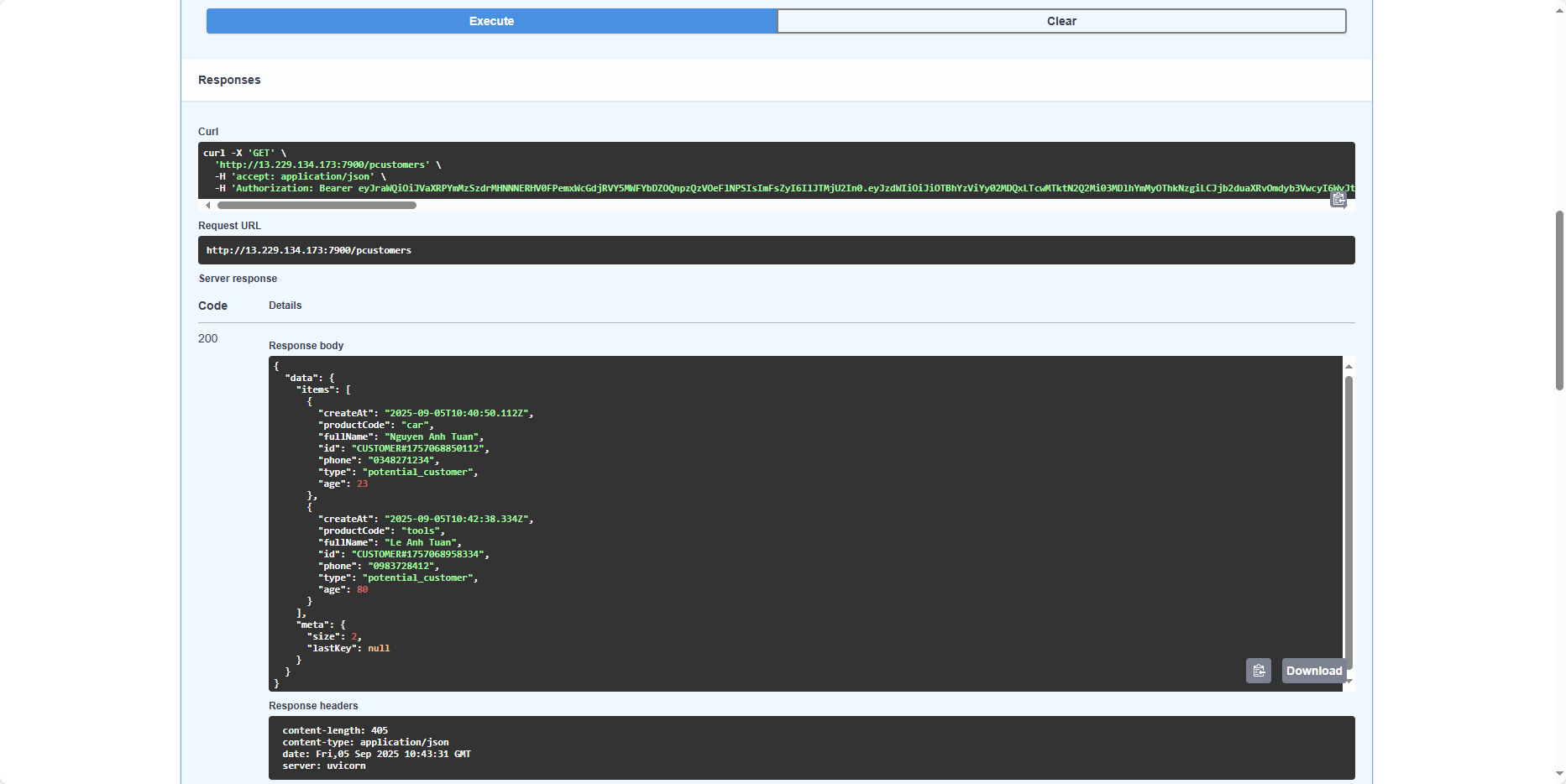
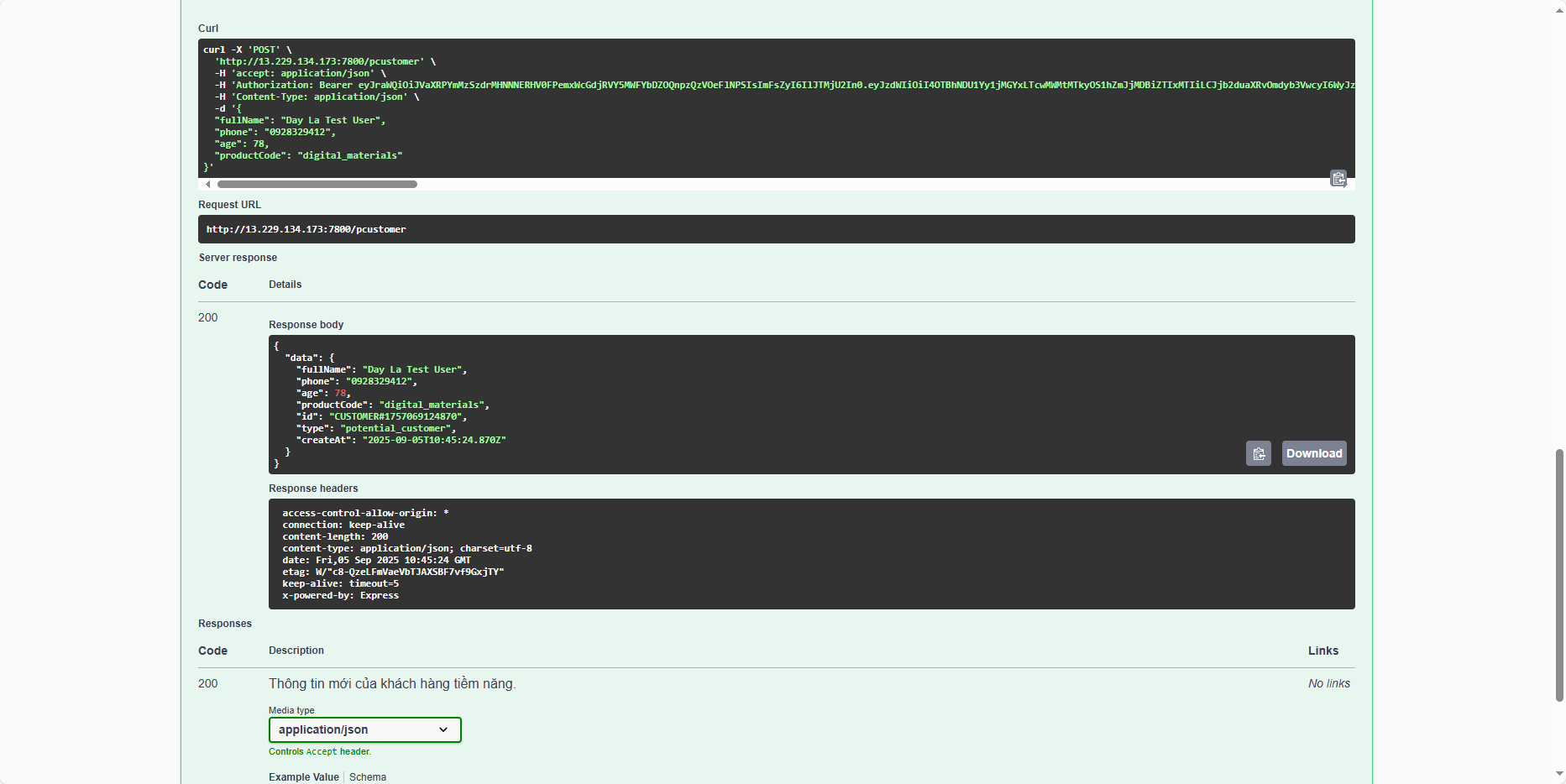
Ok, the user anhtuan1912 successfully retrieved the data; everything is working correctly. Now let’s try creating another test customer.
Now let’s try creating another test customer, but pass invalid data.
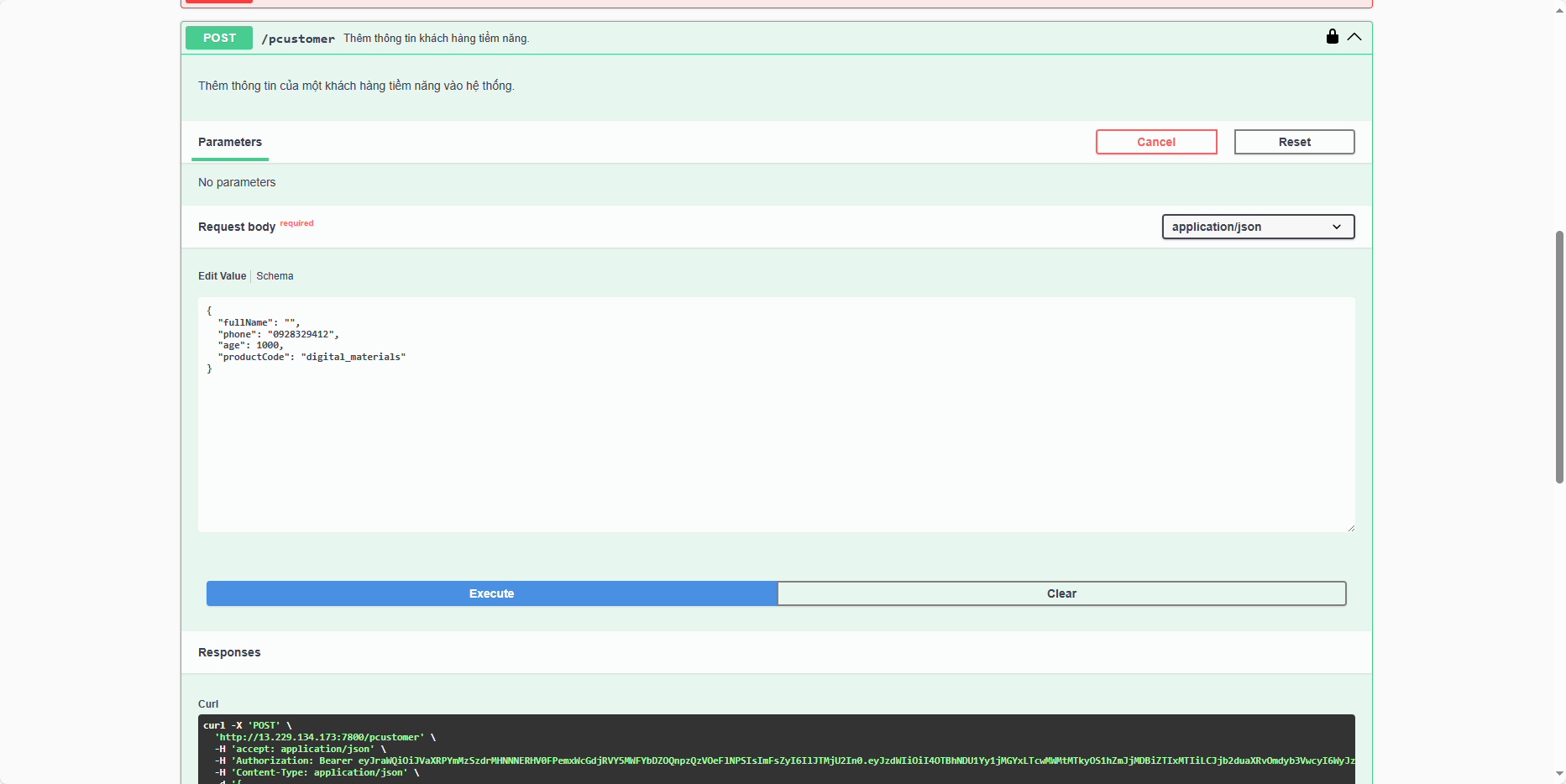
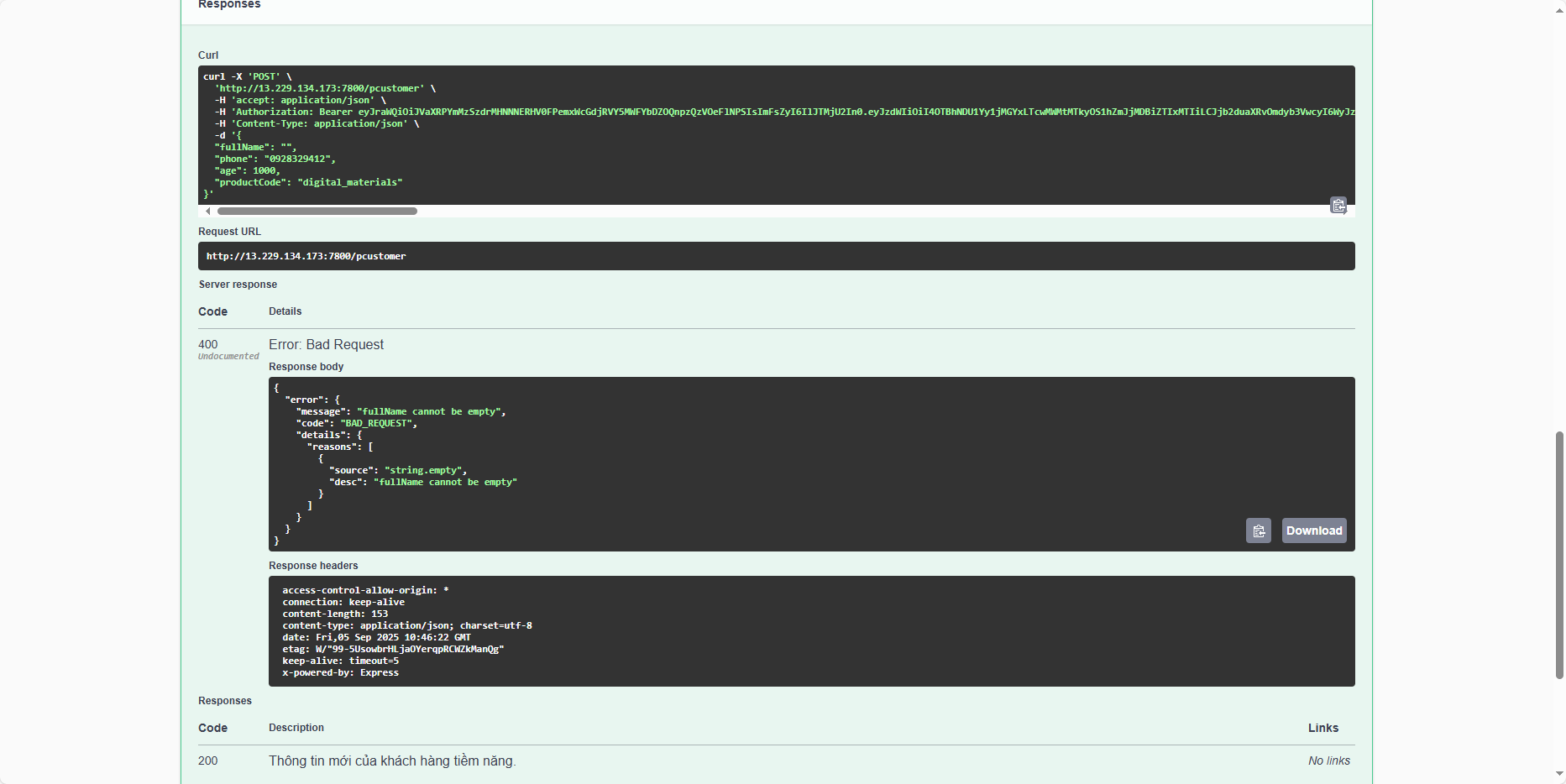
Ok, so you cannot add customer information if the data is invalid.
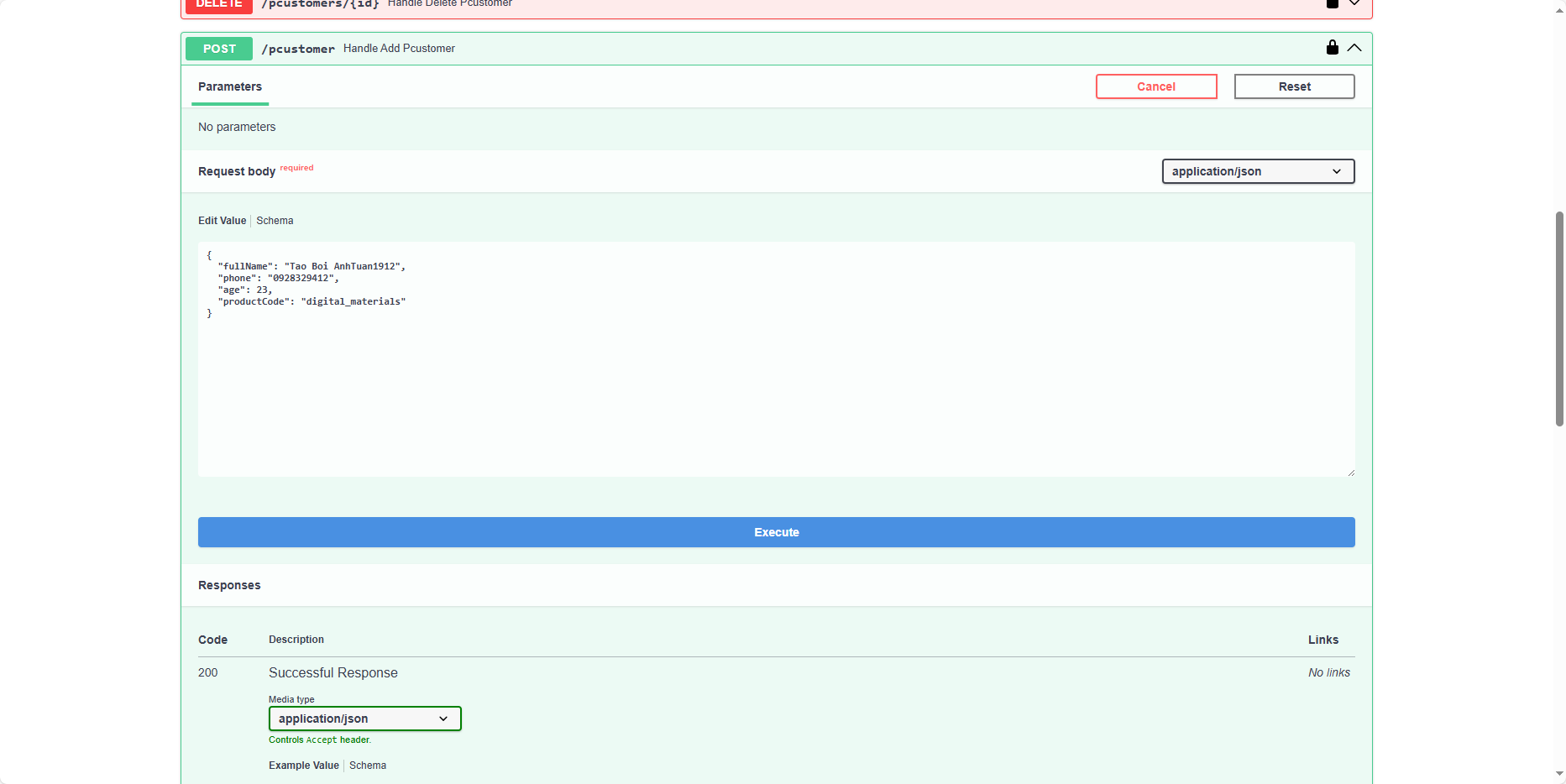
Now let’s try creating a customer with the user anhtuan1912.
It will result in a 403 - Forbidden error, with the message Team of user is not allowed: marketing => showing that a user in the marketing team cannot perform the action of adding a new customer.
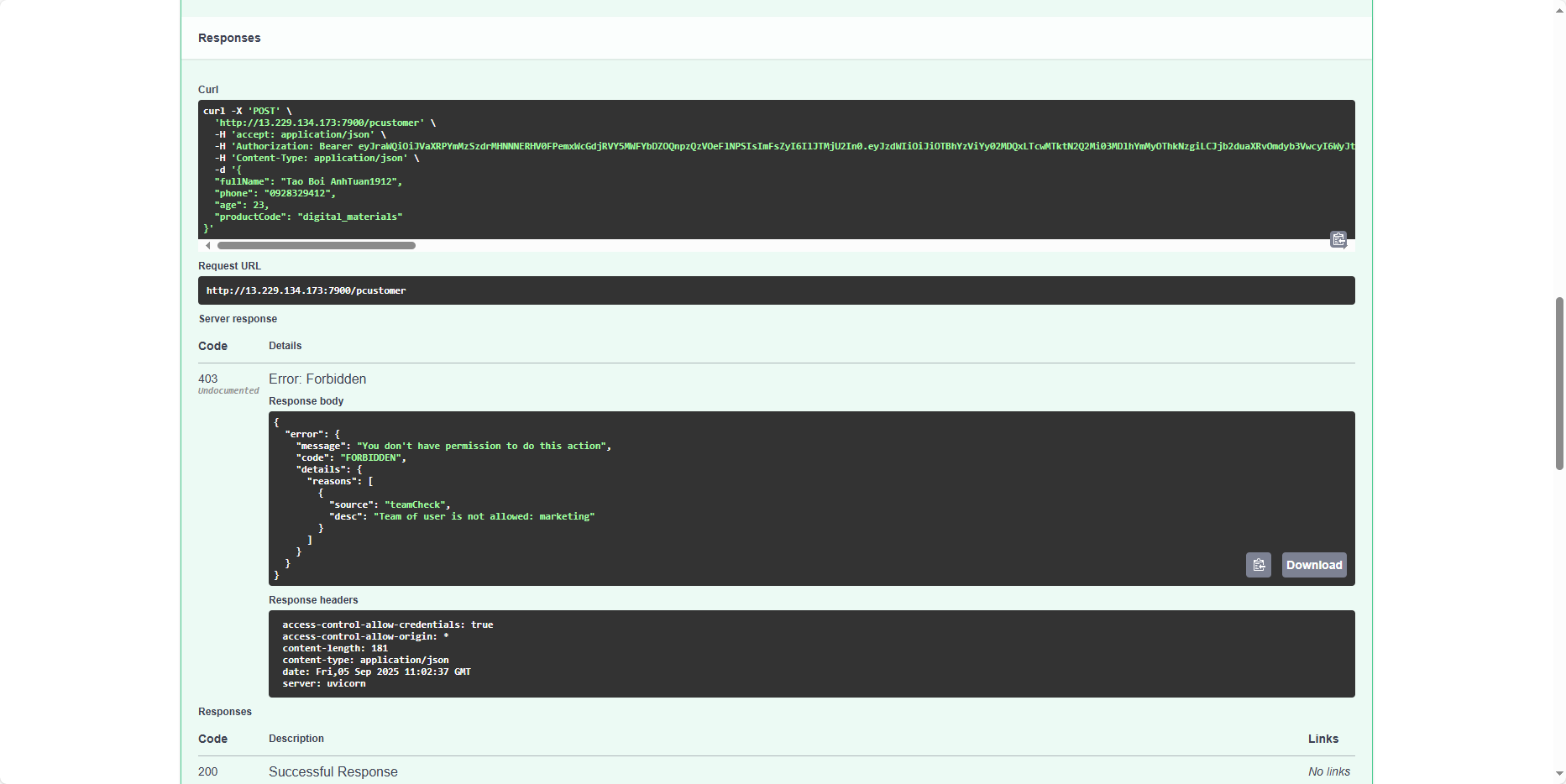
At this point, our application is working as expected: users in the sales team can add new customers, but users in the marketing team cannot.
Get customer
Both users can retrieve customer information.
First, tuannguyen.
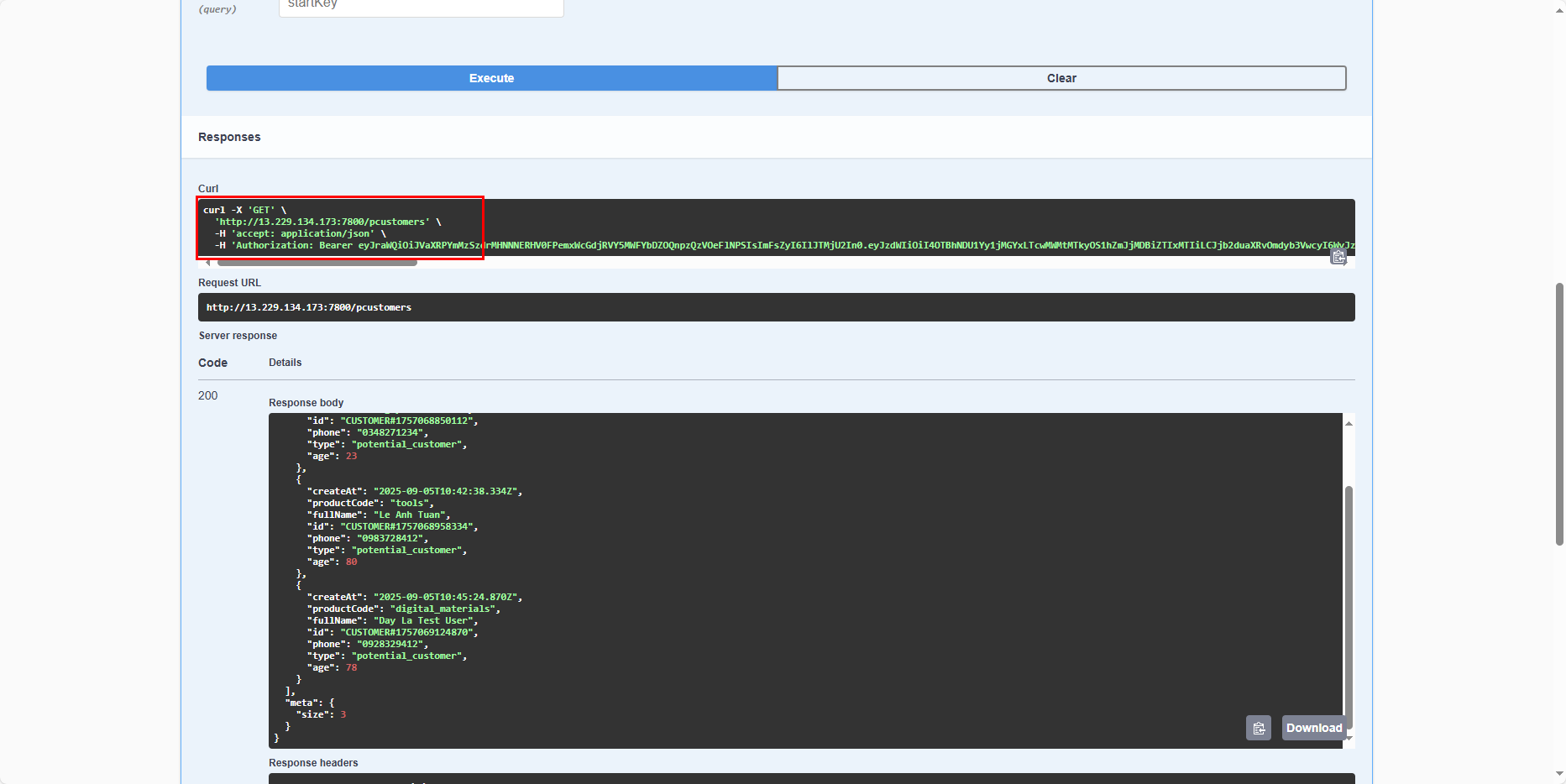
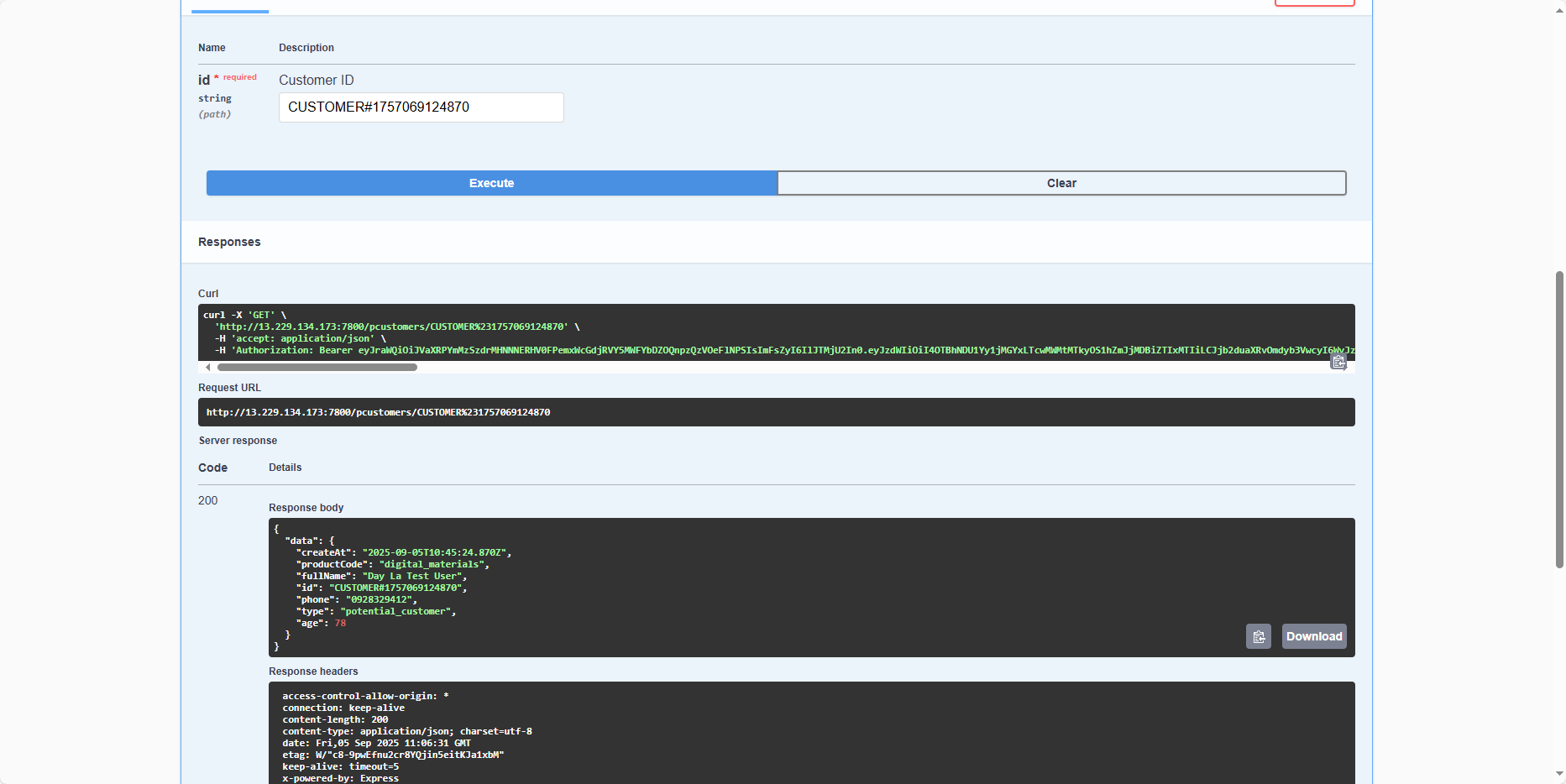
Next, anhtuan1912.
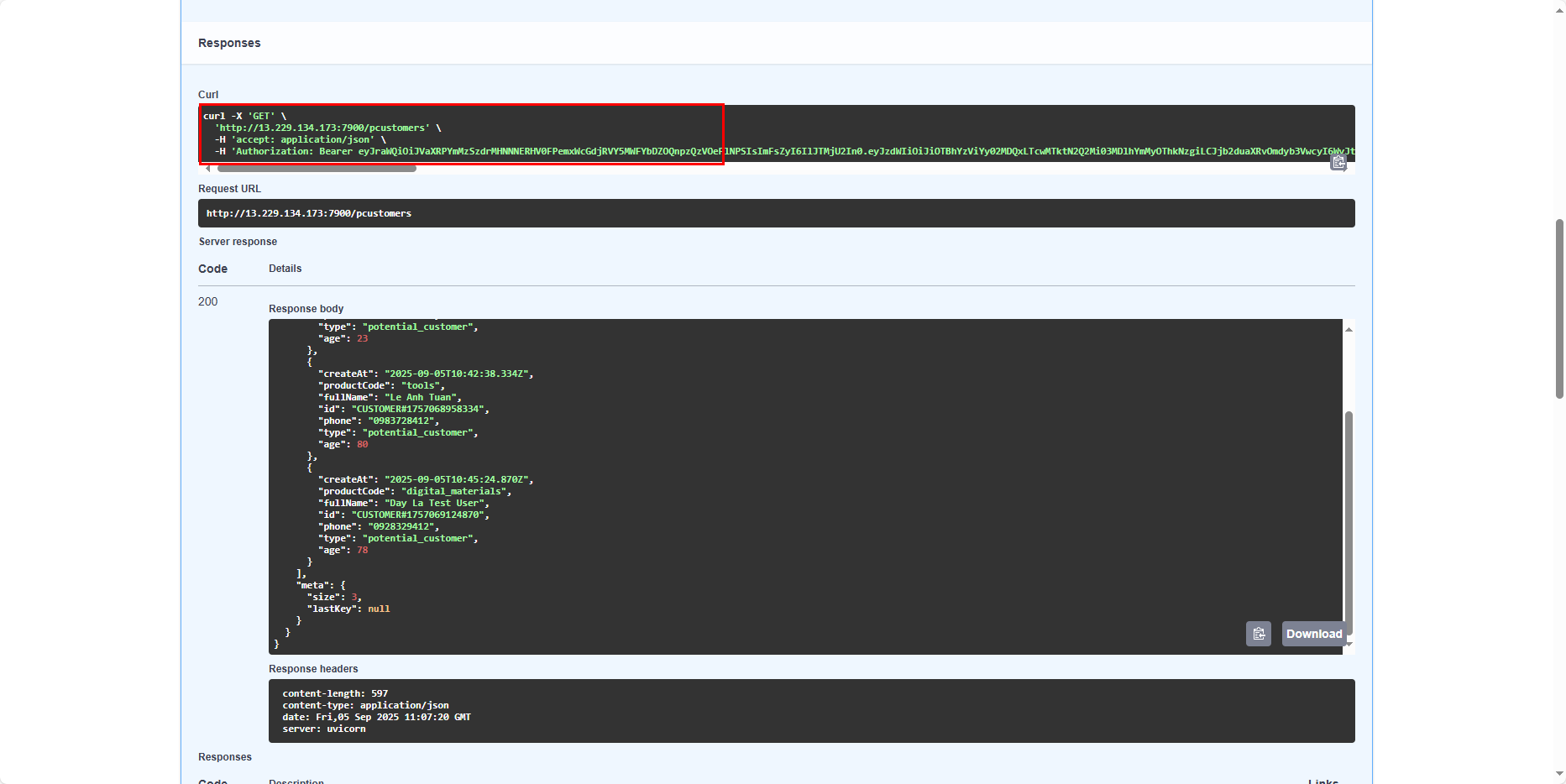
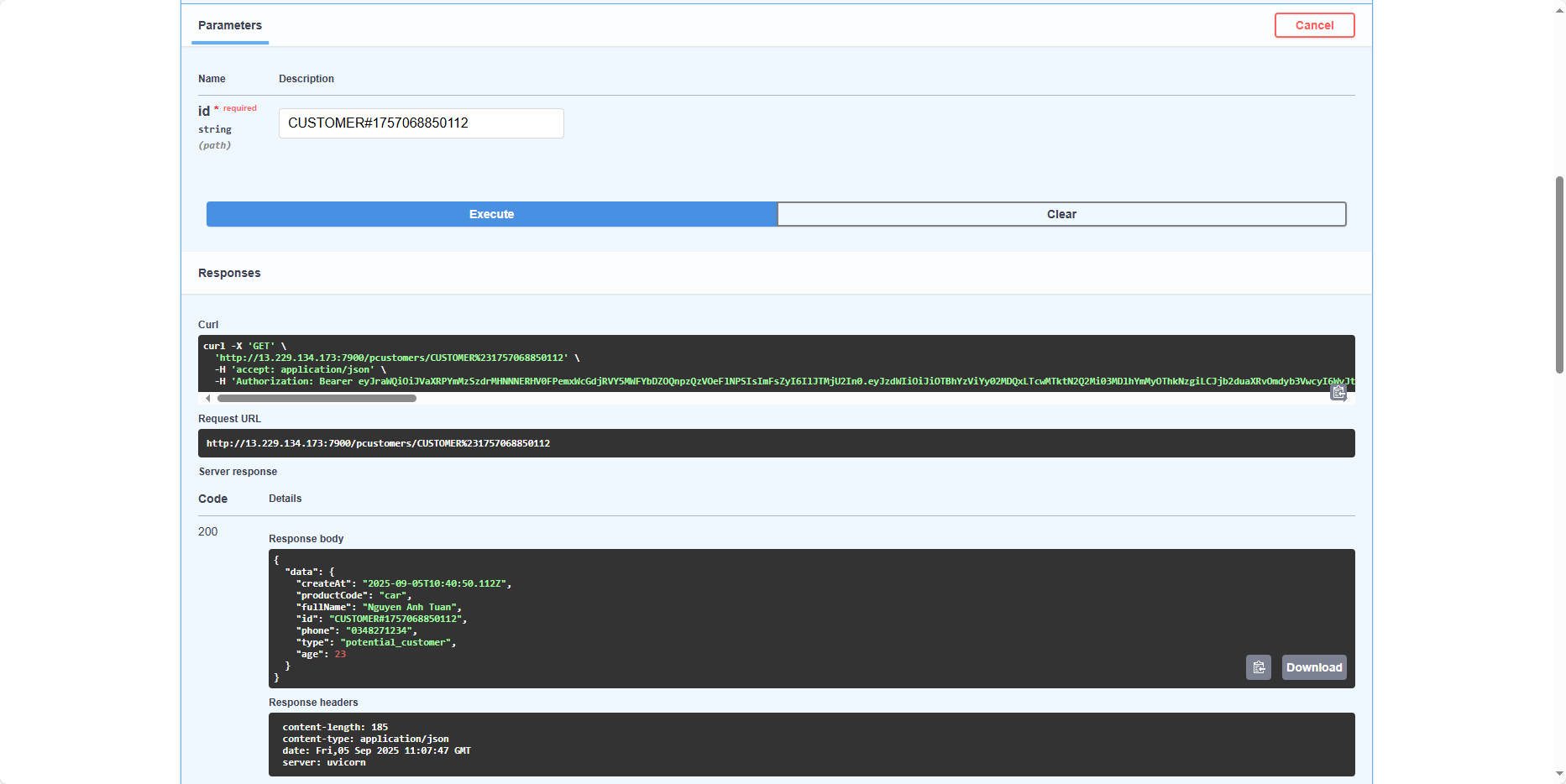
Everything is working perfectly! At this point, the application meets 50% of the requirements.
Update customer
Next, let’s use the user tuannguyen to update a customer’s information.
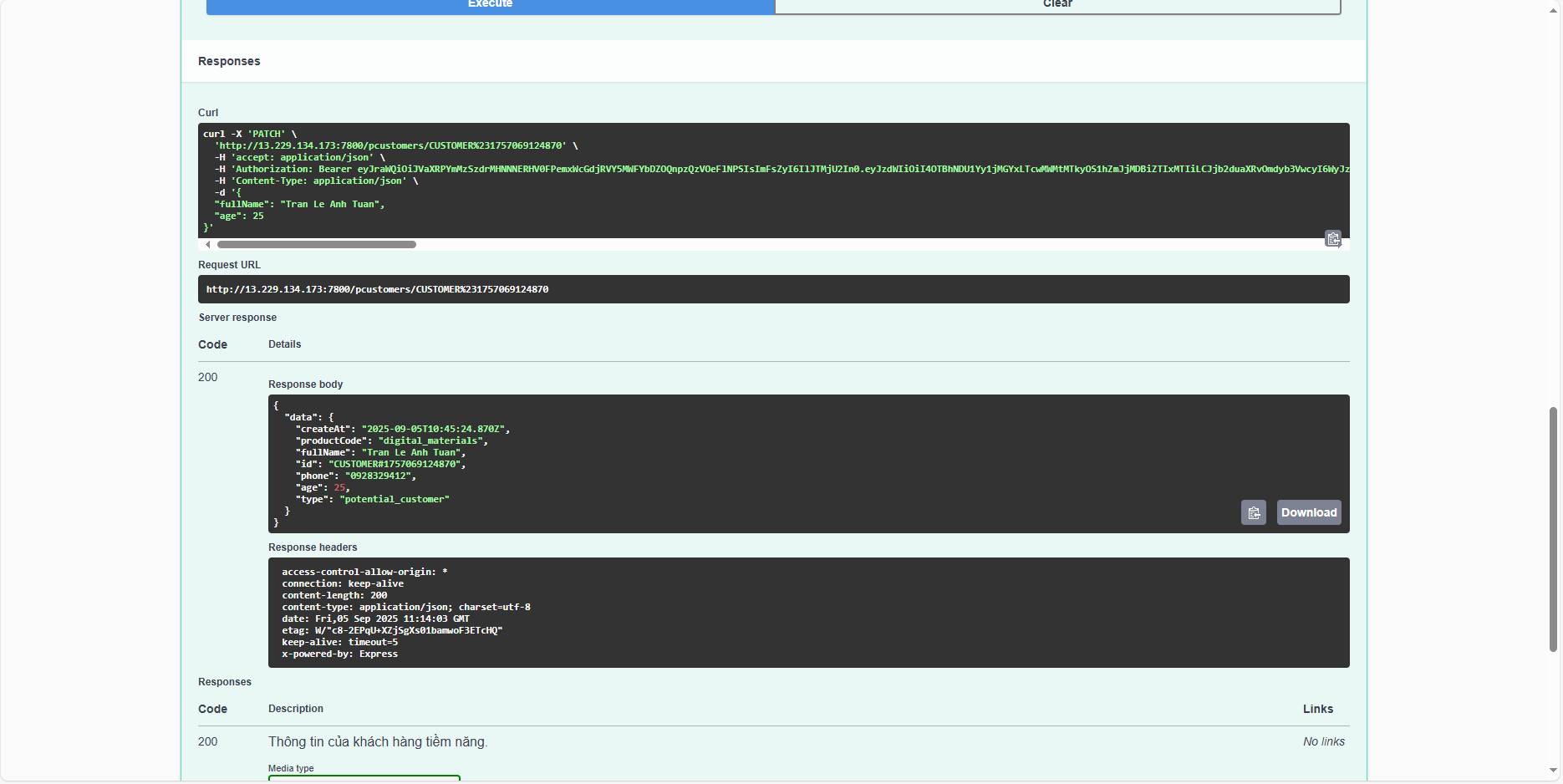
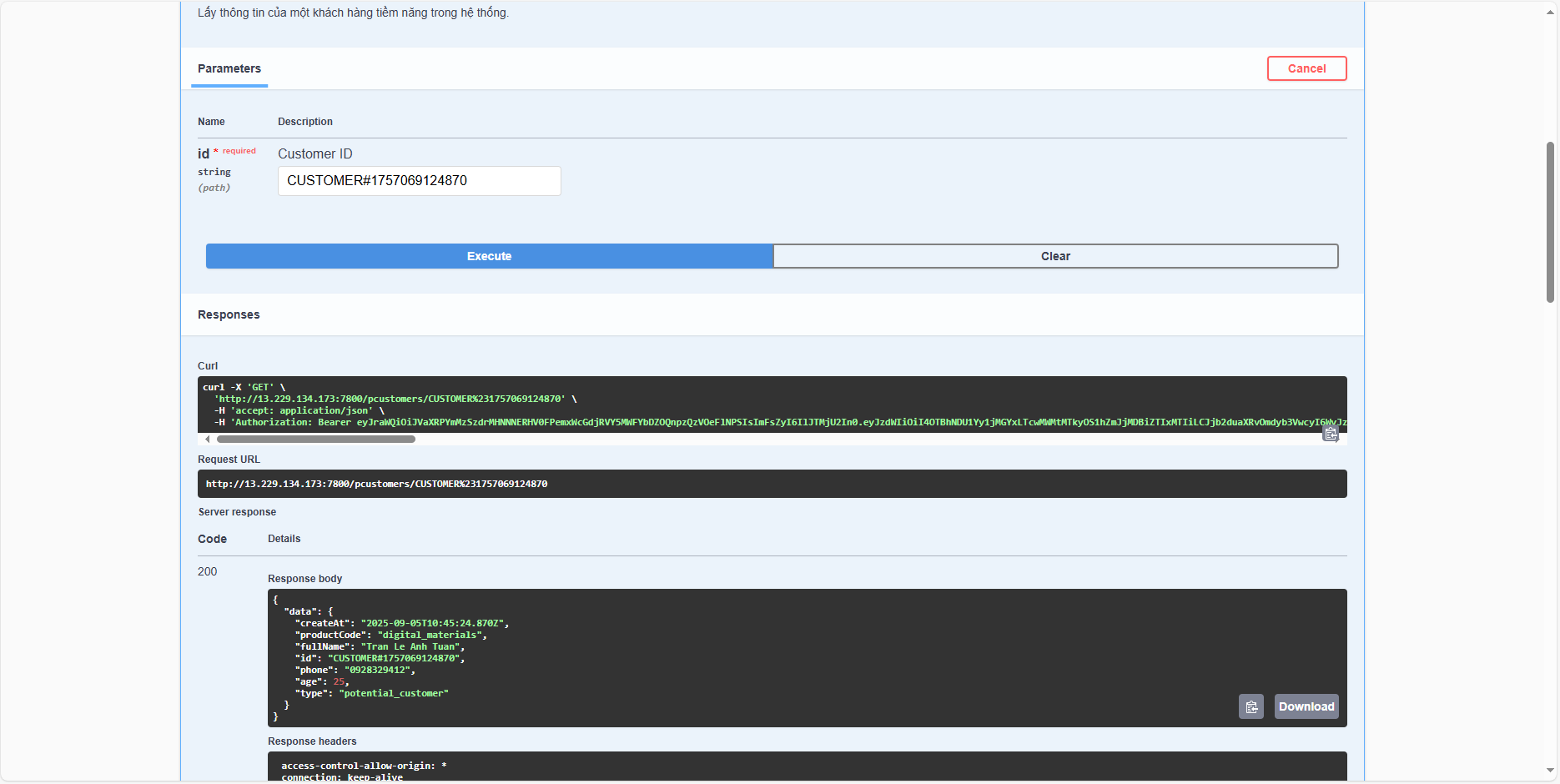
Query again and we will see the updated result.
Now let’s try passing invalid data, e.g., age = 10000.
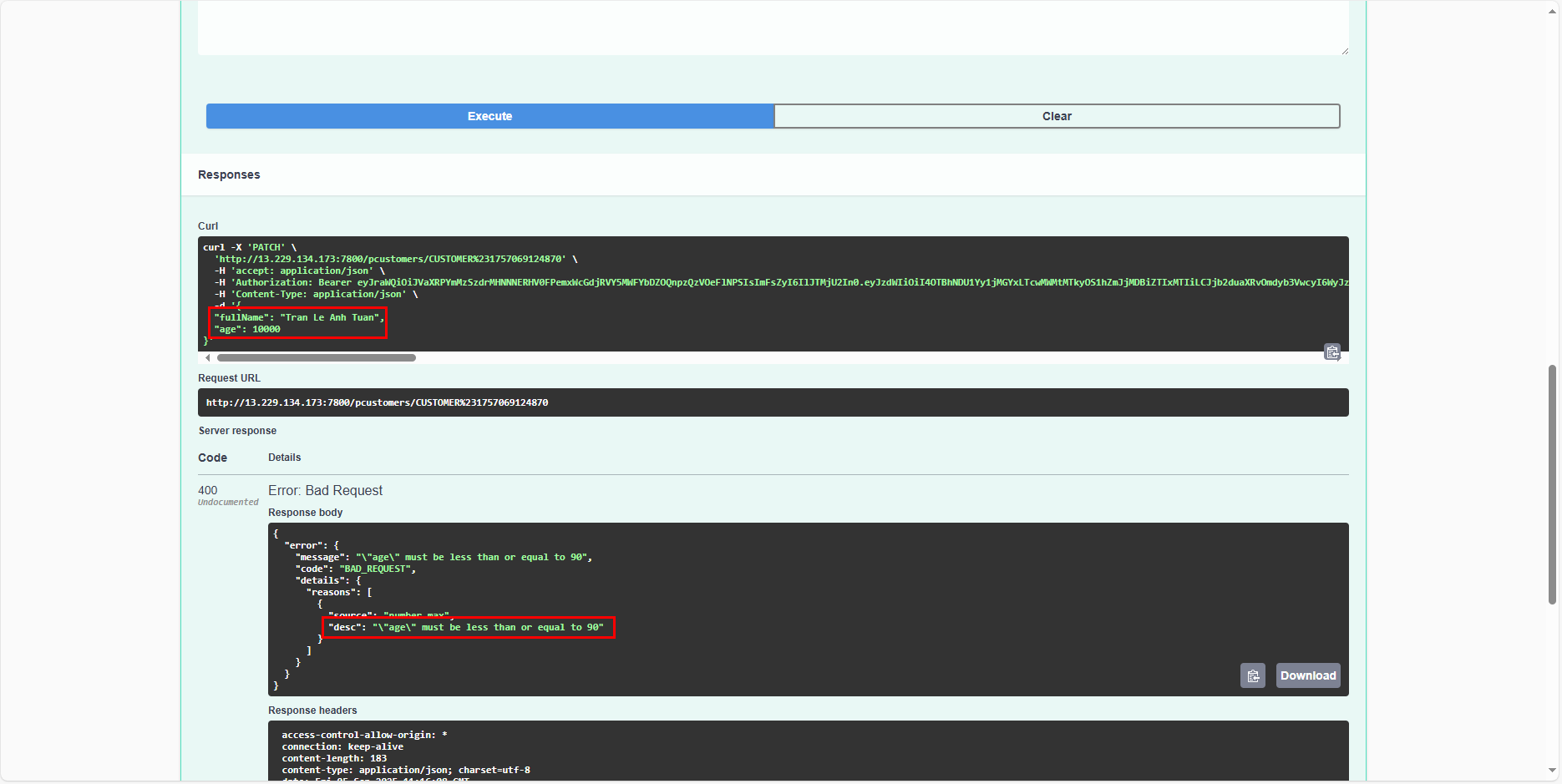
It will return the error “age” must be less than or equal 90.
Now let’s attempt an update with the user anhtuan1912.
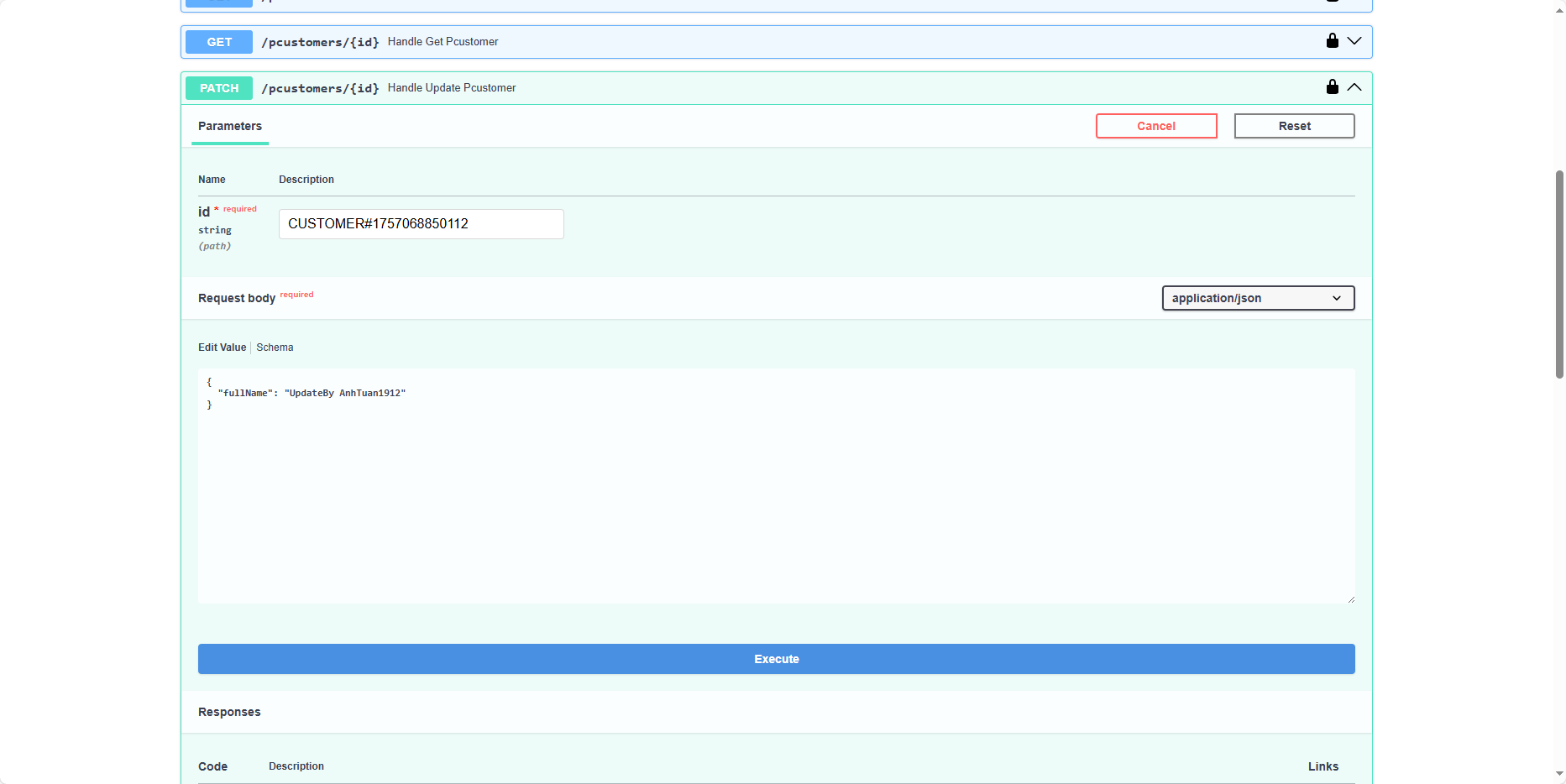
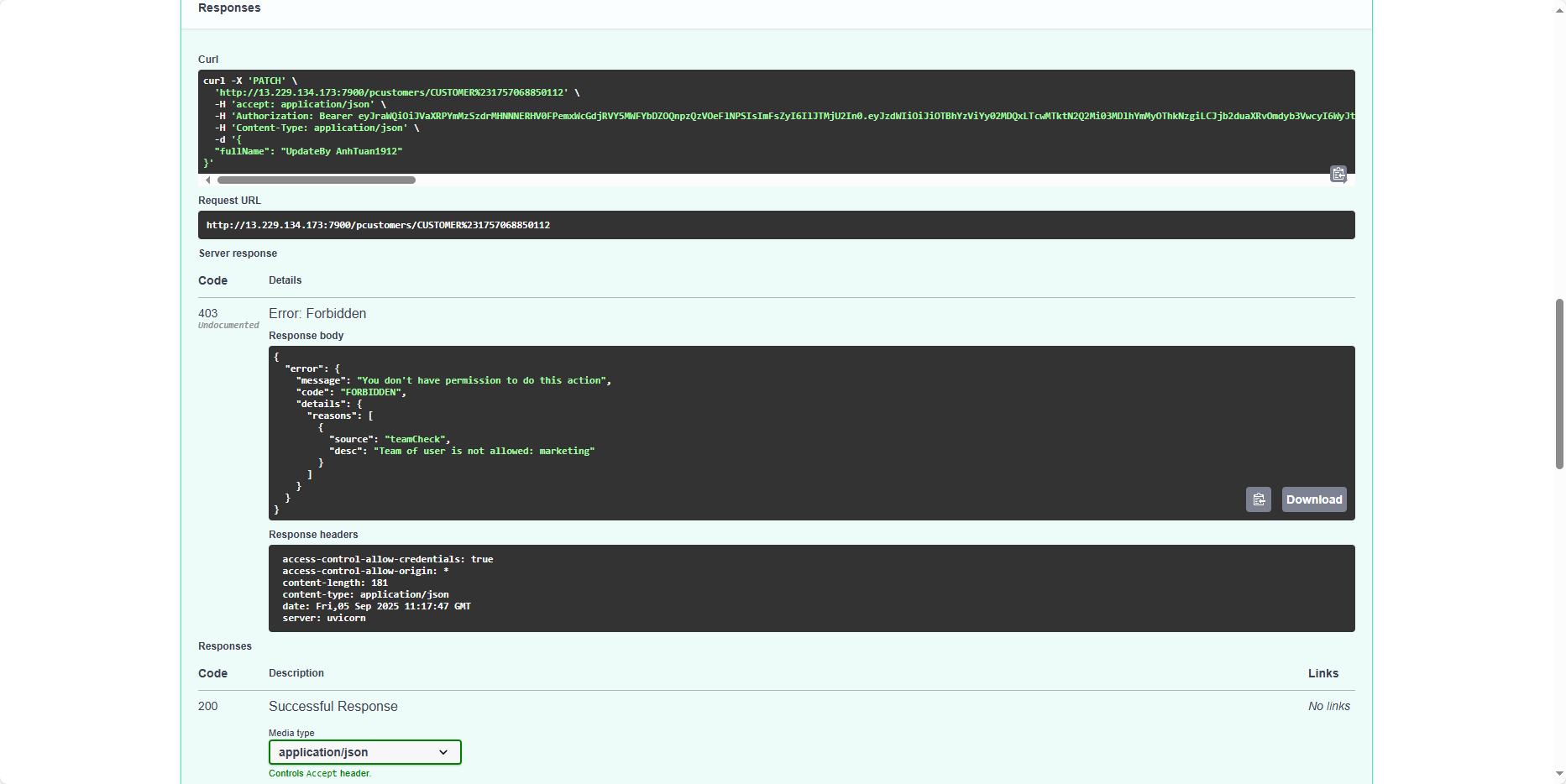
Similarly to create, the user anhtuan1912 does not have permission to perform this action. At this point, we can be confident that the application is working correctly with 80% of the requirements.
Delete customer
Finally, let’s try deleting a customer from the list.
First, with tuannguyen.
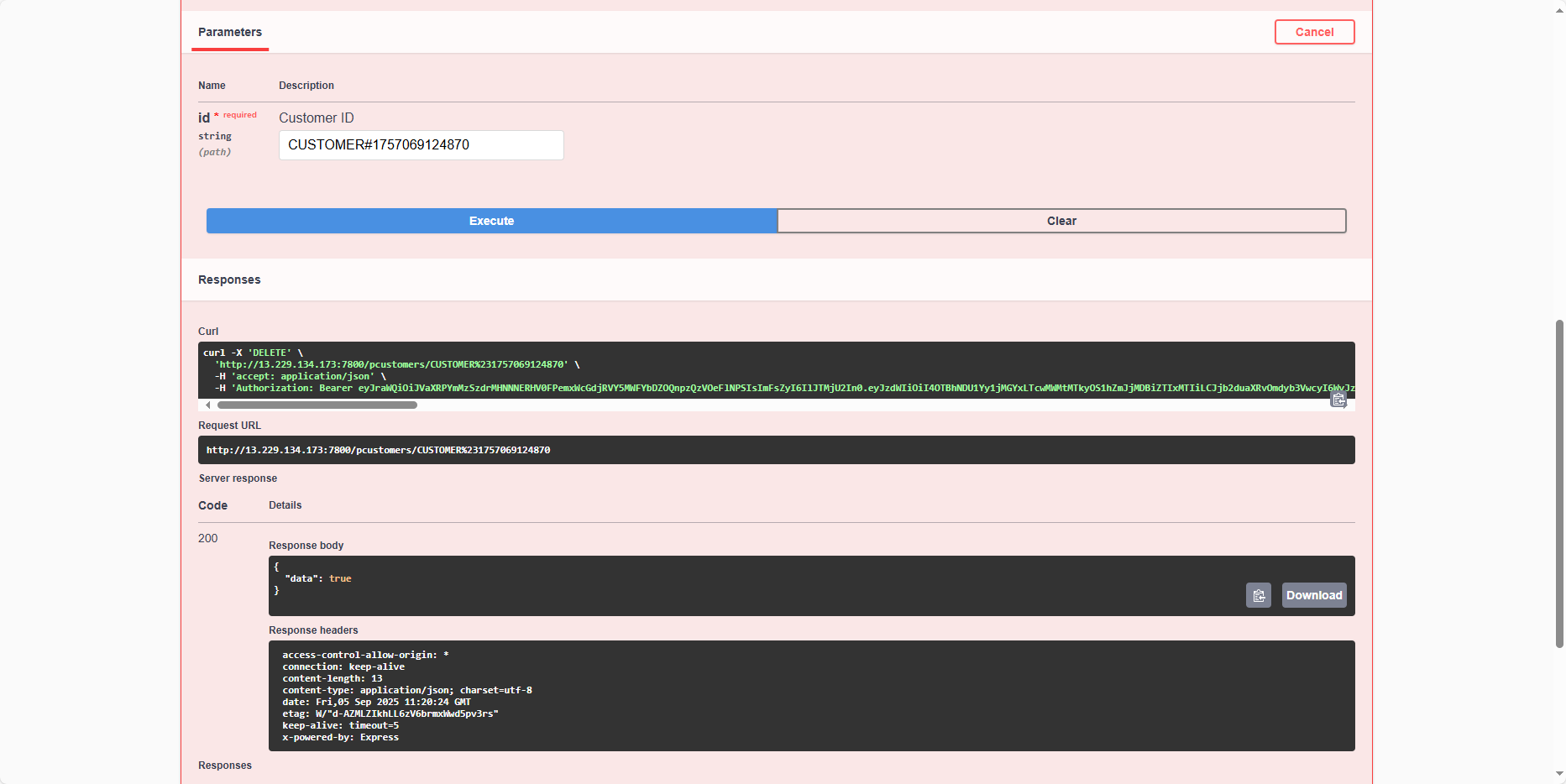
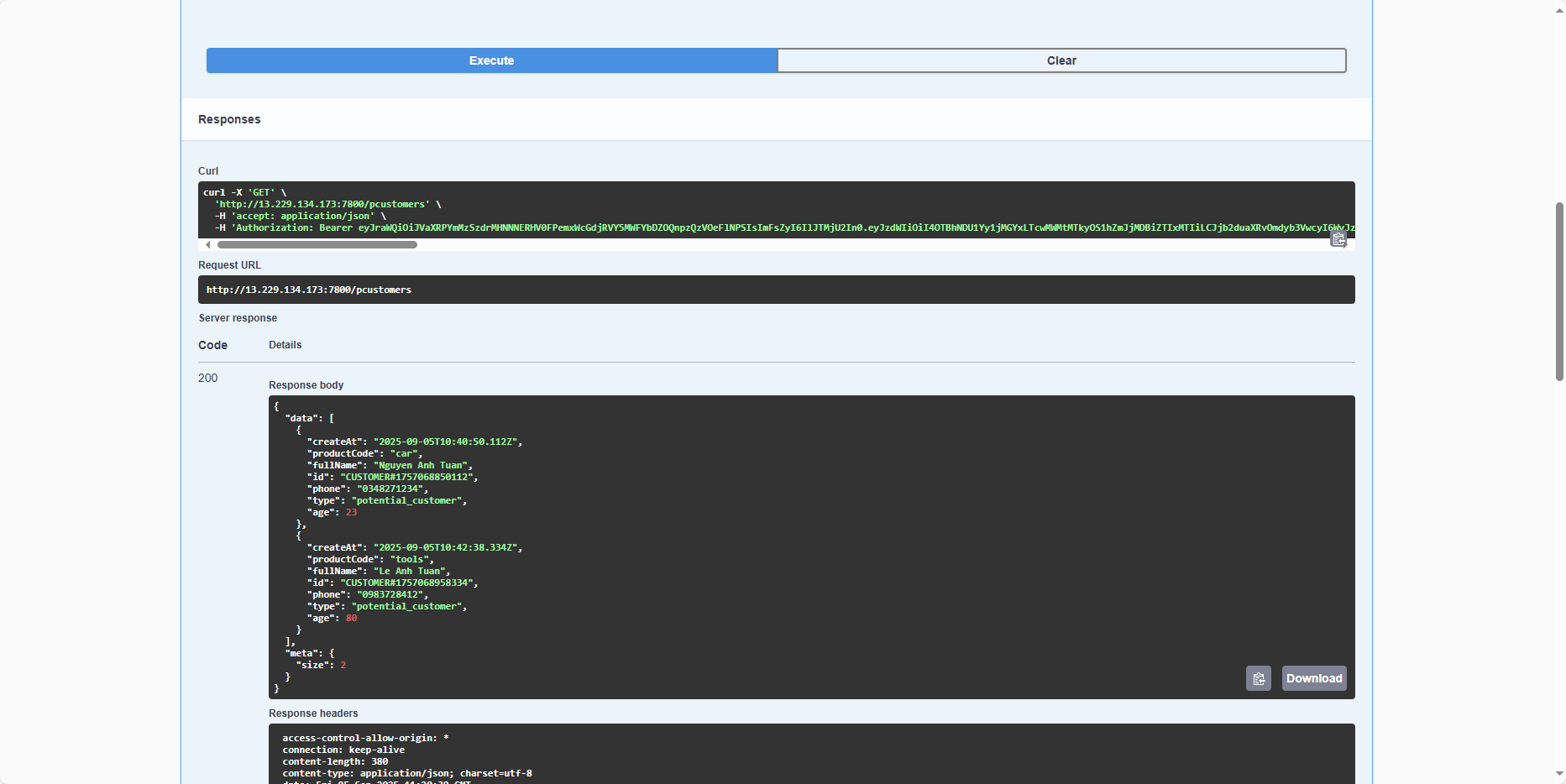
Query again, and we see only 2 remain (1 has been removed).
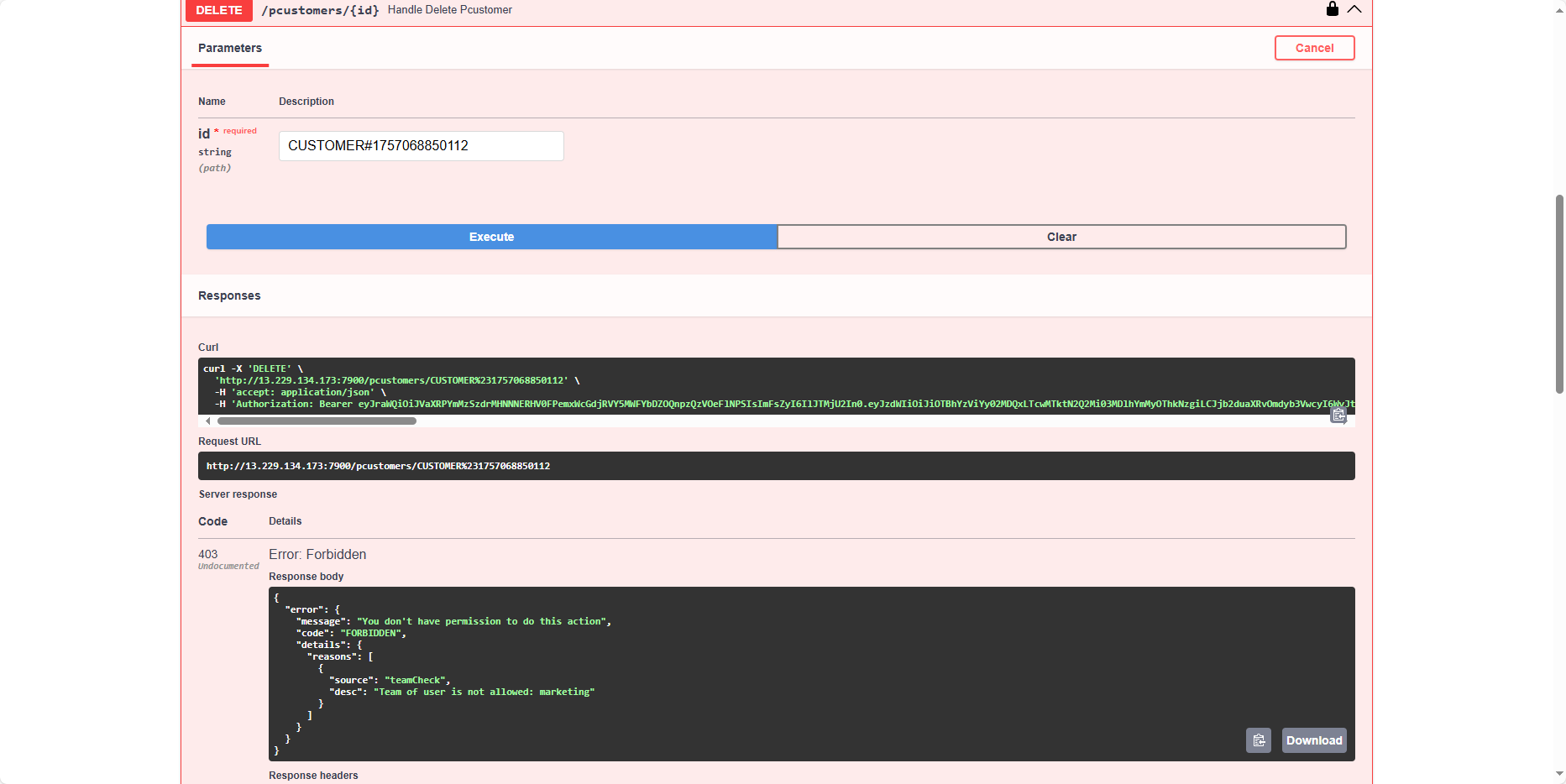
Next, perform with anhtuan1912, and we see that this user cannot delete customers.
You can test more cases; in this tutorial, we only cover the main requirements. If any errors occur, please contact me.
Ok, so our application is working well. At this point, we have completed two objectives:
- The application meets the requirements of the task.
- Demonstrated how to build an application.
Congratulations on completing this workshop. I believe after this lesson, you have a better understanding of Authentication and Authorization, as well as Cognito and DynamoDB.
If you want to redo this workshop, you don’t need to rewrite the code; you can directly deploy it. The source code is available here: https://github.com/FCJ-DNTU/cognito-example-projects