7. Test result
In this section, we will check whether our applications are running correctly.
Test Express application
First, open a browser and navigate to: http://<ec2-public-ipv4>:7800/api-docs/ (replace <ec2-public-ipv4> with your EC2 instance’s public IP). You should see the following result:
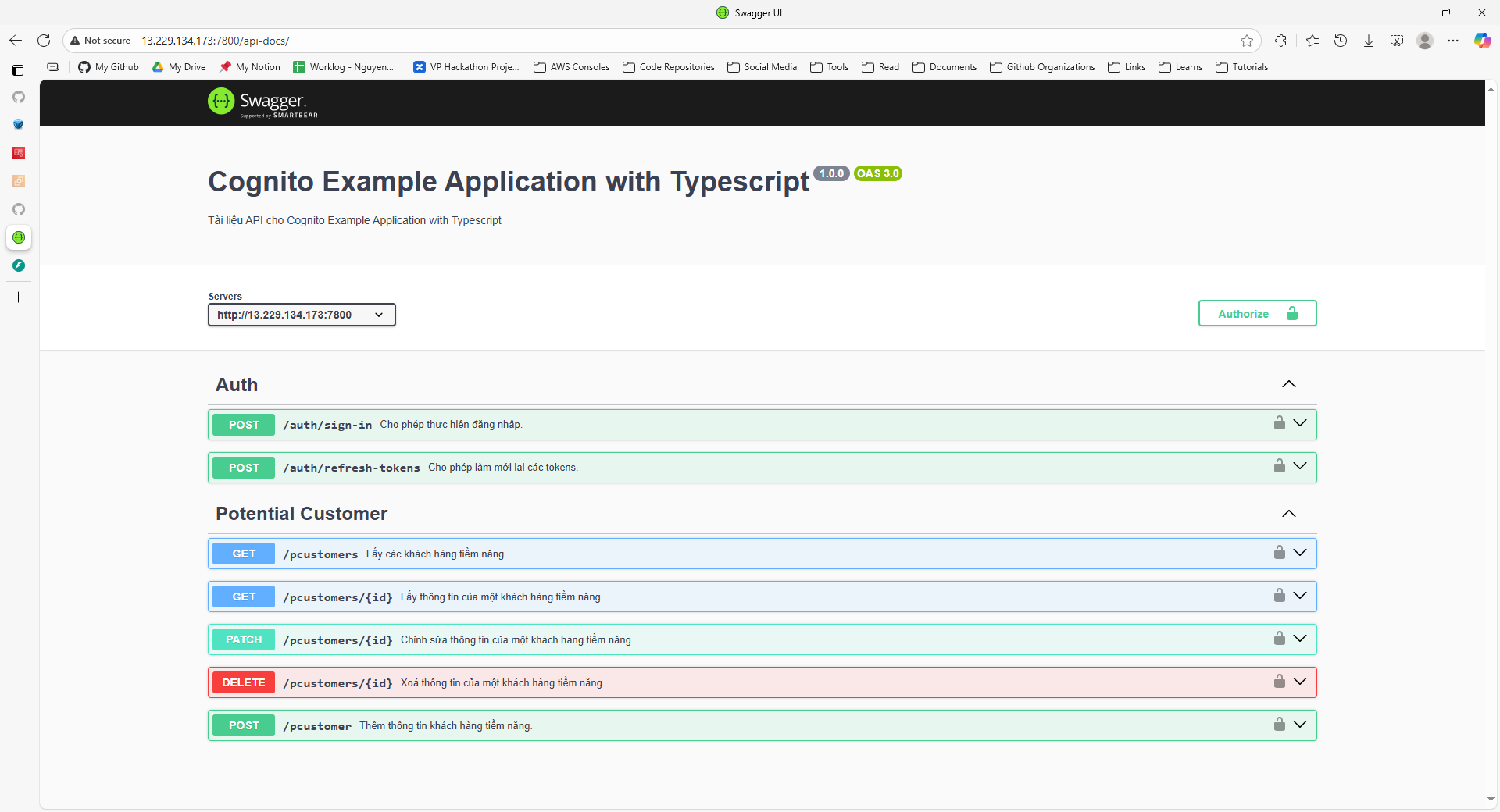
Next, try signing in with a user account that has been previously set up:

This is a user belonging to the sales team:
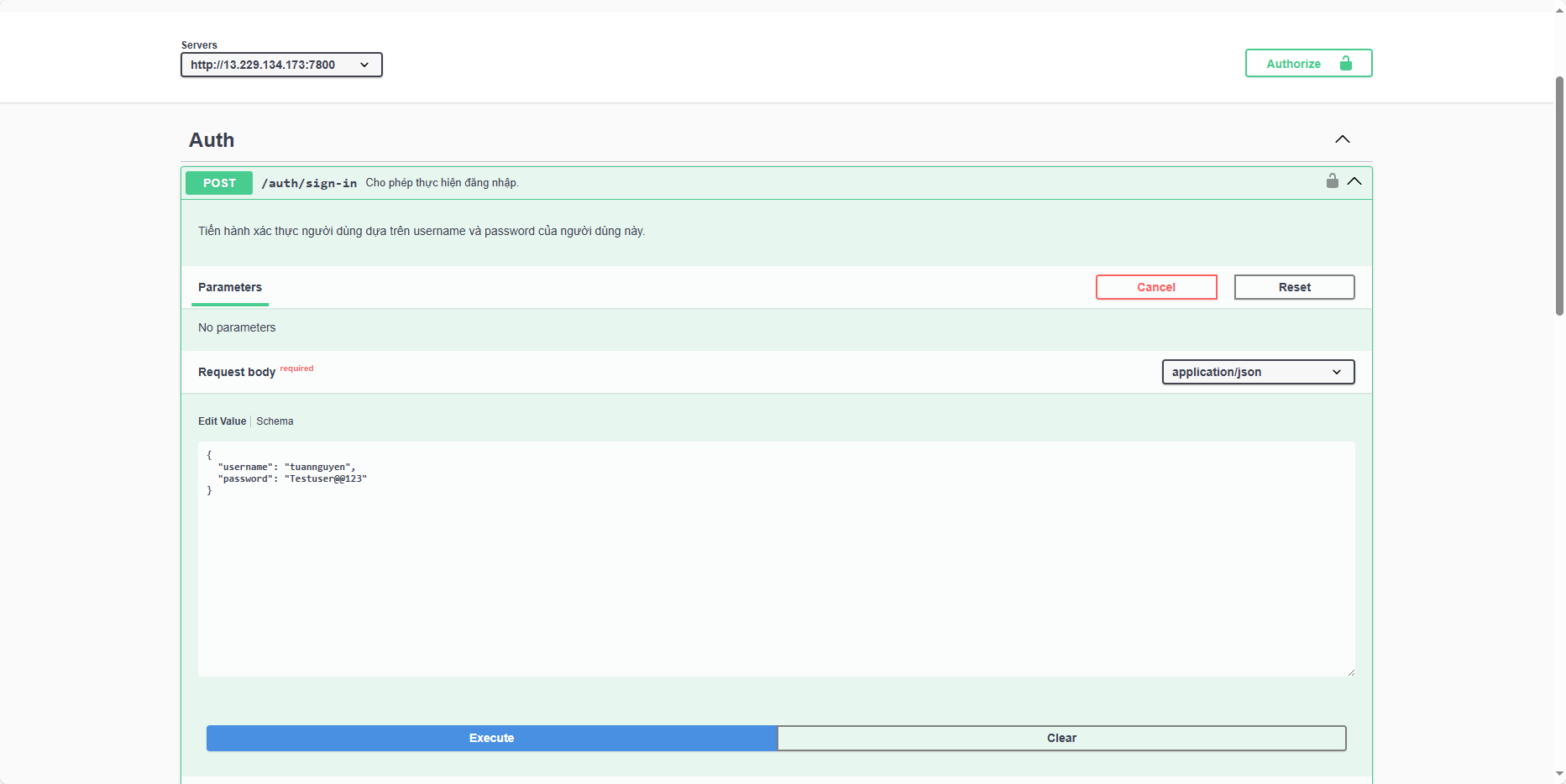
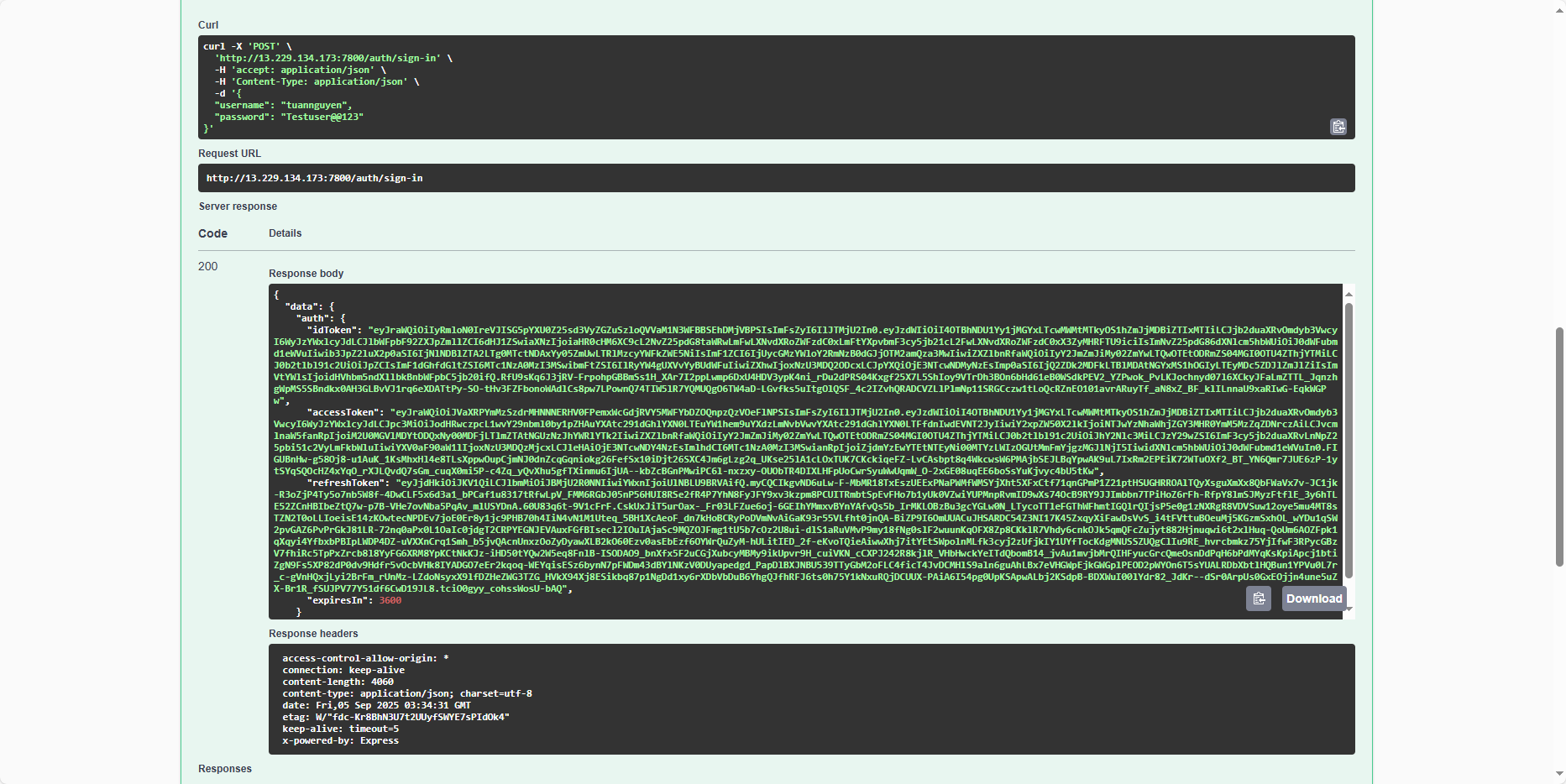
Save the tokens for later use:
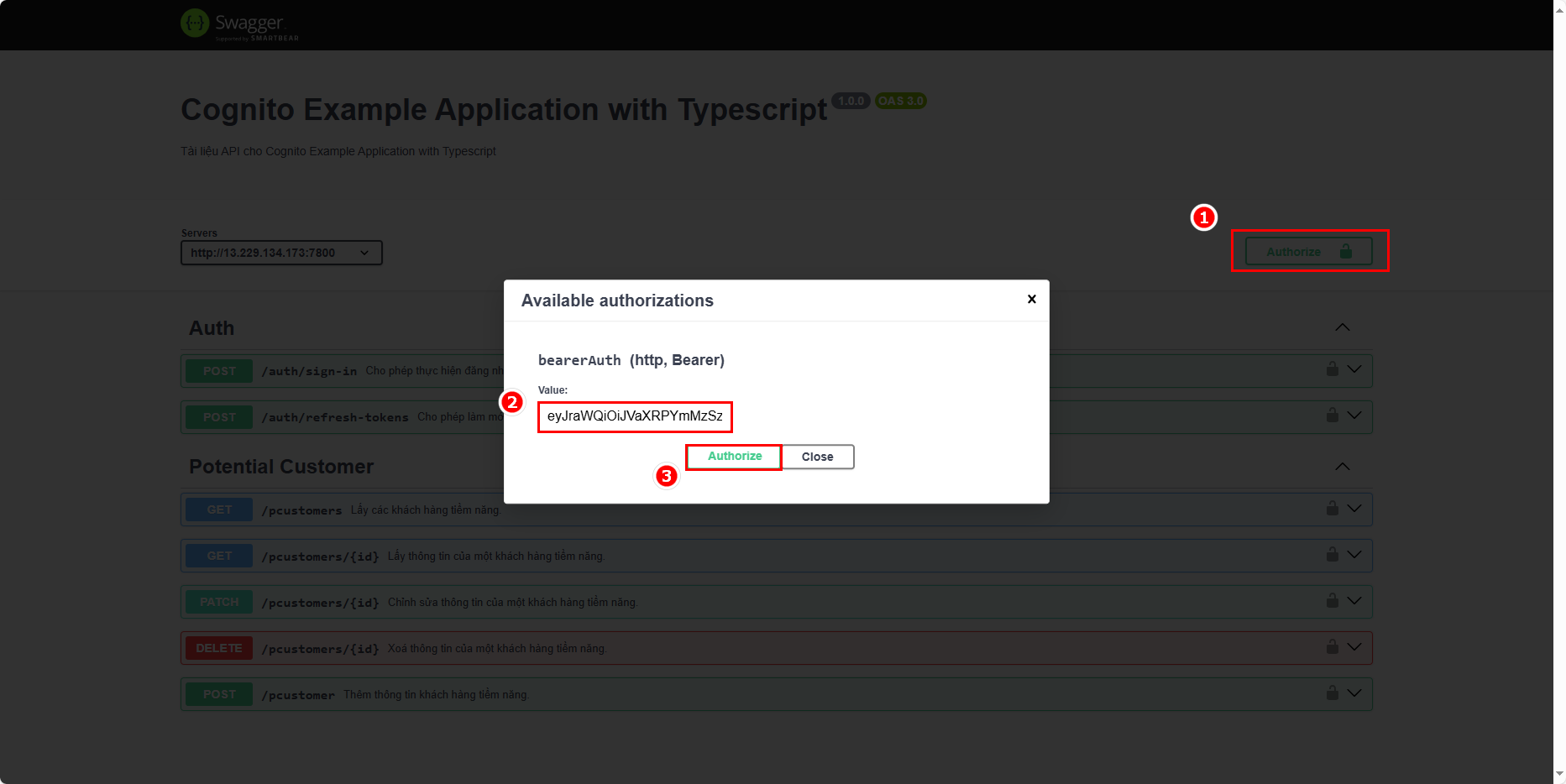
Take the access token from the sign-in response and add it to the Authorization headers:
Now, test a feature. Currently, there is no user information in the table:
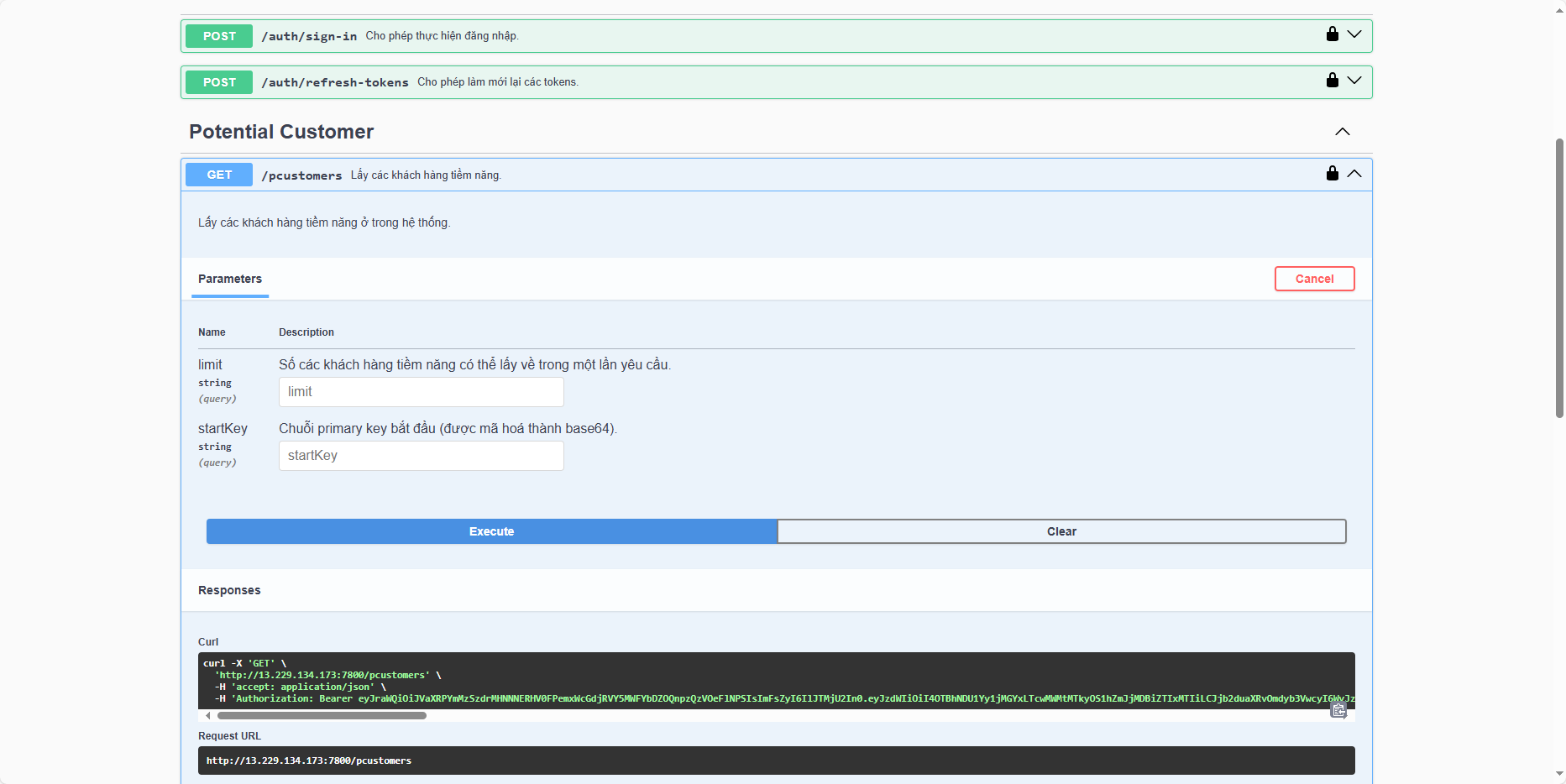
You can see that an error occurs:
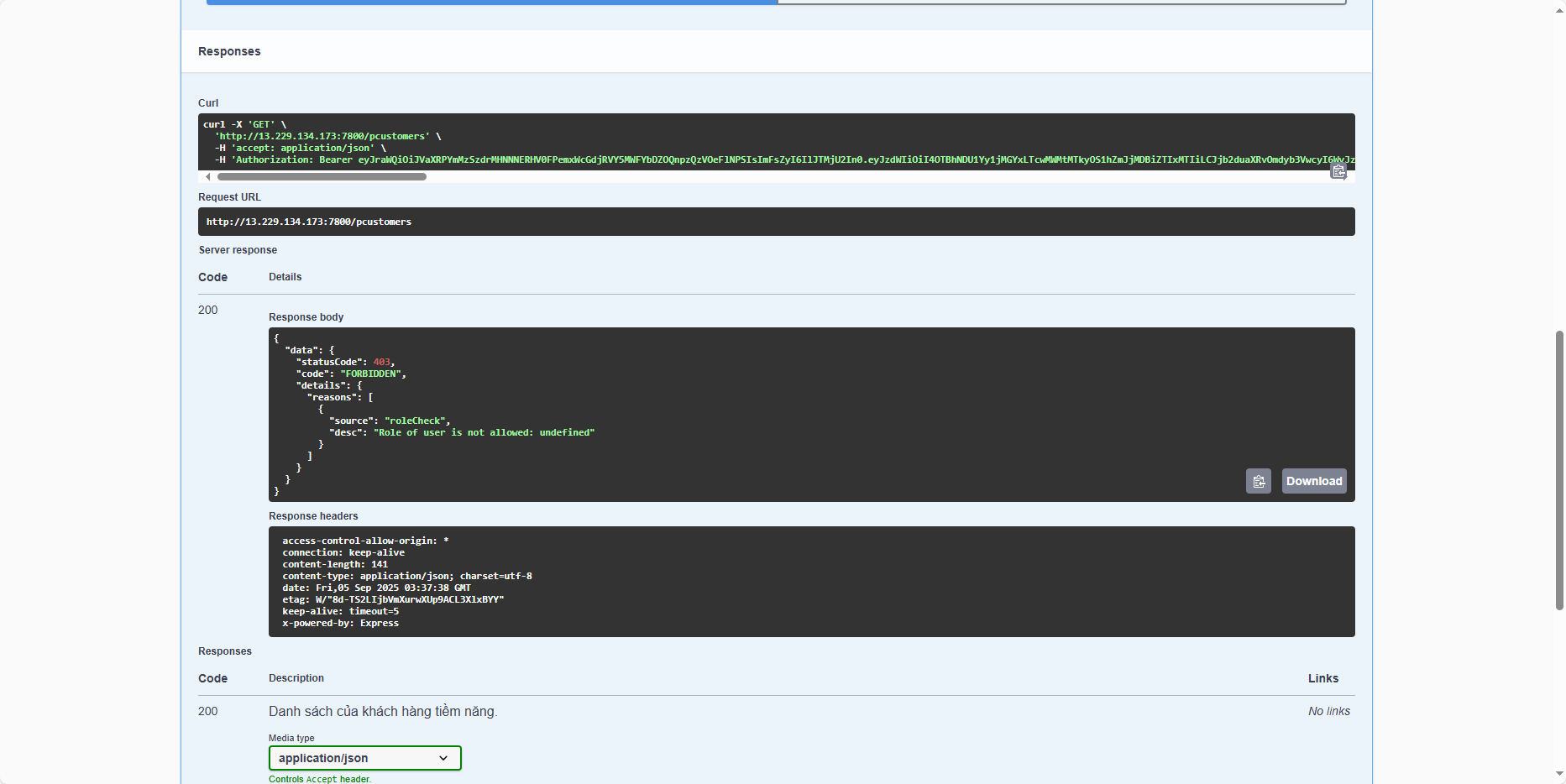
Why does this happen? The explanation is: the current claims do not contain any information about the role. The custom:role field, although previously added as a Custom Attribute, is missing in the claims, which is why the message Role of user is not allowed: undefined appears.
Test FastAPI application
First, open a browser and navigate to: http://<ec2-public-ipv4>:7900/docs/ (replace <ec2-public-ipv4> with your EC2 instance’s public IP). You should see the following result:
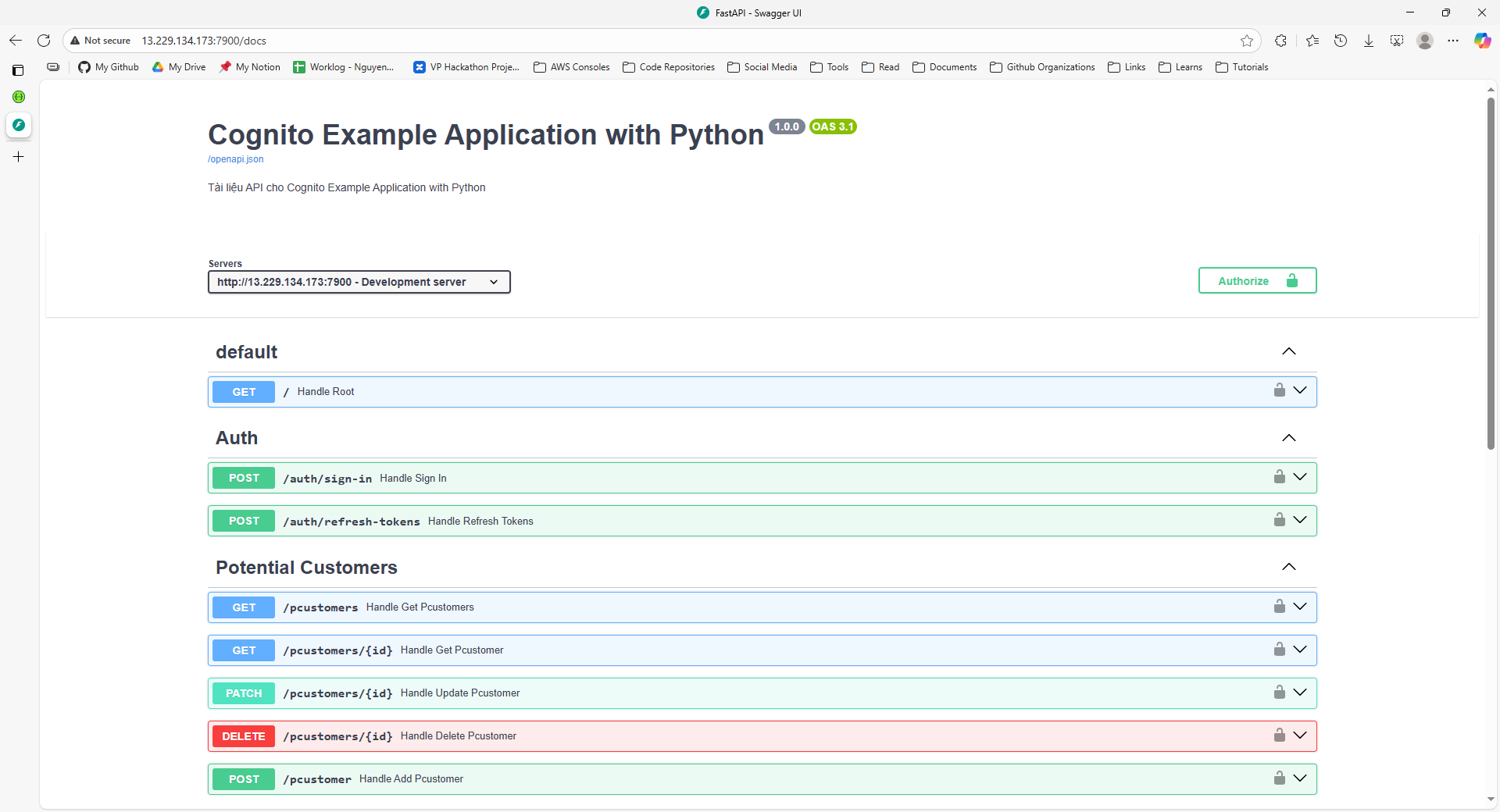
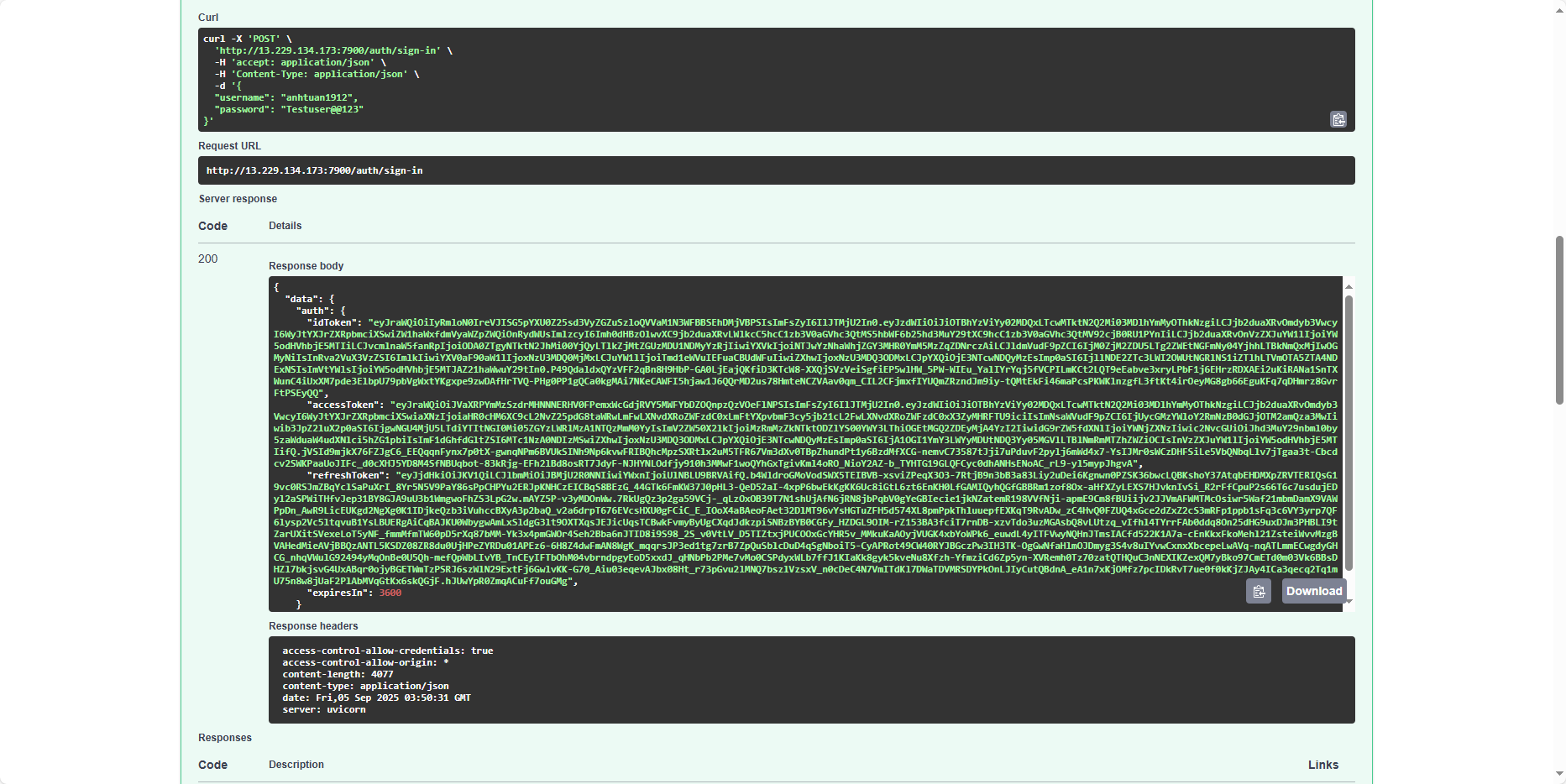
Sign in with the remaining user account (if you only have one app deployed, just use another user’s credentials and save the tokens for alternating testing):

This user belongs to the marketing team:
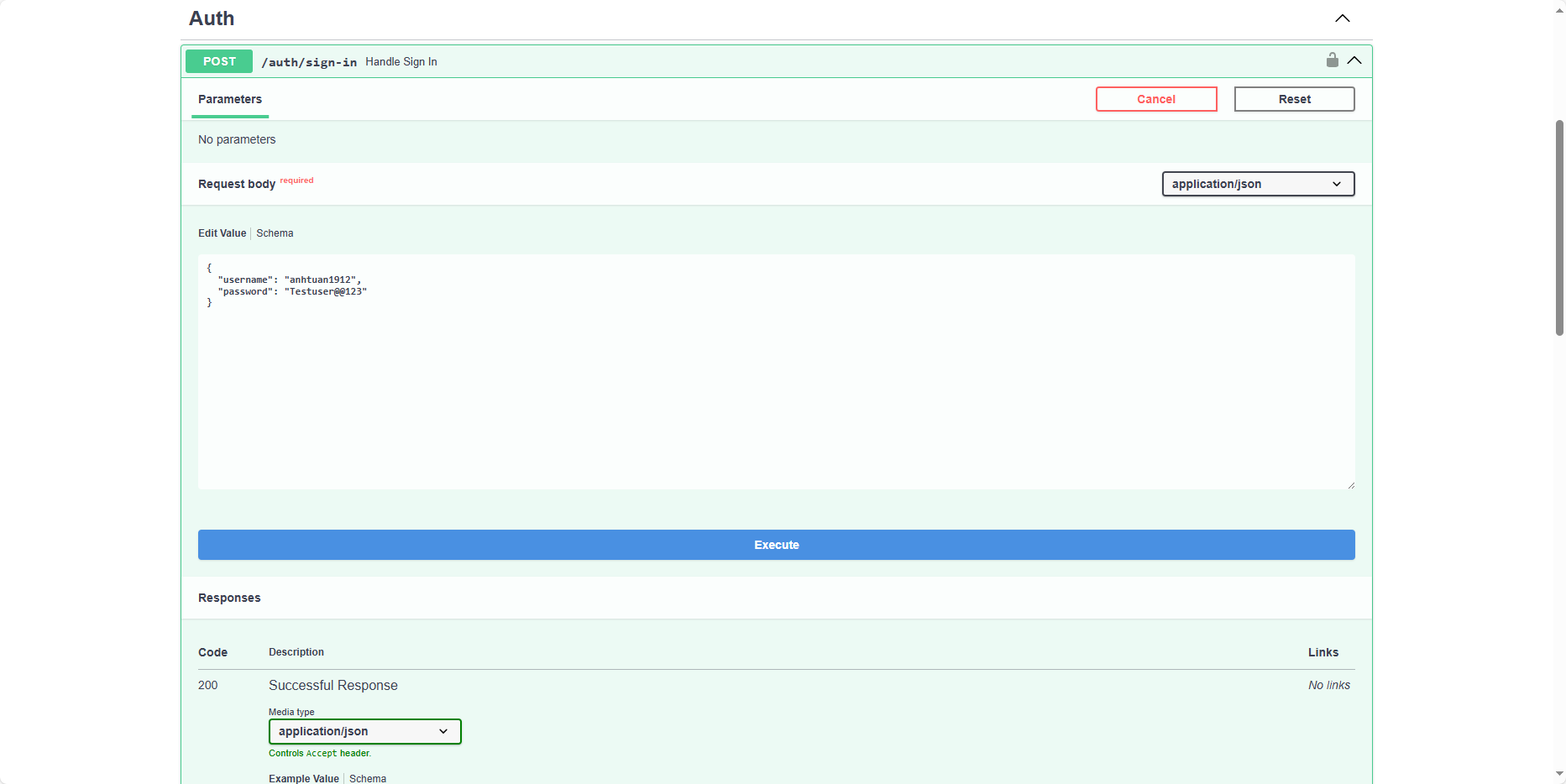
Save these tokens as well:
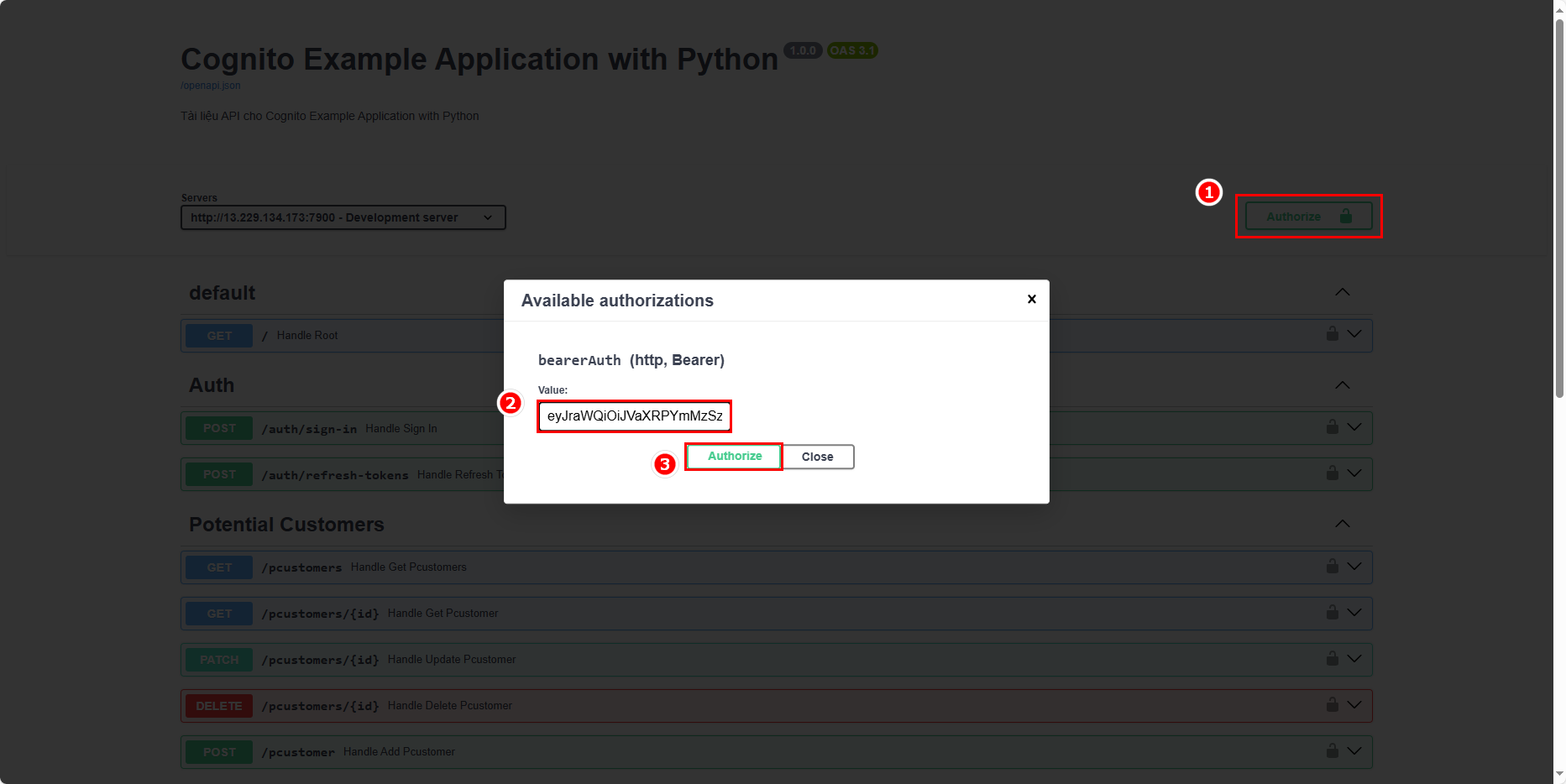
Take the access token from the sign-in response and add it to the Authorization headers:
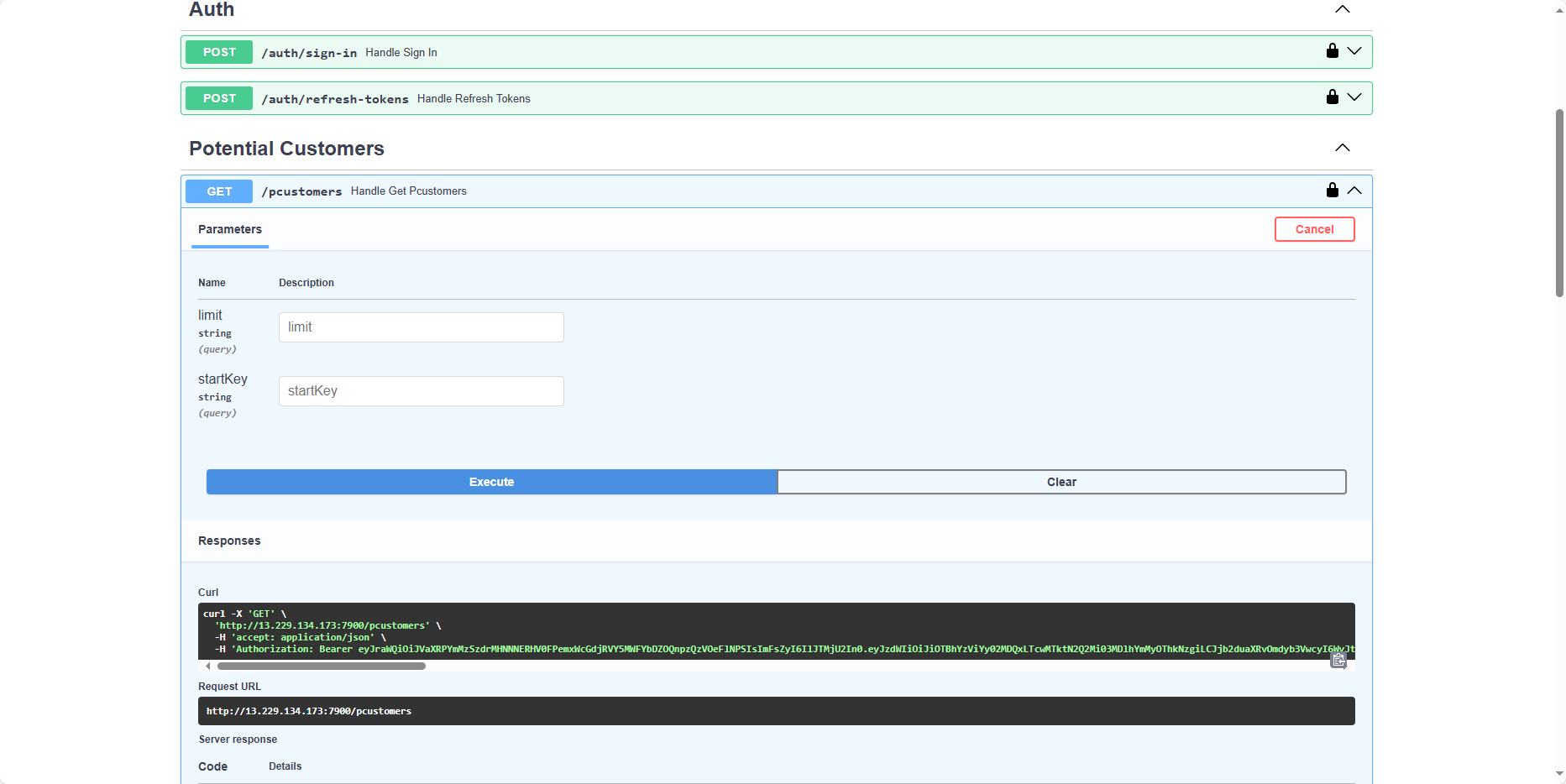
Test a feature. Currently, there is no user information in the table:
An error occurs here as well:
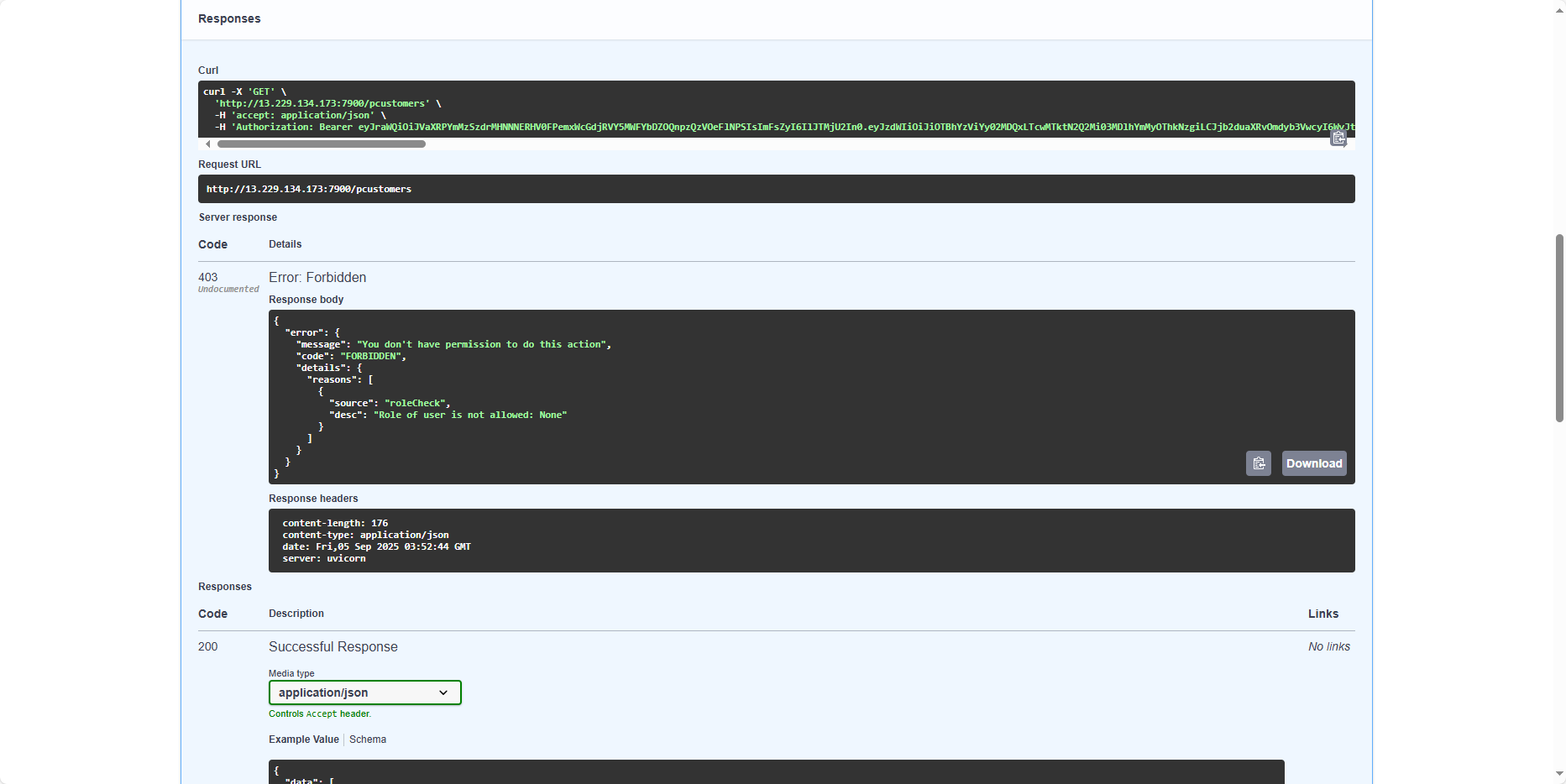
The same error occurs with the FastAPI application, just like the Express application. This is because, in Cognito, we haven’t set up Extensions for the token creation process yet. In the next section, we will create a Lambda function to intervene before the token is generated.