6.4. Run service
In this step, we will run the applications on the EC2 instance.
Setup environment variables
This step will be repeated for both applications, so we’ll demonstrate with cognito-example-ts. The Python app (cognito-example-py) will be similar.
First, navigate to the cognito-example-ts folder and create a new environment file:
cd cognito-example-ts
touch .env && cat .env.example >> .env
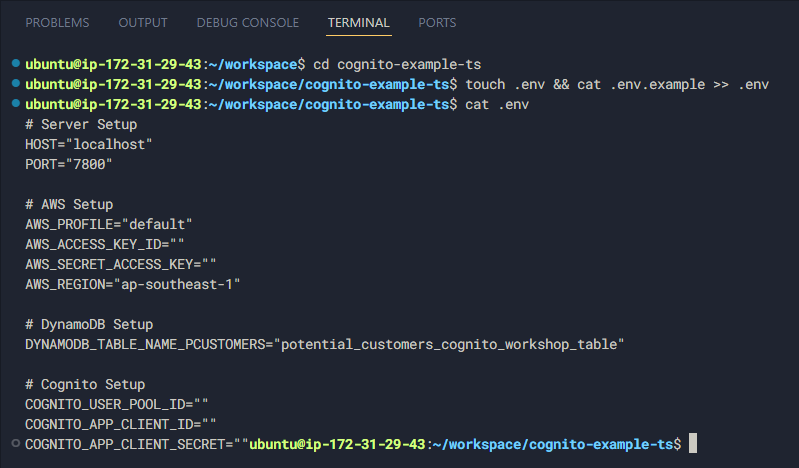
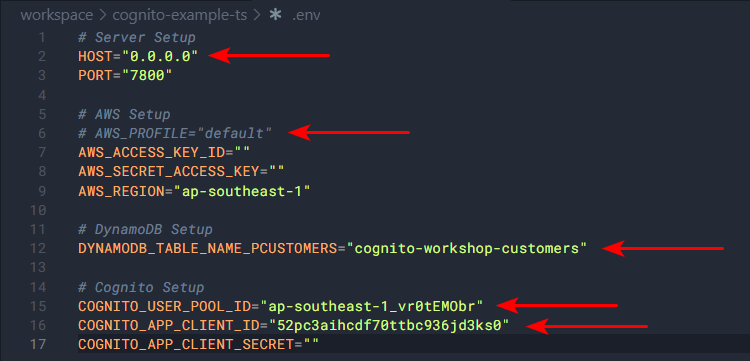
Then update it as follows:
For Python, set up the .env file like this:
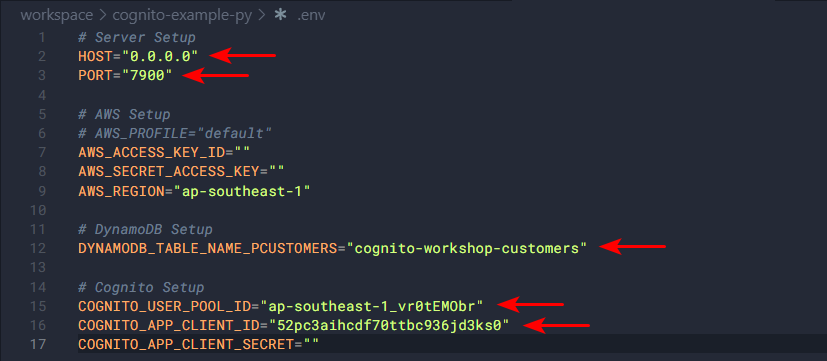
The difference here is that both applications will run on different ports, and the host will listen on 0.0.0.0 instead of localhost.
Configure Swagger
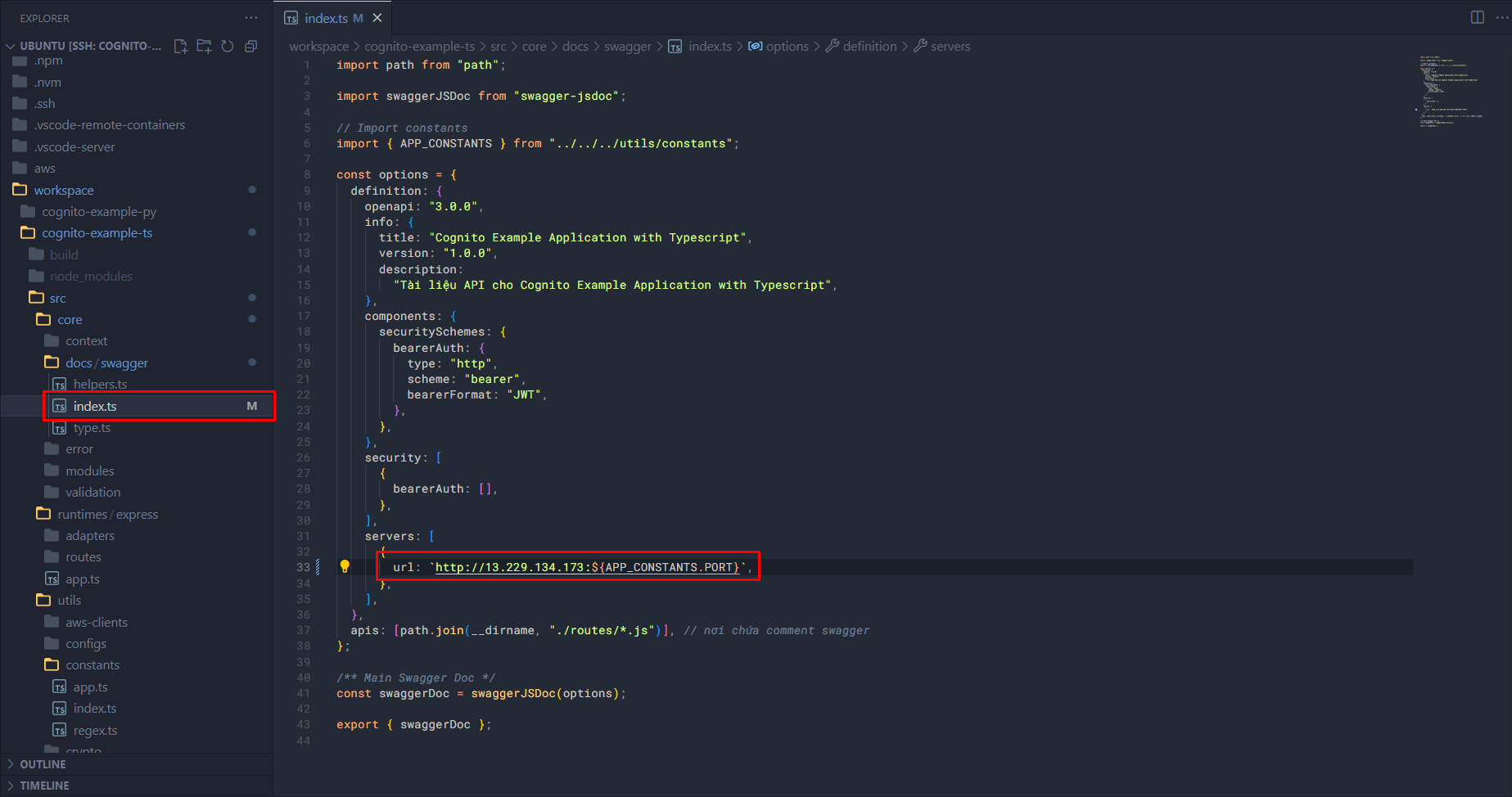
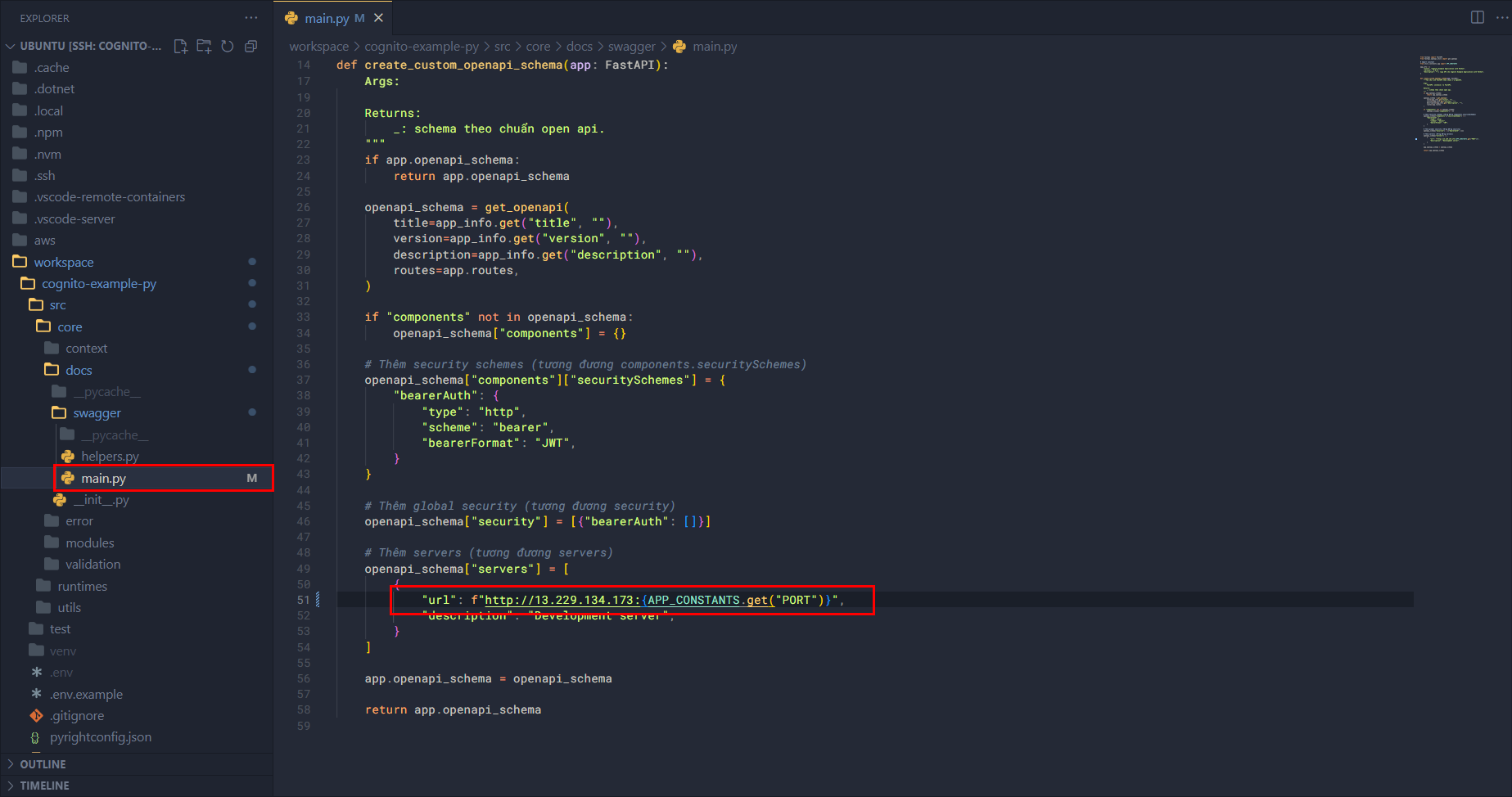
Next, adjust the Swagger configuration in the source code. Note that this is a quick solution for deployment; in the final source code, the configuration should use constants and environment variables.
For TypeScript, edit core/docs/swagger/index.ts and update the public IPv4 of the EC2 instance:
For Python, edit core/docs/swagger/main.py similarly:
Run Express application
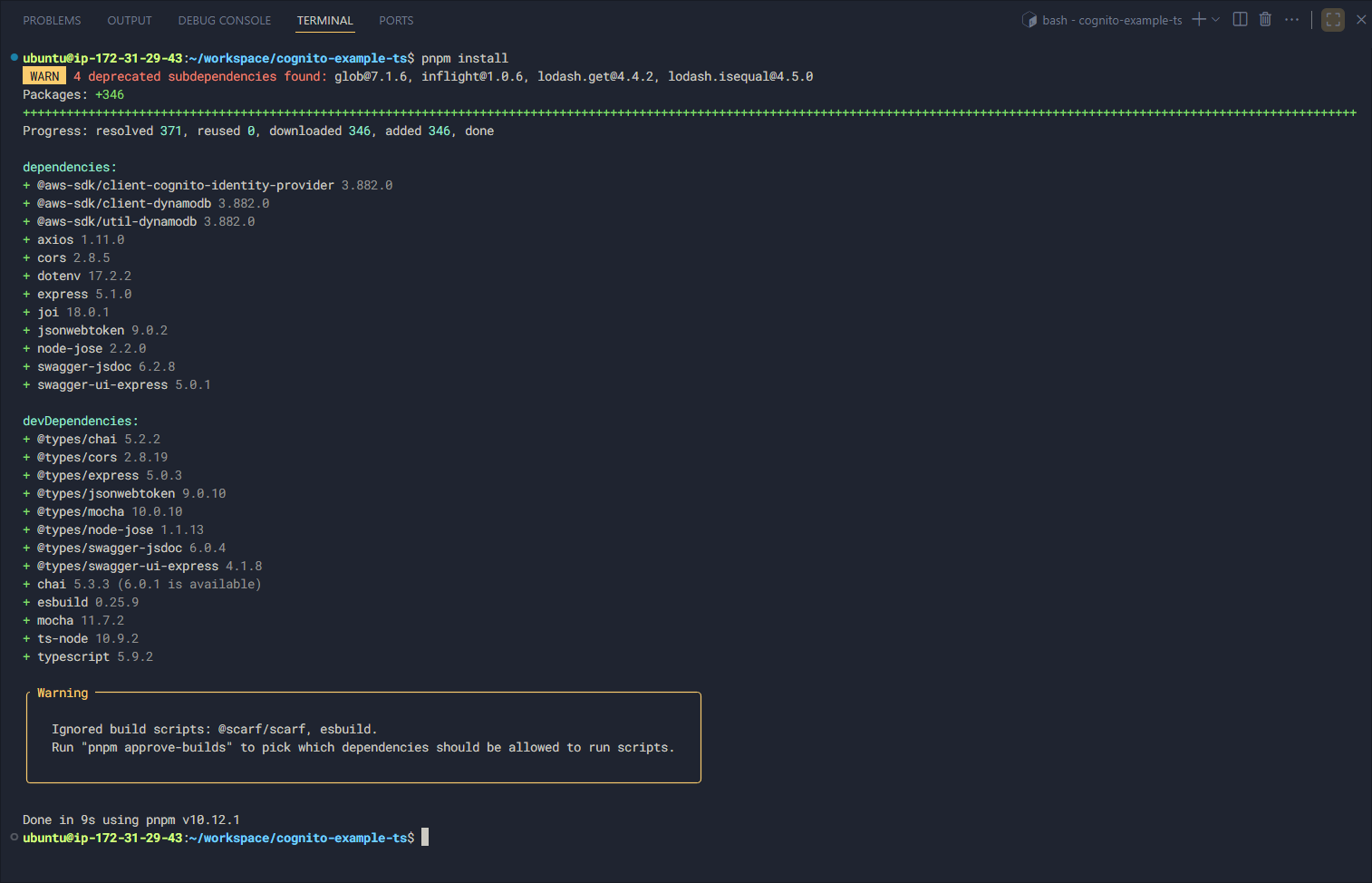
First, install the required packages:
npm install

# Or
pnpm install
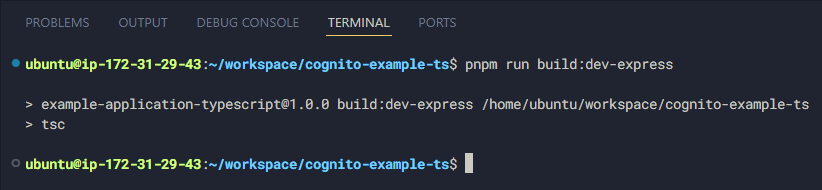
Build the application:
npm run build:dev-express

# Or
pnpm run build:dev-express
Then run it:
npm run start:dev-express

# Or
pnpm run start:dev-express

The Express application is now running successfully!
Run FastAPI application
First, create a virtual environment:
cd cognito-example-py
python3 -m venv venv

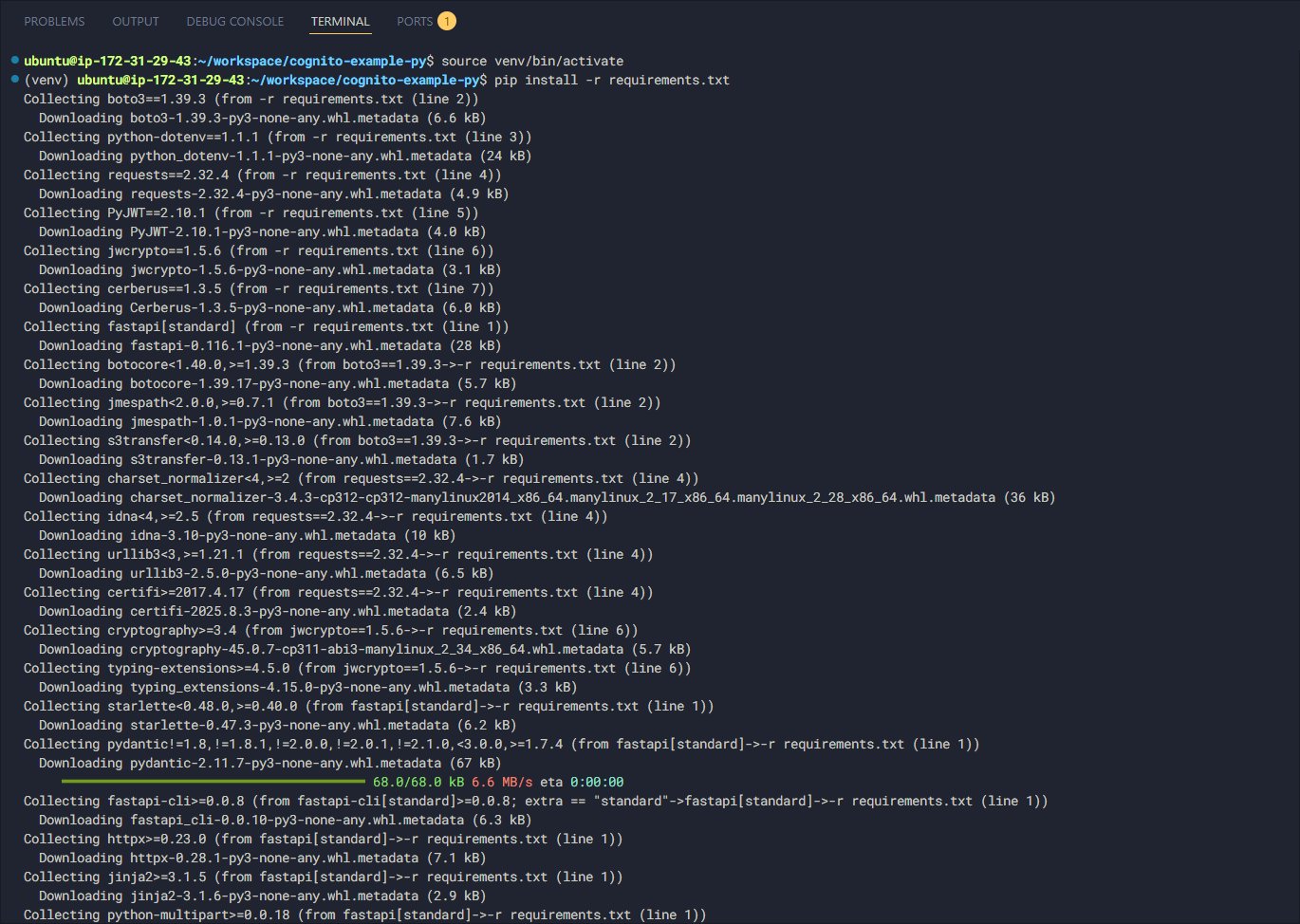
Activate the virtual environment and install the packages:
source venv/bin/activate
pip install -r requirements.txt
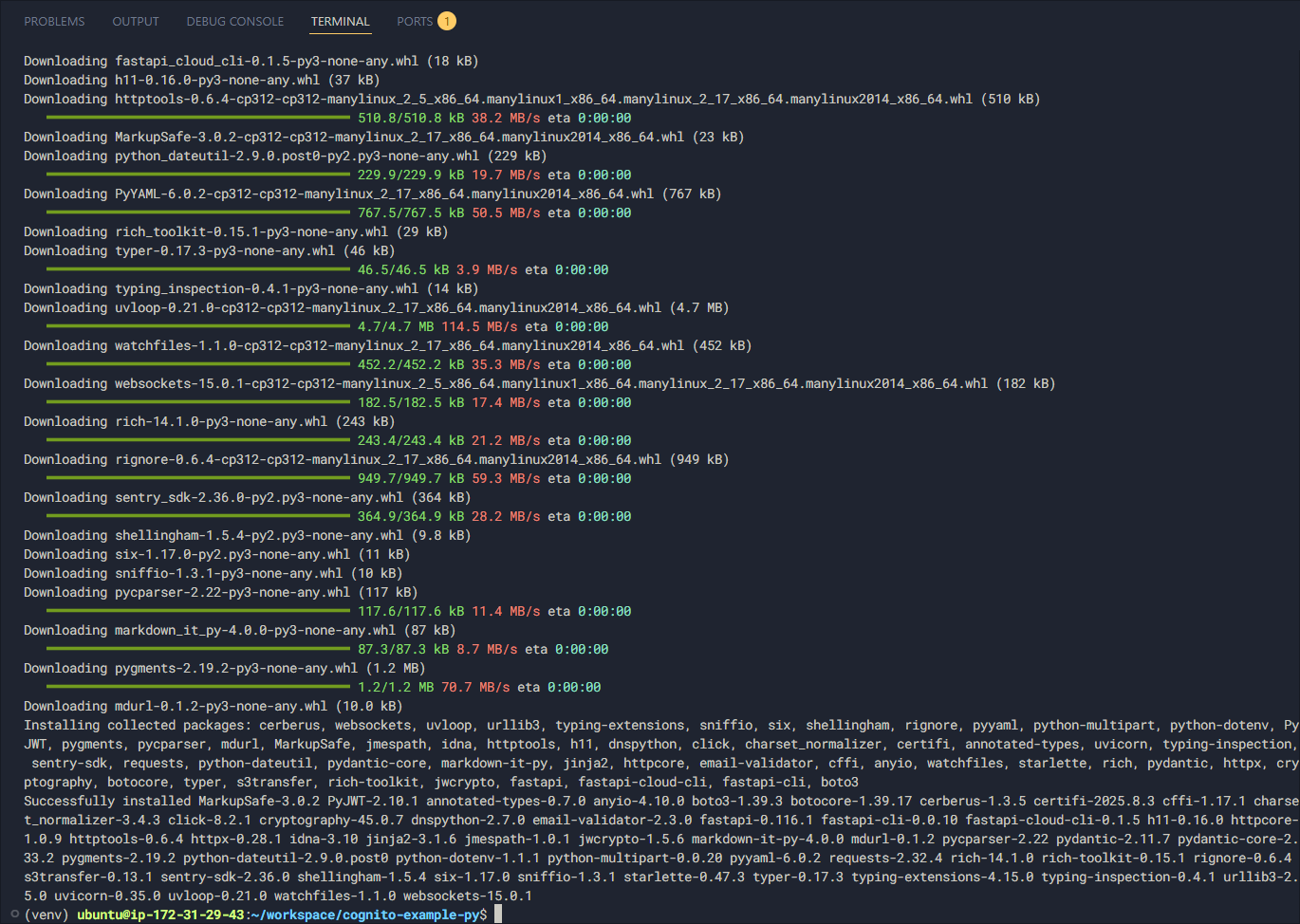
Then run the application:
python src/runtimes/fastapi/app.py

The FastAPI application is now running successfully! In the next section, we will verify the results.