5.5.3. Setup application
Congratulations! We’ve reached the final section of building the sample application with NodeTS and Express. Now it’s time to perform the last steps before deploying and testing the application.
Setup Application
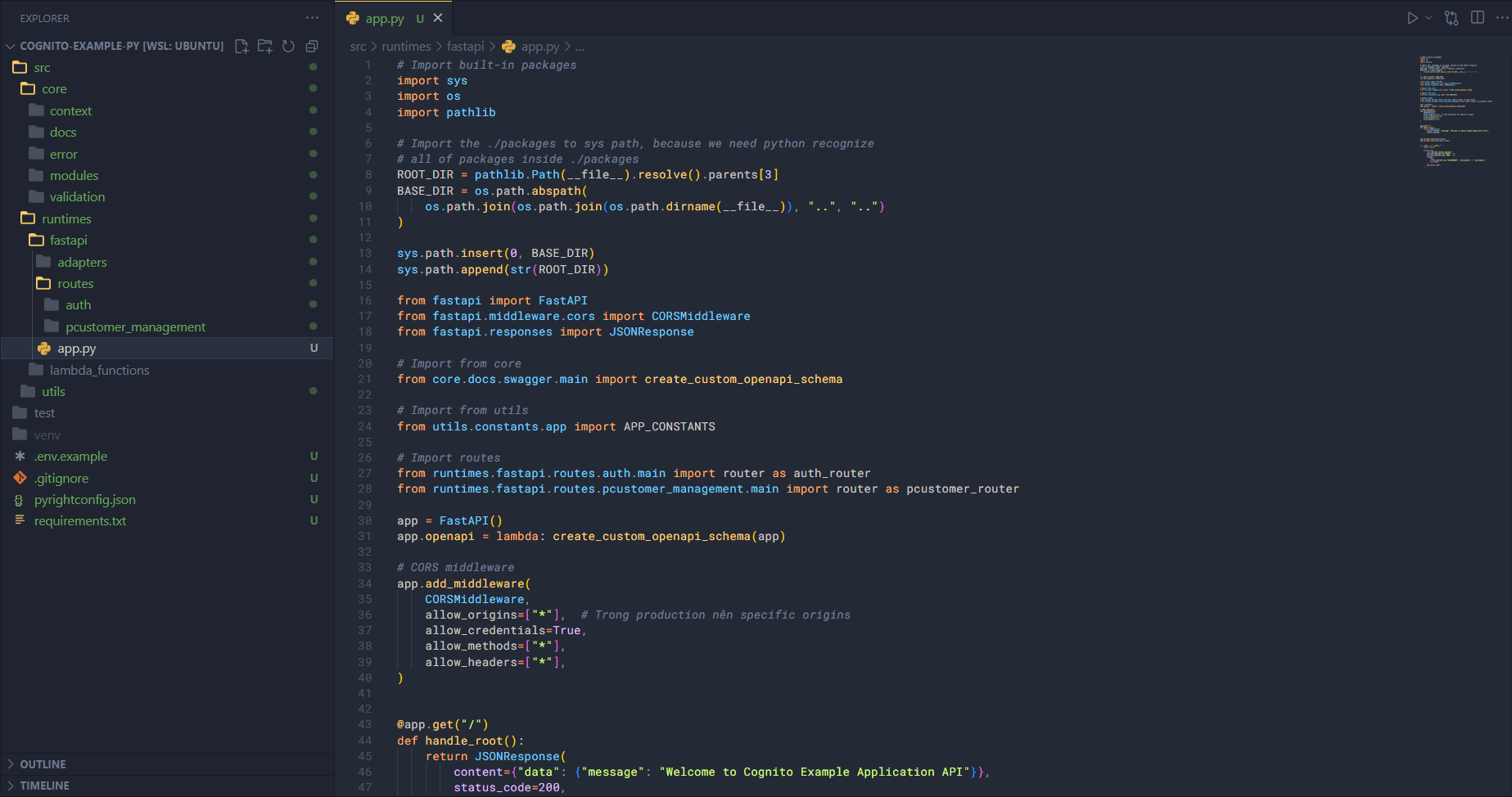
In app.py, add the following code.
First, import the necessary items, including the routes we’ve set up.
# Import built-in packages
import sys
import os
import pathlib

# Import the ./packages to sys path, because we need python recognize
# all of packages inside ./packages
ROOT_DIR = pathlib.Path(__file__).resolve().parents[3]
BASE_DIR = os.path.abspath(
    os.path.join(os.path.join(os.path.dirname(__file__)), "..", "..")
)

sys.path.insert(0, BASE_DIR)
sys.path.append(str(ROOT_DIR))

from fastapi import FastAPI
from fastapi.middleware.cors import CORSMiddleware
from fastapi.responses import JSONResponse

# Import from core
from core.docs.swagger.main import create_custom_openapi_schema

# Import from utils
from utils.constants.app import APP_CONSTANTS

# Import routes
from runtimes.fastapi.routes.auth.main import router as auth_router
from runtimes.fastapi.routes.pcustomer_management.main import router as pcustomer_router
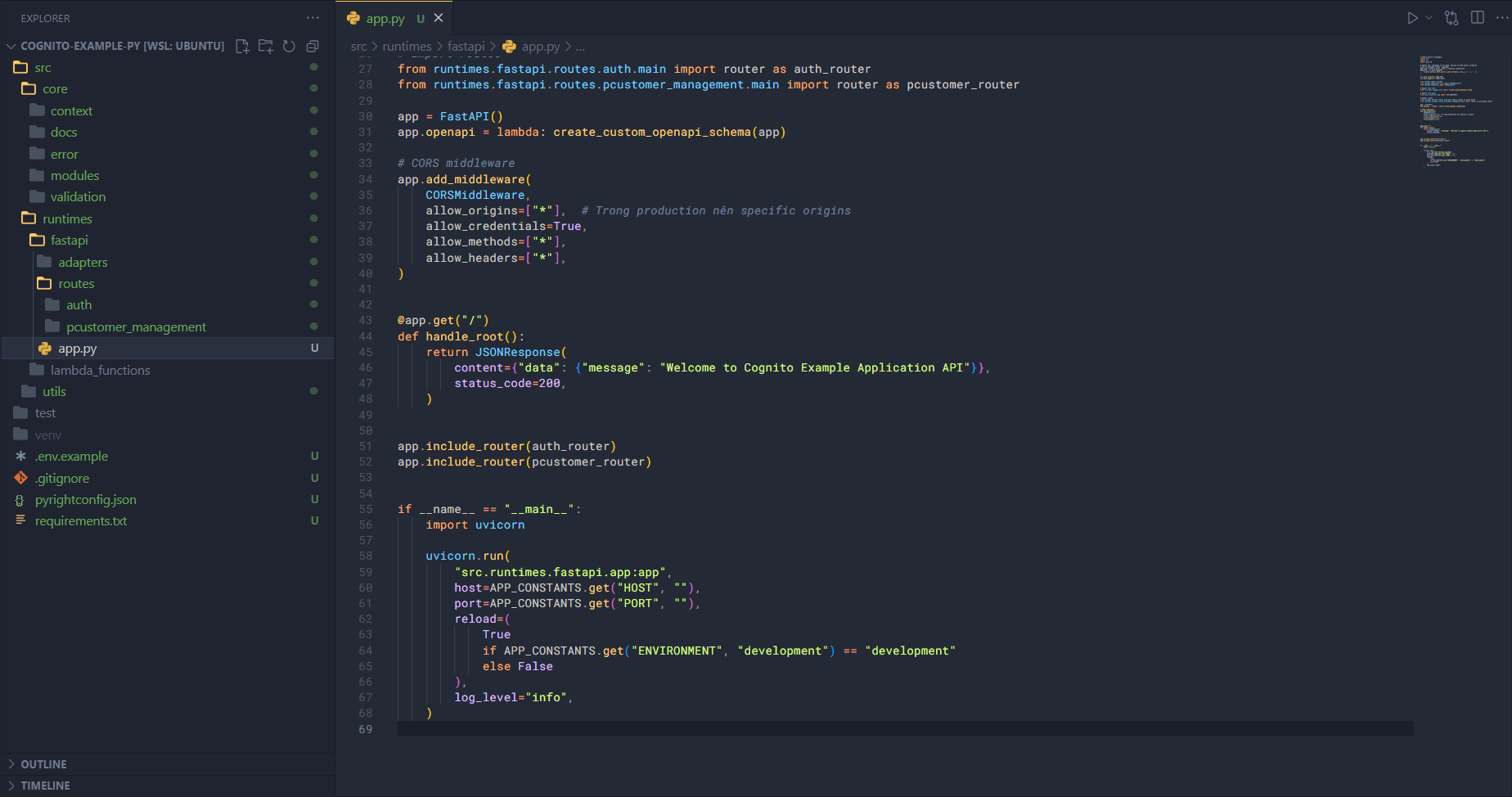
In this section, we need to add paths to the system path so that Python can recognize them—specifically, we’ll add the entire src folder. Then, we set up the routes, global middlewares, create the route for API Docs, and start the application.
app = FastAPI()
app.openapi = lambda: create_custom_openapi_schema(app)

# CORS middleware
app.add_middleware(
    CORSMiddleware,
    allow_origins=["*"],  # Trong production nên specific origins
    allow_credentials=True,
    allow_methods=["*"],
    allow_headers=["*"],
)


@app.get("/")
def handle_root():
    return JSONResponse(
        content={"data": {"message": "Welcome to Cognito Example Application API"}},
        status_code=200,
    )


app.include_router(auth_router)
app.include_router(pcustomer_router)


if __name__ == "__main__":
    import uvicorn

    uvicorn.run(
        "src.runtimes.fastapi.app:app",
        host=APP_CONSTANTS.get("HOST", ""),
        port=APP_CONSTANTS.get("PORT", ""),
        reload=(
            True
            if APP_CONSTANTS.get("ENVIRONMENT", "development") == "development"
            else False
        ),
        log_level="info",
    )
Setup Test Scripts (Optional)
In this step, we’ll create some sample test scripts to verify modules and functions in the source code. For example, if we have a crypto module in utils, we can test some functions there.
Outside the src folder, create a test folder. Inside test, create a file base64_crypto.test.py and add the following script.
import os
import sys

BASE_DIR = os.path.abspath(os.path.join(os.path.dirname(__file__), ".."))
sys.path.insert(0, os.path.join(BASE_DIR, "src"))

import unittest
import re
from utils.crypto.base64 import (
    encode,
    decode,
    url_safe_encode,
    url_safe_decode,
)


class TestCryptoBase64(unittest.TestCase):

    def test_encode_decode_string(self):
        input_data = "hello world"
        encoded = encode(input_data)
        decoded = decode(encoded)
        self.assertEqual(decoded, input_data)

    def test_encode_decode_number(self):
        input_data = 12345
        encoded = encode(input_data)
        decoded = decode(encoded)
        self.assertEqual(decoded, input_data)

    def test_encode_decode_object(self):
        input_data = {"foo": "bar", "count": 42}
        encoded = encode(input_data)
        decoded = decode(encoded)
        self.assertEqual(decoded, input_data)

    def test_encode_decode_array(self):
        input_data = ["a", "b", "c"]
        encoded = encode(input_data)
        decoded = decode(encoded)
        self.assertEqual(decoded, input_data)

    def test_decode_items_property_as_array(self):
        input_data = (1, 2, 3)
        encoded = encode(input_data)
        decoded = decode(encoded)
        self.assertEqual(decoded, (1, 2, 3))

    def test_url_safe_encode_decode(self):
        input_data = {"user": "alice", "id": 99}
        encoded = url_safe_encode(input_data)

        # base64url không có ký tự +, / hoặc =
        self.assertIsNone(re.search(r"[+/=]", encoded))

        decoded = url_safe_decode(encoded)
        self.assertEqual(decoded, input_data)

    def test_url_safe_decode_items_property_as_array(self):
        input_data = ("x", "y")
        encoded = url_safe_encode(input_data)
        decoded = url_safe_decode(encoded)
        self.assertEqual(decoded, ("x", "y"))


if __name__ == "__main__":
    unittest.main()
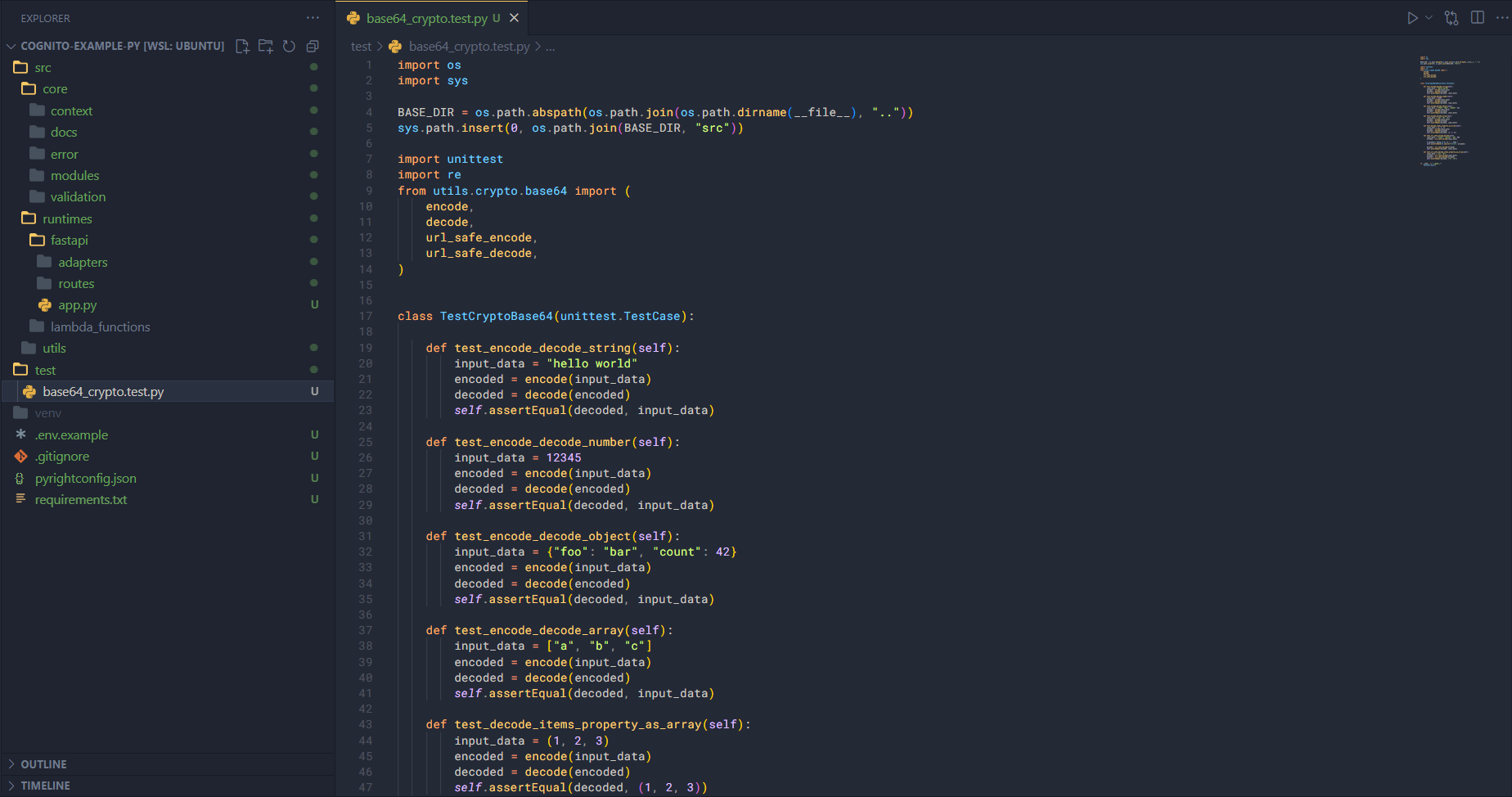
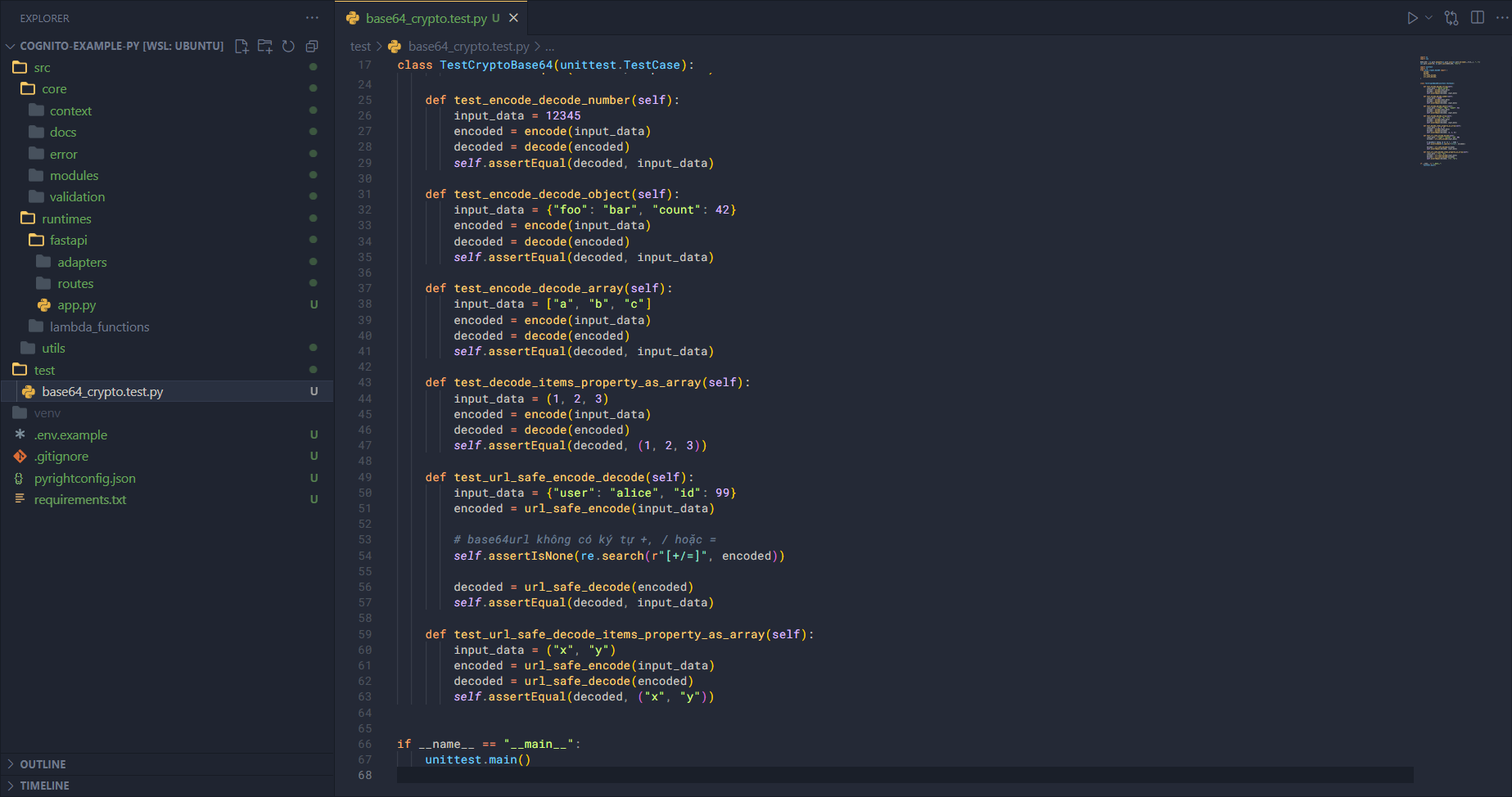
Some test cases include:
- Encode a string and then decode it, comparing the result.
- Encode a number and then decode it, comparing the result.
- Encode an object and then decode it, comparing the result.
- Encode an array and then decode it, comparing the result.
Run the test using Python’s built-in library (already installed) with the following code:
python test/base64_crypto.test.py
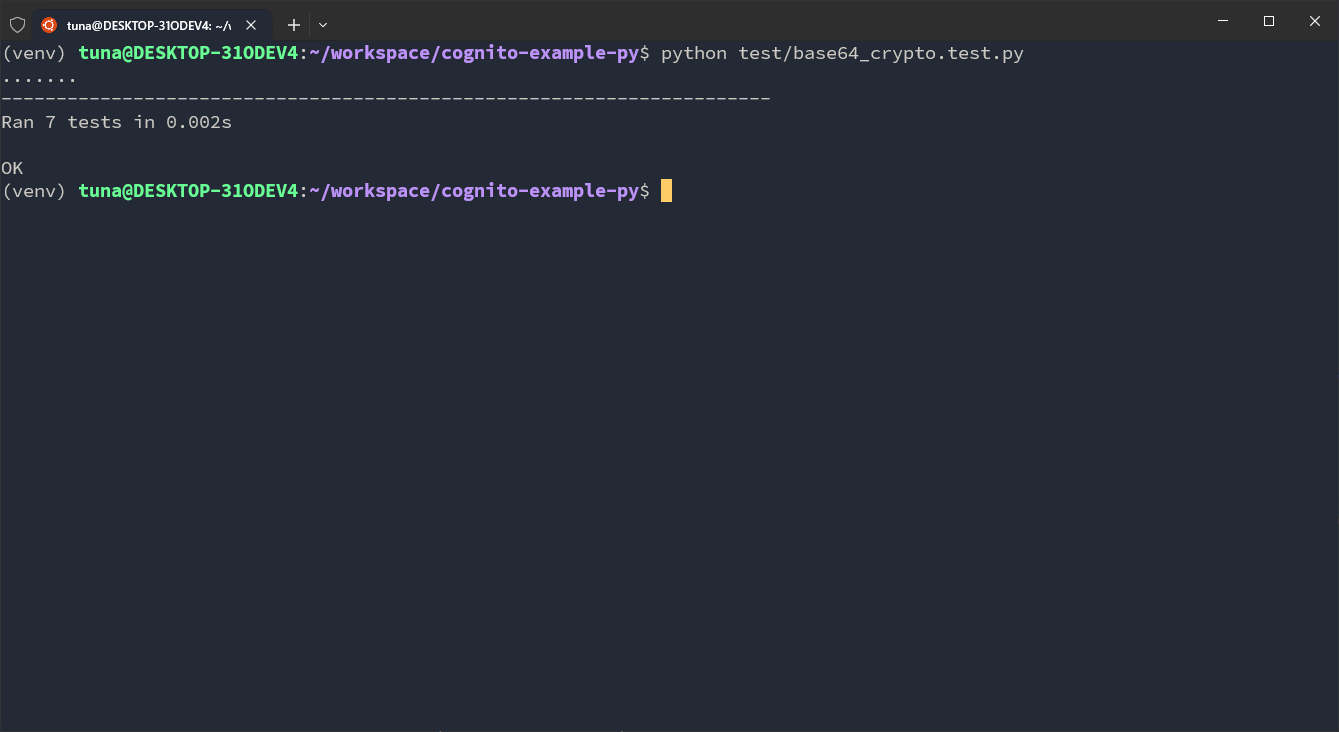
You can see that our function runs correctly. This step only demonstrates testing a single function, but you can use this file as a template, along with AI assistance, to write test scripts for other modules and functions.