5.4.5. Build ports
Similar to the customer management module, in this step we will also create pipelines so that they can be used in the runtime or in other contexts.
Pre-setup
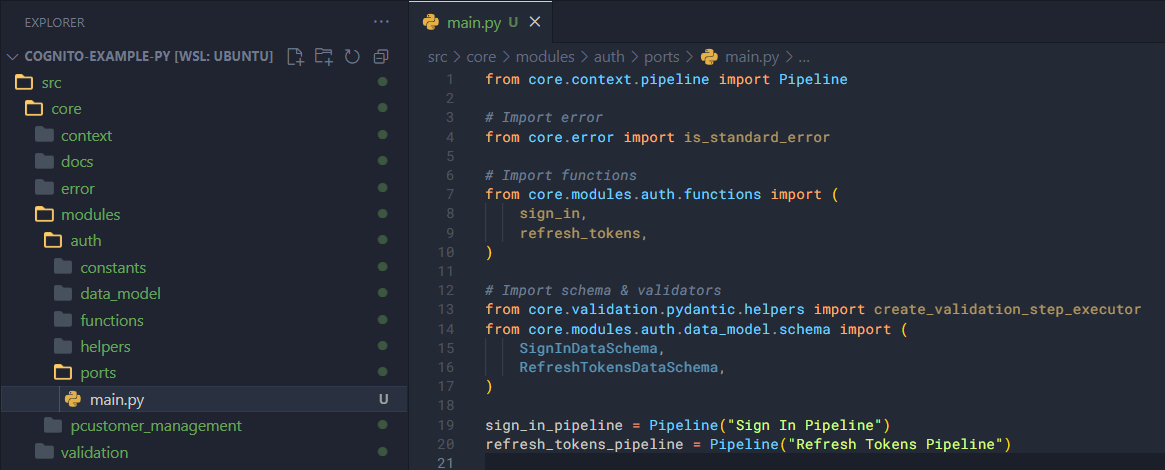
In the modules/auth/ports folder, create a file main.py and add some code as follows.
First, we need to import a few things.
from core.context.pipeline import Pipeline

# Import error
from core.error import is_standard_error

# Import functions
from core.modules.auth.functions import (
    sign_in,
    refresh_tokens,
)

# Import schema & validators
from core.validation.pydantic.helpers import create_validation_step_executor
from core.modules.auth.data_model.schema import (
    SignInDataSchema,
    RefreshTokensDataSchema,
)
Then, create two pipelines.
sign_in_pipeline = Pipeline("Sign In Pipeline")
refresh_tokens_pipeline = Pipeline("Refresh Tokens Pipeline")
Pipelines
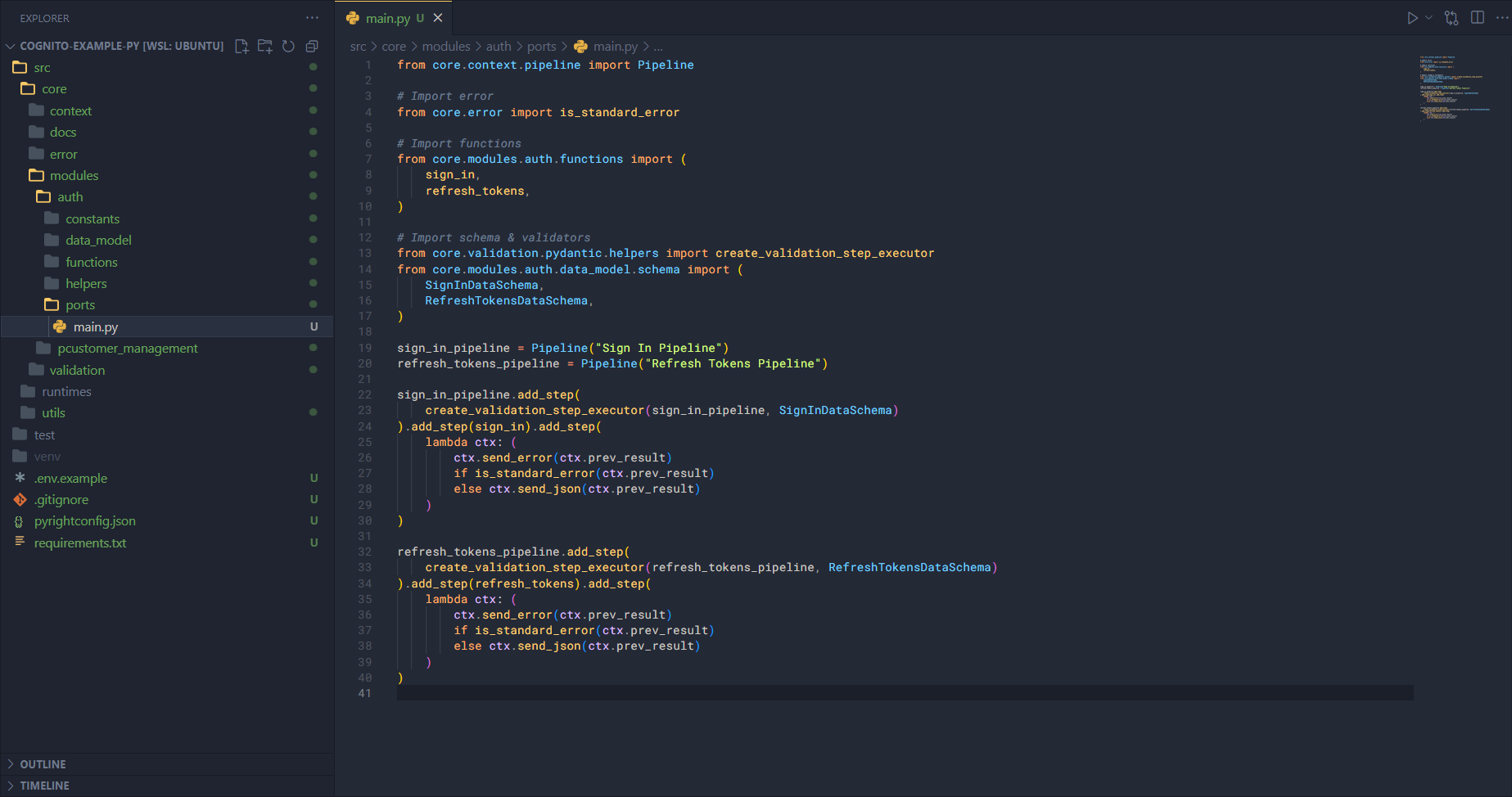
Next, we will add steps to the two pipelines above, which is quite straightforward.
sign_in_pipeline.add_step(
    create_validation_step_executor(sign_in_pipeline, SignInDataSchema)
).add_step(sign_in).add_step(
    lambda ctx: (
        ctx.send_error(ctx.prev_result)
        if is_standard_error(ctx.prev_result)
        else ctx.send_json(ctx.prev_result)
    )
)

refresh_tokens_pipeline.add_step(
    create_validation_step_executor(refresh_tokens_pipeline, RefreshTokensDataSchema)
).add_step(refresh_tokens).add_step(
    lambda ctx: (
        ctx.send_error(ctx.prev_result)
        if is_standard_error(ctx.prev_result)
        else ctx.send_json(ctx.prev_result)
    )
)
With this, all of our modules are complete. Now, we can proceed to set up the runtime so that the application can run.