5.4.1. Build data model
Unlike the customer management module, the auth module does not include a DAO, and we do not define a data type for user information. In this section, we only need to create the schemas.
Schemas
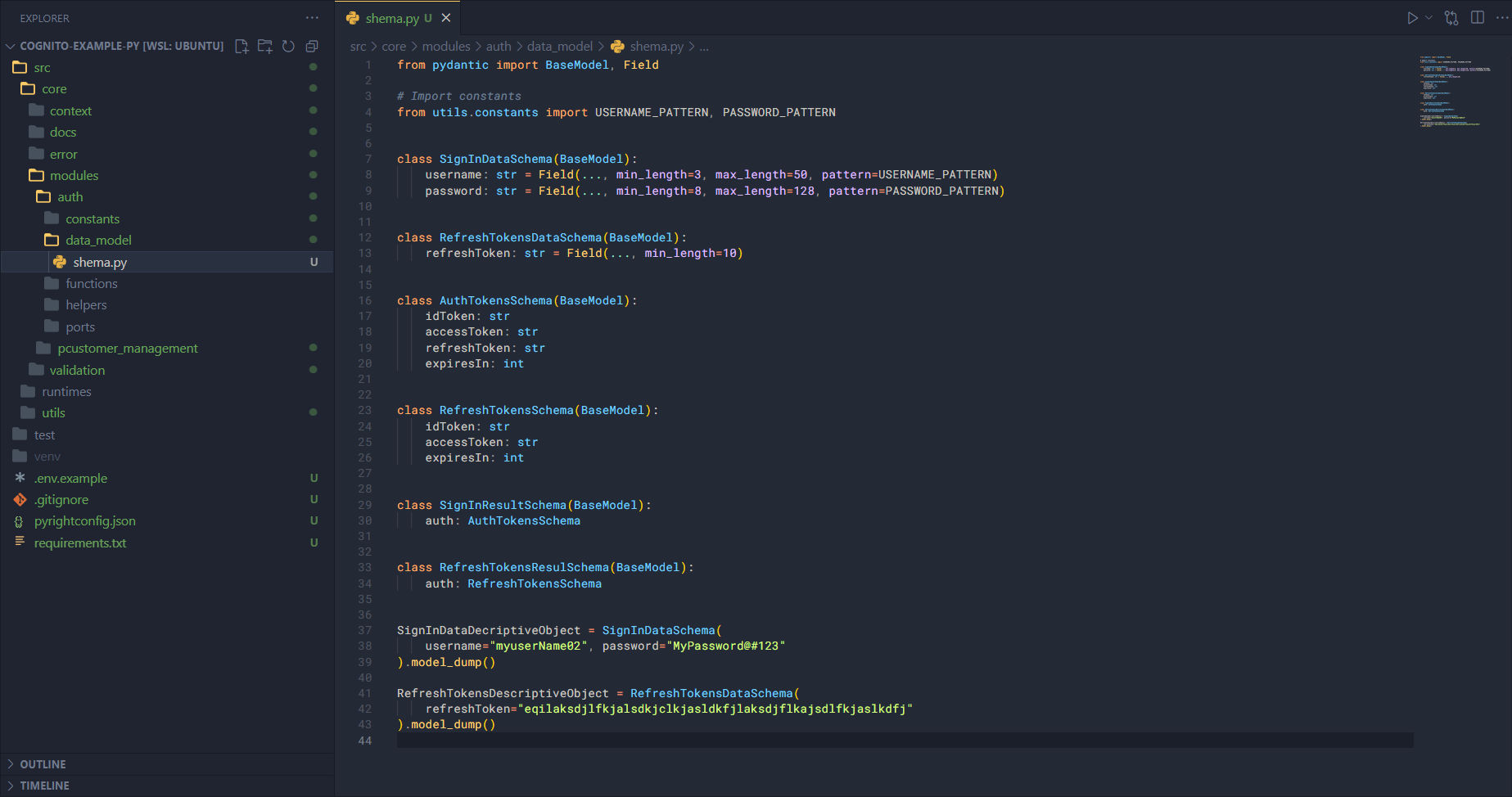
First, create a file schema.py inside the data_model folder and add the following code.
Import the necessary modules:
from pydantic import BaseModel, Field

# Import constants
from utils.constants import USERNAME_PATTERN, PASSWORD_PATTERN
Next, define the input data schemas for registration and login:
class SignInDataSchema(BaseModel):
    username: str = Field(..., min_length=3, max_length=50, pattern=USERNAME_PATTERN)
    password: str = Field(
        ..., min_length=8, max_length=128, pattern=PASSWORD_PATTERN
    )


class RefreshTokensDataSchema(BaseModel):
    refreshToken: str = Field(..., min_length=10)
Declare additional result schemas for sign-in and refresh tokens:
class AuthTokensSchema(BaseModel):
    idToken: str
    accessToken: str
    refreshToken: str
    expiresIn: int


class RefreshTokensSchema(BaseModel):
    idToken: str
    accessToken: str
    expiresIn: int


class SignInResultSchema(BaseModel):
    auth: AuthTokensSchema


class RefreshTokensResulSchema(BaseModel):
    auth: RefreshTokensSchema
Finally, create descriptive objects for the schemas by providing sample data:
SignInDataDecriptiveObject = SignInDataSchema(
    username="myuserName02", password="MyPassword@#123"
).model_dump()

RefreshTokensDescriptiveObject = RefreshTokensDataSchema(
    refreshToken="eqilaksdjlfkjalsdkjclkjasldkfjlaksdjflkajsdlfkjaslkdfj"
).model_dump()