5.3.1. Build data model
Data Access Object
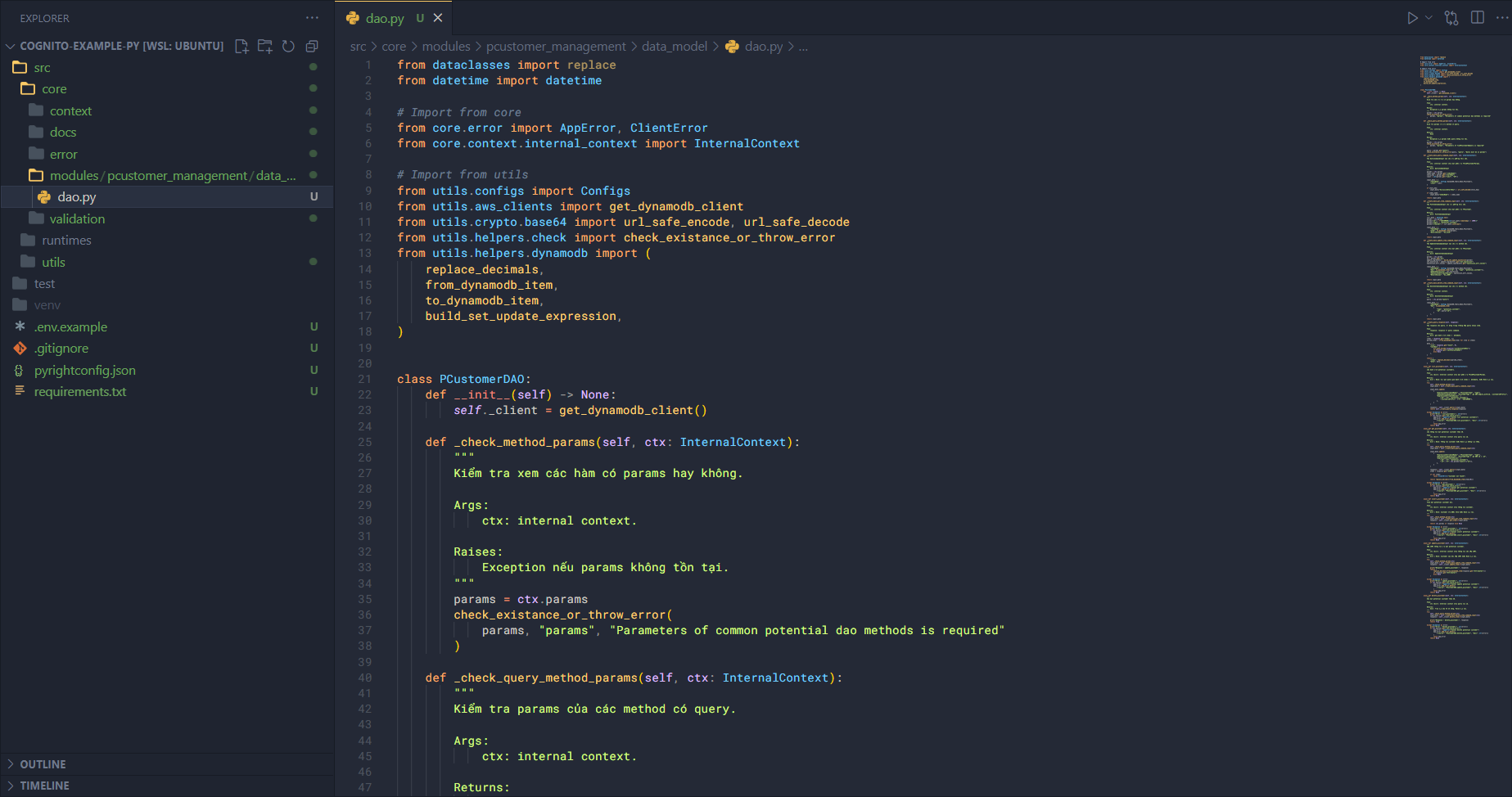
Next, we will build the DAO to define how the application interacts with the data in the system. First, create a file dao.py in the data_model directory and add the following code.
Import some necessary modules first.
from dataclasses import replace
from datetime import datetime

# Import from core
from core.error import AppError, ClientError
from core.context.internal_context import InternalContext

# Import from utils
from utils.configs import Configs
from utils.aws_clients import get_dynamodb_client
from utils.crypto.base64 import url_safe_encode, url_safe_decode
from utils.helpers.check import check_existance_or_throw_error
from utils.helpers.dynamodb import (
    replace_decimals,
    from_dynamodb_item,
    to_dynamodb_item,
    build_set_update_expression,
)
We have imported:
- AWS SDK modules.
- Core modules like
error,contexttypes, etc. - Utility modules.
Next, create the PCustomerDAO class.
class PCustomerDAO:
    def __init__(self) -> None:
        self._client = get_dynamodb_client()
Add some helper methods to the class.
def _check_method_params(self, ctx: InternalContext):
    """
    Kiểm tra xem các hàm có params hay không.

    Args:
        ctx: internal context.

    Raises:
        Exception nếu params không tồn tại.
    """
    params = ctx.params
    check_existance_or_throw_error(
        params, "params", "Parameters of common potential dao methods is required"
    )

def _check_query_method_params(self, ctx: InternalContext):
    """
    Kiểm tra params của các method có query.

    Args:
        ctx: internal context.

    Returns:
        None

    Raises:
        Exception nếu params hoặc query không tồn tại.
    """
    params = ctx.params
    check_existance_or_throw_error(
        params, "params", "Parameters of findPCustomerByQuery is required"
    )

    query = params.get("query")
    check_existance_or_throw_error(query, "query", "Query must be in params")

def _create_base_query_command_input(self, ctx: InternalContext):
    """
    Tạo QueryCommandInput nền cho các phương thức cần.

    Args:
        ctx: internal context chứa một phần của TFindPCustomerParams.

    Returns:
        dict: QueryCommandInput
    """
    params = ctx.params
    index_name = params.get("indexName")
    stary_key = params.get("startKey")
    limit = int(params.get("limit", "10"))

    input_data = {
        "TableName": Configs.DynamoDB_Table_Name_PCustomers,
        "Limit": limit,
    }

    if stary_key:
        input_data["ExclusiveStartKey"] = url_safe_decode(stary_key)

    if index_name:
        input_data["IndexName"] = index_name

    return input_data

def _create_base_put_item_command_input(self, ctx: InternalContext):
    """
    Tạo PutItemCommandInput cho các phương thức cần.

    Args:
        ctx: internal context chứa một phần của TPCustomer.

    Returns:
        dict: PutItemCommandInput
    """
    curr_date = datetime.now()
    params = ctx.params
    params["id"] = f"CUSTOMER#{int(curr_date.timestamp() * 1000)}"
    params["type"] = "potential_customer"
    params["createAt"] = curr_date.isoformat()

    input_data = {
        "TableName": Configs.DynamoDB_Table_Name_PCustomers,
        "Item": to_dynamodb_item(params),
        "ReturnValues": "ALL_OLD",
    }

    return input_data

def _create_base_update_item_command_input(self, ctx: InternalContext):
    """
    Tạo UpdateItemCommandInput nền cho các method cần.

    Args:
        ctx: internal context chứa một phần của TPCustomer.

    Returns:
        dict: UpdateItemCommandInput
    """
    params = ctx.params
    id = params.pop("id")
    update_ingredients = build_set_update_expression(params)
    set_expression = update_ingredients.get("set_expression")
    expression_attr_values = update_ingredients.get("expression_attr_values")

    input_data = {
        "TableName": Configs.DynamoDB_Table_Name_PCustomers,
        "Key": to_dynamodb_item({"id": id, "type": "potential_customer"}),
        "UpdateExpression": set_expression,
        "ExpressionAttributeValues": expression_attr_values,
        "ReturnValues": "ALL_NEW",
    }

    return input_data

def _create_base_delete_item_command_input(self, ctx: InternalContext):
    """
    Tạo DeleteItemCommandInput nền cho các method cần.

    Args:
        ctx: internal context.

    Returns:
        dict: DeleteItemCommandInput
    """
    query = ctx.params["query"]

    input_data = {
        "TableName": Configs.DynamoDB_Table_Name_PCustomers,
        "Key": to_dynamodb_item(
            {
                "type": "potential_customer",
                "id": query["id"],
            }
        ),
    }

    return input_data

def _create_query_response(self, response):
    """
    Tạo response cho query. Sử dụng trong trường hợp query nhiều item.

    Args:
        response: response từ query command.

    Returns:
        dict: gồm danh sách items và metadata.
    """
    items = response.get("Items", [])
    parsed_items = [from_dynamodb_item(item) for item in items]

    meta = {
        "size": response.get("Count", 0),
        "lastKey": (
            url_safe_encode(response["LastEvaluatedKey"])
            if response.get("LastEvaluatedKey")
            else None
        ),
    }

    return {
        "items": replace_decimals(parsed_items),
        "meta": meta,
    }
These helper functions allow the DAO to interact with the AWS SDK in a standard way and can be reused in any data operation methods in the DAO.
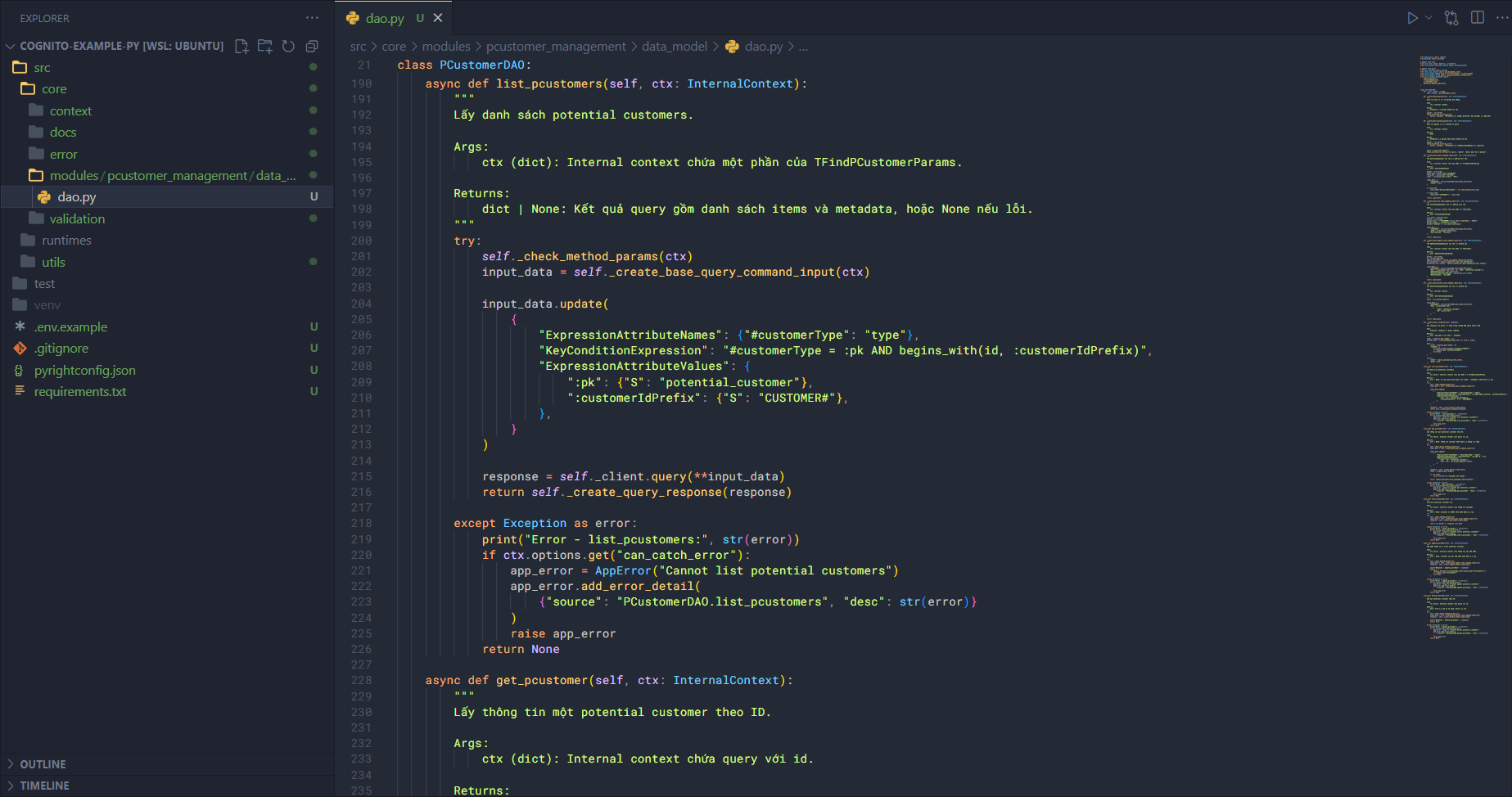
Next, add the method to list customers (list_pcustomers). In this method, we also set up error handling. If the calling function can catch the error, it can propagate it; otherwise, it catches the error and returns undefined. Other methods follow a similar structure.
async def list_pcustomers(self, ctx: InternalContext):
    """
    Lấy danh sách potential customers.

    Args:
        ctx (dict): Internal context chứa một phần của TFindPCustomerParams.

    Returns:
        dict | None: Kết quả query gồm danh sách items và metadata, hoặc None nếu lỗi.
    """
    try:
        self._check_method_params(ctx)
        input_data = self._create_base_query_command_input(ctx)

        input_data.update(
            {
                "ExpressionAttributeNames": {"#customerType": "type"},
                "KeyConditionExpression": "#customerType = :pk AND begins_with(id, :customerIdPrefix)",
                "ExpressionAttributeValues": {
                    ":pk": {"S": "potential_customer"},
                    ":customerIdPrefix": {"S": "CUSTOMER#"},
                },
            }
        )

        response = self._client.query(**input_data)
        return self._create_query_response(response)

    except Exception as error:
        print("Error - list_pcustomers:", str(error))
        if ctx.options.get("can_catch_error"):
            app_error = AppError("Cannot list potential customers")
            app_error.add_error_detail(
                {"source": "PCustomerDAO.list_pcustomers", "desc": str(error)}
            )
            raise app_error
        return None
The flow works as follows:
- Check if the input parameters are valid (complete information).
- Create the base input for the command using
_create_base_query_command_inputbased onctx. - Update the input for querying, e.g., for customers where
type=potential_customerandskprefix =CUSTOMER#. - Prepare the input, pass it to the command, and use the client to execute it.
- Retrieve the result and create a response (transform the customer list, add metadata).
Next is get_pcustomer.
async def get_pcustomer(self, ctx: InternalContext):
    """
    Lấy thông tin một potential customer theo ID.

    Args:
        ctx (dict): Internal context chứa query với id.

    Returns:
        dict | None: Thông tin customer hoặc None nếu không tìm thấy.
    """
    try:
        self._check_query_method_params(ctx)
        input_data = self._create_base_query_command_input(ctx)

        input_data.update(
            {
                "ExpressionAttributeNames": {"#customerType": "type"},
                "KeyConditionExpression": "#customerType = :pk AND id = :sk",
                "ExpressionAttributeValues": {
                    ":pk": {"S": "potential_customer"},
                    ":sk": {"S": ctx.params["query"]["id"]},
                },
            }
        )

        response = self._client.query(**input_data)
        items = response.get("Items")

        if not items:
            raise ClientError("Customer not found")

        return replace_decimals(from_dynamodb_item(items[0]))

    except Exception as error:
        print("Error - get_pcustomer:", str(error))
        if ctx.options.get("can_catch_error"):
            app_error = AppError("Cannot get potential customer")
            app_error.add_error_detail(
                {"source": "PCustomerDAO.get_pcustomer", "desc": str(error)}
            )
            raise app_error
        return None
Flow:
- Check if the input parameters are valid.
- Create base input for the command using
_create_base_query_command_inputbased onctx. - Update input for querying a single customer:
type=potential_customerandsk=query.id. - Pass the input to the command and use the client to execute it.
- Since the result is one, just transform and return it.
Next, insert_pcustomer.
async def insert_pcustomer(self, ctx: InternalContext):
    """
    Thêm một potential customer mới.

    Args:
        ctx (dict): Internal context chứa thông tin customer.

    Returns:
        dict | None: Customer vừa được thêm hoặc None nếu lỗi.
    """
    try:
        self._check_method_params(ctx)
        input_data = self._create_base_put_item_command_input(ctx)
        response = self._client.put_item(**input_data)

        return ctx.params if response else None

    except Exception as error:
        print("Error - insert_pcustomer:", str(error))
        if ctx.options.get("can_catch_error"):
            app_error = AppError("Cannot insert potential customer")
            app_error.add_error_detail(
                {"source": "PCustomerDAO.insert_pcustomer", "desc": str(error)}
            )
            raise app_error
        return None
Flow:
- Check if the input parameters are valid.
- Create base input for the command using
_create_base_put_item_command_inputbased onctx. - Pass the input to the command and let the client execute it.
- Return the result of the newly added customer.
Next, update_pcustomer.
async def update_pcustomer(self, ctx: InternalContext):
    """
    Cập nhật thông tin của một potential customer.

    Args:
        ctx (dict): Internal context chứa thông tin cần cập nhật.

    Returns:
        dict | None: Customer sau khi cập nhật hoặc None nếu lỗi.
    """
    try:
        self._check_method_params(ctx)
        input_data = self._create_base_update_item_command_input(ctx)
        response = self._client.update_item(**input_data)

        print("Response - update_pcustomer:", response)
        return (
            replace_decimals(from_dynamodb_item(response.get("Attributes")))
            if response.get("Attributes")
            else None
        )

    except Exception as error:
        print("Error - update_pcustomer:", str(error))
        if ctx.options.get("can_catch_error"):
            app_error = AppError("Cannot update potential customer")
            app_error.add_error_detail(
                {"source": "PCustomerDAO.update_pcustomer", "desc": str(error)}
            )
            raise app_error
        return None
Flow:
- Check if the input parameters are valid.
- Create base input for the command using
_create_base_update_item_command_inputbased onctx. - Pass the input to the command and let the client execute it.
- Transform the result and return it to the user.
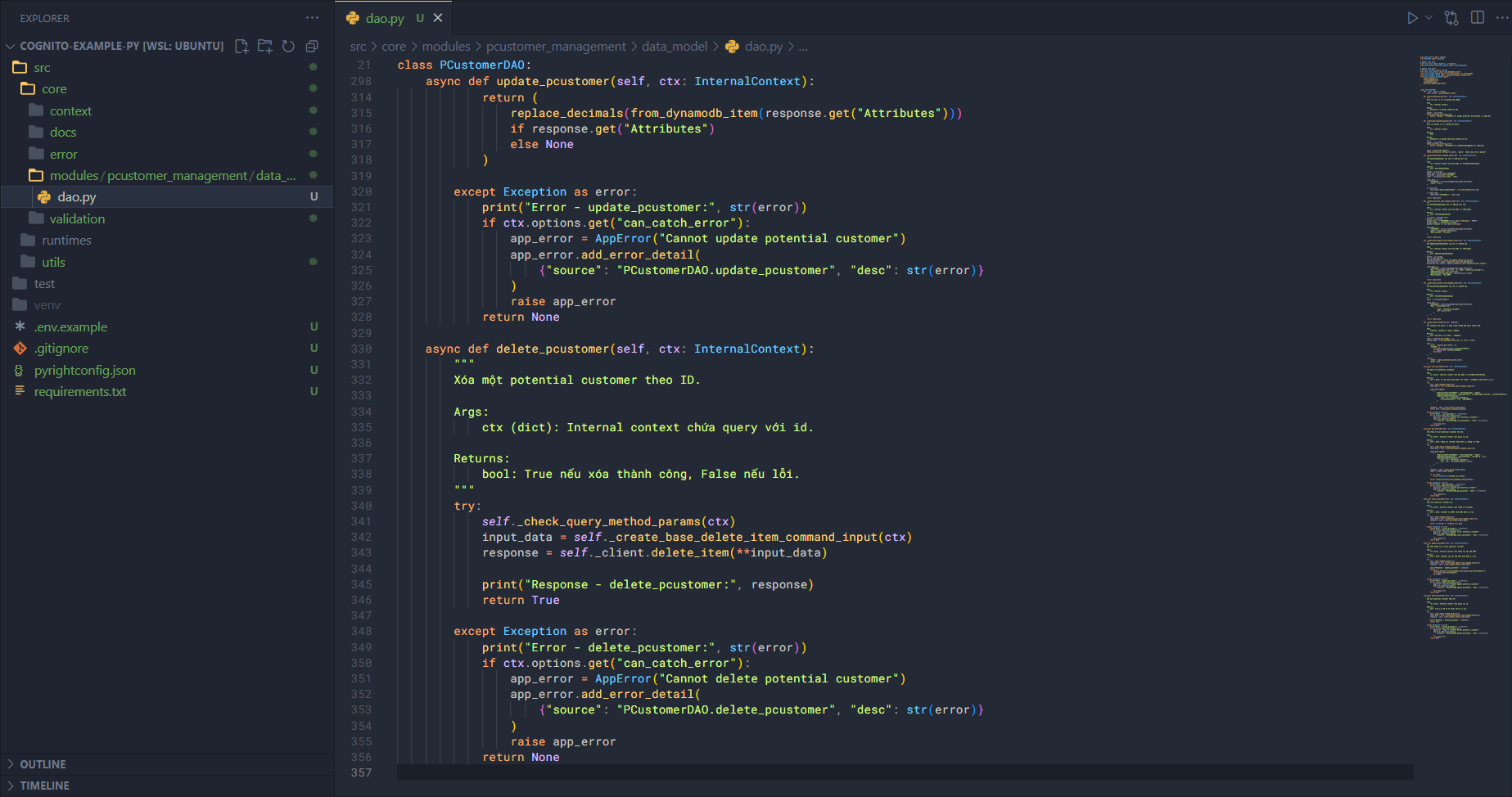
Finally, delete_pcustomer.
async def delete_pcustomer(self, ctx: InternalContext):
    """
    Xóa một potential customer theo ID.

    Args:
        ctx (dict): Internal context chứa query với id.

    Returns:
        bool: True nếu xóa thành công, False nếu lỗi.
    """
    try:
        self._check_query_method_params(ctx)
        input_data = self._create_base_delete_item_command_input(ctx)
        response = self._client.delete_item(**input_data)

        print("Response - delete_pcustomer:", response)
        return True

    except Exception as error:
        print("Error - delete_pcustomer:", str(error))
        if ctx.options.get("can_catch_error"):
            app_error = AppError("Cannot delete potential customer")
            app_error.add_error_detail(
                {"source": "PCustomerDAO.delete_pcustomer", "desc": str(error)}
            )
            raise app_error
        return None
Flow:
- Check if the input parameters are valid.
- Create base input for the command using
_create_base_delete_item_command_inputbased onctx. - Pass the input to the command and let the client execute it.
- Return
Trueif deletion succeeds; if there is an error, either throw the error or returnFalse.
At this point, theoretically, the core of the user management feature is complete. But this only covers interaction with the system; we still need to consider client interaction.
Schema
In some databases, a table is referred to as a schema, which defines the structure, data types, constraints, etc. In our application, we have a similar function, but with validation. The schema can verify whether input data complies with its rules. First, create schema.py in data_model and add the following code.
Import necessary modules first.
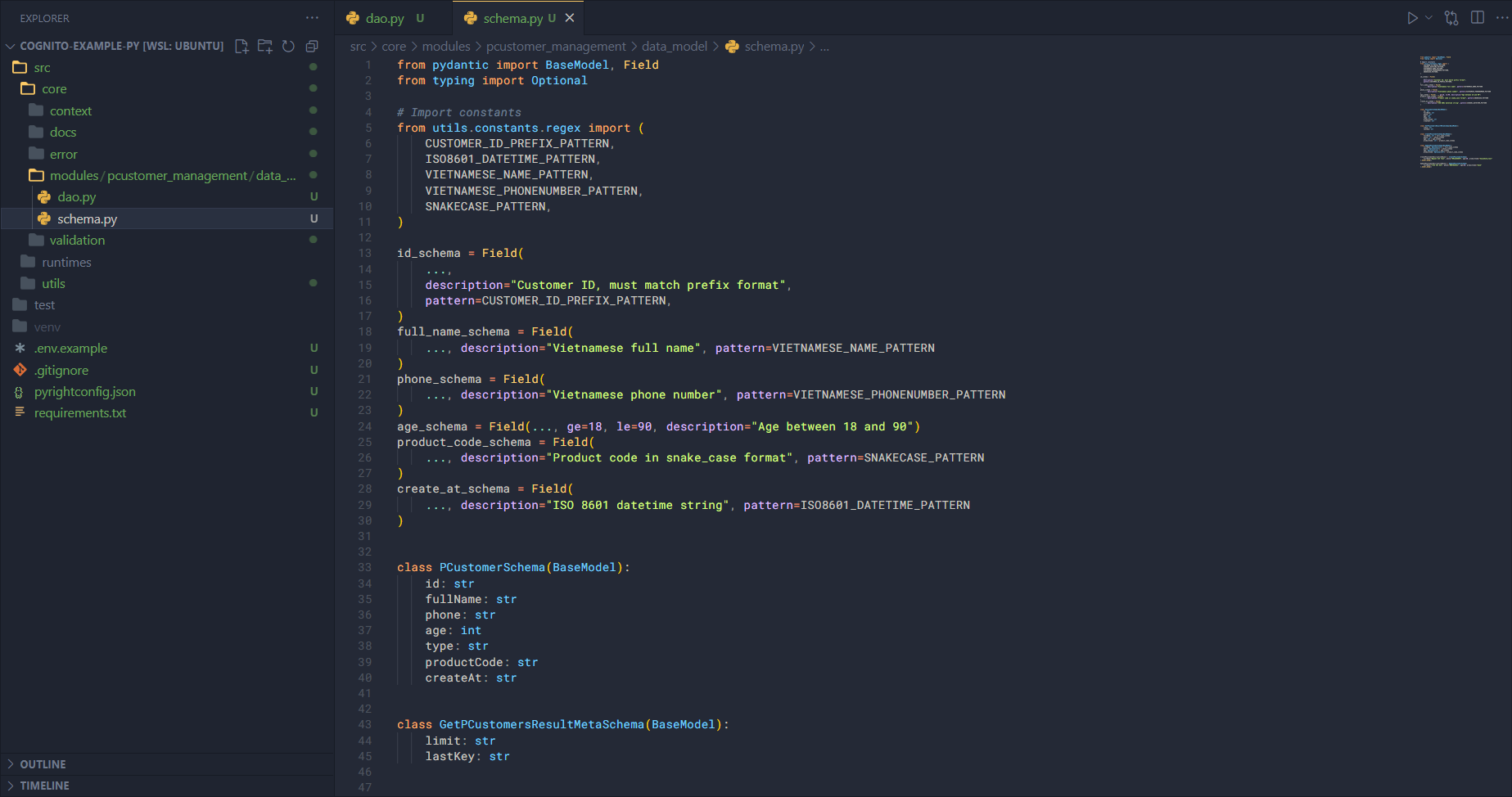
from pydantic import BaseModel, Field
from typing import Optional

# Import constants
from utils.constants.regex import (
    CUSTOMER_ID_PREFIX_PATTERN,
    ISO8601_DATETIME_PATTERN,
    VIETNAMESE_NAME_PATTERN,
    VIETNAMESE_PHONENUMBER_PATTERN,
    SNAKECASE_PATTERN,
)
Next, create schemas for individual fields.
id_schema = Field(
    ...,
    description="Customer ID, must match prefix format",
    pattern=CUSTOMER_ID_PREFIX_PATTERN,
)
full_name_schema = Field(
    ..., description="Vietnamese full name", pattern=VIETNAMESE_NAME_PATTERN
)
phone_schema = Field(
    ..., description="Vietnamese phone number", pattern=VIETNAMESE_PHONENUMBER_PATTERN
)
age_schema = Field(..., ge=18, le=90, description="Age between 18 and 90")
product_code_schema = Field(
    ..., description="Product code in snake_case format", pattern=SNAKECASE_PATTERN
)
create_at_schema = Field(
    ..., description="ISO 8601 datetime string", pattern=ISO8601_DATETIME_PATTERN
)
Create schemas for Potential Customer and metadata when retrieving multiple potential customers.
class PCustomerSchema(BaseModel):
    id: str
    fullName: str
    phone: str
    age: int
    type: str
    productCode: str
    createAt: str

class GetPCustomersResultMetaSchema(BaseModel):
  limit: str
  lastKey: str
After creating field schemas, we combine them into a complete object. We need to validate customer information when adding, deleting, updating, or retrieving customers. In this tutorial, we will only implement adding and updating.
class CreatePCustomerSchema(BaseModel):
    fullName: str = full_name_schema
    phone: str = phone_schema
    age: int = age_schema
    productCode: str = product_code_schema


class UpdatePCustomerSchema(BaseModel):
    fullName: Optional[str] = full_name_schema
    phone: Optional[str] = phone_schema
    age: Optional[int] = age_schema
    productCode: Optional[str] = product_code_schema
Update descriptive objects for data when adding or updating customer information.
CreatePCustomerDescriptiveObject = CreatePCustomerSchema(
    fullName="Nguyen Anh Tuan", phone="0912345678", age=30, productCode="household_tool"
).model_dump()

UpdatePCustomerDescriptiveObject = UpdatePCustomerSchema(
    fullName="Trần Văn Anh", phone="0987654321", age=28, productCode="book"
).model_dump()
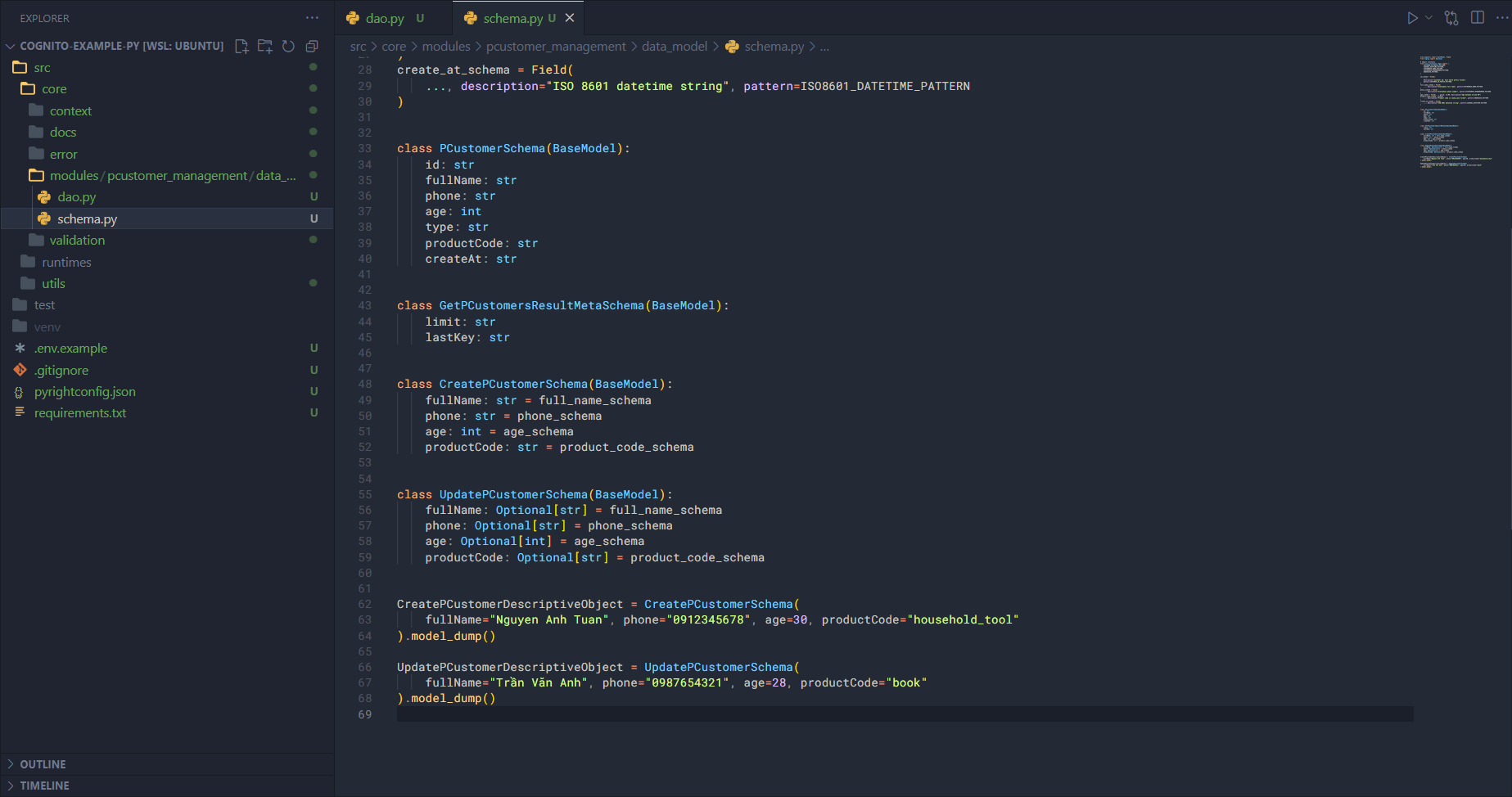
At this point, we have completed building the data model in the pcustomer_management module. In the next section, we will build each functionality.