4.5.3. Setup application
Congratulations, we’re at the end of building the sample application with NodeTS and Express. Now it’s time to perform the final steps before trying out the application.
Setup application
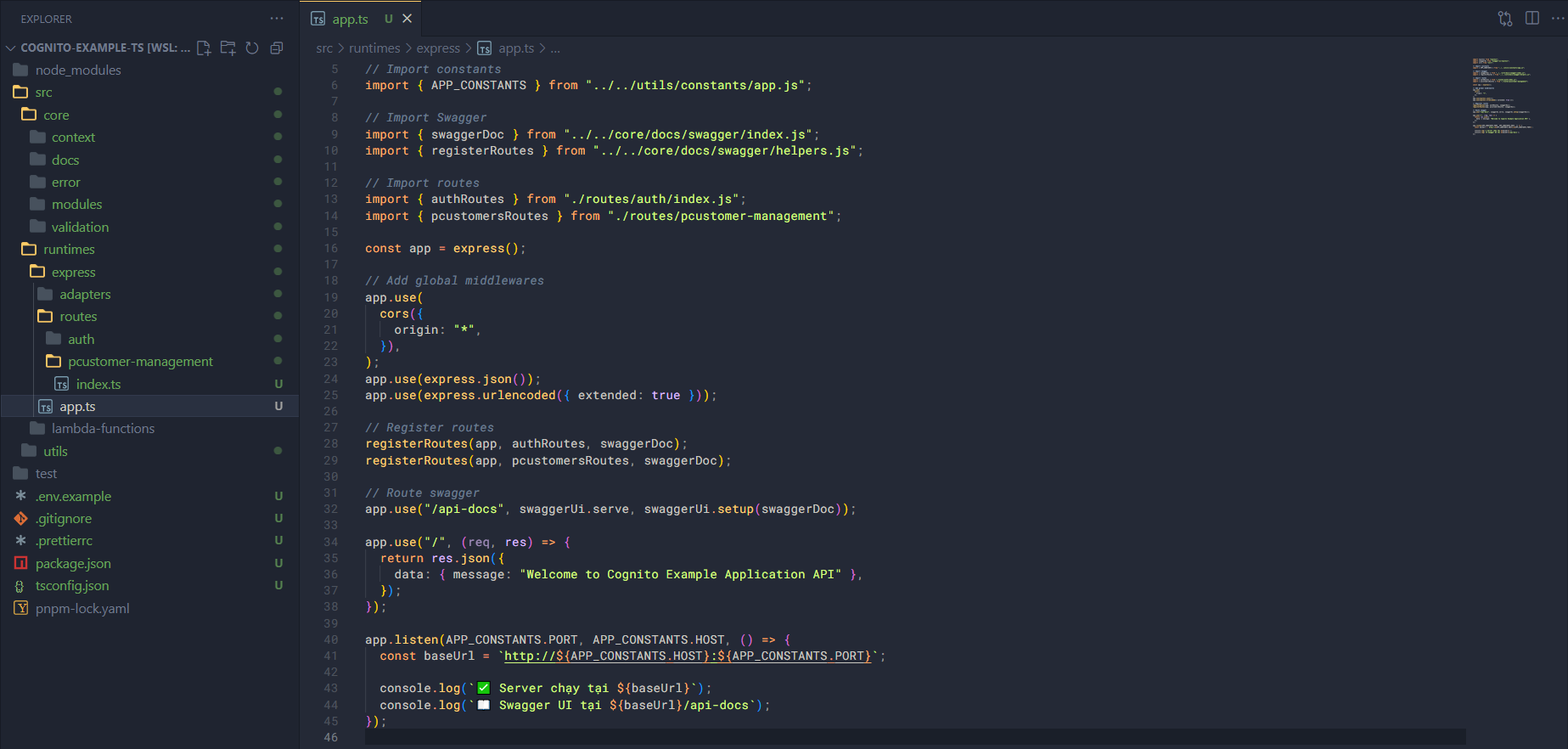
In app.ts add some code.
Import some necessary things; here we’ll also import the routes we’ve set up.
import express from "express";
import swaggerUi from "swagger-ui-express";
import cors from "cors";

// Import constants
import { APP_CONSTANTS } from "../../utils/constants/app.js";

// Import Swagger
import { swaggerDoc } from "../../core/docs/swagger/index.js";
import { registerRoutes } from "../../core/docs/swagger/helpers.js";

// Import routes
import { authRoutes } from "./routes/auth/index.js";
import { pcustomersRoutes } from "./routes/pcustomer-management";
Then set up routes, global middlewares, create a route for the API Docs, and start the application.
const app = express();

// Add global middlewares
app.use(
  cors({
    origin: "*",
  }),
);
app.use(express.json());
app.use(express.urlencoded({ extended: true }));

// Register routes
registerRoutes(app, authRoutes, swaggerDoc);
registerRoutes(app, pcustomersRoutes, swaggerDoc);

// Route swagger
app.use("/api-docs", swaggerUi.serve, swaggerUi.setup(swaggerDoc));

app.use("/", (req, res) => {
  return res.json({
    data: { message: "Welcome to Cognito Example Application API" },
  });
});

app.listen(APP_CONSTANTS.PORT, APP_CONSTANTS.HOST, () => {
  const baseUrl = `http://${APP_CONSTANTS.HOST}:${APP_CONSTANTS.PORT}`;

  console.log(`✅ Server chạy tại ${baseUrl}`);
  console.log(`📖 Swagger UI tại ${baseUrl}/api-docs`);
});
Build application (experiment)
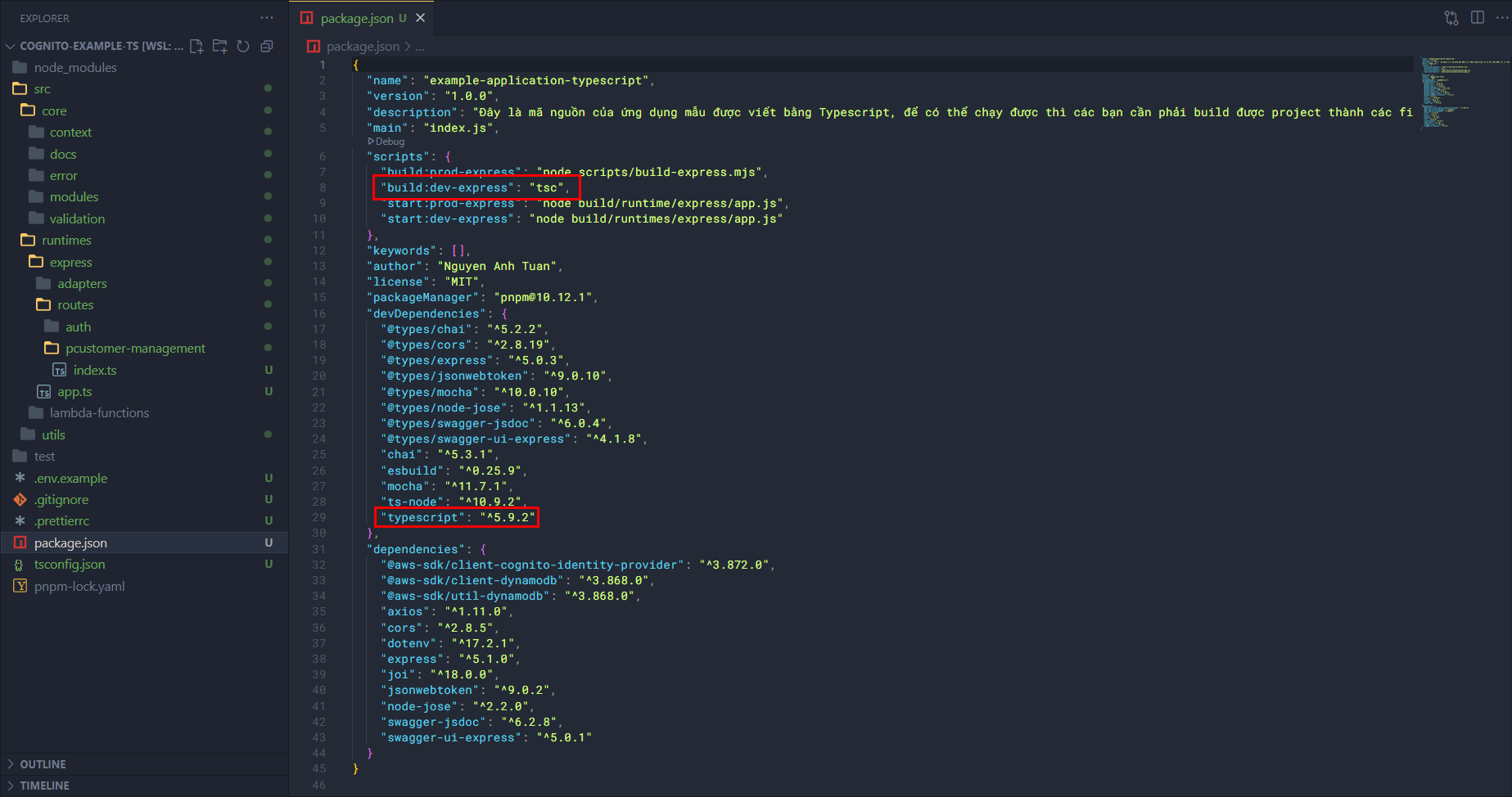
However, for our application to run, as I mentioned we need to transpile the TypeScript code to JavaScript.
In package.json I’ve installed typescript and set up the build script.
Together with tsconfig.json, we’ve defined where the output of the build process will go. Try building it!
npm run build:dev-express

# Hoặc
pnpm run build:dev-express
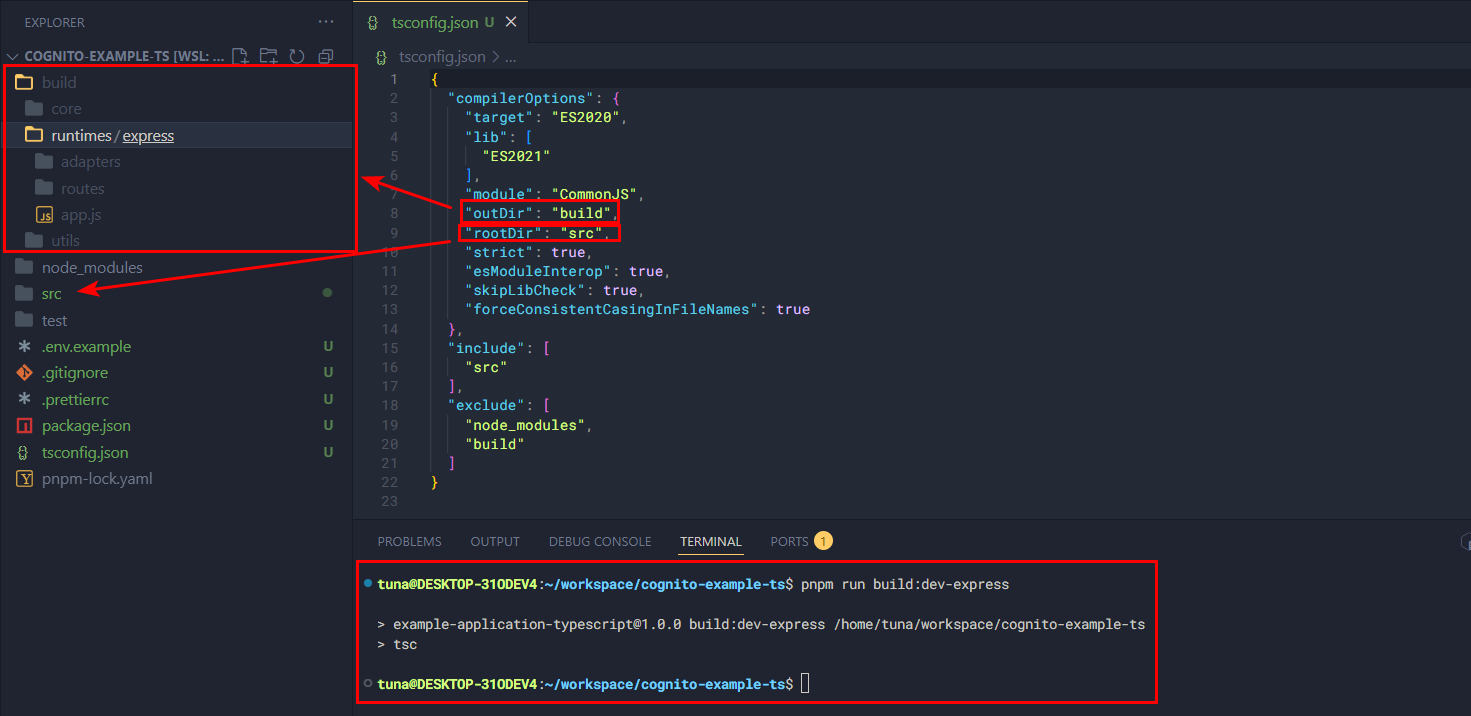
This shows that our source code is stable and can already run locally.
Setup test scripts (optional)
In this step, we’ll write some sample test scripts to test modules and functions in the source code. For example, I wrote a crypto module in utils, now I’ll test some functions in it.
Outside the src folder, create a test folder. In test create the file base64-crypto.test.ts, add this script to the file.
import { expect } from "chai";
import {
  encode,
  decode,
  urlSafeEncode,
  urlSafeDecode,
} from "../src/utils/crypto/base64";

describe("Crypto Base64 - Unit Test", () => {
  it("should encode and decode a string", () => {
    const input = "hello world";
    const encoded = encode(input);
    const decoded = decode(encoded);
    expect(decoded).to.equal(input);
  });

  it("should encode and decode a number", () => {
    const input = 12345;
    const encoded = encode(input);
    const decoded = decode(encoded);
    expect(decoded).to.equal(input);
  });

  it("should encode and decode an object", () => {
    const input = { foo: "bar", count: 42 };
    const encoded = encode(input);
    const decoded = decode(encoded);
    expect(decoded).to.deep.equal(input);
  });

  it("should encode and decode an array", () => {
    const input = ["a", "b", "c"];
    const encoded = encode(input);
    const decoded = decode(encoded);
    expect(decoded).to.deep.equal(input);
  });

  it("should decode object with items[] property as array", () => {
    const tupleLike = { items: [1, 2, 3] };
    const encoded = encode(tupleLike);
    const decoded = decode(encoded);
    expect(decoded).to.deep.equal({ items: [1, 2, 3] });
  });

  it("should urlSafeEncode and urlSafeDecode properly", () => {
    const input = { user: "alice", id: 99 };
    const encoded = urlSafeEncode(input);

    // base64url không có ký tự +, / hoặc = trong output
    expect(encoded).to.not.match(/[+/=]/);

    const decoded = urlSafeDecode(encoded);
    expect(decoded).to.deep.equal(input);
  });

  it("should urlSafeDecode object with items[] property as array", () => {
    const tupleLike = { items: ["x", "y"] };
    const encoded = urlSafeEncode(tupleLike);
    const decoded = urlSafeDecode(encoded);
    expect(decoded).to.deep.equal({ items: ["x", "y"] });
  });
});
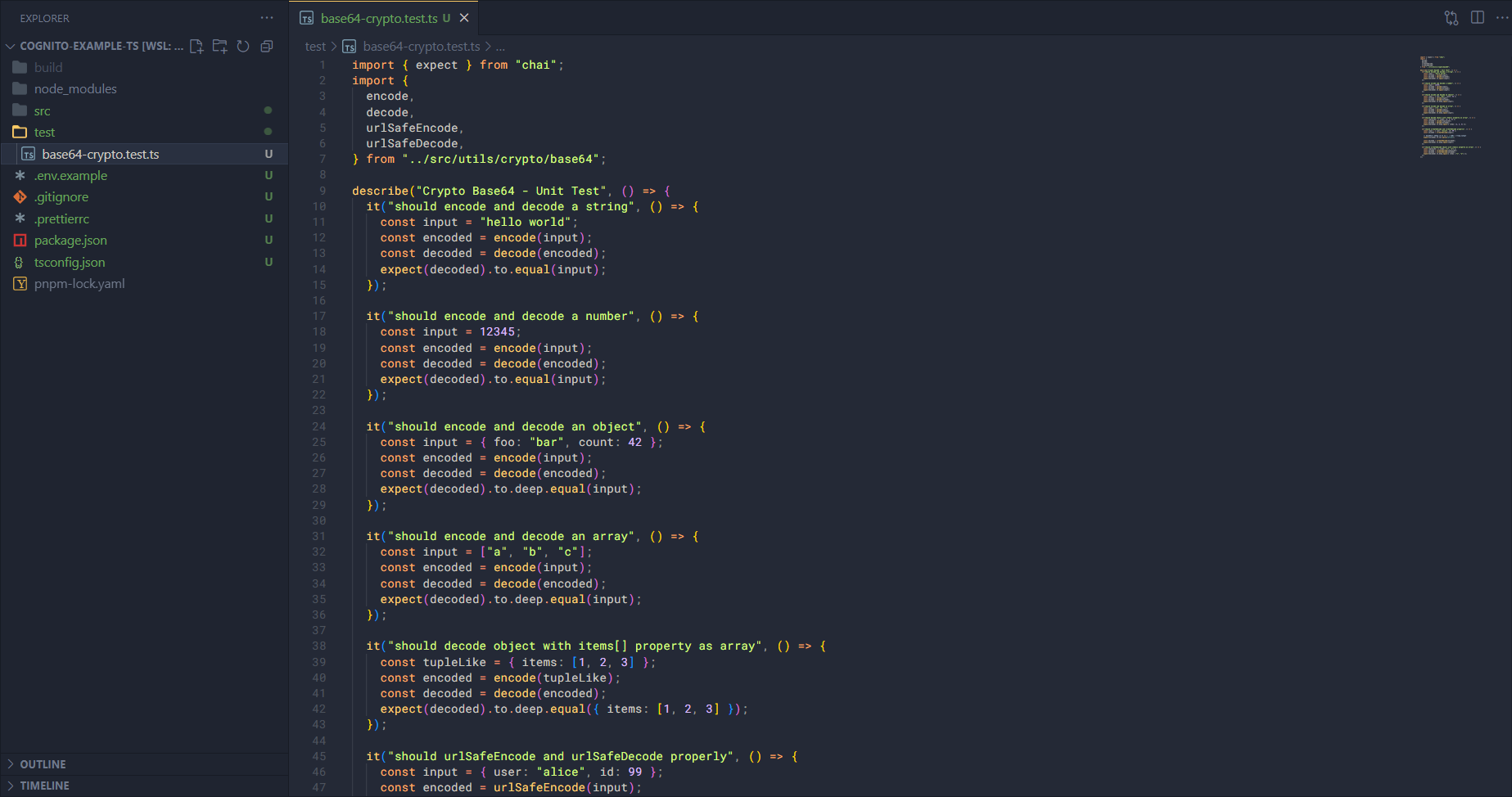
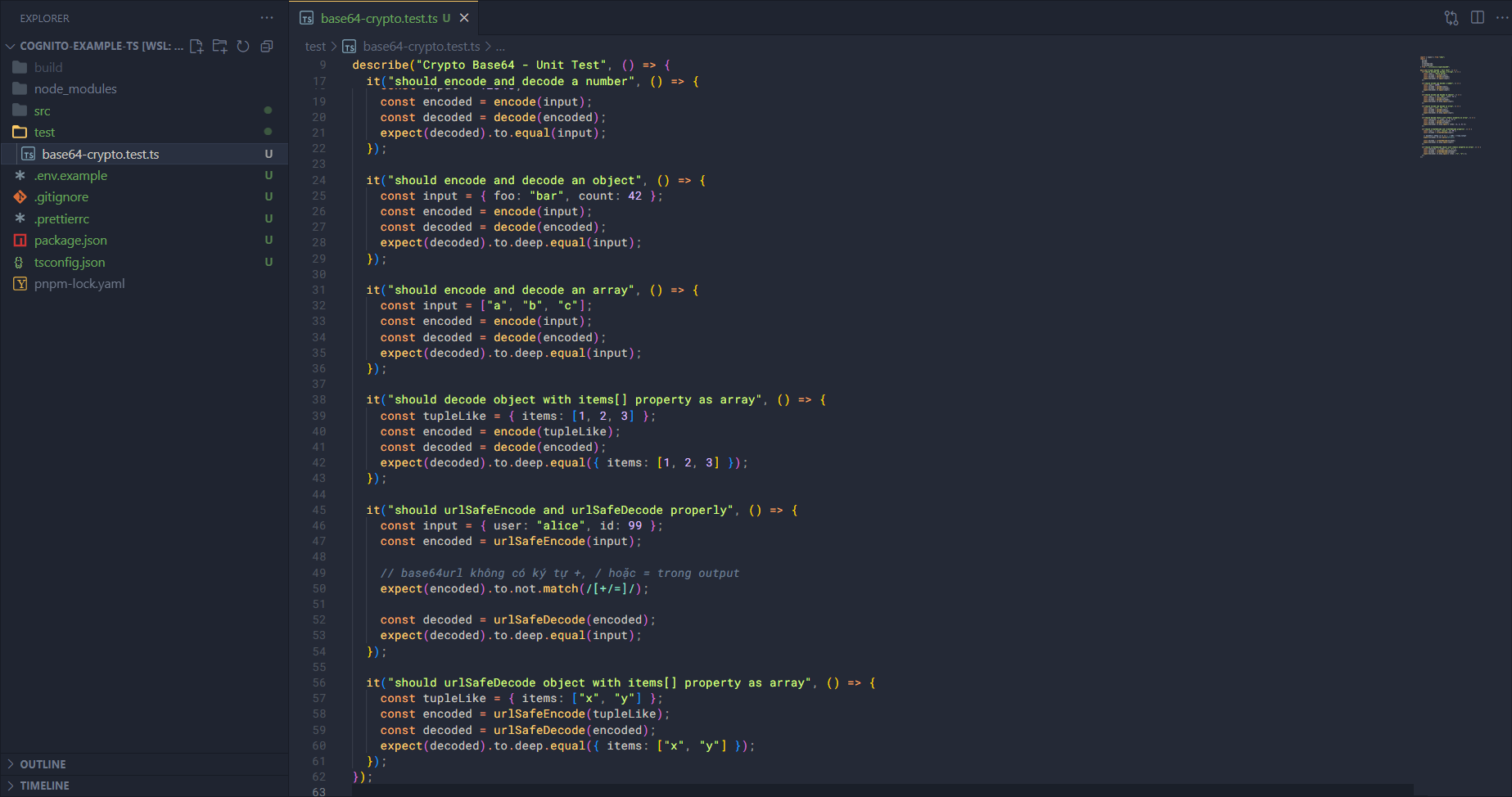
Some test cases are:
- Encrypt a string and then decrypt it to compare.
- Encrypt a number and then decrypt it to compare.
- Encrypt an object and then decrypt it to compare.
- Encrypt an array and then decrypt it to compare.
Run the test with Mocha (we’ve installed it before) using the following code:
npx mocha -r ts-node/register base64-crypto.test.ts
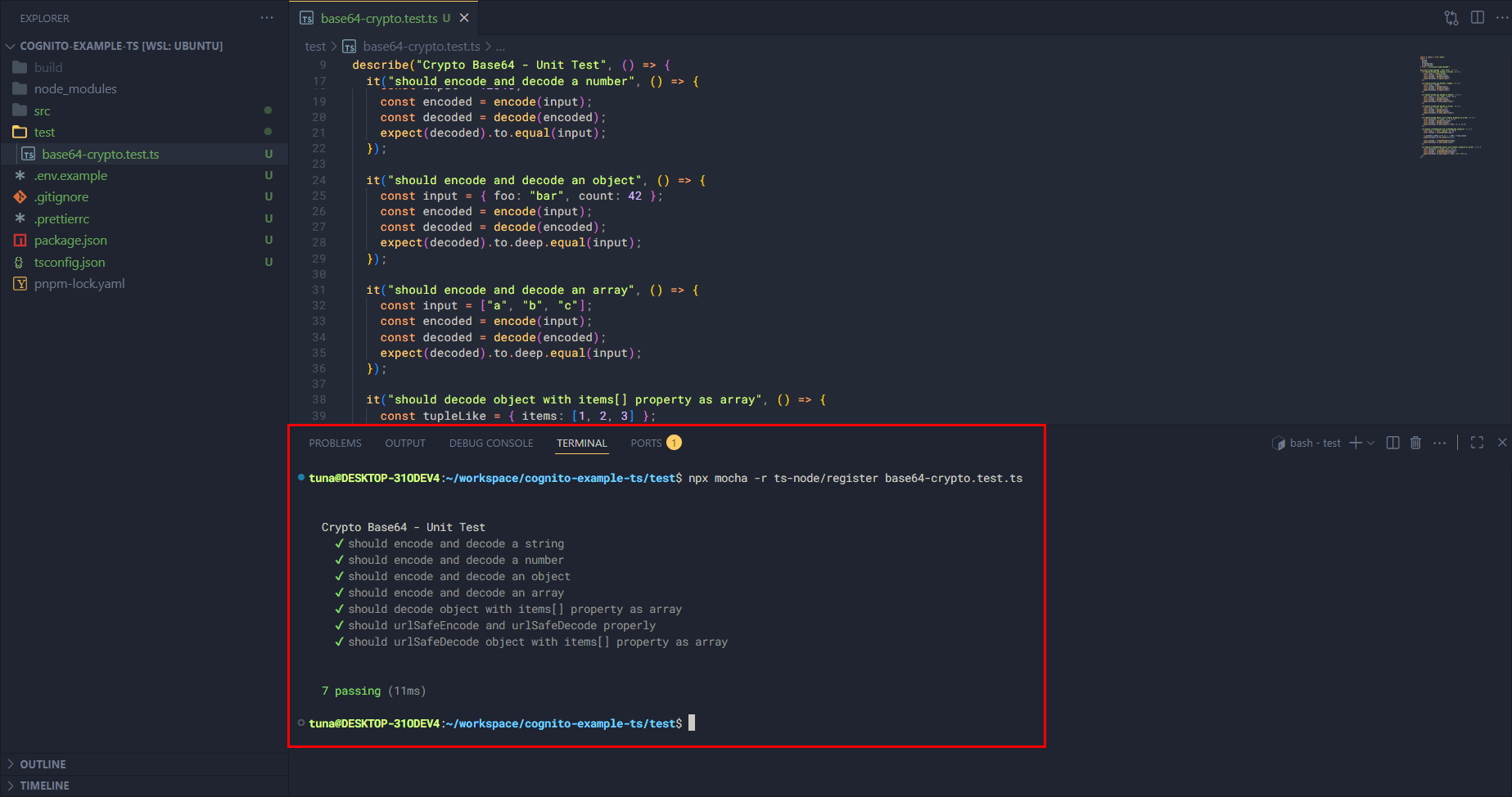
OK you can see that our function ran fine. This part is just an example with one function, you can use this file and AI to write more test scripts for other modules and functions.