4.5.2. Build routes
Now we already have the code that performs the main features, but how will the client use it? This is when the concept of API and Endpoints comes in. In this part we’ll set up the Routes, which will be integrated together at the end.
Auth routes
First, in the routes/auth folder, create the file index.ts and add a few lines of code.
Import some things first.
// Import properties from core
import {
  signInDataDescriptiveObject,
  signInResultDescriptiveObject,
  refreshTokensDataDescriptiveObject,
  refreshTokensResultDescriptiveObject,
} from "../../../../core/modules/auth/data-model/schema";

// Import pipelines from core
import { signInPipeline } from "../../../../core/modules/auth/ports";
import { refreshTokensPipeline } from "../../../../core/modules/auth/ports";

// Import from runtime
import { jsonResponse } from "../../../../core/docs/swagger/helpers";
import { ExpressRuntimeContext } from "../../adapters/context";

// Import types
import type { TRouteDefinition } from "../../../../core/docs/swagger/type";
Now we’ll set up the route according to the OpenAPI standard that we’ve defined in core/docs/swagger/type.ts.
For auth we only need to expose 2 functions that are set up with pipelines.
export const authTag = "Auth";
export const authRoutes: TRouteDefinition[] = [
  {
    method: "post",
    path: "/auth/sign-in",
    handler: async (req, res, next) => {
      const ctx = new ExpressRuntimeContext(req, res, next);
      return await signInPipeline.run(ctx);
    },
    summary: "Cho phép thực hiện đăng nhập.",
    description:
      "Tiến hành xác thực người dùng dựa trên username và password của người dùng này.",
    tags: [authTag],
    security: {
      bearerAuth: [],
    },
    requestBody: {
      required: true,
      content: {
        "application/json": {
          schema: signInDataDescriptiveObject,
        },
      },
    },
    responses: {
      ...jsonResponse(
        "200",
        {
          type: "object",
          properties: {
            data: signInResultDescriptiveObject,
            meta: { type: "object" },
          },
        },
        "Danh sách của khách hàng tiềm năng.",
      ),
    },
  },
  {
    method: "post",
    path: "/auth/refresh-tokens",
    handler: async (req, res, next) => {
      const ctx = new ExpressRuntimeContext(req, res, next);
      return await refreshTokensPipeline.run(ctx);
    },
    summary: "Cho phép làm mới lại các tokens.",
    description: "Làm mới lại Access Token và Id Token dựa vào Refresh Token.",
    tags: [authTag],
    security: {
      bearerAuth: [],
    },
    requestBody: {
      required: true,
      content: {
        "application/json": {
          schema: refreshTokensDataDescriptiveObject,
        },
      },
    },
    responses: {
      ...jsonResponse(
        "200",
        {
          type: "object",
          properties: {
            data: refreshTokensResultDescriptiveObject,
            meta: { type: "object" },
          },
        },
        "Danh sách của khách hàng tiềm năng.",
      ),
    },
  },
];
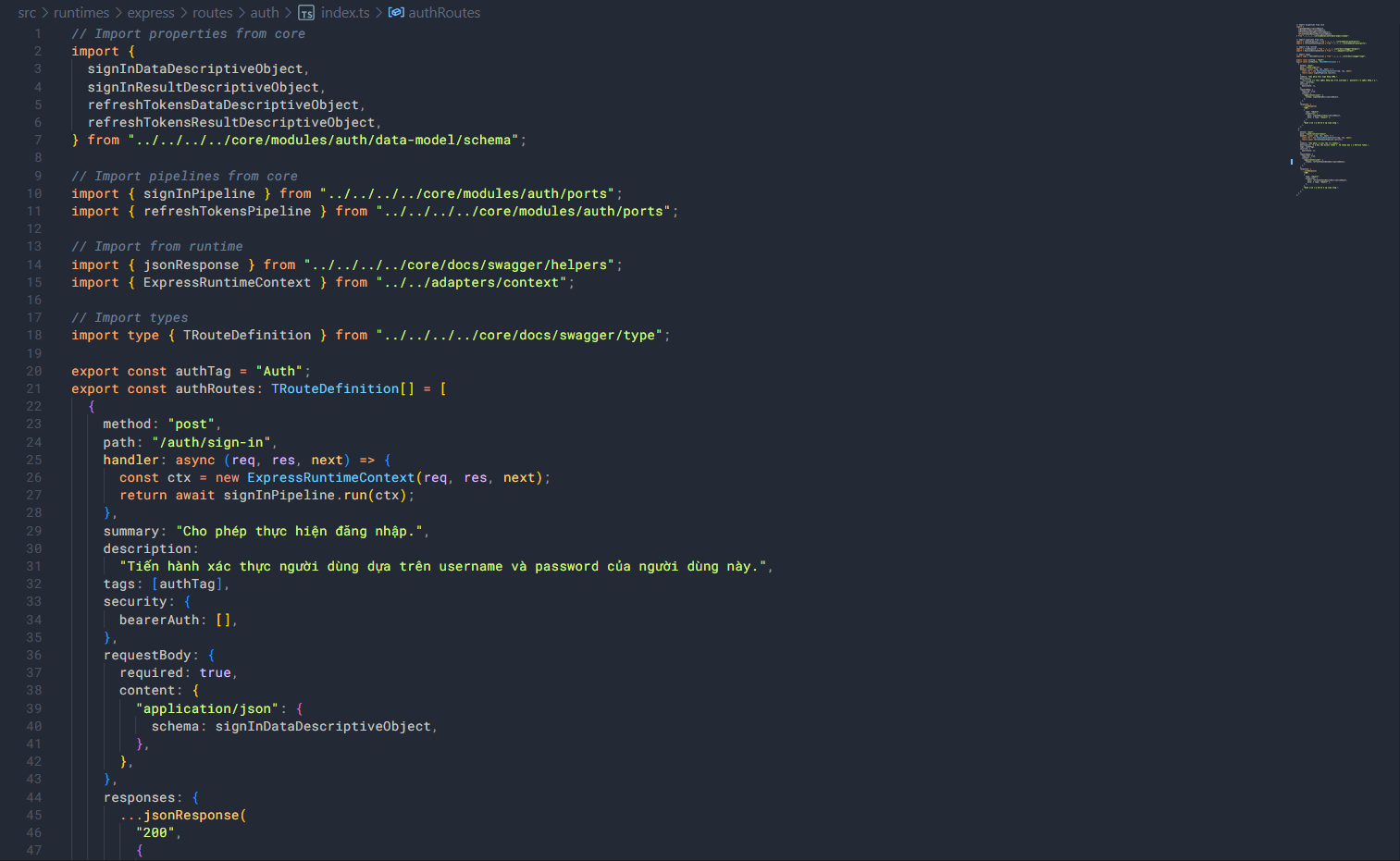
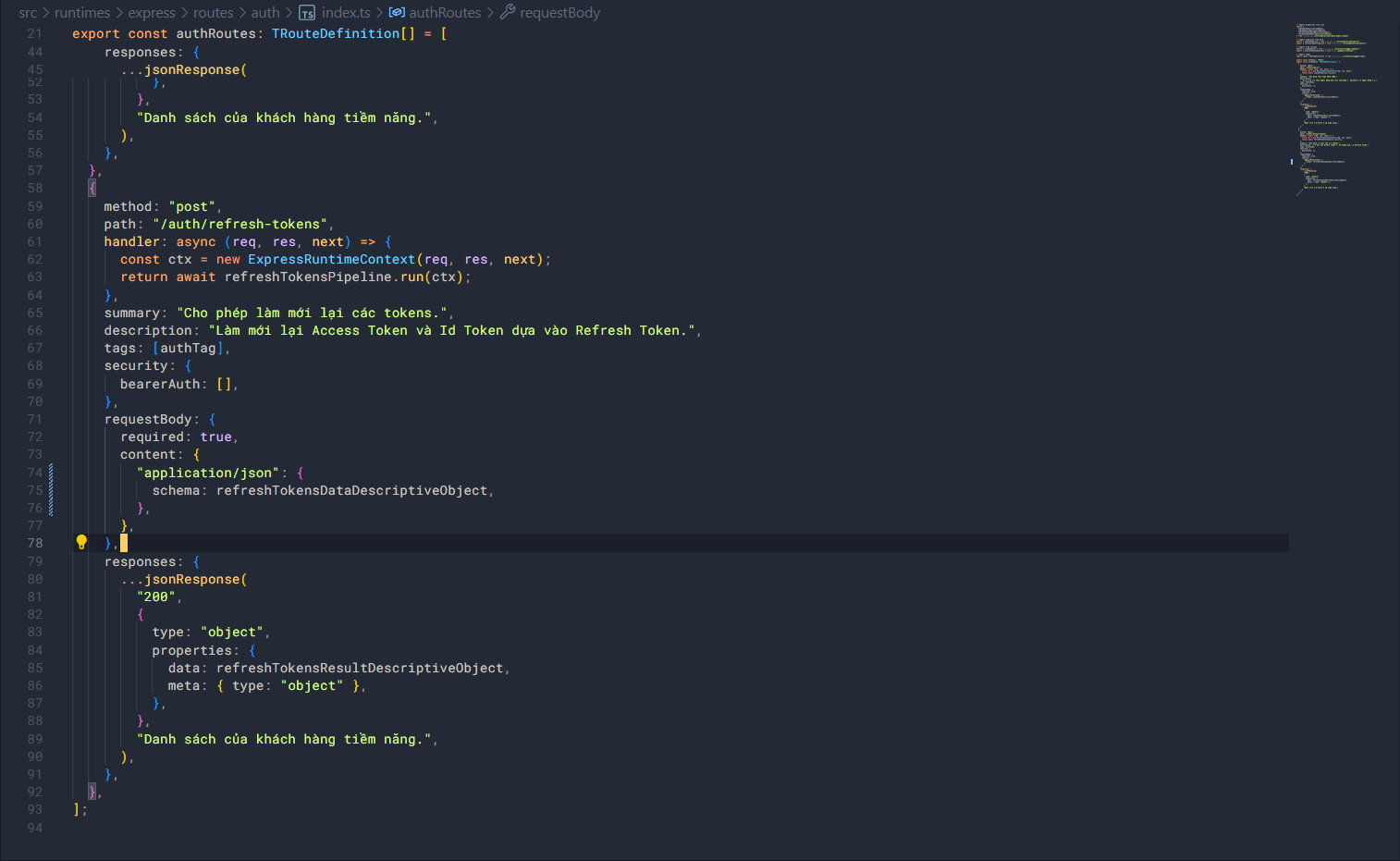
You can see that when a request is sent, an instance of the runtime context is created, then the pipeline runs the run() function and returns the result from this function. That’s how we use the runtime context with the pipeline.
Potential customer management routes
For the routes of the customer management module, it’s similar, but there will be more routes.
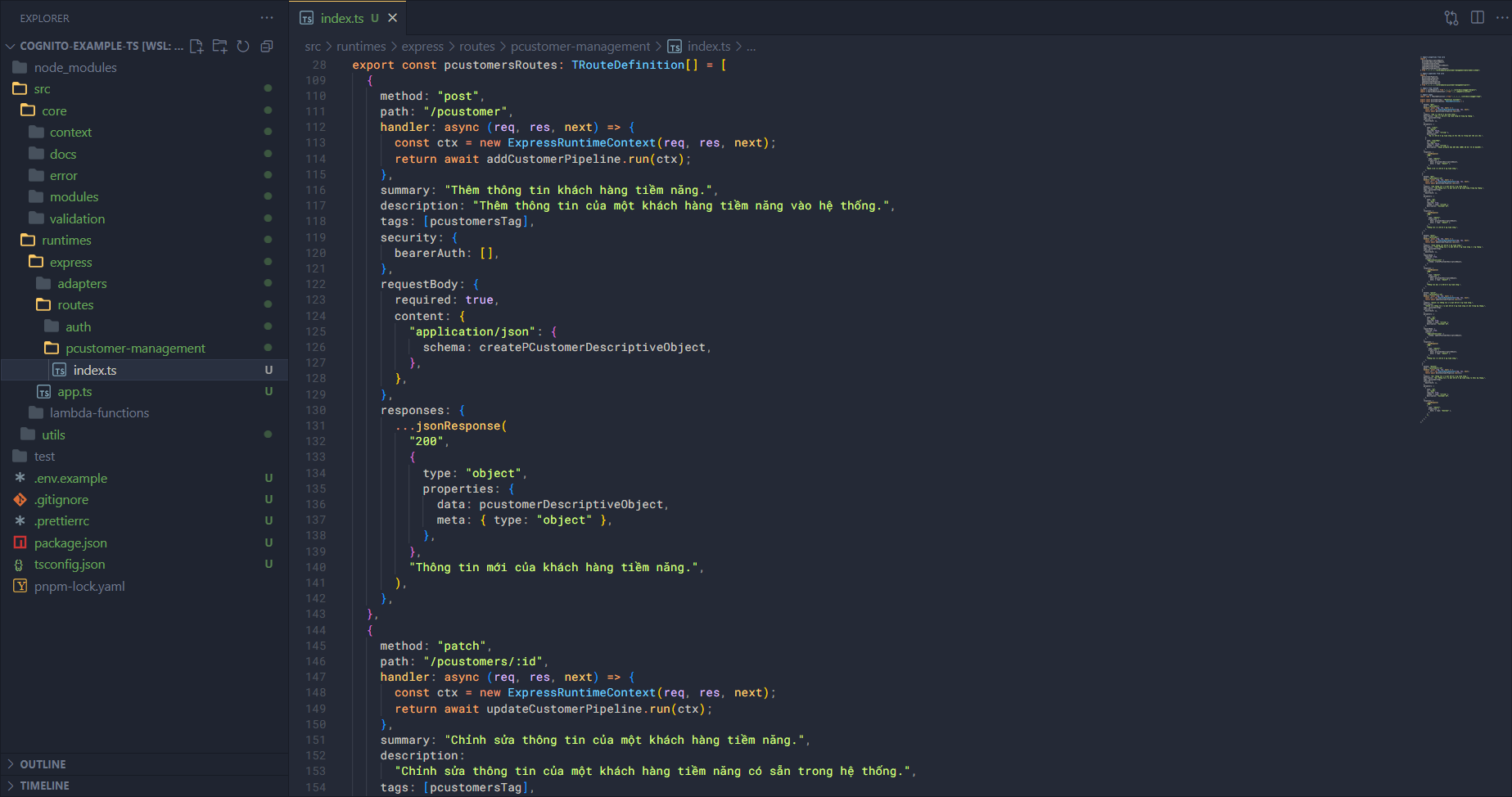
Similarly, create the file index.ts in the pcustomer-managment folder and import some things first.
// Import properties from core
import {
  pcustomerDescriptiveObject,
  pcustomersDescriptiveObject,
  createPCustomerSchema,
  createPCustomerDescriptiveObject,
  updatePCustomerSchema,
  updatePCustomerDescriptiveObject,
} from "../../../../core/modules/pcustomer-management/data-model/schema";

// Import pipelines from core
import {
  getCustomerPipeline,
  getCustomersPipeline,
  addCustomerPipeline,
  updateCustomerPipeline,
  deleteCustomerPipeline,
} from "../../../../core/modules/pcustomer-management/ports";

// Import from runtime
import { jsonResponse } from "../../../../core/docs/swagger/helpers";
import { ExpressRuntimeContext } from "../../adapters/context";

// Import types
import type { TRouteDefinition } from "../../../../core/docs/swagger/type";
Then set up the routes according to the OpenAPI standard.
export const pcustomersTag = "Potential Customer";
export const pcustomersRoutes: TRouteDefinition[] = [
  {
    method: "get",
    path: "/pcustomers",
    handler: async (req, res, next) => {
      const ctx = new ExpressRuntimeContext(req, res, next);
      return await getCustomersPipeline.run(ctx);
    },
    summary: "Lấy các khách hàng tiềm năng.",
    description: "Lấy các khách hàng tiềm năng ở trong hệ thống.",
    tags: [pcustomersTag],
    security: {
      bearerAuth: [],
    },
    parameters: [
      {
        name: "limit",
        in: "query",
        required: false,
        schema: { type: "string" },
        description:
          "Số các khách hàng tiềm năng có thể lấy về trong một lần yêu cầu.",
      },
      {
        name: "startKey",
        in: "query",
        required: false,
        schema: { type: "string" },
        description: "Chuỗi primary key bắt đầu (được mã hoá thành base64).",
      },
    ],
    responses: {
      ...jsonResponse(
        "200",
        {
          type: "object",
          properties: {
            data: pcustomersDescriptiveObject,
            meta: { type: "object" },
          },
        },
        "Danh sách của khách hàng tiềm năng.",
      ),
    },
  },
  {
    method: "get",
    path: "/pcustomers/:id",
    handler: async (req, res, next) => {
      const ctx = new ExpressRuntimeContext(req, res, next);
      return await getCustomerPipeline.run(ctx);
    },
    summary: "Lấy thông tin của một khách hàng tiềm năng.",
    description: "Lấy thông tin của một khách hàng tiềm năng trong hệ thống.",
    tags: [pcustomersTag],
    security: {
      bearerAuth: [],
    },
    parameters: [
      {
        name: "id",
        in: "path",
        required: true,
        schema: { type: "string" },
        description: "Customer ID",
      },
    ],
    responses: {
      ...jsonResponse(
        "200",
        {
          type: "object",
          properties: {
            data: pcustomerDescriptiveObject,
            meta: { type: "object" },
          },
        },
        "Thông tin của khách hàng tiềm năng.",
      ),
    },
  },
  {
    method: "post",
    path: "/pcustomer",
    handler: async (req, res, next) => {
      const ctx = new ExpressRuntimeContext(req, res, next);
      return await addCustomerPipeline.run(ctx);
    },
    summary: "Thêm thông tin khách hàng tiềm năng.",
    description: "Thêm thông tin của một khách hàng tiềm năng vào hệ thống.",
    tags: [pcustomersTag],
    security: {
      bearerAuth: [],
    },
    requestBody: {
      required: true,
      content: {
        "application/json": {
          schema: createPCustomerDescriptiveObject,
        },
      },
    },
    responses: {
      ...jsonResponse(
        "200",
        {
          type: "object",
          properties: {
            data: pcustomerDescriptiveObject,
            meta: { type: "object" },
          },
        },
        "Thông tin mới của khách hàng tiềm năng.",
      ),
    },
  },
  {
    method: "patch",
    path: "/pcustomers/:id",
    handler: async (req, res, next) => {
      const ctx = new ExpressRuntimeContext(req, res, next);
      return await updateCustomerPipeline.run(ctx);
    },
    summary: "Chỉnh sửa thông tin của một khách hàng tiềm năng.",
    description:
      "Chỉnh sửa thông tin của một khách hàng tiềm năng có sẵn trong hệ thống.",
    tags: [pcustomersTag],
    security: {
      bearerAuth: [],
    },
    parameters: [
      {
        name: "id",
        in: "path",
        required: true,
        schema: { type: "string" },
        description: "Customer ID",
      },
    ],
    requestBody: {
      required: true,
      content: {
        "application/json": {
          schema: updatePCustomerDescriptiveObject,
        },
      },
    },
    responses: {
      ...jsonResponse(
        "200",
        {
          type: "object",
          properties: {
            data: pcustomerDescriptiveObject,
            meta: { type: "object" },
          },
        },
        "Thông tin của khách hàng tiềm năng.",
      ),
    },
  },
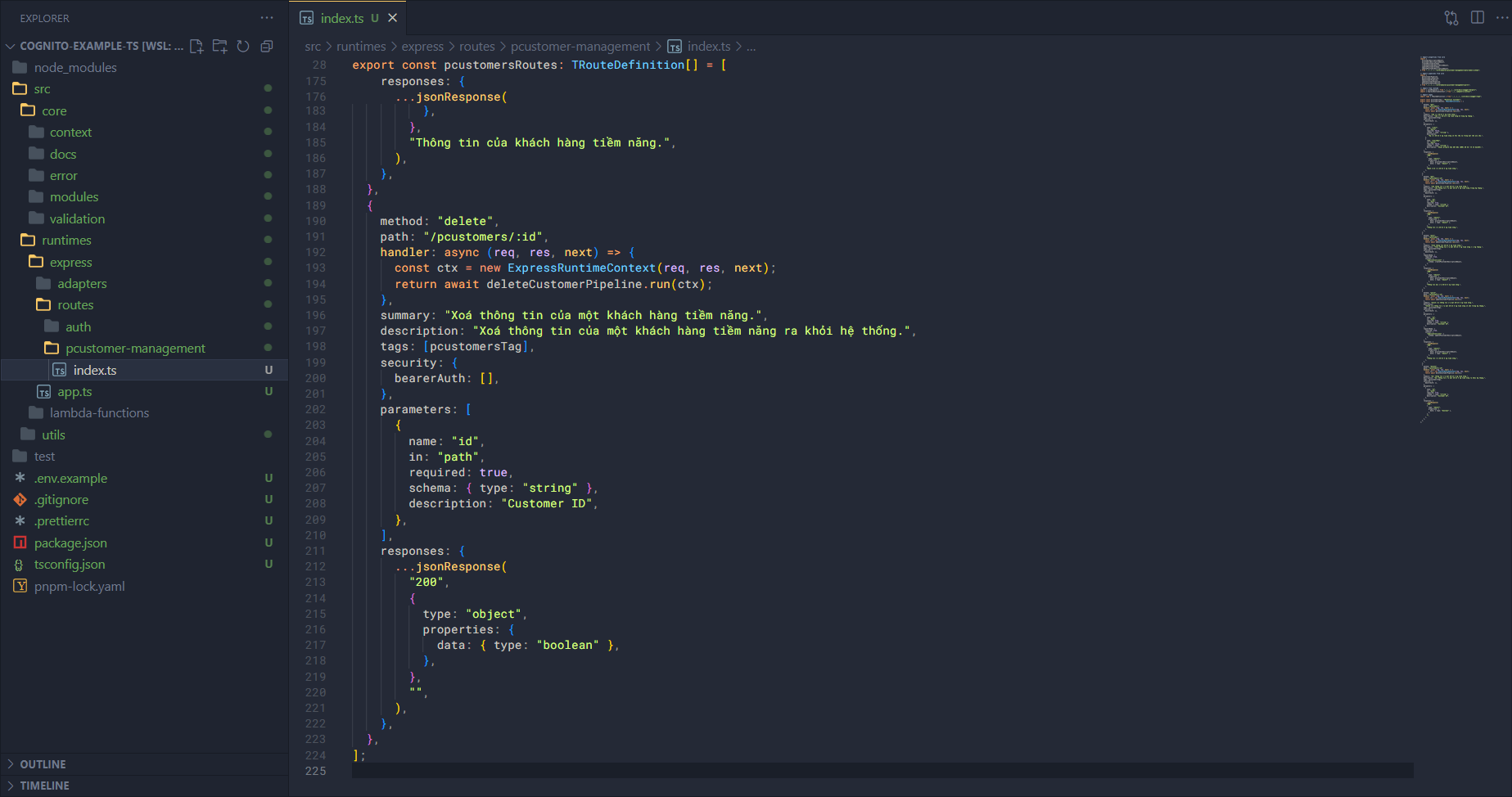
  {
    method: "delete",
    path: "/pcustomers/:id",
    handler: async (req, res, next) => {
      const ctx = new ExpressRuntimeContext(req, res, next);
      return await deleteCustomerPipeline.run(ctx);
    },
    summary: "Xoá thông tin của một khách hàng tiềm năng.",
    description: "Xoá thông tin của một khách hàng tiềm năng ra khỏi hệ thống.",
    tags: [pcustomersTag],
    security: {
      bearerAuth: [],
    },
    parameters: [
      {
        name: "id",
        in: "path",
        required: true,
        schema: { type: "string" },
        description: "Customer ID",
      },
    ],
    responses: {
      ...jsonResponse(
        "200",
        {
          type: "object",
          properties: {
            data: { type: "boolean" },
          },
        },
        "",
      ),
    },
  },
];
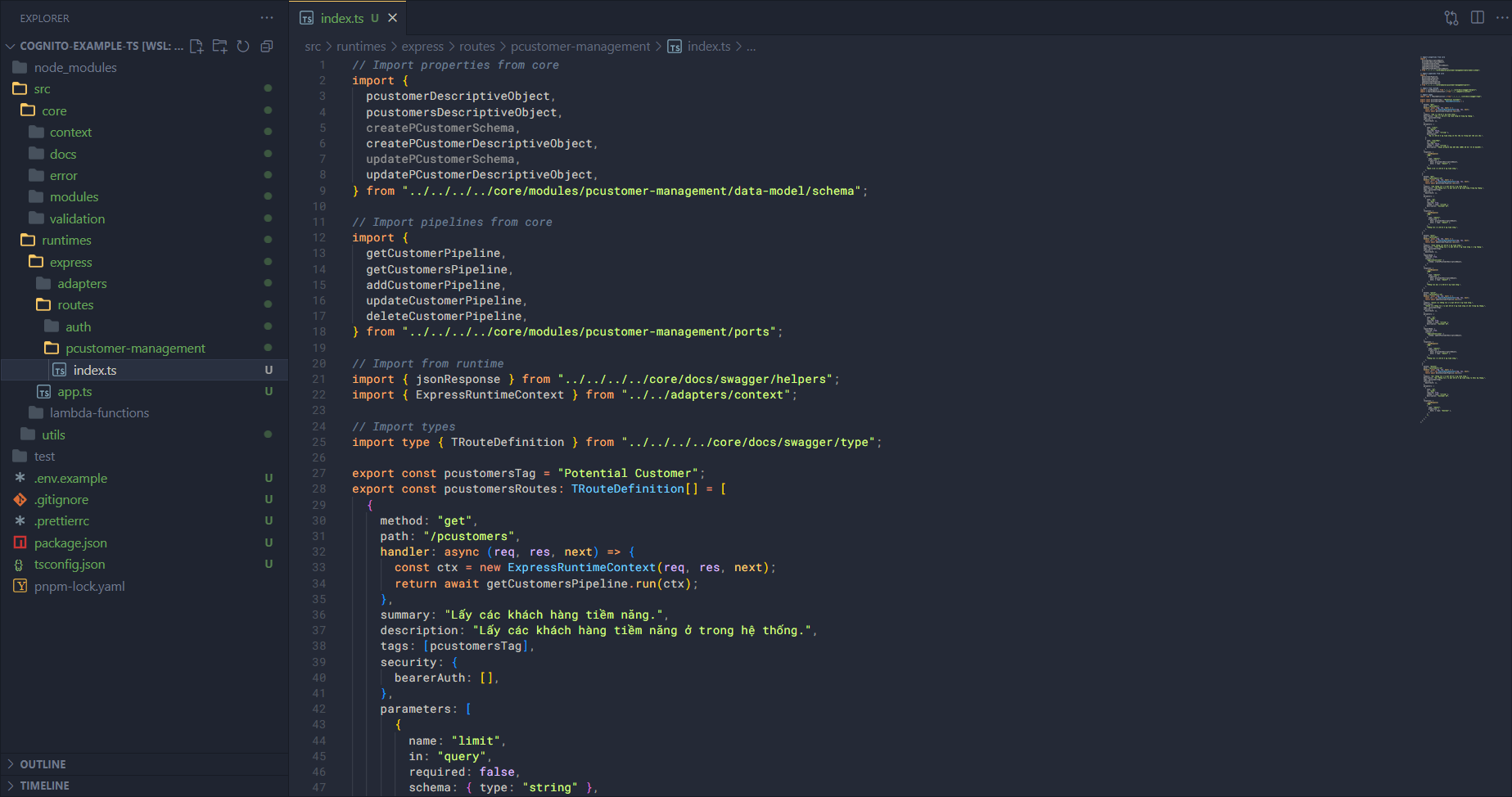
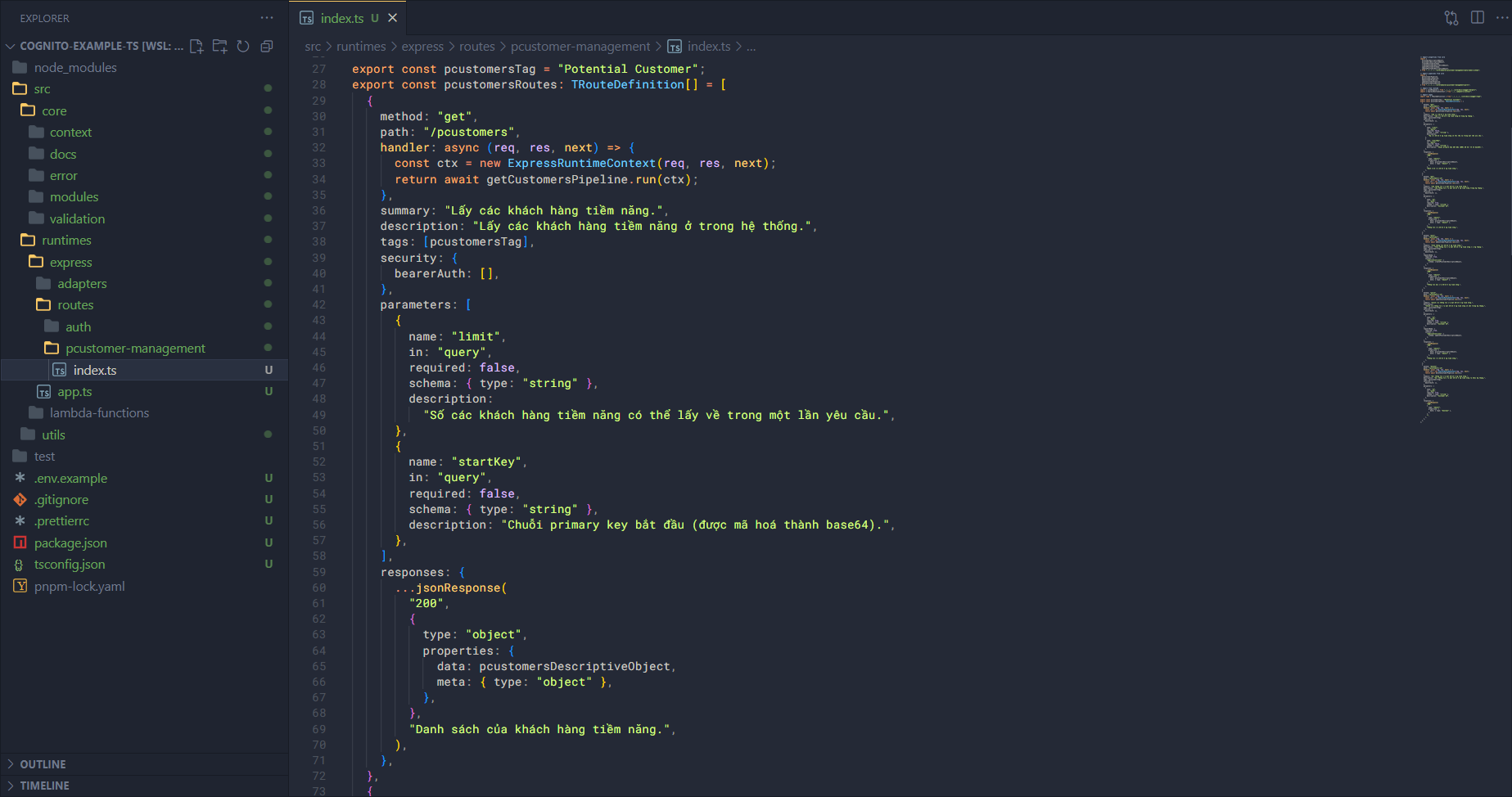
You’ll notice these routes can have parameters like:
{
  security: {
    bearerAuth: [],
  }
}
This means these routes will accept the Authorization Header for a Bearer Token. If you’ve gotten to this point, congratulations — you’ve almost finished the application.