4.4.5. Build ports
Just like with the customer management module, in this step we will also create pipelines so they can be used in the runtime or elsewhere.
Pre-setup
In the modules/auth/ports directory, create the index.ts file and add some of the following code.
First, we need to import some things.
import { Pipeline } from "../../../context/pipeline";

// Import errors
import { ClientError, isStandardError } from "../../../error";

// Import functions
import { signIn } from "../functions/sign-in";
import { refreshTokens } from "../functions/refresh-tokens";

// Import schema & validators
import {
  signInDataSchema,
  refreshTokensDataSchema,
} from "../data-model/schema";
import { createValidationStepExecutor } from "../../../validation/joi/helpers";

// Import types
import type { RuntimeContext } from "../../../context/runtime-context";
Then create 2 pipelines.
const signInPipeline = new Pipeline<RuntimeContext>("Sign In Pipeline");
const refreshTokensPipeline = new Pipeline<RuntimeContext>(
  "Refresh Tokens Pipeline",
);
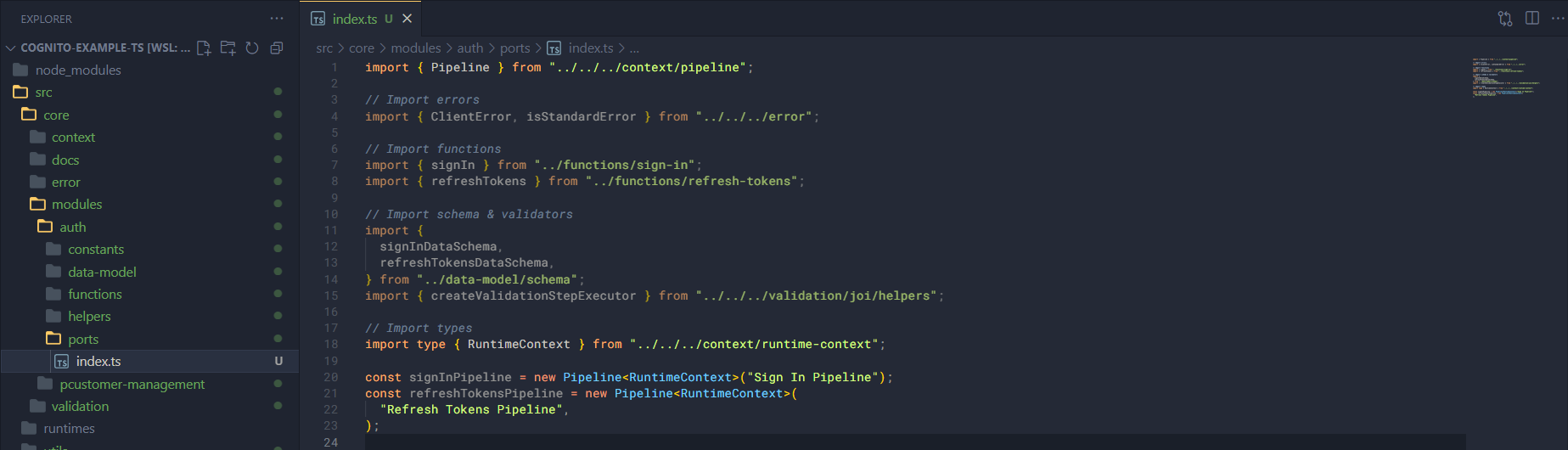
Pipelines
Next we will add steps to the 2 pipelines above, just as simple as this.
signInPipeline
  .addStep(createValidationStepExecutor(signInPipeline, signInDataSchema))
  .addStep(signIn)
  .addStep<void>((ctx) => {
    if (isStandardError(ctx.prevResult)) {
      return ctx.sendError(ctx.prevResult);
    }

    return ctx.sendJson(ctx.prevResult);
  });

refreshTokensPipeline
  .addStep(
    createValidationStepExecutor(
      refreshTokensPipeline,
      refreshTokensDataSchema,
    ),
  )
  .addStep(refreshTokens)
  .addStep<void>((ctx) => {
    if (isStandardError(ctx.prevResult)) {
      return ctx.sendError(ctx.prevResult);
    }

    return ctx.sendJson(ctx.prevResult);
  });
And make sure to export these pipelines.
export { signInPipeline, refreshTokensPipeline };
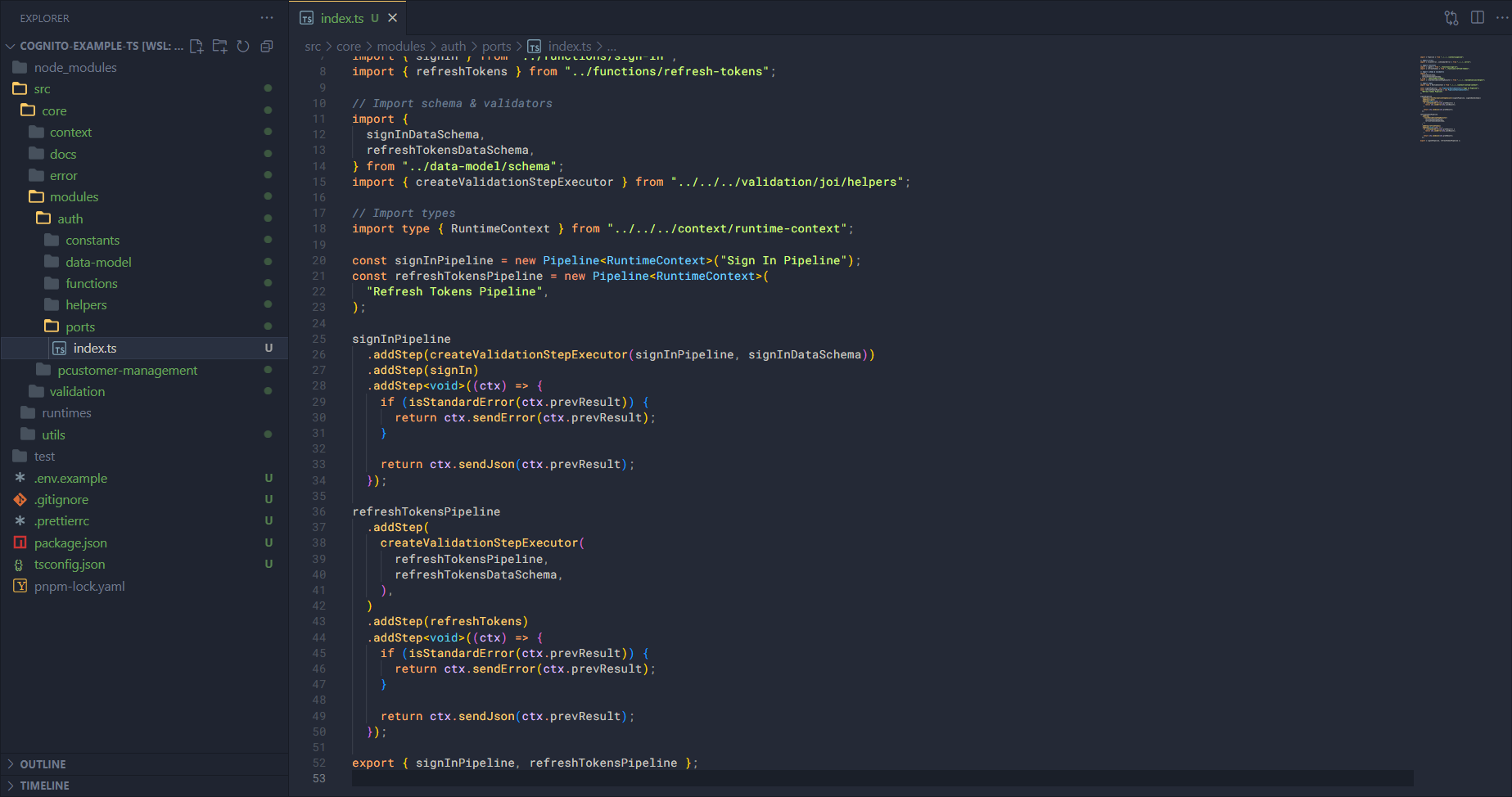
With that, our modules are all complete, now let’s go ahead and set up the runtime so we can run the application.