4.4.3. Build functions
Now we will build the functions for this module. In the auth module, there are some functions we can use through a pipeline, but there are also some functions that can be used individually as steps, those functions are createRolesCheckStepExecutor and createTeamsCheckStepExecutor that we created in the ports part of the customer management module earlier.
Pre-setup
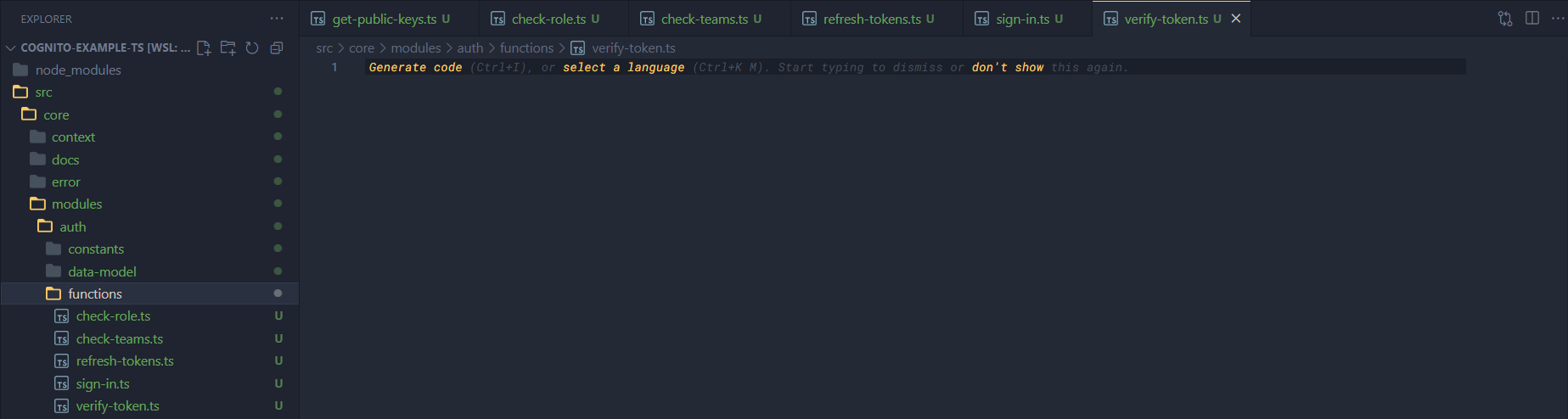
In the functions directory, first create files such as check-role.ts, check-teams.ts, refresh-token.ts, sign-in.ts and verify-token.ts.
Check role function
Open the check-role.ts file and add some of the following code.
Import some things first.
import { ClientError } from "../../../error";

// Import helpers
import { getInfoFromClaims } from "../helpers/get-info-from-claims";

// Import types
import type { Pipeline } from "../../../context/pipeline";
import type { RuntimeContext } from "../../../context/runtime-context";
Now we need to write a wrapper to package this function, because we need to have a pipeline and set up the allowed roles first.
/**
 * Tạo một Step Executor mới để kiểm tra role người dùng.
 *
 * @param pipeline - pipeline.
 * @param allowedRoles - các vai trò được phép thực hiện.
 *
 * @returns
 */
export function createRolesCheckStepExecutor(
  pipeline: Pipeline<any>,
  allowedRoles: Array<string>,
) {
  return async function (ctx: RuntimeContext) {
    if (allowedRoles[0] === "*") {
      return;
    }

    const claims = await ctx.getTempData("claims");
    const user = getInfoFromClaims(claims);

    if (!allowedRoles.find((role) => user.role === role)) {
      pipeline.stop(ctx);

      const err = new ClientError(
        "You don't have permission to do this action",
      );
      err.asHTTPError("Forbidden");
      err.addErrorDetail({
        source: "roleCheck",
        desc: `Role of user is not allowed: ${user.role}`,
      });
      return ctx.sendJson(err);
    }
  };
}
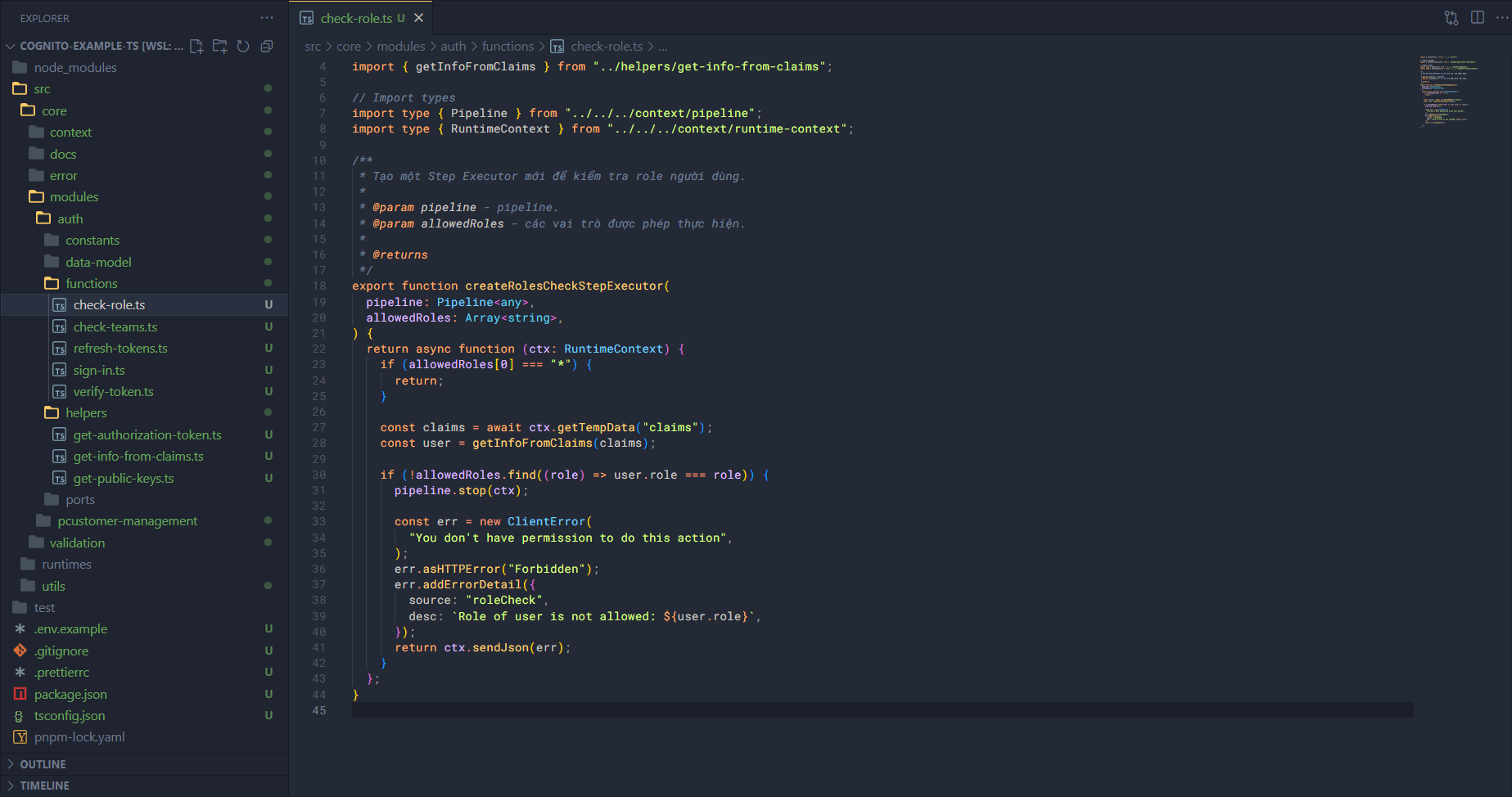
The workflow is as follows:
First, we call the
createRolesCheckStepExecutorfunction to inject the pipeline and allowed roles.Then it just needs to return the main function. In this function it will:
Get the claims.
Get the information from the claims.
Compare the role from the claims with the roles in allowed roles.
- If there’s an error it returns 401.
- If not, continue processing.
Check teams function
Open the check-teams.ts file and add some of the following code.
Import some things first.
// Import errors
import { ClientError } from "../../../error";

// Import helpers
import { getInfoFromClaims } from "../helpers/get-info-from-claims";

// Import types
import type { Pipeline } from "../../../context/pipeline";
import type { RuntimeContext } from "../../../context/runtime-context";
Now we need to write a wrapper to package this function, because we need to have a pipeline and set up the allowed teams first.
/**
 * Tạo một Step Executor mới để kiểm tra team người dùng.
 *
 * @param pipeline - pipeline.
 * @param allowedTeams - các vai trò được phép thực hiện.
 *
 * @returns
 */
export function createTeamsCheckStepExecutor(
  pipeline: Pipeline<any>,
  allowedTeams: Array<string>,
) {
  return async function (ctx: RuntimeContext) {
    if (allowedTeams[0] === "*") {
      return;
    }

    const claims = await ctx.getTempData("claims");
    const user = getInfoFromClaims(claims);

    if (!allowedTeams.find((team) => user.team === team)) {
      pipeline.stop(ctx);

      const err = new ClientError(
        "You don't have permission to do this action",
      );
      err.asHTTPError("Forbidden");
      err.addErrorDetail({
        source: "teamCheck",
        desc: `Team of user is not allowed: ${user.team}`,
      });
      return ctx.sendJson(err);
    }
  };
}
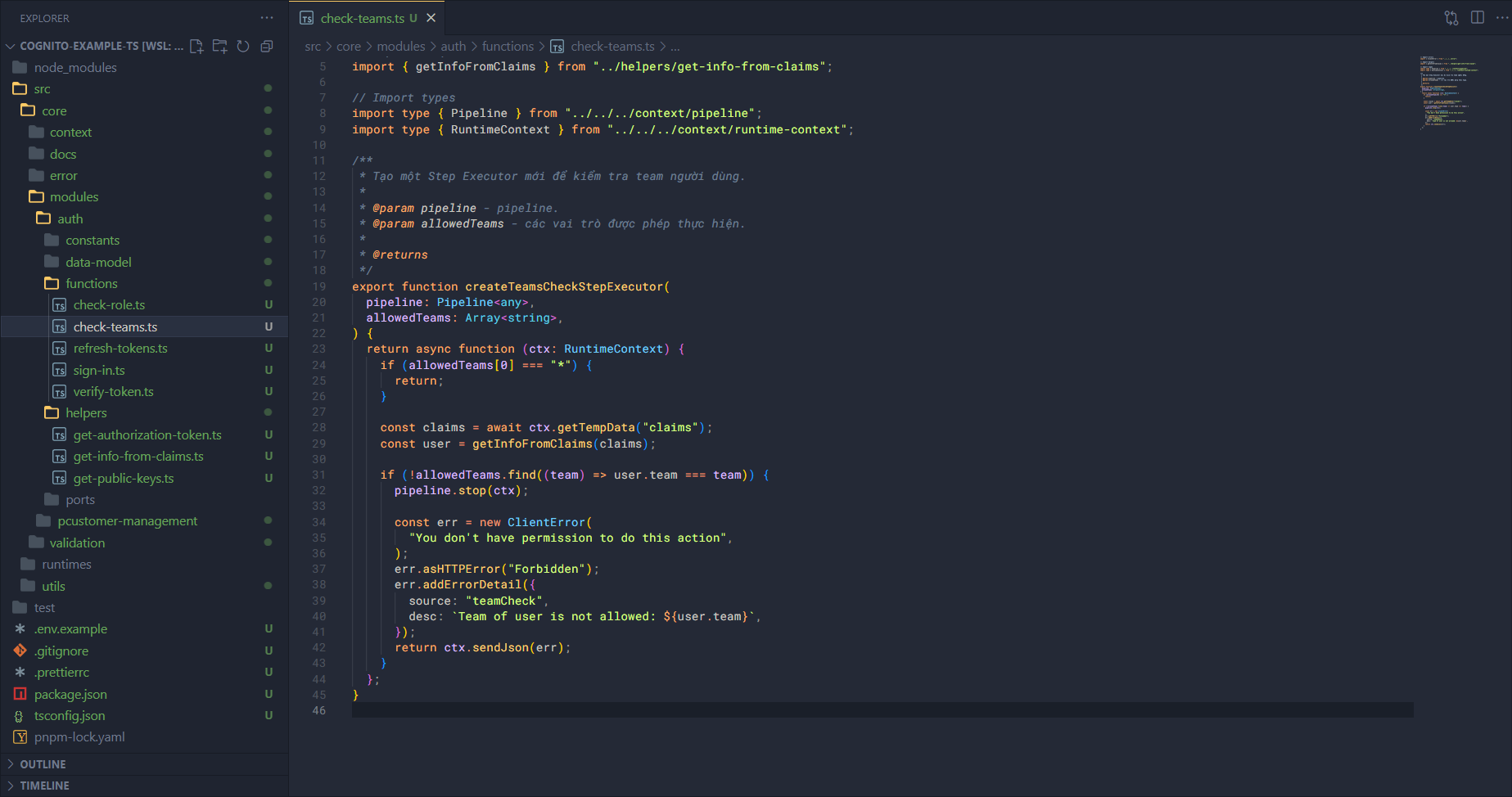
The workflow is as follows:
First, we call the
createTeamsCheckStepExecutorfunction to inject the pipeline and allowed teams.Then it just needs to return the main function. In this function it will:
Get the claims.
Get the information from the claims.
Compare the team from the claims with the teams in allowed teams.
- If there’s an error it returns 401.
- If not, continue processing.
Refresh token function
Open the refresh-tokens.ts file and add some of the following code.
Import some things first.
import { GetTokensFromRefreshTokenCommand } from "@aws-sdk/client-cognito-identity-provider";

// Import constants
import { Configs } from "../../../../utils/configs";

// Import errors
import { AppError, isStandardError } from "../../../error";

// Import aws clients from utils
import { getCognitoIDProviderClient } from "../../../../utils/aws-clients";

// Import types
import type { GetTokensFromRefreshTokenCommandInput } from "@aws-sdk/client-cognito-identity-provider";
import type { RuntimeContext } from "../../../context/runtime-context";
Now we will write the main logic for refresh tokens, we will need to use the AWS SDK (for Cognito Identity Provider).
/**
 * Cho phép người dùng có thể làm mới lại các tokens.
 *
 * @param ctx - runtime context
 *
 * @returns
 */
export async function refreshTokens(ctx: RuntimeContext) {
  try {
    const body = await ctx.getBody<{ refreshToken: string }>();

    const input: GetTokensFromRefreshTokenCommandInput = {
      RefreshToken: body.refreshToken,
      ClientId: Configs.CognitoAppClientId,
    };

    const client = getCognitoIDProviderClient({});
    const command = new GetTokensFromRefreshTokenCommand(input);
    const response = await client.send(command);

    const authenticationResult = response.AuthenticationResult!;

    return {
      auth: {
        idToken: authenticationResult.IdToken,
        accessToken: authenticationResult.AccessToken,
        expiresIn: authenticationResult.ExpiresIn,
      },
    };
  } catch (error: any) {
    if (isStandardError(error)) return error;

    const err = new AppError("Cannot refresh tokens");
    err.asHTTPError("InternalServerError");
    err.addErrorDetail({ source: "refreshToken", desc: error.message });
    return err;
  }
}
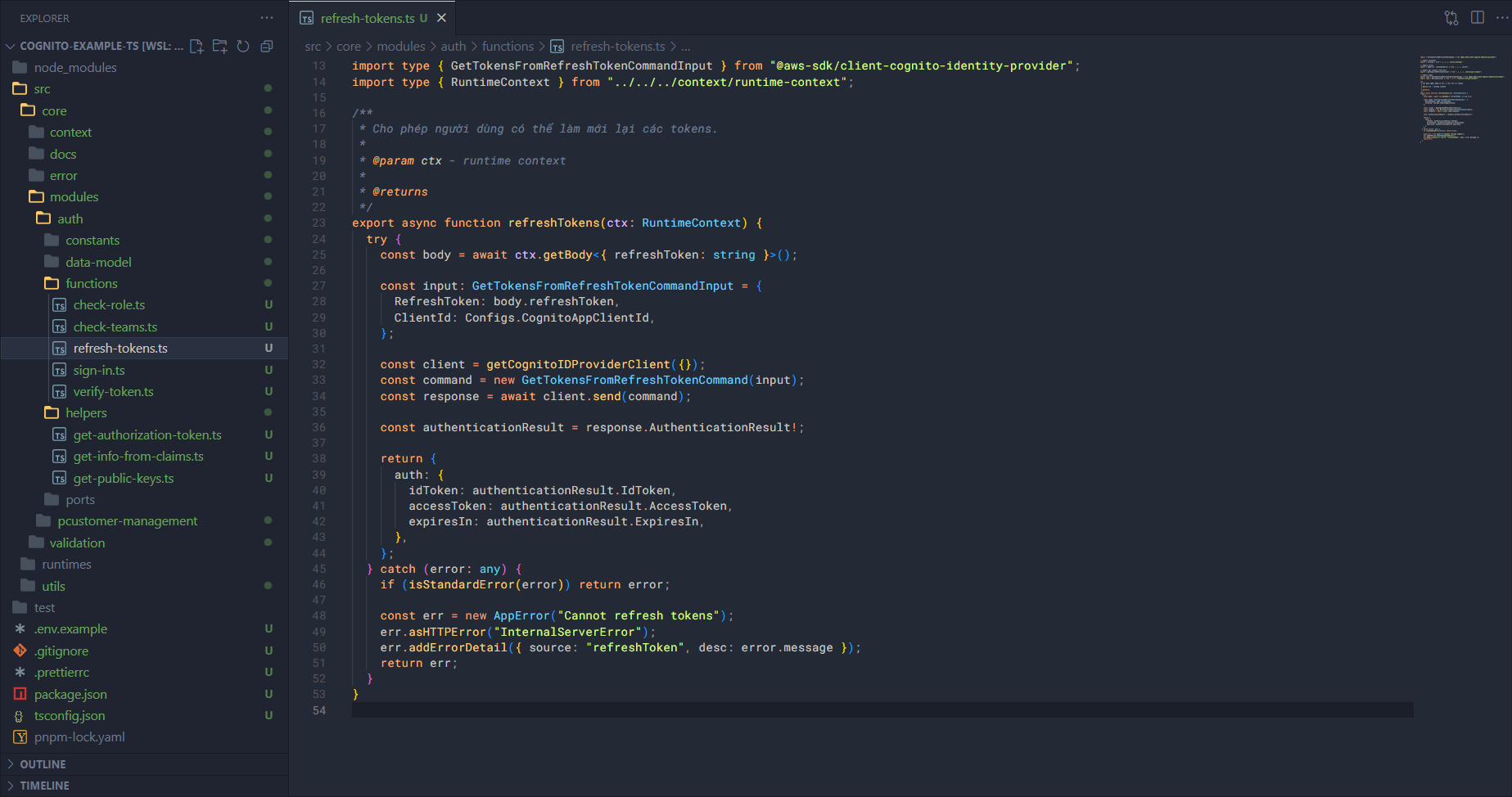
The workflow is as follows:
- Get information from the body.
- Create the input for the command.
- Execute the command with the client.
- Receive the returned result and transform the structure appropriately.
Very simple, right!!
Sign in function
Open the sign-in.ts file and add some of the following code.
Import some things first.
import { InitiateAuthCommand } from "@aws-sdk/client-cognito-identity-provider";

// Import constants
import { Configs } from "../../../../utils/configs";

// Import errors
import { AppError, isStandardError } from "../../../error";

// Import aws clients from utils
import { getCognitoIDProviderClient } from "../../../../utils/aws-clients";

// Import types
import type { InitiateAuthCommandInput } from "@aws-sdk/client-cognito-identity-provider";
import type { RuntimeContext } from "../../../context/runtime-context";
Now we need to write a wrapper to package this function, because we need to have a pipeline and set up the allowed teams first.
/**
 * Cho phép một người dùng đăng nhập vào trong hệ thống.
 *
 * @param ctx - runtime context
 *
 * @returns
 */
export async function signIn(ctx: RuntimeContext) {
  try {
    const body = await ctx.getBody<{ username: string; password: string }>();

    const input: InitiateAuthCommandInput = {
      AuthFlow: "USER_PASSWORD_AUTH",
      AuthParameters: {
        PASSWORD: body.password,
        USERNAME: body.username,
      },
      ClientId: Configs.CognitoAppClientId,
    };

    const client = getCognitoIDProviderClient({});
    const command = new InitiateAuthCommand(input);
    const response = await client.send(command);

    const authenticationResult = response.AuthenticationResult!;

    return {
      auth: {
        idToken: authenticationResult.IdToken,
        accessToken: authenticationResult.AccessToken,
        refreshToken: authenticationResult.RefreshToken,
        expiresIn: authenticationResult.ExpiresIn,
      },
    };
  } catch (error: any) {
    if (isStandardError(error)) return error;

    const err = new AppError("Cannot authenticate user");
    err.asHTTPError("InternalServerError");
    err.addErrorDetail({ source: "signIn", desc: error.message });
    return err;
  }
}
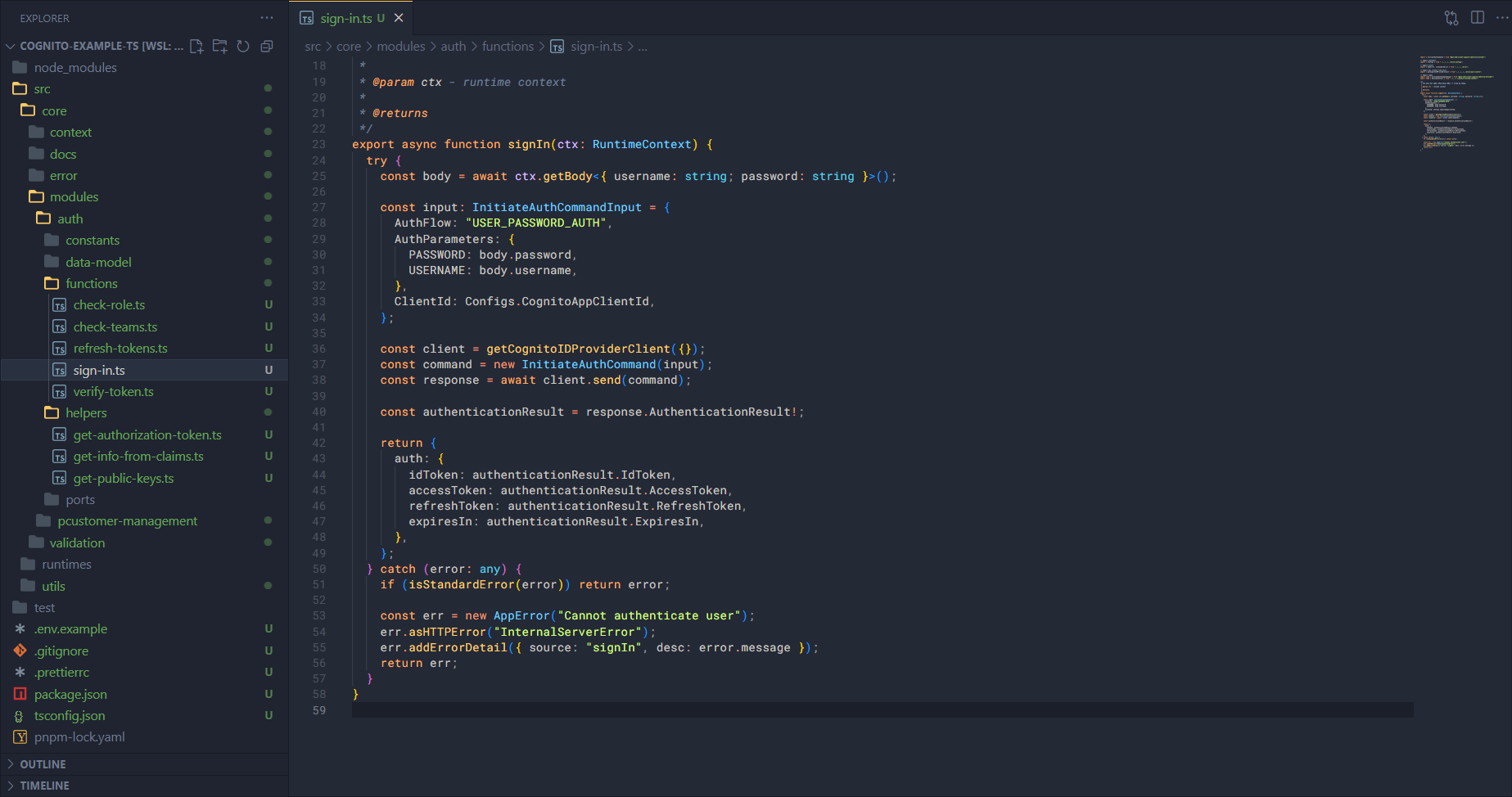
Like refresh token, the workflow of sign in will be as follows:
- Get information from the body.
- Create the input for the command.
- Execute the command with the client.
- Receive the returned result and transform the structure appropriately.
Verify token function
Open the verify-token.ts file and add some of the following code.
Import and initialize some things first.
import jwt from "jsonwebtoken";
import jose from "node-jose";

// Import constants
import { Configs } from "../../../../utils/configs/index.js";

// Import errors
import { AppError, ClientError, isStandardError } from "../../../error";

import { initializeInternalContext } from "../../../context/internal-context/index.js";

// Import helpers
import { getAuthorizationToken } from "../helpers/get-authorization-token.js";
import { getPublicKeys } from "../helpers/get-public-keys.js";

// Import types
import type { JwtPayload } from "jsonwebtoken";
import type { RuntimeContext } from "../../../context/runtime-context";
import type { Pipeline } from "../../../context/pipeline/index.js";

const { JWK } = jose;

const appClientId = Configs.CognitoAppClientId;
Continue writing the main logic for verifying the token.
/**
 * Xác thực token xem có hợp lệ hay không?
 *
 * @param ctx - runtime context.
 *
 * @returns
 */
export async function verifyToken(ctx: RuntimeContext) {
  try {
    // Setup context before go further
    const internalCtx = initializeInternalContext();
    (internalCtx.params as any).headers = await ctx.getHeaders();
    internalCtx.options!.canCatchError = true;

    const token = getAuthorizationToken(internalCtx)!;
    const decodedHeader = jwt.decode(token, { complete: true });

    if (!decodedHeader || !decodedHeader.header.kid) {
      throw new Error("Invalid token header");
    }

    const keys = await getPublicKeys();

    if (isStandardError(keys)) {
      return keys;
    }

    const key = keys.find((key: any) => key.kid === decodedHeader.header.kid);

    if (!key) {
      const err = new AppError("Token is invalid");
      err.addErrorDetail({
        source: "verifyToken",
        desc: "Public key not found",
      });
      err.asHTTPError("InternalServerError");
      return err;
    }

    const jwkKey = await JWK.asKey({
      kty: key.kty,
      n: key.n,
      e: key.e,
    });

    const publicKey = jwkKey.toPEM();
    const claims = jwt.verify(token, publicKey, {
      algorithms: ["RS256"],
    }) as JwtPayload;

    // Post check claims
    if (Date.now() / 1000 > claims.exp!) {
      const err = new ClientError("Token is invalid");
      err.addErrorDetail({
        source: "verifyToken",
        desc: "Token is expired",
      });
      err.asHTTPError("Unauthorized");
      return err;
    }

    if (claims.client_id !== appClientId) {
      const err = new ClientError("Token is invalid");
      err.addErrorDetail({
        source: "verifyToken",
        desc: "Token was not issued for this audience",
      });
      err.asHTTPError("Unauthorized");
      return err;
    }

    return claims;
  } catch (error: any) {
    if (isStandardError(error)) return error;

    const err = new AppError("Verify token failed");
    err.asHTTPError("InternalServerError");
    err.addErrorDetail({ source: "verifyToken", desc: error.message });
    return err;
  }
}
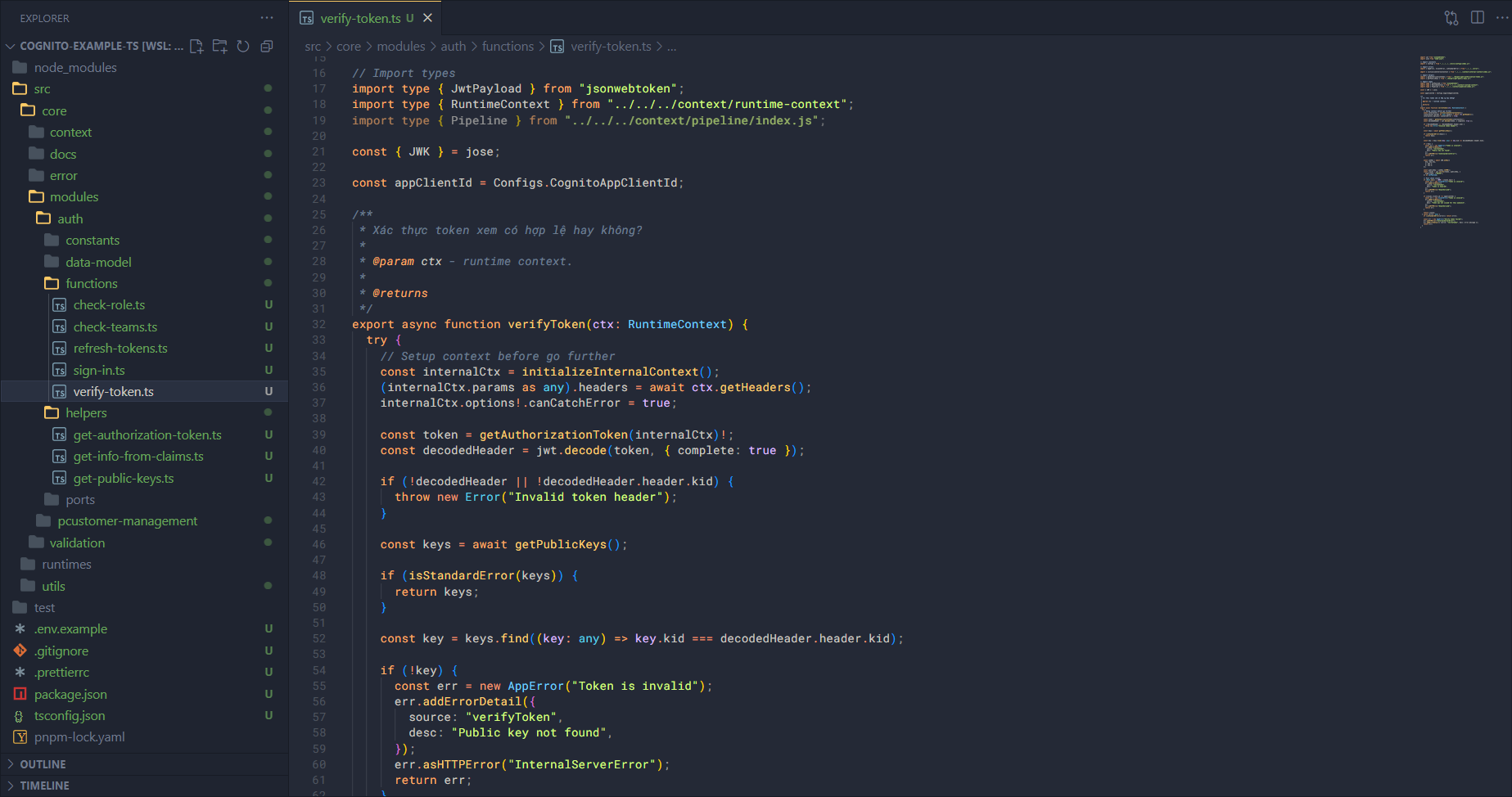
Before explaining the flow, let me explain a few things. Cognito’s JWT Token is created with the RSA algorithm. With this algorithm, the token is created from the private key and can be verified with the public key. This means when a user logs in with Cognito, the token is created from the private key in that app client. And when we want to verify that token is valid or not, we will need the public key.
However, the public key cannot be obtained directly but must be done as follows:
- First we need to request to get the jwks.
- Next find the jwk corresponding to the kid in the header of the token.
- When we have the jwk, we create the jwk key.
- Then we need to convert the jwk key to the public key (PEM).
Once we have the public key:
- Verify the token and get the claims. When we get the claims, we are sure that our token is valid.
- But to be more sure, we also need to check that the token expiry time and the client id match or not.
- After the token is fully verified, return the claims.
That is the workflow of verify token, also simple right!!
To be able to use it in the pipeline, we will need to create an additional wrapper to inject the pipeline in there.
/**
 * Tạo ra một step executor có gán pipeline trong đó để xác thực token.
 *
 * @param pipeline - pipeline
 *
 * @returns
 */
export function createVerifyTokenStepExecutor(pipeline: Pipeline<any>) {
  return async function (ctx: RuntimeContext) {
    const result = await verifyToken(ctx);

    if (isStandardError(result)) {
      // Stop pipeline
      pipeline.stop(ctx);

      return ctx.sendError(result);
    }

    // Save claims as temp data
    ctx.addTempData("claims", result);

    return result;
  };
}
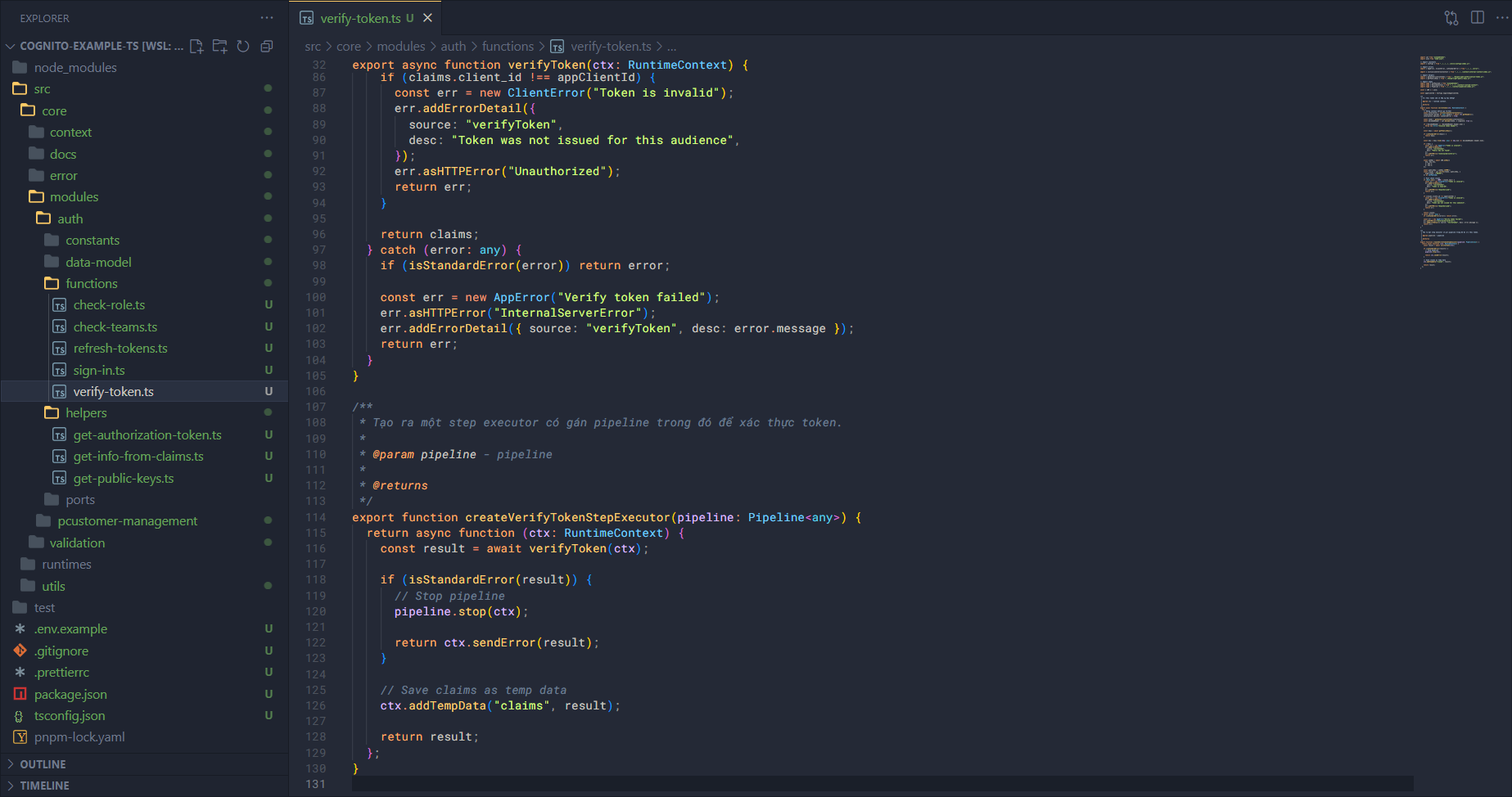
Besides writing a wrapper like this, we can also write it as middleware to fit different runtimes when running the app. So the feature building for the auth module is complete.