4.4.2. Build helpers
In the auth module, there will be something a little more special, which is that it has helper functions, so in this part we will set up those functions. First, create some files such as get-authorization-token.ts, get-info-from-claims.ts and get-public-keys.ts.
Get authorization token helper
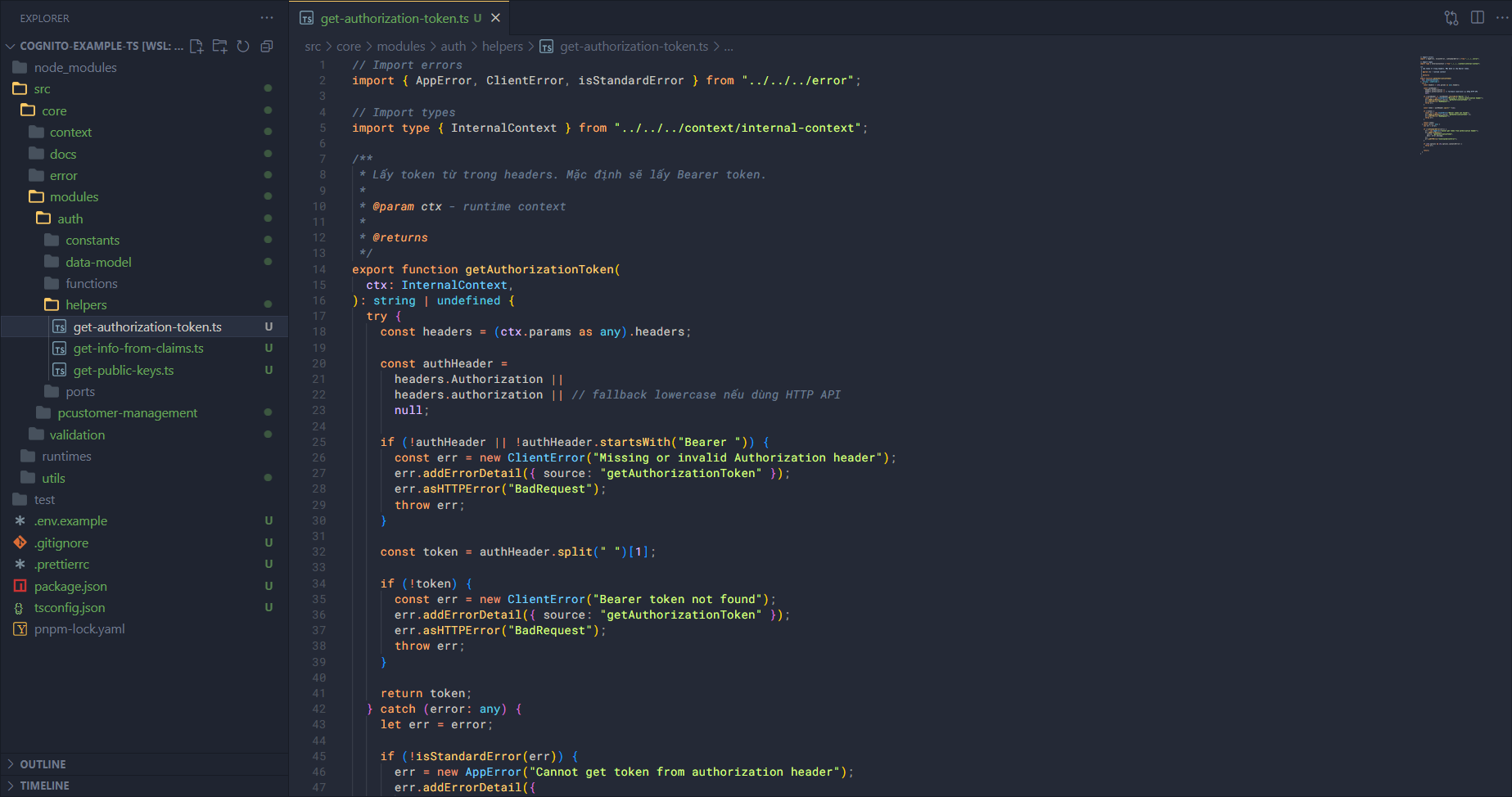
Open the get-authorization-token.ts file and add the following code.
Import some things first
// Import errors
import { AppError, ClientError, isStandardError } from "../../../error";

// Import types
import type { InternalContext } from "../../../context/internal-context";
/**
 * Lấy token từ trong headers. Mặc định sẽ lấy Bearer token.
 *
 * @param ctx - runtime context
 *
 * @returns
 */
export function getAuthorizationToken(
  ctx: InternalContext,
): string | undefined {
  try {
    const headers = (ctx.params as any).headers;

    const authHeader =
      headers.Authorization ||
      headers.authorization || // fallback lowercase nếu dùng HTTP API
      null;

    if (!authHeader || !authHeader.startsWith("Bearer ")) {
      const err = new ClientError("Missing or invalid Authorization header");
      err.addErrorDetail({ source: "getAuthorizationToken" });
      err.asHTTPError("BadRequest");
      throw err;
    }

    const token = authHeader.split(" ")[1];

    if (!token) {
      const err = new ClientError("Bearer token not found");
      err.addErrorDetail({ source: "getAuthorizationToken" });
      err.asHTTPError("BadRequest");
      throw err;
    }

    return token;
  } catch (error: any) {
    let err = error;

    if (!isStandardError(err)) {
      err = new AppError("Cannot get token from authorization header");
      err.addErrorDetail({
        source: "getAuthorizationToken",
        desc: error.message,
      });
      err.asHTTPError("InternalServerError");
    }

    if (ctx.options && ctx.options.canCatchError) {
      throw err;
    }

    return;
  }
}
In this function, I want us to be able to get the value of the Bearer Token to use in the later stages of the process.
Get Information from claims helper
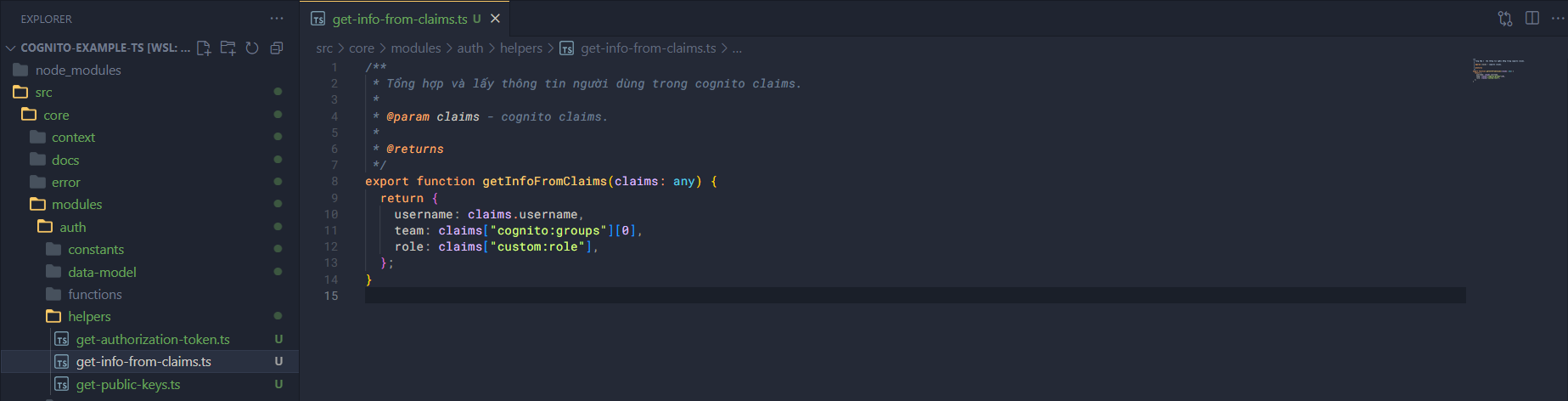
Open the get-info-from-claims.ts file and add the following code.
Import some things first.
import axios from "axios";

// Import constants
import { Configs } from "../../../../utils/configs";

// Import errors
import { AppError } from "../../../error";
/**
 * Tổng hợp và lấy thông tin người dùng trong cognito claims.
 *
 * @param claims - cognito claims.
 *
 * @returns
 */
export function getInfoFromClaims(claims: any) {
  return {
    username: claims.username,
    team: claims["cognito:groups"][0],
    role: claims["custom:role"],
  };
}
Get public keys helper
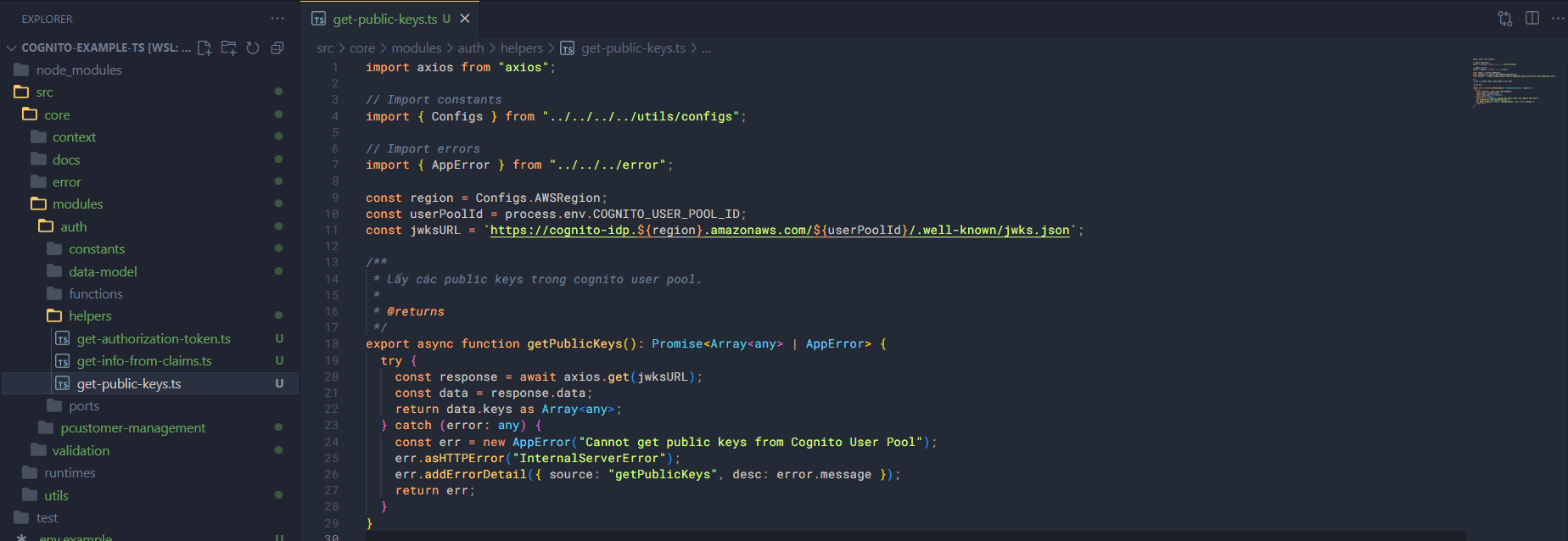
Open the get-public-keys.ts file and add the following code.
Import some things first.
import axios from "axios";

// Import constants
import { Configs } from "../../../../utils/configs";

// Import errors
import { AppError } from "../../../error";
const region = Configs.AWSRegion;
const userPoolId = process.env.COGNITO_USER_POOL_ID;
const jwksURL = `https://cognito-idp.${region}.amazonaws.com/${userPoolId}/.well-known/jwks.json`;

/**
 * Lấy các public keys trong cognito user pool.
 *
 * @returns
 */
export async function getPublicKeys(): Promise<Array<any> | AppError> {
  try {
    const response = await axios.get(jwksURL);
    const data = response.data;
    return data.keys as Array<any>;
  } catch (error: any) {
    const err = new AppError("Cannot get public keys from Cognito User Pool");
    err.asHTTPError("InternalServerError");
    err.addErrorDetail({ source: "getPublicKeys", desc: error.message });
    return err;
  }
}
Ok, we have finished building the necessary helper functions in this module.