4.4. Build auth module
In this section, we will proceed to build the auth module.
Pre-setup
Before going further, we need to set up a few things as follows:
- Create the
authfolder. - In the
authfolder, createconstants,data-model,functions,helpers, andports. - In the
constantsfolder, we will need to create files such asroles.ts,teams.ts, andindex.ts.
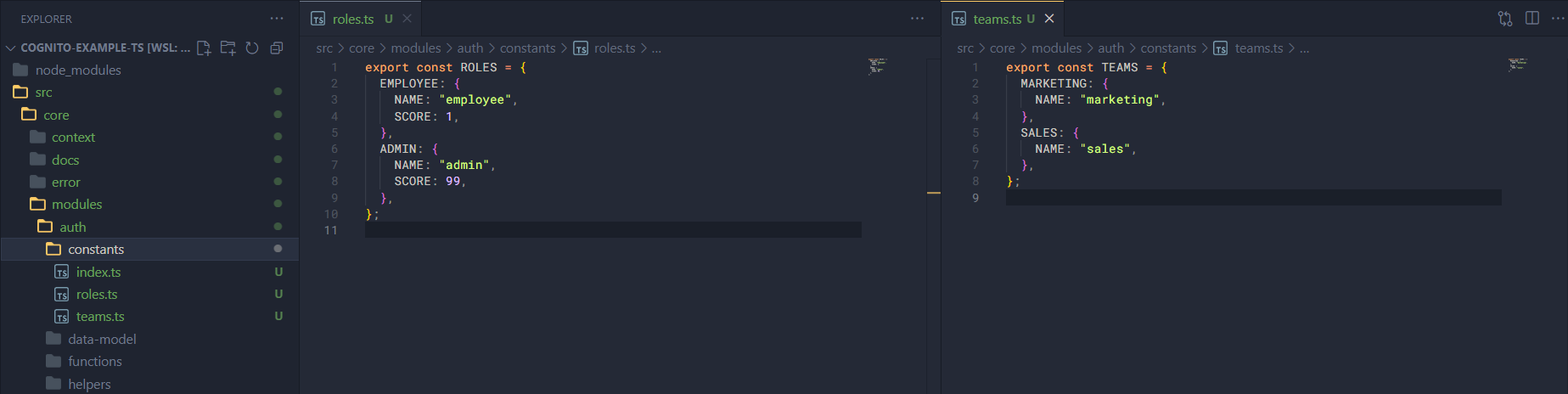
Now open roles.ts and add the following code.
export const ROLES = {
  EMPLOYEE: {
    NAME: "employee",
    SCORE: 1,
  },
  ADMIN: {
    NAME: "admin",
    SCORE: 99,
  },
};
Open teams.ts and add the following code.
export const TEAMS = {
  MARKETING: {
    NAME: "marketing",
  },
  SALES: {
    NAME: "sales",
  },
};
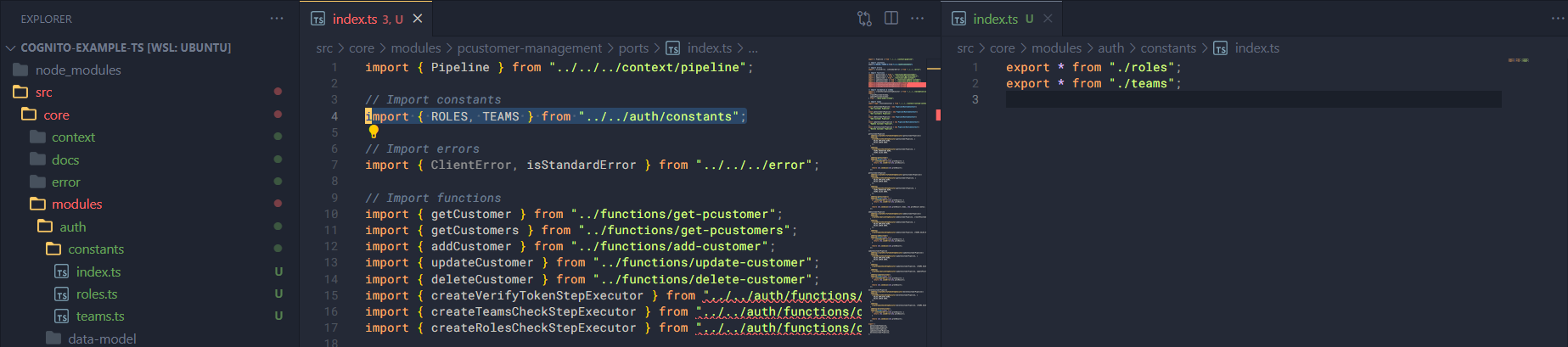
And add the following code to index.ts.
export * from "./roles";
export * from "./teams";
After adding this code, we can also see that the import errors for ROLES and TEAMS in modules/pcustomer-management/ports have been resolved.
OK, the pre-setup step is done; now we will proceed to build this module step by step just like the potential customer management module.