4.3.3. Build ports
Now, if we want these functions to have everything fully set up, we will need to use the pipeline. As I mentioned in the previous section, we will try to build the main pieces of code as functions so that they can be embedded into steps of the pipeline. When the pipeline runs, those steps will also run.
Pre-setup
Now we will need to create an additional folder ports inside the module/pcustomer-management directory. In this folder we will need to create index.ts and add some code as follows.
First, import some things.
import { Pipeline } from "../../../context/pipeline";

// Import constants
import { ROLES, TEAMS } from "../../auth/constants";

// Import errors
import { ClientError, isStandardError } from "../../../error";

// Import functions
import { getCustomer } from "../functions/get-pcustomer";
import { getCustomers } from "../functions/get-pcustomers";
import { addCustomer } from "../functions/add-customer";
import { updateCustomer } from "../functions/update-customer";
import { deleteCustomer } from "../functions/delete-customer";
import { createVerifyTokenStepExecutor } from "../../auth/functions/verify-token";
import { createTeamsCheckStepExecutor } from "../../auth/functions/check-teams";
import { createRolesCheckStepExecutor } from "../../auth/functions/check-role";

// Import validation & schema
import { createValidationStepExecutor } from "../../../validation/joi/helpers";
import {
  createPCustomerSchema,
  updatePCustomerSchema,
} from "../data-model/schema";

// Import types
import type { RuntimeContext } from "../../../context/runtime-context";
After that, we will declare some pipelines:
const getCustomerPipeline = new Pipeline<RuntimeContext>(
  "Get Customer Pipeline",
);
const getCustomersPipeline = new Pipeline<RuntimeContext>(
  "Get Customers Pipeline",
);
const addCustomerPipeline = new Pipeline<RuntimeContext>(
  "Add Customer Pipeline",
);
const updateCustomerPipeline = new Pipeline<RuntimeContext>(
  "Update Customer Pipeline",
);
const deleteCustomerPipeline = new Pipeline<RuntimeContext>(
  "Delete Customer Pipeline",
);
When a pipeline runs, it will always follow these steps:
- Check authorization with
createVerifyTokenStepExecutor(). - Check the requester’s role (to see if they are eligible to continue execution).
- Check the requester’s team (to see if they are eligible to continue execution).
- Execute the function.
- Check the final result: if there’s no error, send JSON; otherwise, send Error.
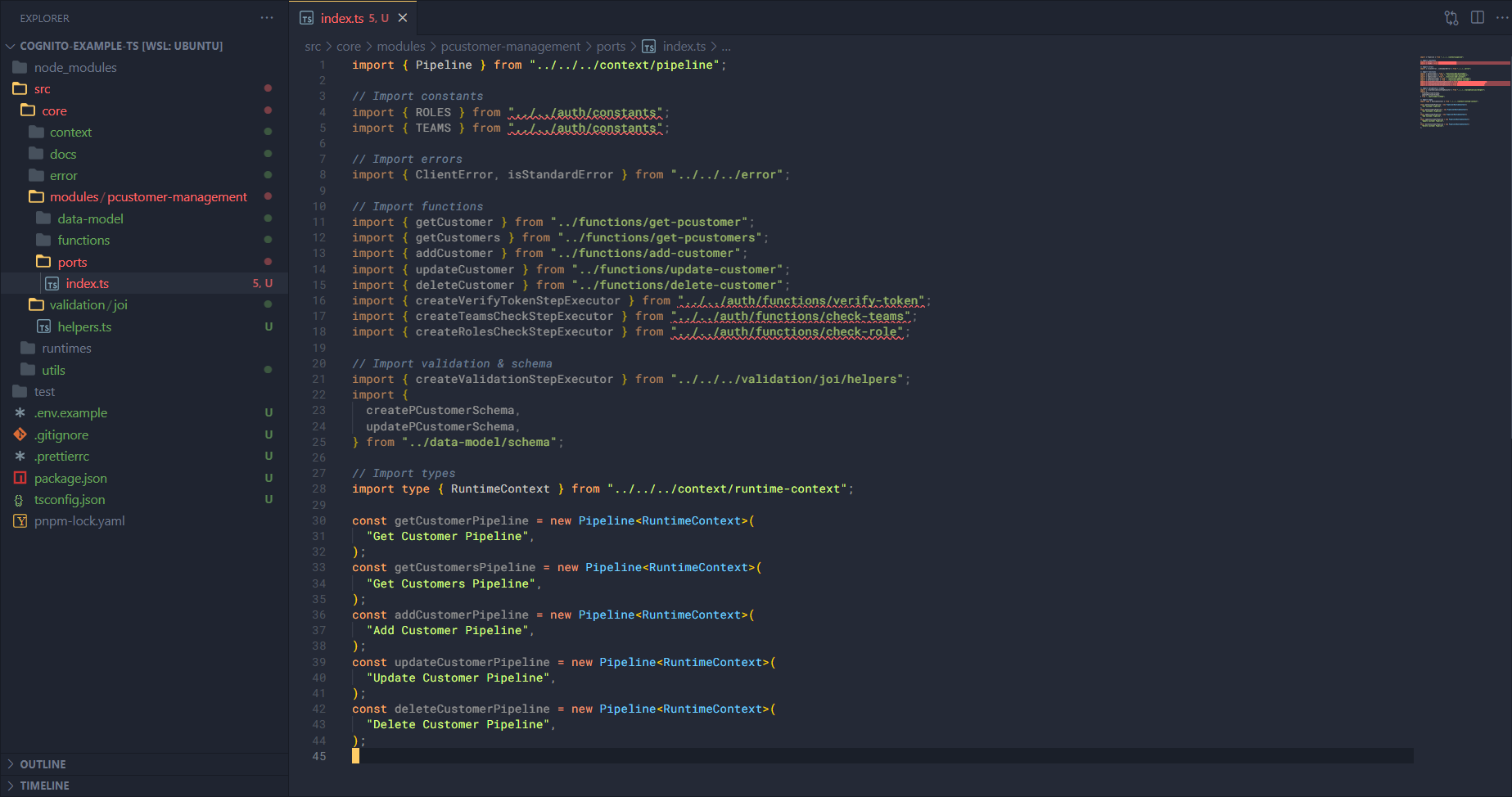
And there will be errors, but that’s okay — once we build the auth module later, we will no longer encounter these import errors.
Get potential customer pipeline
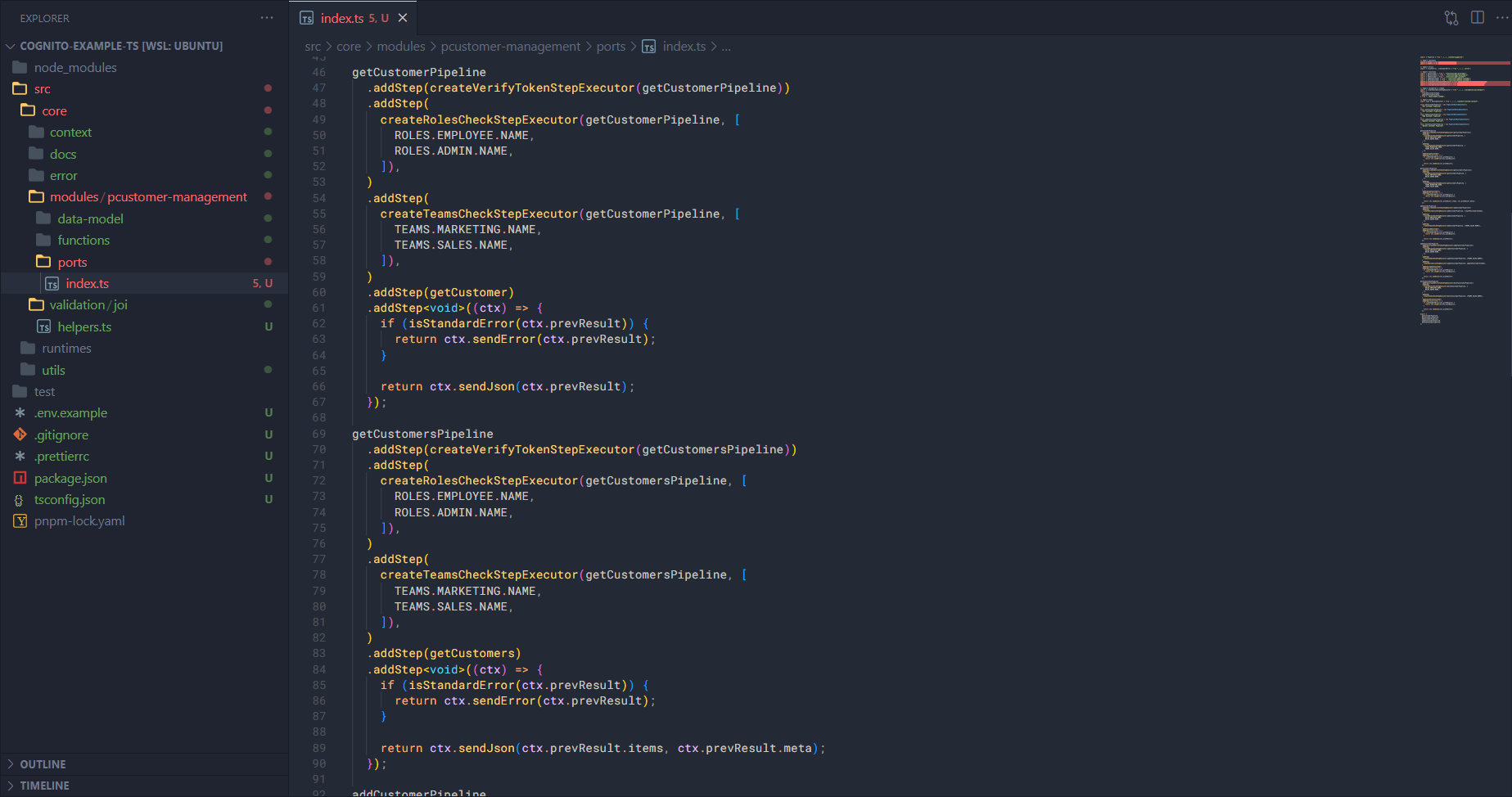
First, we build the pipeline to get customer information. This pipeline shows that in order to get customer information, the requester must have the role ADMIN or EMPLOYEE and be in the MARKETING or SALES team.
getCustomerPipeline
  .addStep(createVerifyTokenStepExecutor(getCustomerPipeline))
  .addStep(
    createRolesCheckStepExecutor(getCustomerPipeline, [
      ROLES.EMPLOYEE.NAME,
      ROLES.ADMIN.NAME,
    ]),
  )
  .addStep(
    createTeamsCheckStepExecutor(getCustomerPipeline, [
      TEAMS.MARKETING.NAME,
      TEAMS.SALES.NAME,
    ]),
  )
  .addStep(getCustomer)
  .addStep<void>((ctx) => {
    if (isStandardError(ctx.prevResult)) {
      return ctx.sendError(ctx.prevResult);
    }

    return ctx.sendJson(ctx.prevResult);
  });
Get potential customers pipeline
Next, we build the pipeline to get the list of customer information. This pipeline shows that in order to get the list of customer information, the requester must have the role ADMIN or EMPLOYEE and be in the MARKETING or SALES team.
getCustomersPipeline
  .addStep(createVerifyTokenStepExecutor(getCustomersPipeline))
  .addStep(
    createRolesCheckStepExecutor(getCustomersPipeline, [
      ROLES.EMPLOYEE.NAME,
      ROLES.ADMIN.NAME,
    ]),
  )
  .addStep(
    createTeamsCheckStepExecutor(getCustomersPipeline, [
      TEAMS.MARKETING.NAME,
      TEAMS.SALES.NAME,
    ]),
  )
  .addStep(getCustomers)
  .addStep<void>((ctx) => {
    if (isStandardError(ctx.prevResult)) {
      return ctx.sendError(ctx.prevResult);
    }

    return ctx.sendJson(ctx.prevResult.items, ctx.prevResult.meta);
  });
Add potential customer pipeline
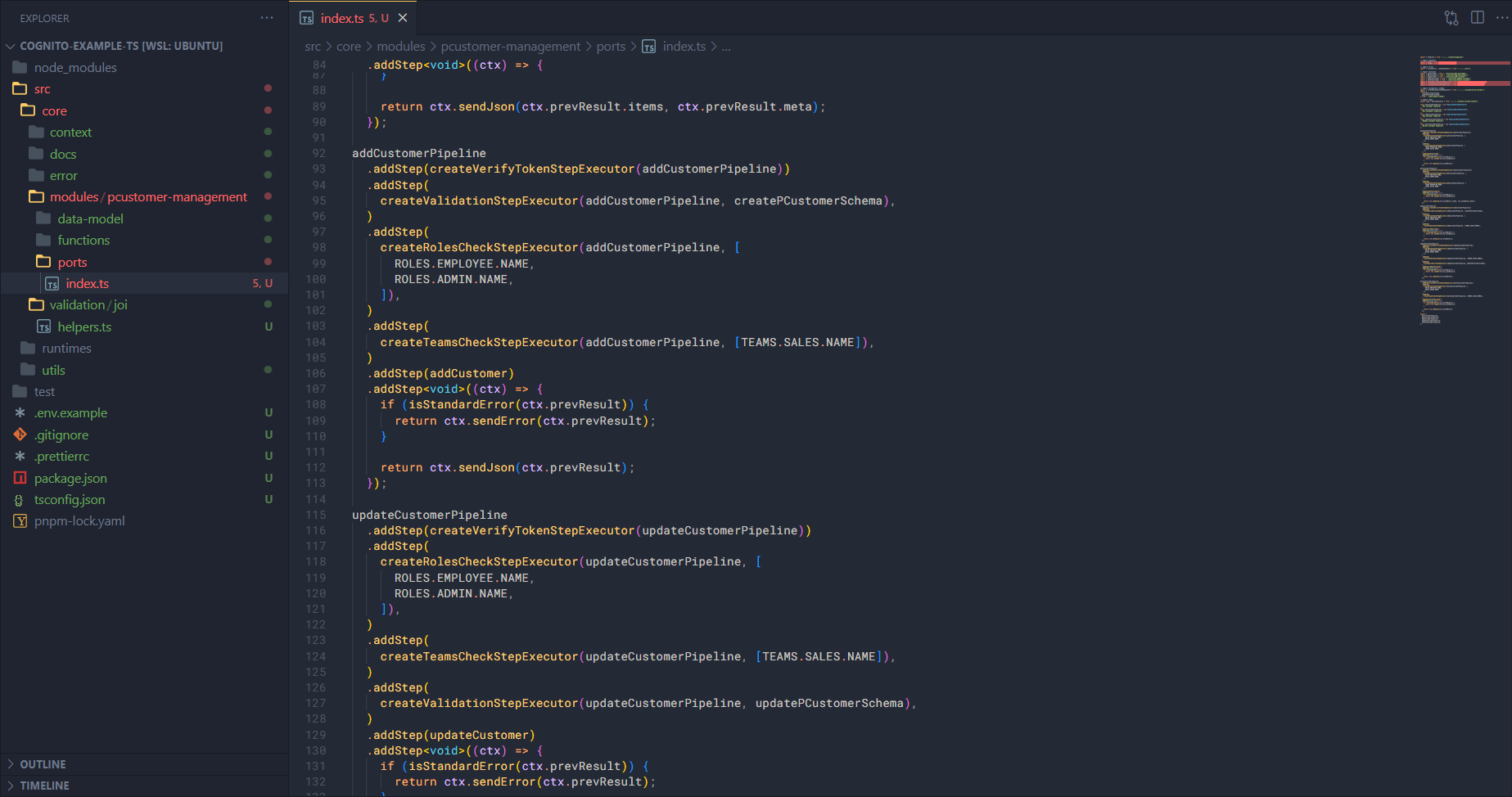
And we build the pipeline to add customer information. This pipeline shows that in order to add customer information, the requester must have the role ADMIN or EMPLOYEE and be in the SALES team.
addCustomerPipeline
  .addStep(createVerifyTokenStepExecutor(addCustomerPipeline))
  .addStep(
    createValidationStepExecutor(addCustomerPipeline, createPCustomerSchema),
  )
  .addStep(
    createRolesCheckStepExecutor(addCustomerPipeline, [
      ROLES.EMPLOYEE.NAME,
      ROLES.ADMIN.NAME,
    ]),
  )
  .addStep(
    createTeamsCheckStepExecutor(addCustomerPipeline, [TEAMS.SALES.NAME]),
  )
  .addStep(addCustomer)
  .addStep<void>((ctx) => {
    if (isStandardError(ctx.prevResult)) {
      return ctx.sendError(ctx.prevResult);
    }

    return ctx.sendJson(ctx.prevResult);
  });
Update potential customer pipeline
Next, we build the pipeline to update customer information. This pipeline shows that in order to update customer information, the requester must have the role ADMIN or EMPLOYEE and be in the SALES team.
updateCustomerPipeline
  .addStep(createVerifyTokenStepExecutor(updateCustomerPipeline))
  .addStep(
    createRolesCheckStepExecutor(updateCustomerPipeline, [
      ROLES.EMPLOYEE.NAME,
      ROLES.ADMIN.NAME,
    ]),
  )
  .addStep(
    createTeamsCheckStepExecutor(updateCustomerPipeline, [TEAMS.SALES.NAME]),
  )
  .addStep(
    createValidationStepExecutor(updateCustomerPipeline, updatePCustomerSchema),
  )
  .addStep(updateCustomer)
  .addStep<void>((ctx) => {
    if (isStandardError(ctx.prevResult)) {
      return ctx.sendError(ctx.prevResult);
    }

    return ctx.sendJson(ctx.prevResult);
  });
Delete potential customer pipeline
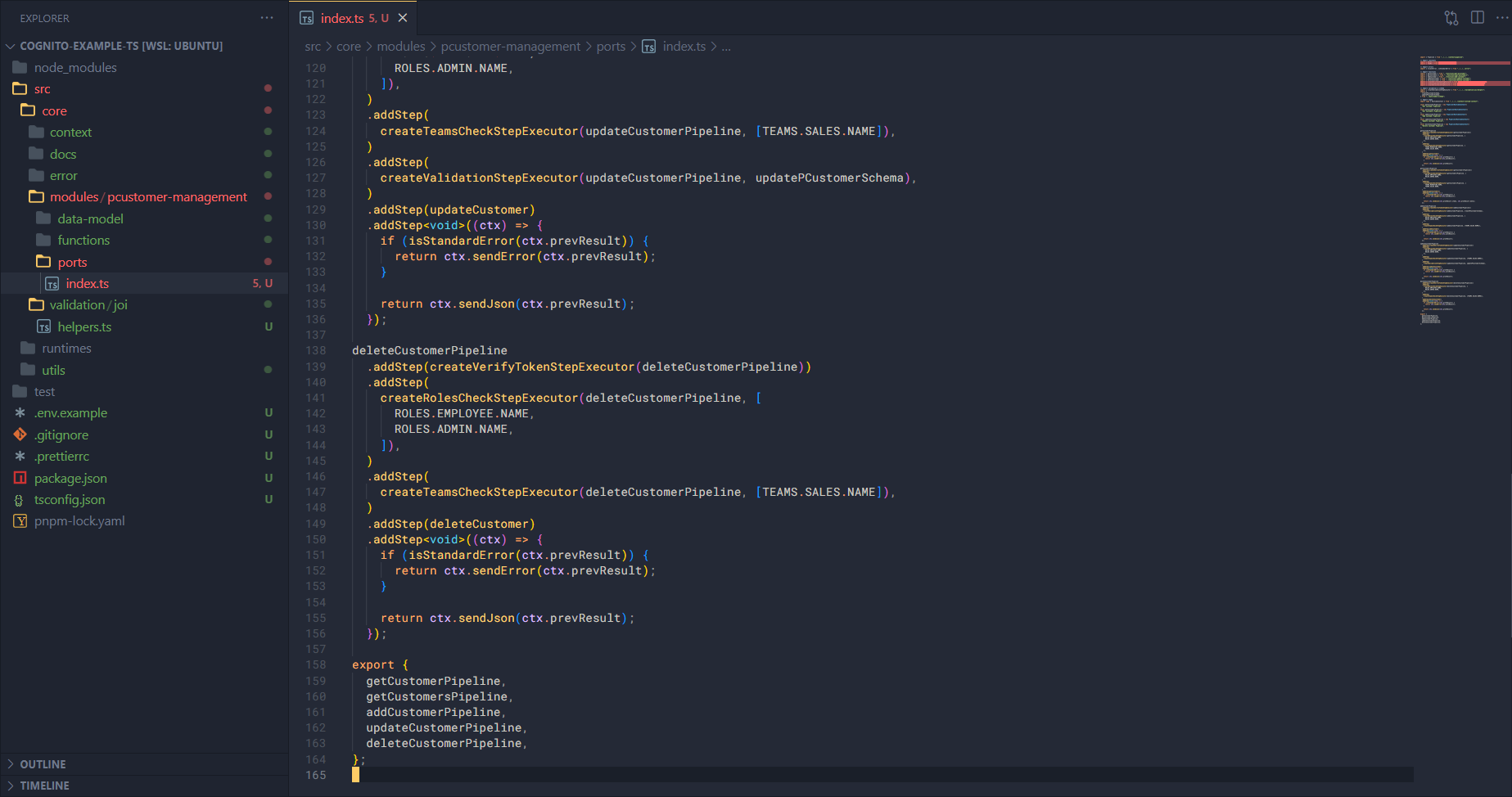
Finally, we build the pipeline to delete customer information. This pipeline shows that in order to delete customer information, the requester must have the role ADMIN or EMPLOYEE and be in the SALES team.
deleteCustomerPipeline
  .addStep(createVerifyTokenStepExecutor(deleteCustomerPipeline))
  .addStep(
    createRolesCheckStepExecutor(deleteCustomerPipeline, [
      ROLES.EMPLOYEE.NAME,
      ROLES.ADMIN.NAME,
    ]),
  )
  .addStep(
    createTeamsCheckStepExecutor(deleteCustomerPipeline, [TEAMS.SALES.NAME]),
  )
  .addStep(deleteCustomer)
  .addStep<void>((ctx) => {
    if (isStandardError(ctx.prevResult)) {
      return ctx.sendError(ctx.prevResult);
    }

    return ctx.sendJson(ctx.prevResult);
  });
If the role or team checks fail, then this pipeline will stop immediately. In the next section, when we build the auth module, you will understand more about the createRolesCheckStepExecutor and createTeamsCheckStepExecutor functions.
After adding them, remember to import these pipelines.
export {
  getCustomerPipeline,
  getCustomersPipeline,
  addCustomerPipeline,
  updateCustomerPipeline,
  deleteCustomerPipeline,
};