4.3.1. Build data model
Data Types
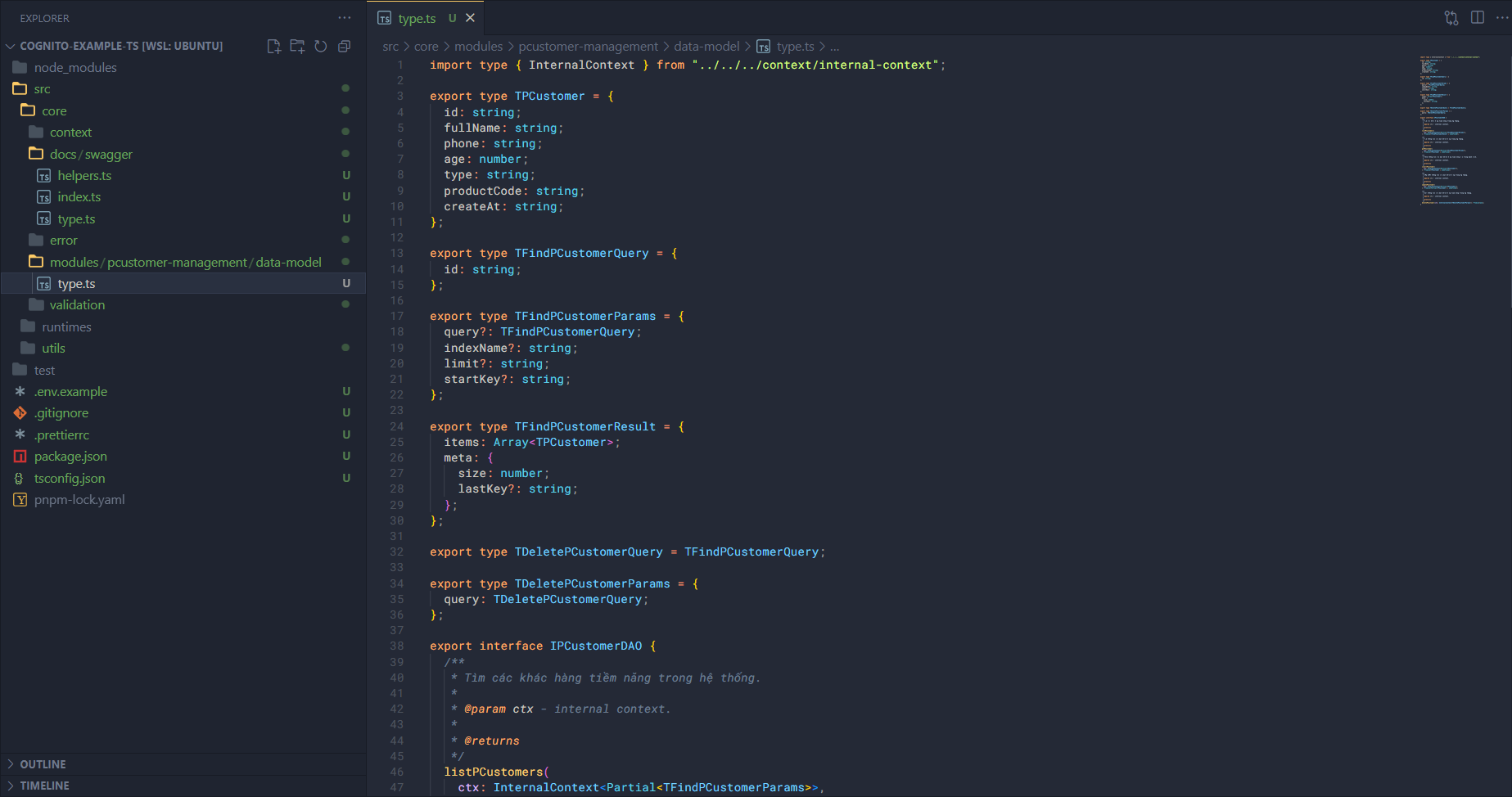
First, let’s initialize some data types. In the modules folder, create a new folder called pcustomer-management and inside it create a folder named data-model. Inside the data-model folder, create a file type.ts and add some code like this:
First, import some things:
import type { InternalContext } from "../../../context/internal-context";
Next, we will define the data type of a potential customer in the code based on the user attributes in DynamoDB.
export type TPCustomer = {
  id: string;
  fullName: string;
  phone: string;
  age: number;
  type: string;
  productCode: string;
  createAt: string;
};
And I will also declare what information we need to pass in when looking for a customer, and what will be returned when we get a result. In the case of returning, I will only add the case of finding many customers, because finding one is exactly TPCustomer.
export type TFindPCustomerQuery = {
  id: string;
};

export type TFindPCustomerParams = {
  query?: TFindPCustomerQuery;
  indexName?: string;
  limit?: string;
  startKey?: string;
};

export type TFindPCustomerResult = {
  items: Array<TPCustomer>;
  meta: {
    size: number;
    lastKey?: string;
  };
};
Similarly with delete (when deleting we need to find the customer to delete):
export type TDeletePCustomerQuery = TFindPCustomerQuery;

export type TDeletePCustomerParams = {
  query: TDeletePCustomerQuery;
};
Next, I will declare an interface for the data interaction class, called DAO. When someone joins our project, they can read this part and understand what the DAO of potential customers can do with the customer information in the system.
export interface IPCustomerDAO {
  /**
   * Tìm các khác hàng tiềm năng trong hệ thống.
   *
   * @param ctx - internal context.
   *
   * @returns
   */
  listPCustomers(
    ctx: InternalContext<Partial<TFindPCustomerParams>>,
  ): Promise<TFindPCustomerResult | undefined>;

  /**
   * Tìm thông tin của một khách hàng trong hệ thống.
   *
   * @param ctx - internal context.
   *
   * @returns
   */
  getPCustomer(
    ctx: InternalContext<Partial<TFindPCustomerParams>>,
  ): Promise<TPCustomer | undefined>;

  /**
   * Thêm thông tin của một khách hàng tiềm năng vào trong danh sách.
   *
   * @param ctx - internal context.
   *
   * @returns
   */
  insertPCustomer(
    ctx: InternalContext<Partial<TPCustomer>>,
  ): Promise<TPCustomer | undefined>;

  /**
   * Cập nhật thông tin của một khách hàng trong hệ thống.
   *
   * @param ctx - internal context.
   *
   * @returns
   */
  updatePCustomer(
    ctx: InternalContext<Partial<TPCustomer>>,
  ): Promise<Partial<TPCustomer> | undefined>;

  /**
   * Xoá thông tin của một khách hàng tiềm năng trong hệ thống.
   *
   * @param ctx - internal context.
   *
   * @returns
   */
  deletePCustomer(ctx: InternalContext<TDeletePCustomerParams>): Promise<any>;
}
Data Access Object
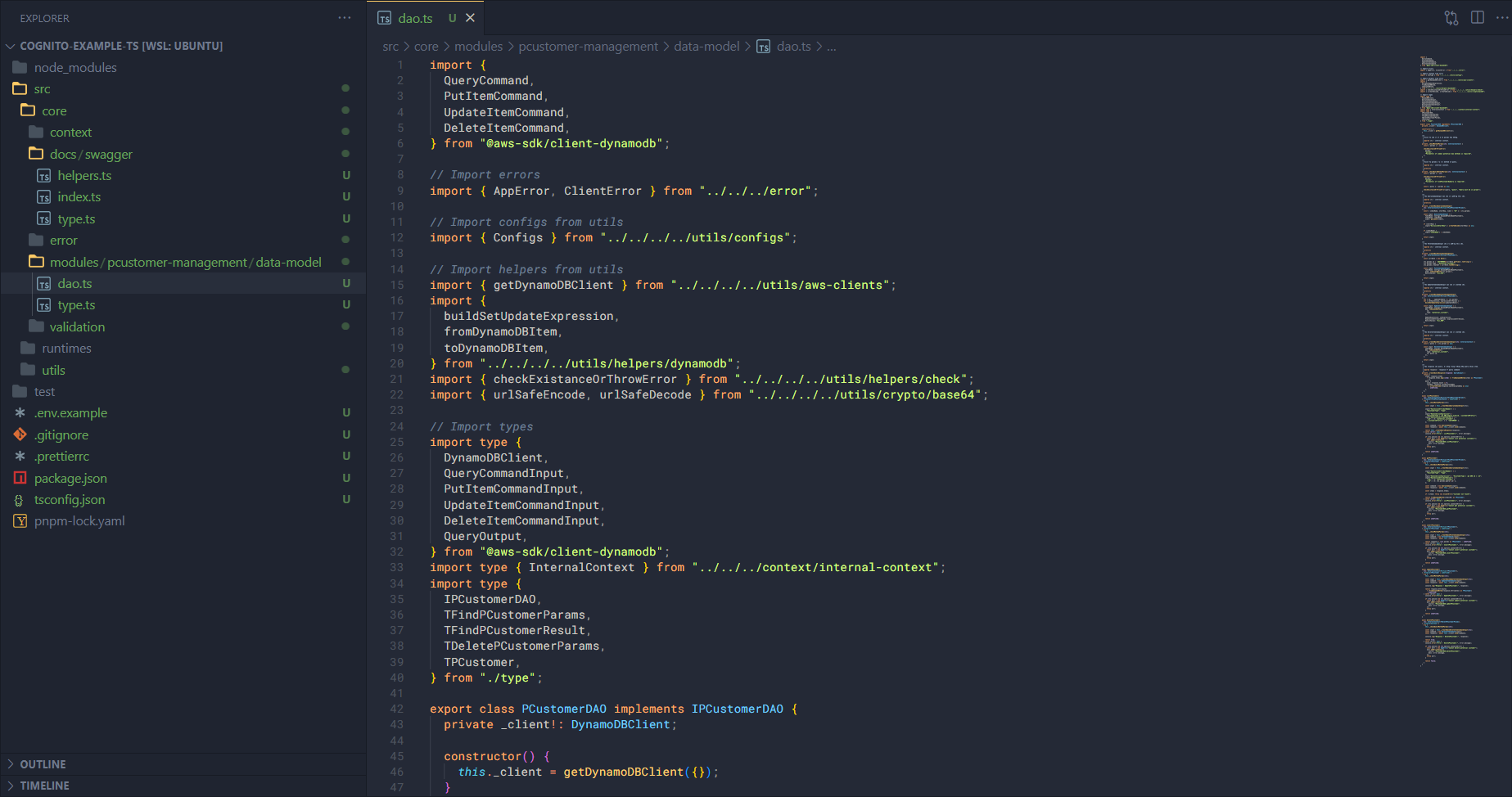
Next, we also build the DAO to define how the application can interact with data in the system. First, create an additional file dao.ts in the data-model folder and add some code:
Import some things first:
import {
  QueryCommand,
  PutItemCommand,
  UpdateItemCommand,
  DeleteItemCommand,
} from "@aws-sdk/client-dynamodb";

// Import errors
import { AppError, ClientError } from "../../../error";

// Import configs from utils
import { Configs } from "../../../../utils/configs";

// Import helpers from utils
import { getDynamoDBClient } from "../../../../utils/aws-clients";
import {
  buildSetUpdateExpression,
  fromDynamoDBItem,
  toDynamoDBItem,
} from "../../../../utils/helpers/dynamodb";
import { checkExistanceOrThrowError } from "../../../../utils/helpers/check";
import { urlSafeEncode, urlSafeDecode } from "../../../../utils/crypto/base64";

// Import types
import type {
  DynamoDBClient,
  QueryCommandInput,
  PutItemCommandInput,
  UpdateItemCommandInput,
  DeleteItemCommandInput,
  QueryOutput,
} from "@aws-sdk/client-dynamodb";
import type { InternalContext } from "../../../context/internal-context";
import type {
  IPCustomerDAO,
  TFindPCustomerParams,
  TFindPCustomerResult,
  TDeletePCustomerParams,
  TPCustomer,
} from "./type";
We have imported things such as:
- Code from the AWS SDK.
- Code in core such as error, context types, …
- Code in utils.
Next is to create the class and implement the interface that we created in type.ts earlier.
export class PCustomerDAO implements IPCustomerDAO {
  private _client!: DynamoDBClient;

  constructor() {
    this._client = getDynamoDBClient({});
  }
}
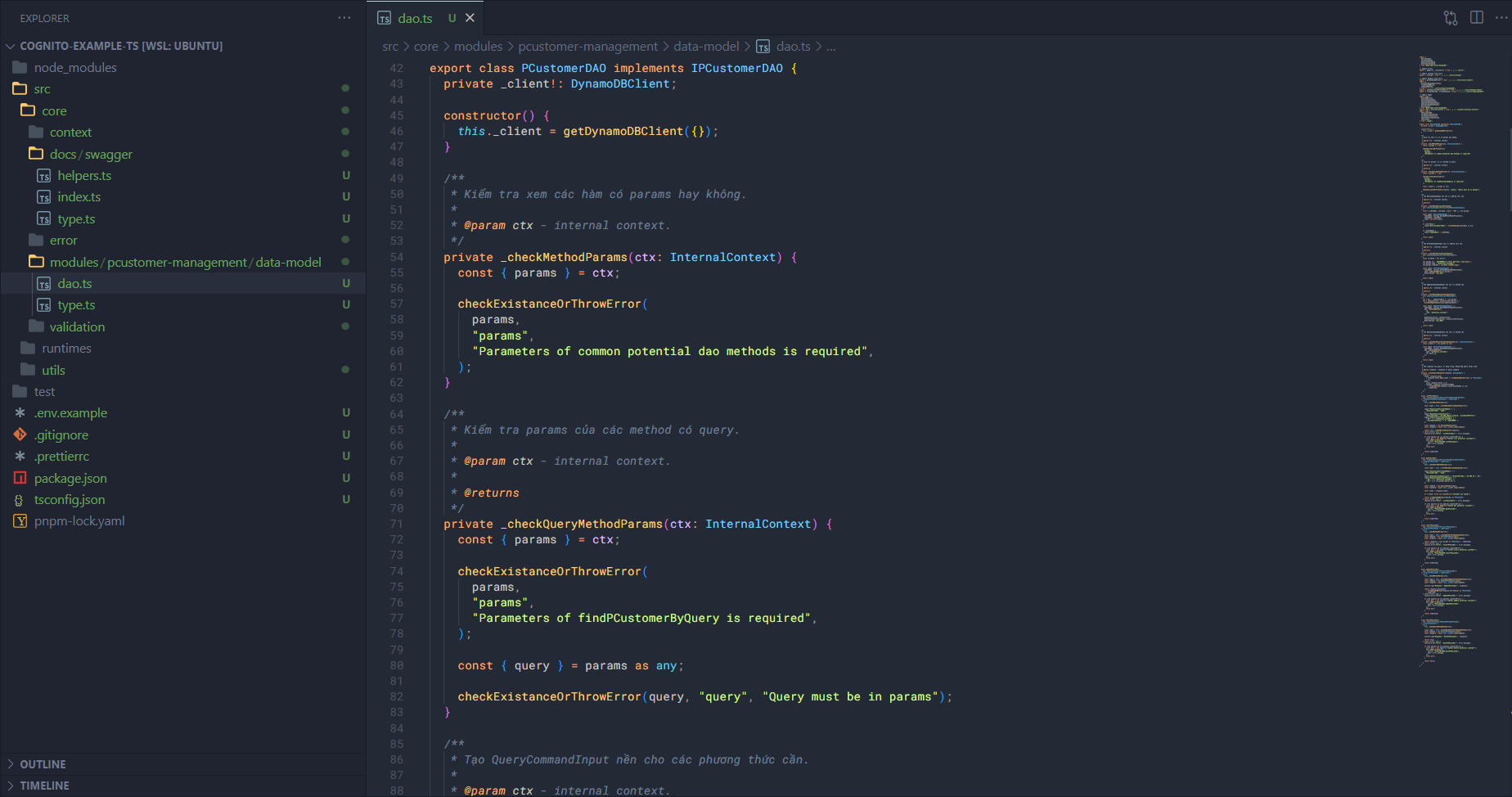
Add some helper methods.
/**
 * Kiểm tra xem các hàm có params hay không.
 *
 * @param ctx - internal context.
 */
private _checkMethodParams(ctx: InternalContext) {
  const { params } = ctx;

  checkExistanceOrThrowError(
    params,
    "params",
    "Parameters of common potential dao methods is required",
  );
}

/**
 * Kiểm tra params của các method có query.
 *
 * @param ctx - internal context.
 *
 * @returns
 */
private _checkQueryMethodParams(ctx: InternalContext) {
  const { params } = ctx;

  checkExistanceOrThrowError(
    params,
    "params",
    "Parameters of findPCustomerByQuery is required",
  );

  const { query } = params as any;

  checkExistanceOrThrowError(query, "query", "Query must be in params");
}

/**
 * Tạo QueryCommandInput nền cho các phương thức cần.
 *
 * @param ctx - internal context.
 *
 * @returns
 */
private _createBaseQueryCommandInput(
  ctx: InternalContext<Partial<TFindPCustomerParams>>,
) {
  const { indexName, startKey, limit = "10" } = ctx.params;

  const input: QueryCommandInput = {
    TableName: Configs.DynamoDBTableNamePCustomers,
    IndexName: indexName,
    Limit: parseInt(limit),
  };

  if (startKey) {
    input["ExclusiveStartKey"] = urlSafeDecode(startKey) as any;
  }

  if (indexName) {
    input["IndexName"] = indexName;
  }

  return input;
}

/**
 * Tạo PutItemCommandInput cho các phương thức cần.
 *
 * @param ctx - internal context.
 *
 * @returns
 */
private _createBasePutItemCommandInput(
  ctx: InternalContext<Partial<TPCustomer>>,
) {
  const currDate = new Date();

  ctx.params.id = `CUSTOMER#${currDate.getTime().toString()}`;
  ctx.params.type = "potential_customer";
  ctx.params.createAt = currDate.toISOString();

  const input: PutItemCommandInput = {
    TableName: Configs.DynamoDBTableNamePCustomers,
    Item: toDynamoDBItem(ctx.params!),
    ReturnValues: "ALL_OLD",
  };

  return input;
}

/**
 * Tạo UpdateItemCommandInput nền cho các method cần.
 *
 * @param ctx - internal context.
 *
 * @returns
 */
private _createBaseUpdateItemCommandInput(
  ctx: InternalContext<Partial<TPCustomer>>,
) {
  let { id, ...updatableData } = ctx.params;
  let { setExpression, expressionAttrValues } =
    buildSetUpdateExpression(updatableData)!;

  const input: UpdateItemCommandInput = {
    TableName: Configs.DynamoDBTableNamePCustomers,
    Key: toDynamoDBItem({
      id,
      type: "potential_customer",
    }),

    UpdateExpression: setExpression,
    ExpressionAttributeValues: expressionAttrValues,
    ReturnValues: "ALL_NEW",
  };

  return input;
}

/**
 * Tạo DeleteItemCommandInput nền cho các method cần.
 *
 * @param ctx - internal context.
 *
 * @returns
 */
private _createBaseDeleteItemCommandInput(ctx: InternalContext) {
  const { query } = ctx.params as any;

  const input: DeleteItemCommandInput = {
    TableName: Configs.DynamoDBTableNamePCustomers,
    Key: toDynamoDBItem({
      type: "potential_customer",
      id: query.id,
    }),
  };

  return input;
}

/**
 * Tạo response cho query. Sử dụng trong trường hợp query nhiều item.
 *
 * @param response - response từ query command
 */
private _createQueryResponse(response: QueryOutput) {
  return {
    items: response.Items
      ? response.Items.map((item) => fromDynamoDBItem(item) as TPCustomer)
      : [],
    meta: {
      size: response.Count || 0,
      lastKey: response.LastEvaluatedKey
        ? urlSafeEncode(response.LastEvaluatedKey as any)
        : undefined,
    },
  };
}
These helper functions will help the DAO work with the AWS SDK in a more standardized way and can be reused in any data manipulation method in the DAO.
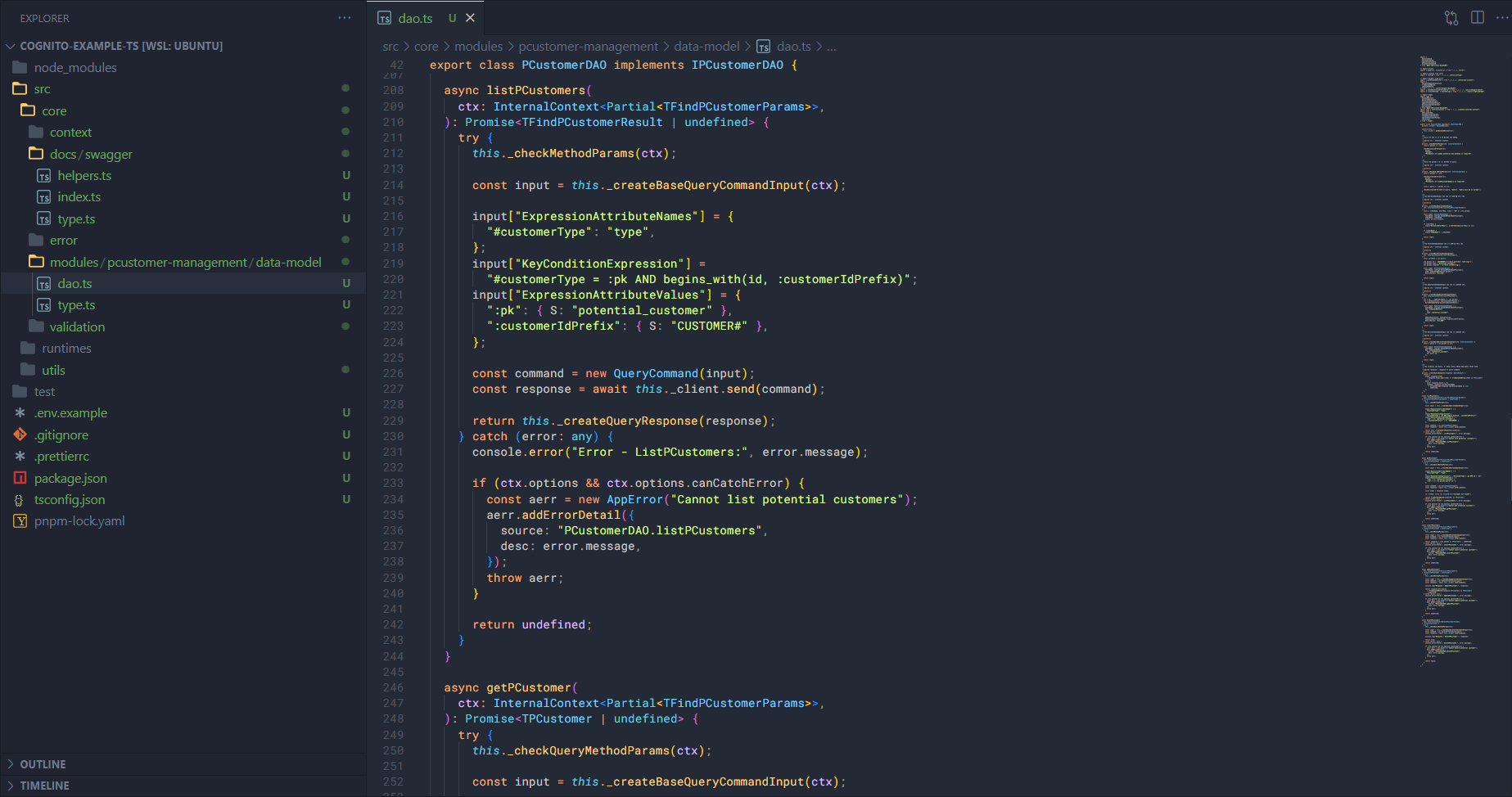
Next, we add the method to list customers (listPCustomers). In this method I also set up error handling code, in case the function calling it can catch the error then it can throw it out, otherwise it will catch and return undefined. Other methods will also have a similar structure.
async listPCustomers(
  ctx: InternalContext<Partial<TFindPCustomerParams>>,
): Promise<TFindPCustomerResult | undefined> {
  try {
    this._checkMethodParams(ctx);

    const input = this._createBaseQueryCommandInput(ctx);

    input["ExpressionAttributeNames"] = {
      "#customerType": "type",
    };
    input["KeyConditionExpression"] =
      "#customerType = :pk AND begins_with(id, :customerIdPrefix)";
    input["ExpressionAttributeValues"] = {
      ":pk": { S: "potential_customer" },
      ":customerIdPrefix": { S: "CUSTOMER#" },
    };

    const command = new QueryCommand(input);
    const response = await this._client.send(command);

    return this._createQueryResponse(response);
  } catch (error: any) {
    console.error("Error - ListPCustomers:", error.message);

    if (ctx.options && ctx.options.canCatchError) {
      const aerr = new AppError("Cannot list potential customers");
      aerr.addErrorDetail({
        source: "PCustomerDAO.listPCustomers",
        desc: error.message,
      });
      throw aerr;
    }

    return undefined;
  }
}
The flow works as follows:
- Check if the params passed in are valid (enough information or not).
- Create the base input for the command with the
_createBaseQueryCommandInputmethod based onctx. - Update the input to better match the query. As I said earlier, we will query customers by the condition
type=potential_customerand the prefix ofsk=CUSTOMER#. - Once the input is prepared, put it into the command and use the client to handle that command.
- Get the result and create the response to return the result (transform the customer list, add metadata).
Next is getPCustomer.
async getPCustomer(
  ctx: InternalContext<Partial<TFindPCustomerParams>>,
): Promise<TPCustomer | undefined> {
  try {
    this._checkQueryMethodParams(ctx);

    const input = this._createBaseQueryCommandInput(ctx);

    input["ExpressionAttributeNames"] = {
      "#customerType": "type",
    };
    input["KeyConditionExpression"] = "#customerType = :pk AND id = :sk";
    input["ExpressionAttributeValues"] = {
      ":pk": { S: "potential_customer" },
      ":sk": { S: ctx.params.query?.id! },
    };

    const command = new QueryCommand(input);
    const response = await this._client.send(command);

    const items = response.Items;

    if (!items) throw new ClientError("Customer not found");

    return fromDynamoDBItem(items[0]) as TPCustomer;
  } catch (error: any) {
    console.error("Error - ListPCustomers:", error.message);

    if (ctx.options && ctx.options.canCatchError) {
      const aerr = new AppError("Cannot get potential customer");
      aerr.addErrorDetail({
        source: "PCustomerDAO.getPCustomer",
        desc: error.message,
      });
      throw aerr;
    }

    return undefined;
  }
}
The flow works as follows:
- Check if the params passed in are valid (enough information or not).
- Create the base input for the command with the
_createBaseQueryCommandInputmethod based onctx. - Update the input to better match the query. In this method we will perform a single find, so
type=potential_customerandsk=query.id. - Once the input is prepared, put it into the command and use the client to handle that command.
- Since the result is one, I just need to transform it and return it.
And insertPCustomer.
async insertPCustomer(
  ctx: InternalContext<Partial<TPCustomer>>,
): Promise<TPCustomer | undefined> {
  try {
    this._checkMethodParams(ctx);

    const input = this._createBasePutItemCommandInput(ctx);
    const command = new PutItemCommand(input);
    const response = await this._client.send(command);

    return response ? (ctx.params as TPCustomer) : undefined;
  } catch (error: any) {
    console.error("Error - InsertPCustomer:", error.message);

    if (ctx.options && ctx.options.canCatchError) {
      const aerr = new AppError("Cannot insert potential customer");
      aerr.addErrorDetail({
        source: "PCustomerDAO.insertPCustomer",
        desc: error.message,
      });
      throw aerr;
    }

    return undefined;
  }
}
The flow works as follows:
- Check if the params passed in are valid (enough information or not).
- Create the base input for the command with the
_createBasePutItemCommandInputmethod based onctx. - Put the input into the command and the client will handle that command.
- When successfully inserted, return the customer result.
And updatePCustomer.
async updatePCustomer(
  ctx: InternalContext<Partial<TPCustomer>>,
): Promise<TPCustomer | undefined> {
  try {
    this._checkMethodParams(ctx);

    const input = this._createBaseUpdateItemCommandInput(ctx);
    const command = new UpdateItemCommand(input);
    const response = await this._client.send(command);

    console.log("Response - UpdatePCustomer:", response);

    return response.Attributes
      ? (fromDynamoDBItem(response.Attributes) as TPCustomer)
      : undefined;
  } catch (error: any) {
    console.error("Error - UpdatePCustomer:", error.message);

    if (ctx.options && ctx.options.canCatchError) {
      const aerr = new AppError("Cannot update potential customer");
      aerr.addErrorDetail({
        source: "PCustomerDAO.updatePCustomer",
        desc: error.message,
      });
      throw aerr;
    }

    return undefined;
  }
}
The flow works as follows:
- Check if the params passed in are valid (enough information or not).
- Create the base input for the command with the
_createBaseUpdateItemCommandInputmethod based onctx. - Put the input into the command and the client will handle that command.
- Get the result, transform that result and return it to the user.
Finally is deletePCustomer.
async deletePCustomer(
  ctx: InternalContext<TDeletePCustomerParams>,
): Promise<boolean> {
  try {
    this._checkQueryMethodParams(ctx);

    const input = this._createBaseDeleteItemCommandInput(ctx);
    const command = new DeleteItemCommand(input);
    const response = await this._client.send(command);

    console.log("Response - DeletePCustomer:", response);

    return true;
  } catch (error: any) {
    console.error("Error - DeletePCustomer:", error.message);

    if (ctx.options && ctx.options.canCatchError) {
      const aerr = new AppError("Cannot delete potential customer");
      aerr.addErrorDetail({
        source: "PCustomerDAO.deletePCustomer",
        desc: error.message,
      });
      throw aerr;
    }

    return false;
  }
}
The flow works as follows:
- Check if the params passed in are valid (enough information or not).
- Create the base input for the command with the
_createBaseDeleteItemCommandInputmethod based onctx. - Put the input into the command and the client will handle that command.
- Return
trueif the deletion is successful. If there is an error then either throw it or returnfalse.
Ok, so that’s done. In theory we’ve completed the core part of the user management feature. But this is only the application interacting with the system. We also have to consider the part where the client interacts with the application.
Schema
For some databases, a table will be called a schema, which will indicate what the data structure is like, what data types, what conditions, etc. In our application we also have a similar feature but with additional validation. The schema can validate whether an input data follows its rules or not. First, create a new file schema.ts in data-model and add some code:
First, import some things.
import joi from "joi";

// Import constants
import {
  CUSTOMER_ID_PREFIX_REGEX,
  VIETNAMESE_NAME_REGEX,
  VIETNAMESE_PHONENUMBER_REGEX,
  SNAKECASE_REGEX,
  ISO8601_DATETIME_REGEX,
} from "../../../../utils/constants";

import { toDescriptiveObject } from "../../../validation/joi/helpers";
Next, we will create schema for fields first.
export const idSchema = joi.string().pattern(CUSTOMER_ID_PREFIX_REGEX);
export const fullNameSchema = joi
  .string()
  .pattern(VIETNAMESE_NAME_REGEX)
  .messages({
    "string.pattern.base":
      "fullName must be a valid VietNamese Name. Don't include any special character.",
    "string.base": "fullName must be a string",
    "string.empty": "fullName cannot be empty",
    "any.required": "fullName is required",
  });
export const phoneSchema = joi
  .string()
  .pattern(VIETNAMESE_PHONENUMBER_REGEX)
  .messages({
    "string.pattern.base": "phone must be a valid VietNamese phone number",
    "string.base": "phone number must be a string",
    "any.required": "phone number is required",
  });
export const ageSchema = joi.number().min(18).max(90);
export const productCodeSchema = joi
  .string()
  .pattern(SNAKECASE_REGEX)
  .messages({
    "string.pattern.base":
      "ProductCode must be a valid snake_case and don't include any special character.",
    "string.base": "productCode must be a string",
    "string.empty": "productCode cannot be empty",
    "any.required": "productCode is required",
  });
export const createAtSchema = joi
  .string()
  .pattern(ISO8601_DATETIME_REGEX)
  .messages({
    "string.pattern.base":
      "createAt must be a valid ISO 8601 Date String as full length.",
    "string.base": "createAt must be a string",
    "string.empty": "createAt cannot be empty",
    "any.required": "createAt is required",
  });
After creating the fields into a schema, we will combine them into a complete object. We will need to check if the customer information is valid when adding, deleting, updating and finding customers, but in this article I will only do adding and updating.
export const createPCustomerSchema = joi.object({
  fullName: fullNameSchema.required(),
  phone: phoneSchema.required(),
  age: ageSchema.required(),
  productCode: productCodeSchema.required(),
});

export const updatePCustomerSchema = joi.object({
  fullName: fullNameSchema,
  phone: phoneSchema,
  age: ageSchema,
  productCode: productCodeSchema,
});
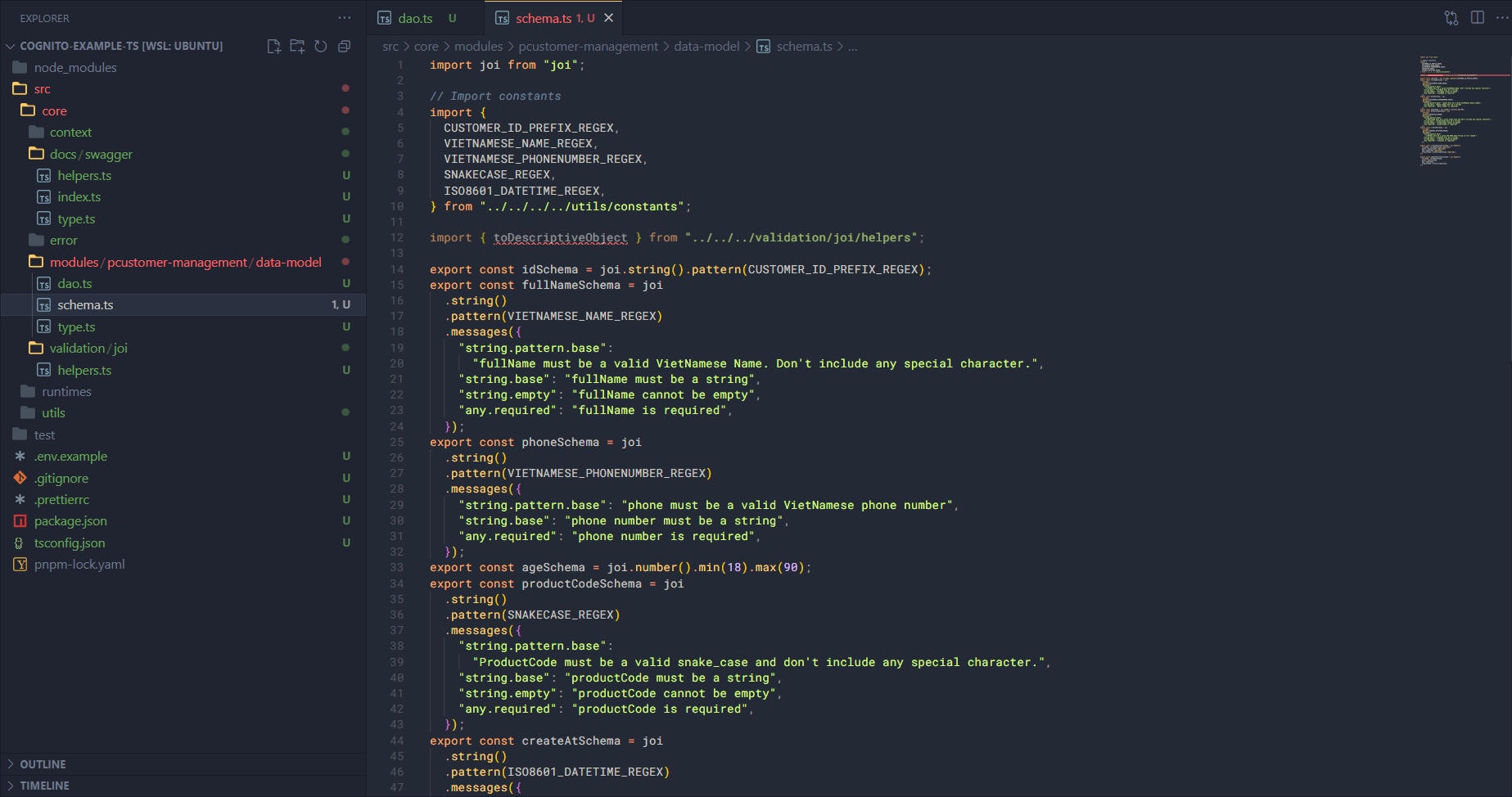
We can see that we are encountering an import error here because there is no toDescriptiveObject function in validation/joi/helpers.ts. So now open that file to add this function.
function _toDescriptiveObjectCore(description: any) {
  const result: any = {};

  if (Array.isArray(description)) {
    for (const key of description) {
      result[key] = _toDescriptiveObjectCore(description[key]);
    }

    return result;
  }

  result.type = description.type;

  if (description.type === "object") {
    result.properties = {};

    for (const key in description.keys) {
      result.properties[key] = _toDescriptiveObjectCore(description.keys[key]);
    }
  }

  if (description.type === "array") {
    result.items = _toDescriptiveObjectCore(description.items[0]);
  }

  return result;
}

/**
 * Trả về descriptive object từ joi schema, để dùng trong một số module khác.
 *
 * @param joiSchema - joi schema
 *
 * @returns
 */
export function toDescriptiveObject(joiSchema: ObjectSchema) {
  const description = joiSchema.describe();
  return _toDescriptiveObjectCore(description);
}
What does this function do? Joi can create a descriptive object but not in the OpenAPI standard used in Swagger, so here we need to write an additional function to tweak a bit the descriptive object attributes of Joi to match the OpenAPI standard. I will split this function into 2, one to get the descriptive object and one to transform it using a recursive technique.
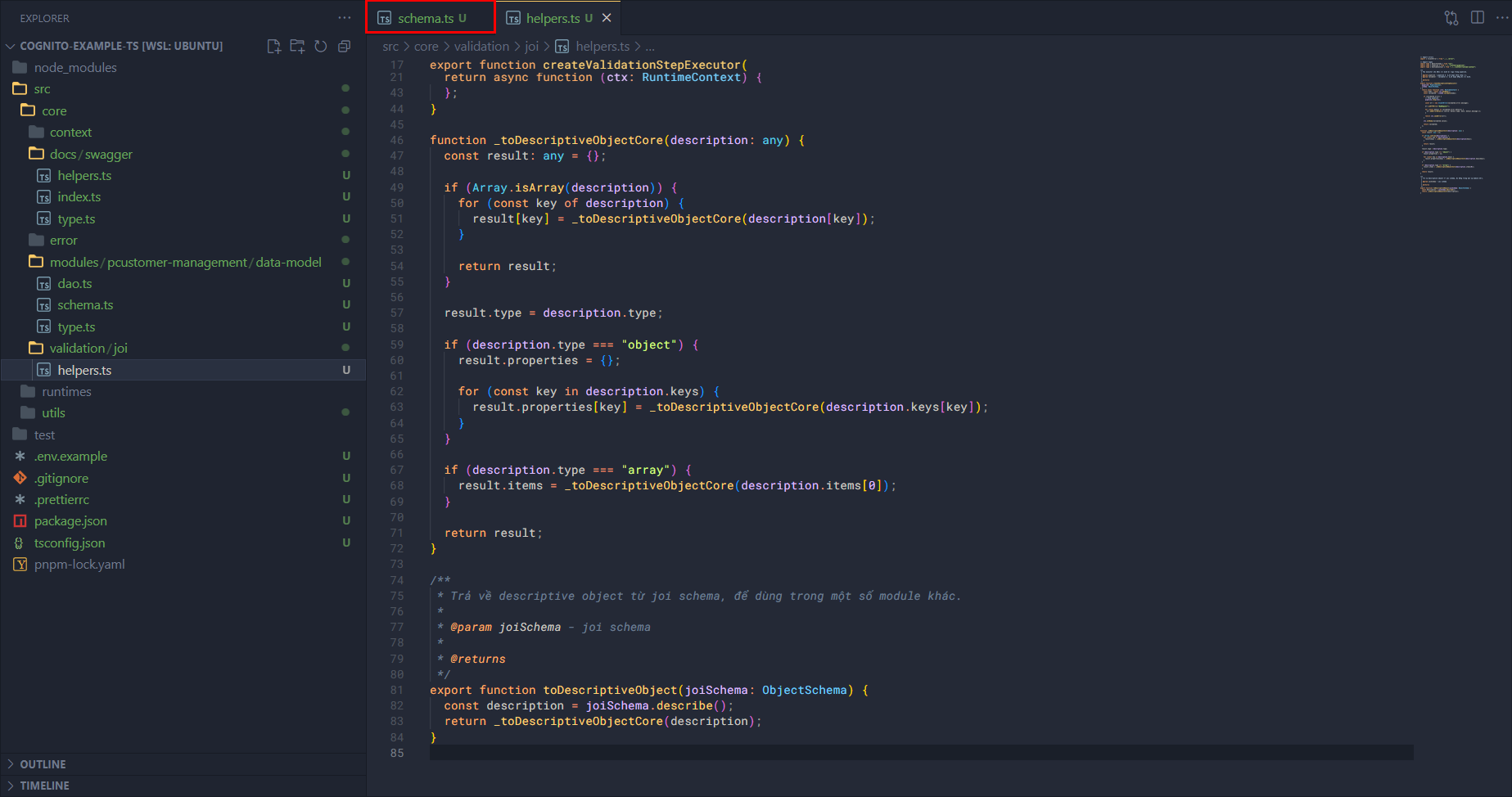
After adding it, the schema.ts tab is also “green”. Now go back and add some more code to schema.ts.
export const pcustomerDescriptiveObject = {
  type: "object",
  properties: {
    id: { type: "string" },
    fullName: { type: "string" },
    phone: { type: "string" },
    age: { type: "number" },
    type: { type: "string" },
    productCode: { type: "string" },
    createAt: { type: "string" },
  },
};

export const pcustomersDescriptiveObject = {
  type: "array",
  items: {
    type: "object",
    properties: {
      id: { type: "string" },
      fullName: { type: "string" },
      phone: { type: "string" },
      age: { type: "number" },
      type: { type: "string" },
      productCode: { type: "string" },
      createAt: { type: "string", format: "date-time" },
    },
  },
};

export const createPCustomerDescriptiveObject = toDescriptiveObject(
  createPCustomerSchema,
);

export const updatePCustomerDescriptiveObject = toDescriptiveObject(
  updatePCustomerSchema,
);
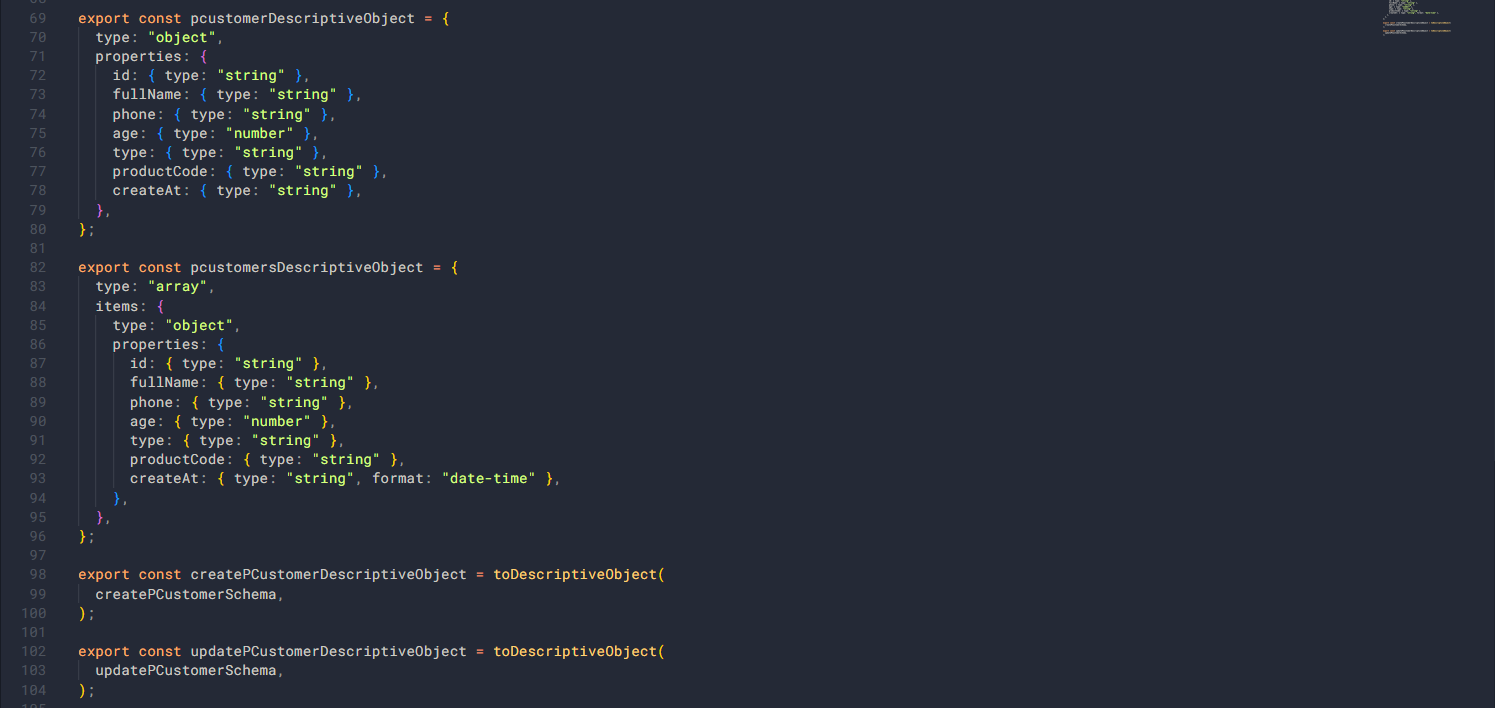
At this point we have completed building the data model in the pcustomer-management module. In the next section we will build each function.