4.2.4. Build validation
Data validation is an important part and it must take place before executing the main functions in the application. In this section, we will set up a validator with Joi, which is a very solid data validation library.
One special thing is that in this section, I will not create a specific validator for any particular input, but instead make a wrapper for the validator that can be used in the pipeline.
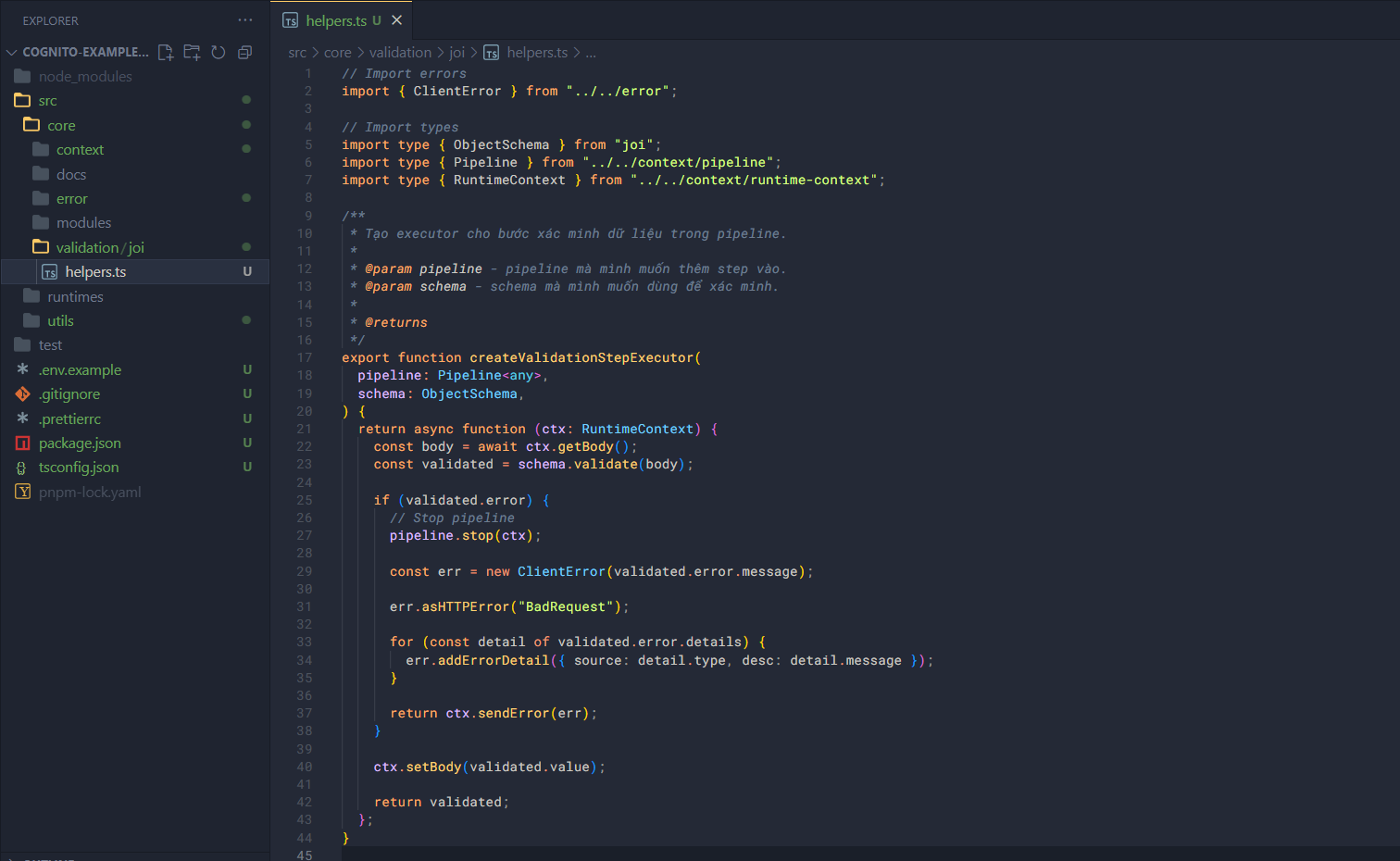
In the validation folder, create a joi folder, and in joi/ create helpers.ts. Add some code into helpers.ts.
// Import errors
import { ClientError } from "../../error";

// Import types
import type { ObjectSchema } from "joi";
import type { Pipeline } from "../../context/pipeline";
import type { RuntimeContext } from "../../context/runtime-context";
This is a function used to create a step executor and it will be used in the pipeline’s step.
/**
 * Tạo executor cho bước xác minh dữ liệu trong pipeline.
 *
 * @param pipeline - pipeline mà mình muốn thêm step vào.
 * @param schema - schema mà mình muốn dùng để xác minh.
 *
 * @returns
 */
export function createValidationStepExecutor(
  pipeline: Pipeline<any>,
  schema: ObjectSchema,
) {
  return async function (ctx: RuntimeContext) {
    const body = await ctx.getBody();
    const validated = schema.validate(body);

    if (validated.error) {
      // Stop pipeline
      pipeline.stop(ctx);

      const err = new ClientError(validated.error.message);

      err.asHTTPError("BadRequest");

      for (const detail of validated.error.details) {
        err.addErrorDetail({ source: detail.type, desc: detail.message });
      }

      return ctx.sendError(err);
    }

    ctx.setBody(validated.value);

    return validated;
  };
}