4.2.2. Build pipeline
What is Pipeline?
Before building this part, let’s talk briefly about the concept of a pipeline. A pipeline is a chain of functions connected together in a certain context. These functions are called Steps. When an input enters the pipeline, it will be passed from one step to the next to produce the final result. The output of one step can be the input of the next step (or not).
We’ll define our own Pipeline, which will help us perform some tasks that can be repeated and reused in many different places in the codebase.
Pre-setup
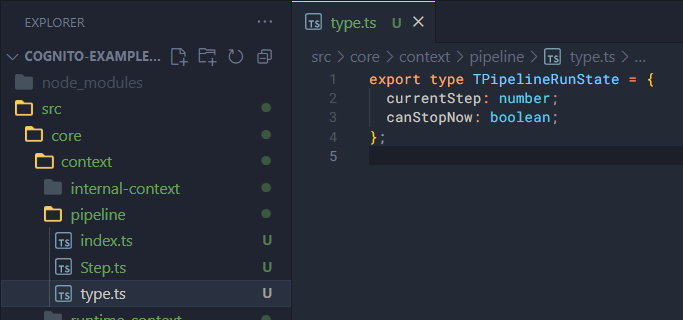
First, create a pipeline folder inside context/.
Inside the pipeline folder, add three files: Step.ts, index.ts and type.ts.
In type.ts, add the following:
export type TPipelineRunState = {
  currentStep: number;
  canStopNow: boolean;
};
Step
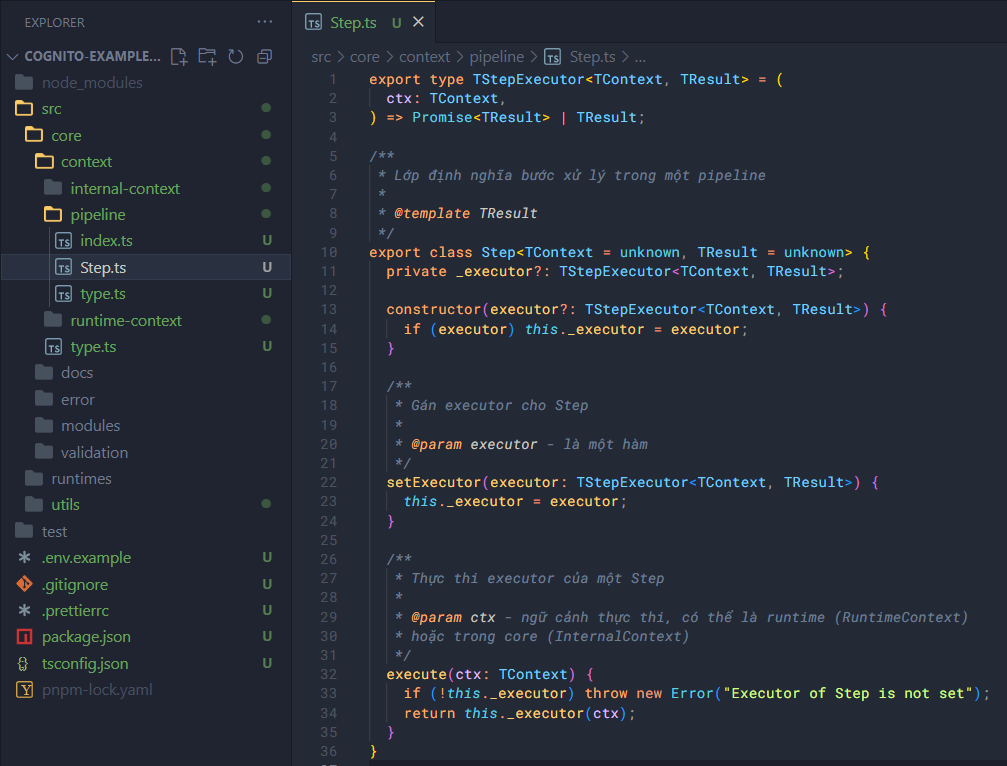
Here we need to create a class to manage a step.
First, define some types:
export type TStepExecutor<TContext, TResult> = (
  ctx: TContext,
) => Promise<TResult> | TResult;
Then define the Step itself:
/**
 * Lớp định nghĩa bước xử lý trong một pipeline
 *
 * @template TResult
 */
export class Step<TContext = unknown, TResult = unknown> {
  private _executor?: TStepExecutor<TContext, TResult>;

  constructor(executor?: TStepExecutor<TContext, TResult>) {
    if (executor) this._executor = executor;
  }

  /**
   * Gán executor cho Step
   *
   * @param executor - là một hàm
   */
  setExecutor(executor: TStepExecutor<TContext, TResult>) {
    this._executor = executor;
  }

  /**
   * Thực thi executor của một Step
   *
   * @param ctx - ngữ cảnh thực thi, có thể là runtime (RuntimeContext)
   * hoặc trong core (InternalContext)
   */
  execute(ctx: TContext) {
    if (!this._executor) throw new Error("Executor of Step is not set");
    return this._executor(ctx);
  }
}
Pipeline
Finally, define the pipeline.
First, add this code to index.ts:
import { Step } from "./Step";

// Import types
import type { RuntimeContext } from "../runtime-context";
import type { InternalContext } from "../internal-context";
import type { TStepExecutor } from "./Step";
import type { TPipelineRunState } from "./type";
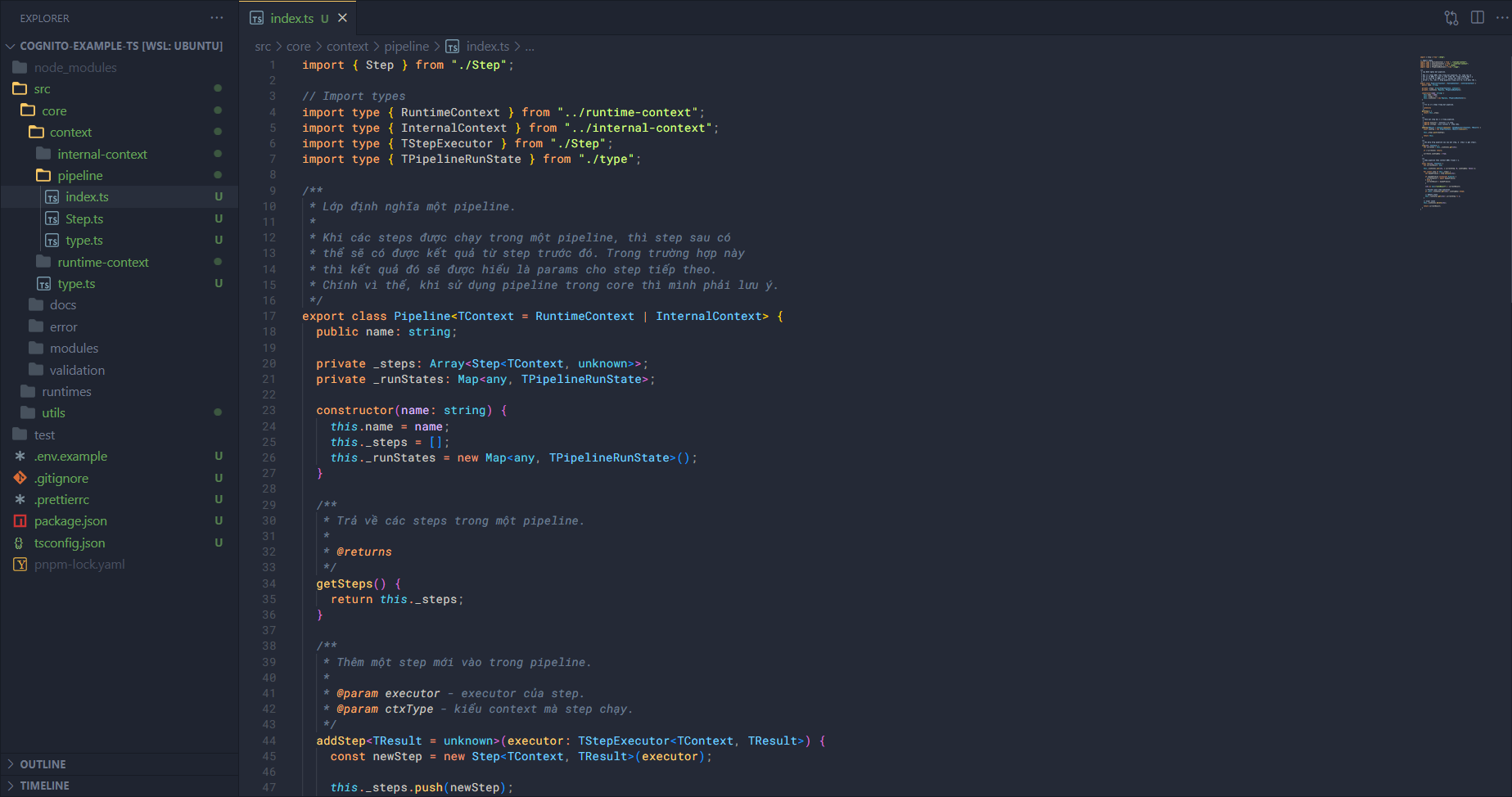
Khởi tạo định nghĩa cho Pipeline, với một số thuộc tính và hàm cơ bản.
/**
 * Lớp định nghĩa một pipeline.
 *
 * Khi các steps được chạy trong một pipeline, thì step sau có
 * thể sẽ có được kết quả từ step trước đó. Trong trường hợp này
 * thì kết quả đó sẽ được hiểu là params cho step tiếp theo.
 * Chính vì thế, khi sử dụng pipeline trong core thì mình phải lưu ý.
 */
export class Pipeline<TContext = RuntimeContext | InternalContext> {
  public name: string;

  private _steps: Array<Step<TContext, unknown>>;
  private _runStates: Map<any, TPipelineRunState>;

  constructor(name: string) {
    this.name = name;
    this._steps = [];
    this._runStates = new Map<any, TPipelineRunState>();
  }

  /**
   * Trả về các steps trong một pipeline.
   *
   * @returns
   */
  getSteps() {
    return this._steps;
  }

  /**
   * Thêm một step mới vào trong pipeline.
   *
   * @param executor - executor của step.
   * @param ctxType - kiểu context mà step chạy.
   */
  addStep<TResult = unknown>(executor: TStepExecutor<TContext, TResult>) {
    const newStep = new Step<TContext, TResult>(executor);

    this._steps.push(newStep);

    return this;
  }

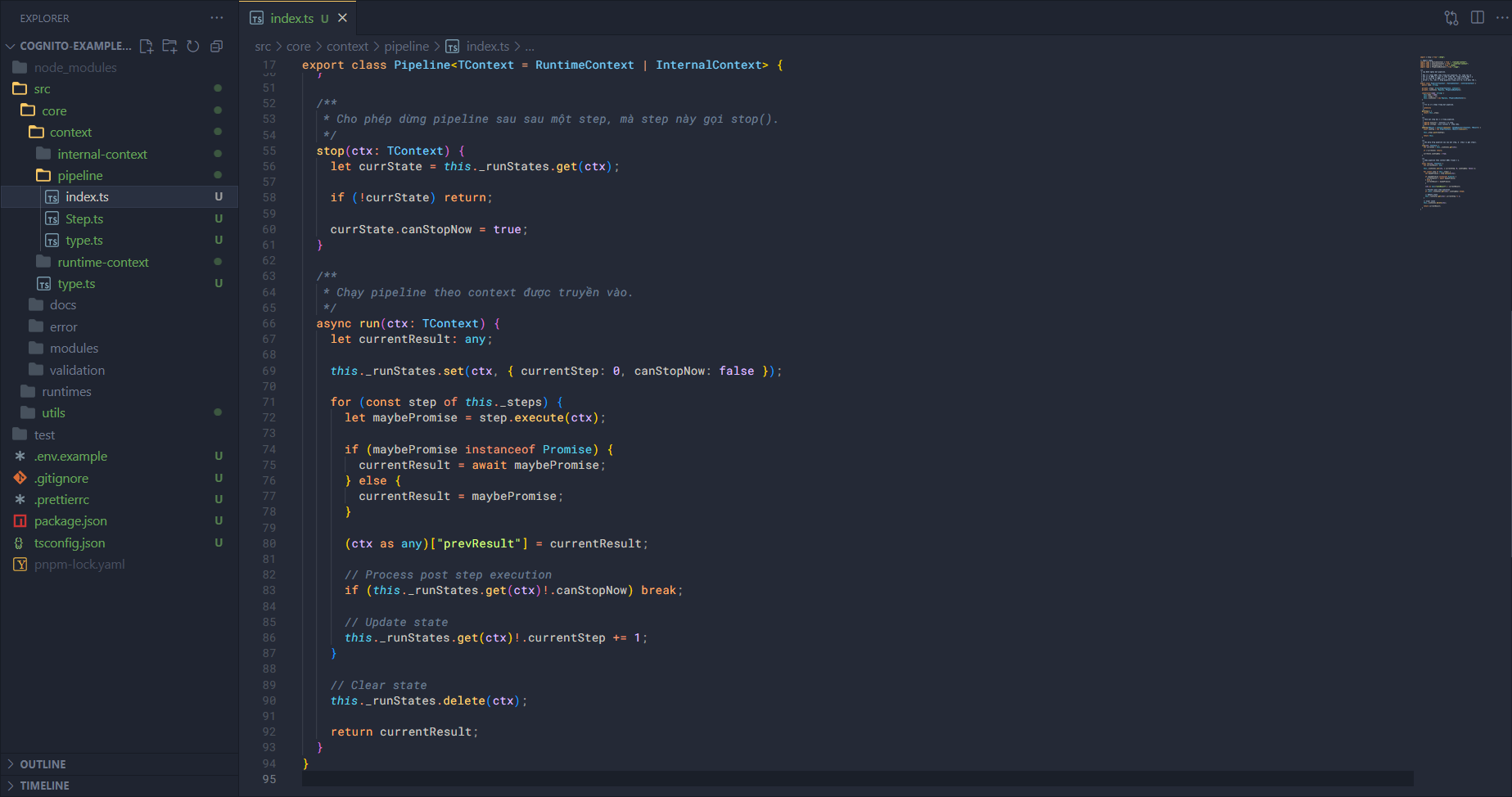
  /**
   * Cho phép dừng pipeline sau sau một step, mà step này gọi stop().
   */
  stop(ctx: TContext) {
    let currState = this._runStates.get(ctx);

    if (!currState) return;

    currState.canStopNow = true;
  }
}
For the pipeline to run, we also need to define the run method inside Pipeline.
In JavaScript we have both sync and async threads, so we need to ensure that run can handle both async and normal functions so that the functions can interact with each other properly.
/**
 * Chạy pipeline theo context được truyền vào.
 */
async run(ctx: TContext) {
  let currentResult: any;

  this._runStates.set(ctx, { currentStep: 0, canStopNow: false });

  for (const step of this._steps) {
    let maybePromise = step.execute(ctx);

    if (maybePromise instanceof Promise) {
      currentResult = await maybePromise;
    } else {
      currentResult = maybePromise;
    }

    (ctx as any)["prevResult"] = currentResult;

    // Process post step execution
    if (this._runStates.get(ctx)!.canStopNow) break;

    // Update state
    this._runStates.get(ctx)!.currentStep += 1;
  }

  // Clear state
  this._runStates.delete(ctx);

  return currentResult;
}