4.2.1. Build Context
What is Context?
As explained in the definitions earlier, in this tutorial “context” means a block of information about one execution of some task in the application. For example, when we start an app with NodeJS, we have a NodeJS runtime context. From that runtime we can take the necessary information to create a standard runtime for our code. Or, for each task between module → module or module → function, there’s also its own context — called the internal context.
So in this section we’ll define the classes that will hold the necessary information for a context. These pieces of information aren’t just simple variables; they can also be functions. Because of that, we’ll use classes.
Define data types
First, define some types.
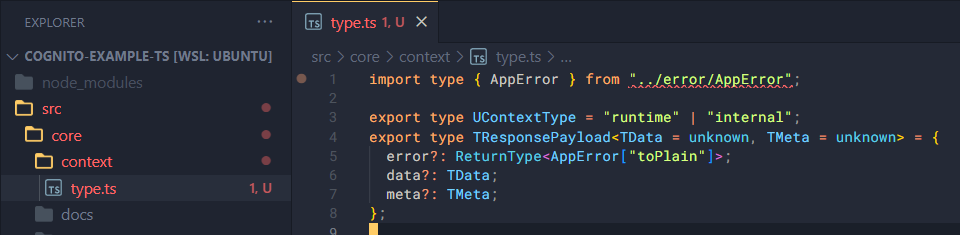
Create a type.ts file inside context/ and add the following:
import type { AppError } from "../error/AppError";

export type UContextType = "runtime" | "internal";
export type TResponsePayload<TData = unknown, TMeta = unknown> = {
  error?: ReturnType<AppError["toPlain"]>;
  data?: TData;
  meta?: TMeta;
};
Runtime context
Inside context, create a folder runtime-context.
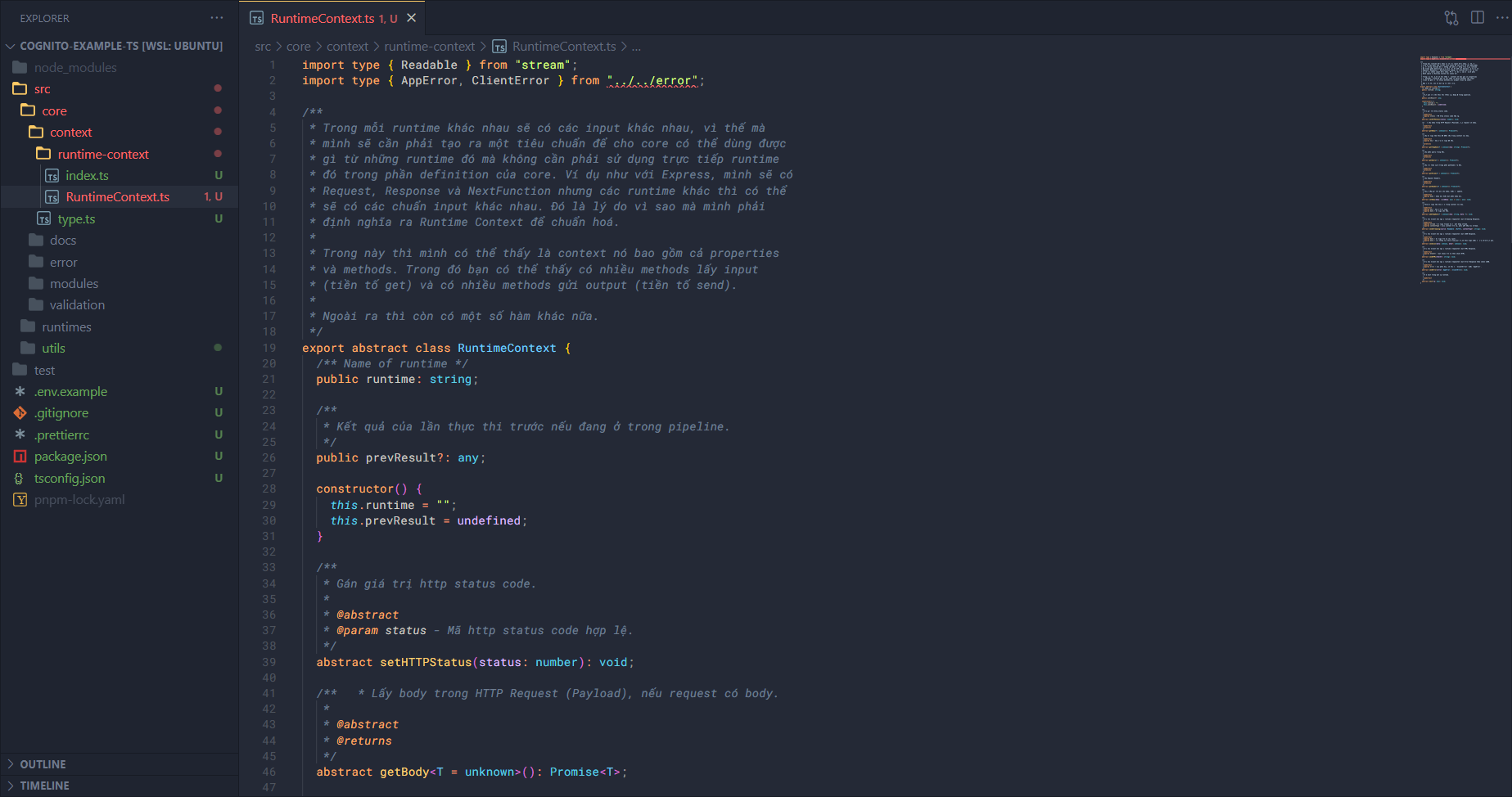
Inside runtime-context, add two files: RuntimeContext.ts and index.ts.
Add the class definition for RuntimeContext to RuntimeContext.ts:
import type { Readable } from "stream";
import type { AppError, ClientError } from "../../error";

/**
 * Trong mỗi runtime khác nhau sẽ có các input khác nhau, vì thế mà
 * mình sẽ cần phải tạo ra một tiêu chuẩn để cho core có thể dùng được
 * gì từ những runtime đó mà không cần phải sử dụng trực tiếp runtime
 * đó trong phần definition của core. Ví dụ như với Express, mình sẽ có
 * Request, Response và NextFunction nhưng các runtime khác thì có thể
 * sẽ có các chuẩn input khác nhau. Đó là lý do vì sao mà mình phải
 * định nghĩa ra Runtime Context để chuẩn hoá.
 *
 * Trong này thì mình có thể thấy là context nó bao gồm cả properties
 * và methods. Trong đó bạn có thể thấy có nhiều methods lấy input
 * (tiền tố get) và có nhiều methods gửi output (tiền tố send).
 *
 * Ngoài ra thì còn có một số hàm khác nữa.
 */
export abstract class RuntimeContext {
  /** Name of runtime */
  public runtime: string;

  /**
   * Kết quả của lần thực thi trước nếu đang ở trong pipeline.
   */
  public prevResult?: any;

  constructor() {
    this.runtime = "";
    this.prevResult = undefined;
  }

  /**
   * Gán giá trị http status code.
   *
   * @abstract
   * @param status - Mã http status code hợp lệ.
   */
  abstract setHTTPStatus(status: number): void;

  /**   * Lấy body trong HTTP Request (Payload), nếu request có body.
   *
   * @abstract
   * @returns
   */
  abstract getBody<T = unknown>(): Promise<T>;

  /**
   * Lấy dữ liệu tạm thời đã được lưu trong context với key.
   *
   * @abstract
   * @param key - key của dữ liệu đã lưu.
   *
   * @returns
   */
  abstract getTempData<T = unknown>(key: string): Promise<T>;

  /**
   * Lấy phần query trong URL.
   *
   * @abstract
   * @returns
   */
  abstract getQuery<T = unknown>(): Promise<T>;

  /**
   * Lấy các tham số ở trong phần pathname của URL.
   *
   * @abstract
   * @returns
   */
  abstract getParams<T = unknown>(): Promise<T>;

  /**
   * Lấy Request Headers.
   *
   * @abstract
   * @returns
   */
  abstract getHeaders<T = unknown>(): Promise<T>;

  /**
   * Thiết lập giá trị mới cho body, hoặc là update.
   *
   * @abstract
   * @param body - body mới hoặc một phần body mới.
   */
  abstract setBody(body: ((oldBody: any) => any) | any): void;

  /**
   * Thêm dữ liệu tạm thời vào trong context với key.
   *
   * @abstract
   * @param key - key của dữ liệu.
   * @param data - dữ liệu cần lưu.
   */
  abstract addTempData<T = unknown>(key: string, data: T): void;

  /**
   * Gửi lại Client bên ngoài runtime (requester) một Streaming Response.
   *
   * @abstract
   * @param stream - dữ liệu truyền về là một dạng stream.
   * @param contentType - kiểu content trả về, phải phù hợp với stream.
   */
  abstract sendStreaming(source: Readable | Buffer, contentType?: string): void;

  /**
   * Gửi lại Client bên ngoài runtime (requester) một JSON Response.
   *
   * @abstract
   * @param data - dữ liệu trả về (kết quả).
   * @param meta - các thông tin thêm trong quá trình thực hiện hoặc là của chính kết quả.
   */
  abstract sendJson(data: unknown, meta?: unknown): void;

  /**
   * Gửi lại Client bên ngoài runtime (requester) một HTML Response.
   *
   * @abstract
   * @param htmlStr - một chuỗi trả về theo chuẩn HTML.
   */
  abstract sendHTML(htmlStr: string): void;

  /**
   * Gửi lại Client bên ngoài runtime (requester) một Error Response theo chuẩn JSON.
   *
   * @abstract
   * @param error - lỗi phản hồi, có thể là `ClientErrror` hoặc `AppError`.
   */
  abstract sendError(error: AppError | ClientError): void;

  /**
   * Hàm next trong một số runtime.
   *
   * @abstract
   */
  abstract next?(p: any): void;
}
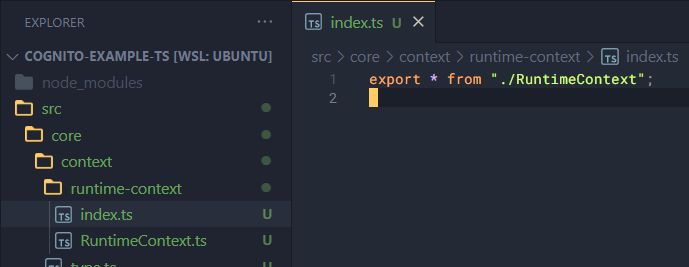
Inside index.ts just export it:
export * from "./RuntimeContext";
Internal context
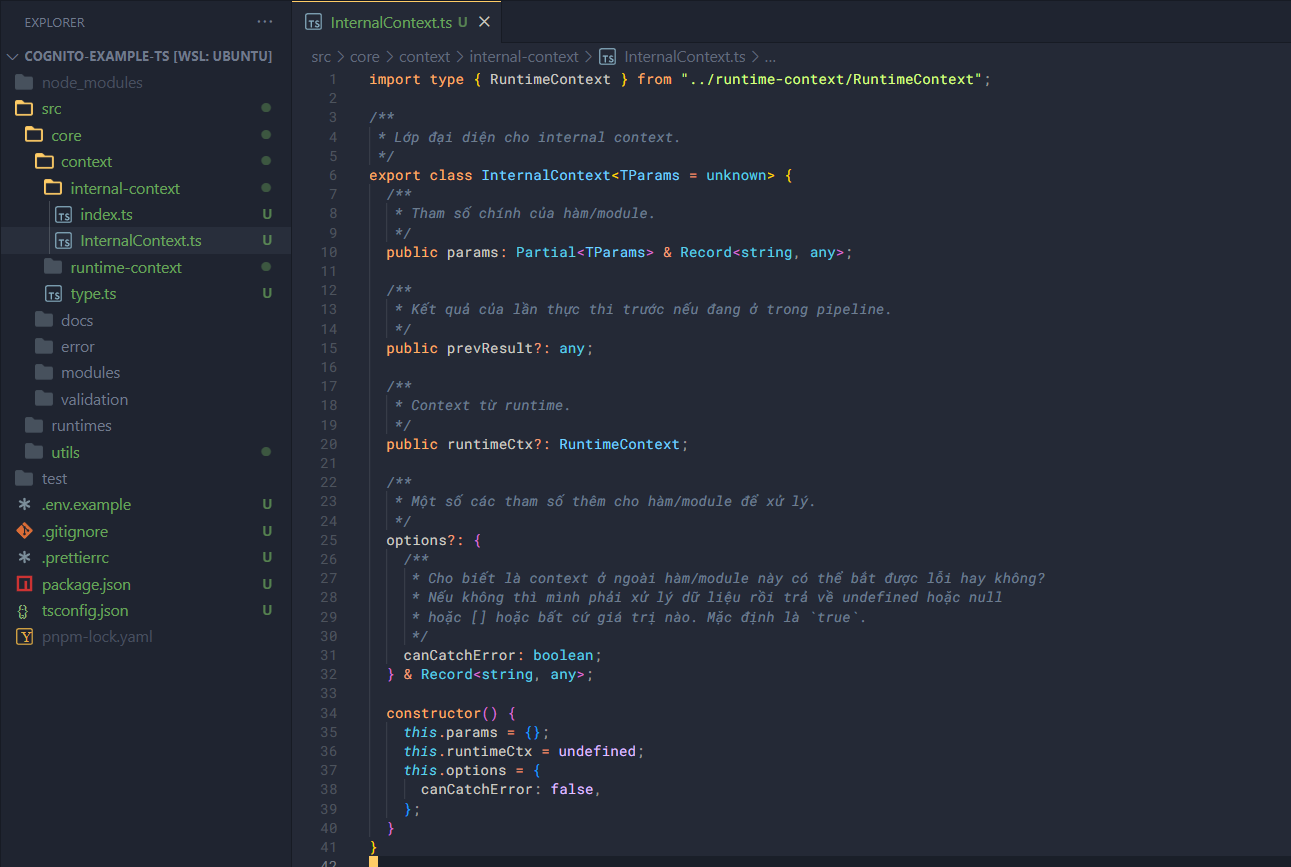
Similarly, create a folder internal-context.
Inside it, you’ll have files with the same purpose as above.
Add the class definition for InternalContext to InternalContext.ts:
import type { RuntimeContext } from "../runtime-context/RuntimeContext";

/**
 * Lớp đại diện cho internal context.
 */
export class InternalContext<TParams = unknown> {
  /**
   * Tham số chính của hàm/module.
   */
  public params: Partial<TParams> & Record<string, any>;

  /**
   * Kết quả của lần thực thi trước nếu đang ở trong pipeline.
   */
  public prevResult?: any;

  /**
   * Context từ runtime.
   */
  public runtimeCtx?: RuntimeContext;

  /**
   * Một số các tham số thêm cho hàm/module để xử lý.
   */
  options?: {
    /**
     * Cho biết là context ở ngoài hàm/module này có thể bắt được lỗi hay không?
     * Nếu không thì mình phải xử lý dữ liệu rồi trả về undefined hoặc null
     * hoặc [] hoặc bất cứ giá trị nào. Mặc định là `true`.
     */
    canCatchError: boolean;
  } & Record<string, any>;

  constructor() {
    this.params = {};
    this.runtimeCtx = undefined;
    this.options = {
      canCatchError: false,
    };
  }
}
Then in index.ts add:
import { InternalContext } from "./InternalContext";

/**
 * Khởi tạo Internal Context cho hàm hoặc các module trong core.
 *
 *@returns
 */
export function initializeInternalContext(): InternalContext {
  return new InternalContext();
}

export * from "./InternalContext";
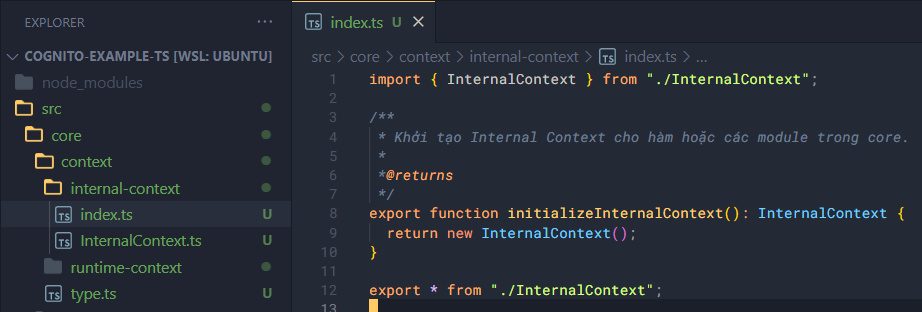
With that, we’ve finished defining the context classes in our code.