4.1.3. Build helpers
Now we’re going to add code for the helper parts in the project. We’ll start with the smallest pieces first, then move on to larger, more specific ones.
String helpers
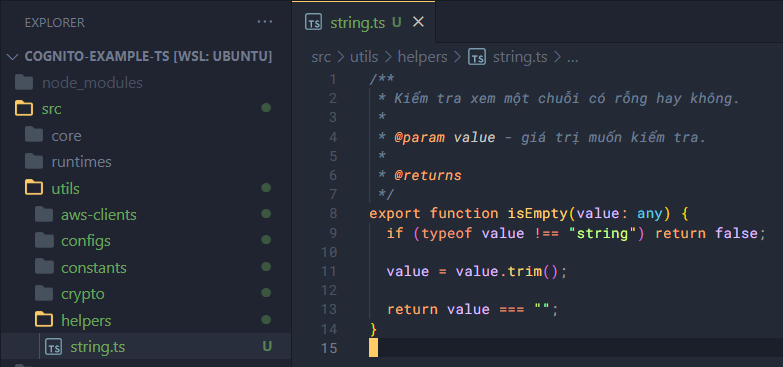
Create string.ts in helpers/ and add the following code:
/**
 * Kiểm tra xem một chuỗi có rỗng hay không.
 *
 * @param value - giá trị muốn kiểm tra.
 *
 * @returns
 */
export function isEmpty(value: any) {
  if (typeof value !== "string") return false;

  value = value.trim();

  return value === "";
}
Number helpers
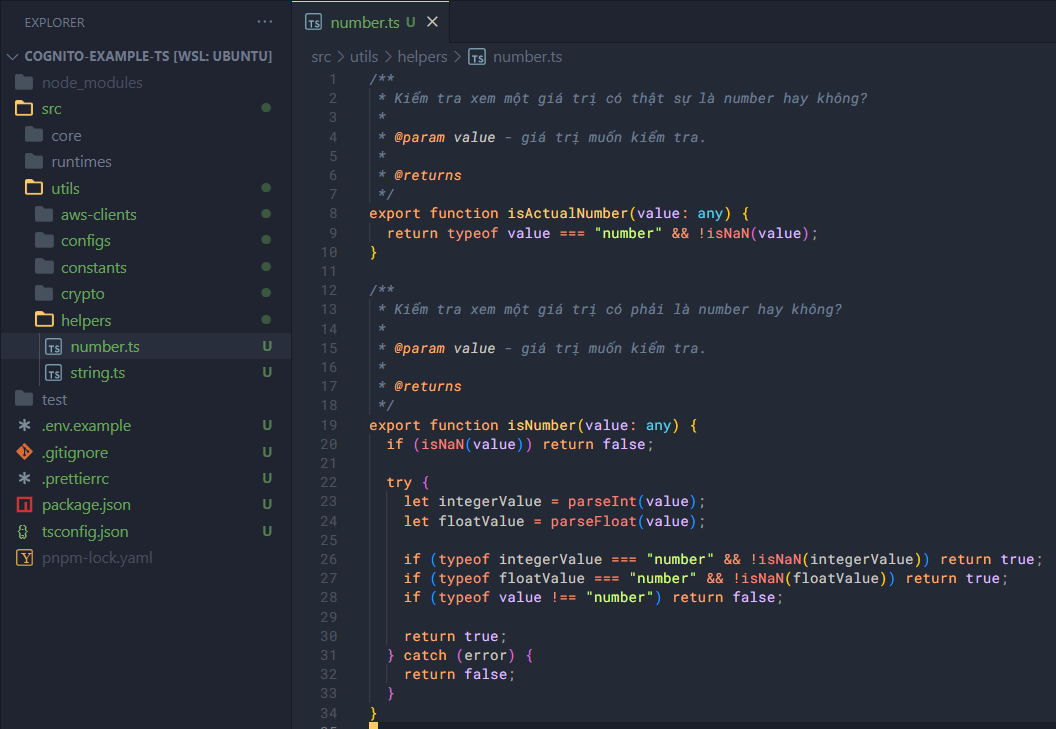
Create number.ts in helpers/ and add the following code:
/**
 * Kiểm tra xem một giá trị có thật sự là number hay không?
 *
 * @param value - giá trị muốn kiểm tra.
 *
 * @returns
 */
export function isActualNumber(value: any) {
  return typeof value === "number" && !isNaN(value);
}

/**
 * Kiểm tra xem một giá trị có phải là number hay không?
 *
 * @param value - giá trị muốn kiểm tra.
 *
 * @returns
 */
export function isNumber(value: any) {
  if (isNaN(value)) return false;

  try {
    let integerValue = parseInt(value);
    let floatValue = parseFloat(value);

    if (typeof integerValue === "number" && !isNaN(integerValue)) return true;
    if (typeof floatValue === "number" && !isNaN(floatValue)) return true;
    if (typeof value !== "number") return false;

    return true;
  } catch (error) {
    return false;
  }
}
Check helpers
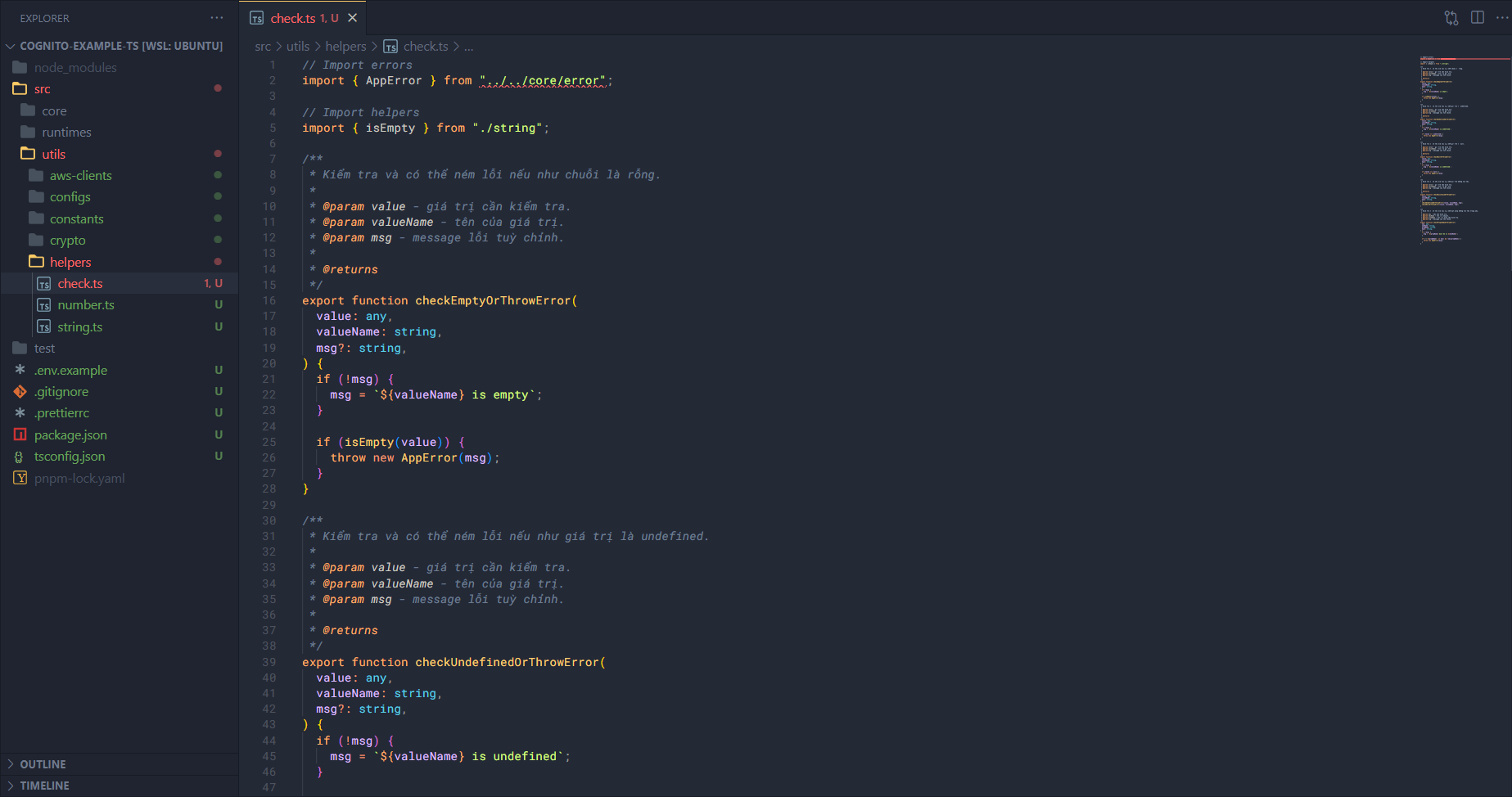
Create check.ts in helpers/.
Import some things first — you’ll get an import error from "../../core/error", but we’ll fix that when we write the core part.
// Import errors
import { AppError } from "../../core/error";

// Import helpers
import { isEmpty } from "./string";
Next is a function to check whether a string is empty. If it is, throw an error.
/**
 * Kiểm tra và có thể ném lỗi nếu như chuỗi là rỗng.
 *
 * @param value - giá trị cần kiểm tra.
 * @param valueName - tên của giá trị.
 * @param msg - message lỗi tuỳ chỉnh.
 *
 * @returns
 */
export function checkEmptyOrThrowError(
  value: any,
  valueName: string,
  msg?: string,
) {
  if (!msg) {
    msg = `${valueName} is empty`;
  }

  if (isEmpty(value)) {
    throw new AppError(msg);
  }
}
Next is a function to check whether an object is undefined. If it is, throw an error.
/**
 * Kiểm tra và có thể ném lỗi nếu như giá trị là undefined.
 *
 * @param value - giá trị cần kiểm tra.
 * @param valueName - tên của giá trị.
 * @param msg - message lỗi tuỳ chỉnh.
 *
 * @returns
 */
export function checkUndefinedOrThrowError(
  value: any,
  valueName: string,
  msg?: string,
) {
  if (!msg) {
    msg = `${valueName} is undefined`;
  }

  if (value === undefined) {
    throw new AppError(msg);
  }
}
Similarly to undefined, we’ll check for null.
/**
 * Kiểm tra và có thể ném lỗi nếu như giá trị là null.
 *
 * @param value - giá trị cần kiểm tra.
 * @param valueName - tên của giá trị.
 * @param msg - message lỗi tuỳ chỉnh.
 *
 * @returns
 */
export function checkNullOrThrowError(
  value: any,
  valueName: string,
  msg?: string,
) {
  if (!msg) {
    msg = `${valueName} is undefined`;
  }

  if (value === null) {
    throw new AppError(msg);
  }
}
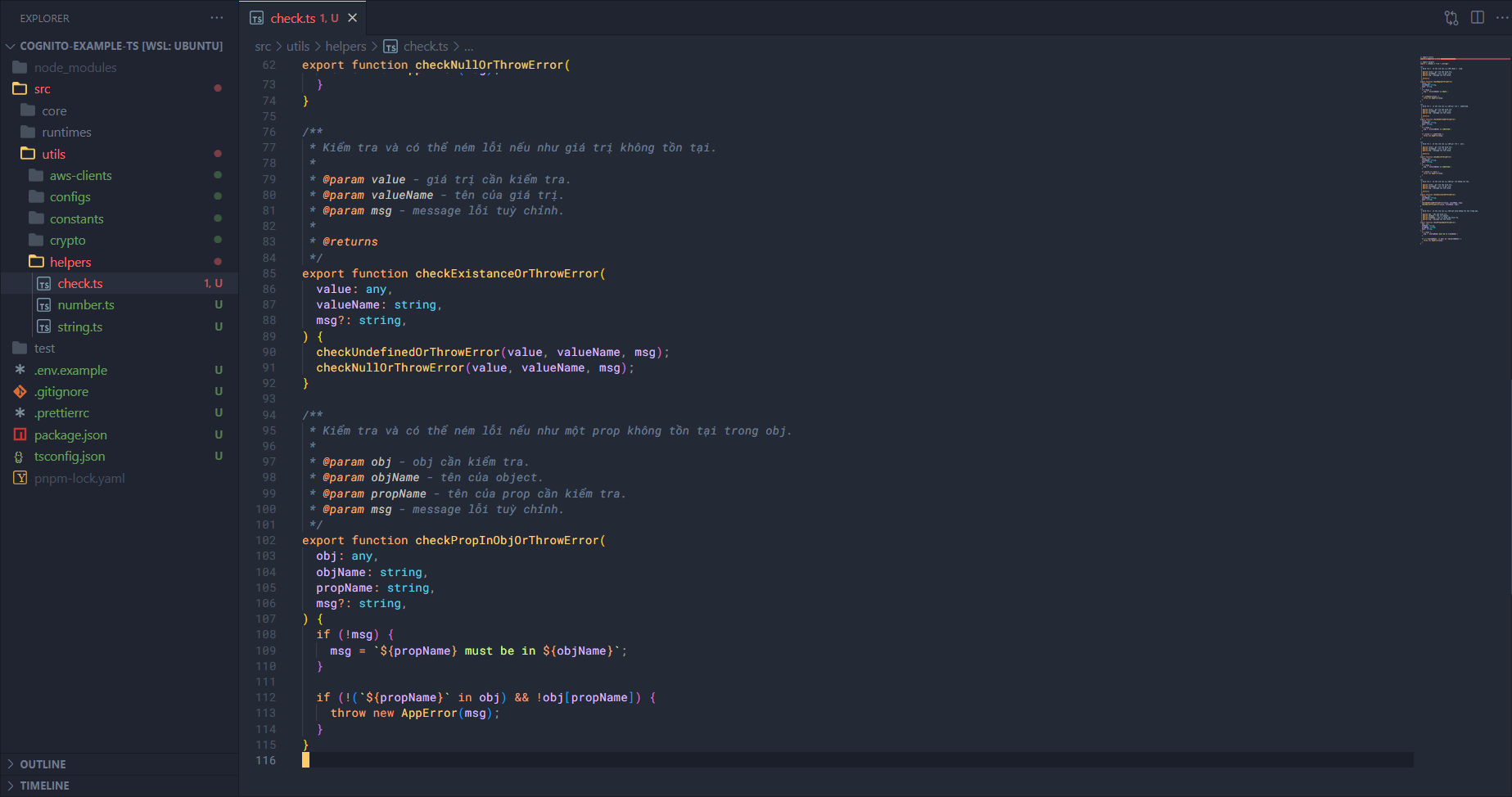
Check whether a variable’s value exists or not, based on the two undefined and null checks.
/**
 * Kiểm tra và có thể ném lỗi nếu như giá trị không tồn tại.
 *
 * @param value - giá trị cần kiểm tra.
 * @param valueName - tên của giá trị.
 * @param msg - message lỗi tuỳ chỉnh.
 *
 * @returns
 */
export function checkExistanceOrThrowError(
  value: any,
  valueName: string,
  msg?: string,
) {
  checkUndefinedOrThrowError(value, valueName, msg);
  checkNullOrThrowError(value, valueName, msg);
}
Finally, check whether a property exists in an object. If not, throw an error.
/**
 * Kiểm tra và có thể ném lỗi nếu như một prop không tồn tại trong obj.
 *
 * @param obj - obj cần kiểm tra.
 * @param objName - tên của object.
 * @param propName - tên của prop cần kiểm tra.
 * @param msg - message lỗi tuỳ chỉnh.
 */
export function checkPropInObjOrThrowError(
  obj: any,
  objName: string,
  propName: string,
  msg?: string,
) {
  if (!msg) {
    msg = `${propName} must be in ${objName}`;
  }

  if (!(`${propName}` in obj) && !obj[propName]) {
    throw new AppError(msg);
  }
}
DynamoDB helpers
Next create a dynamodb.ts file in helpers/.
Import some more things:
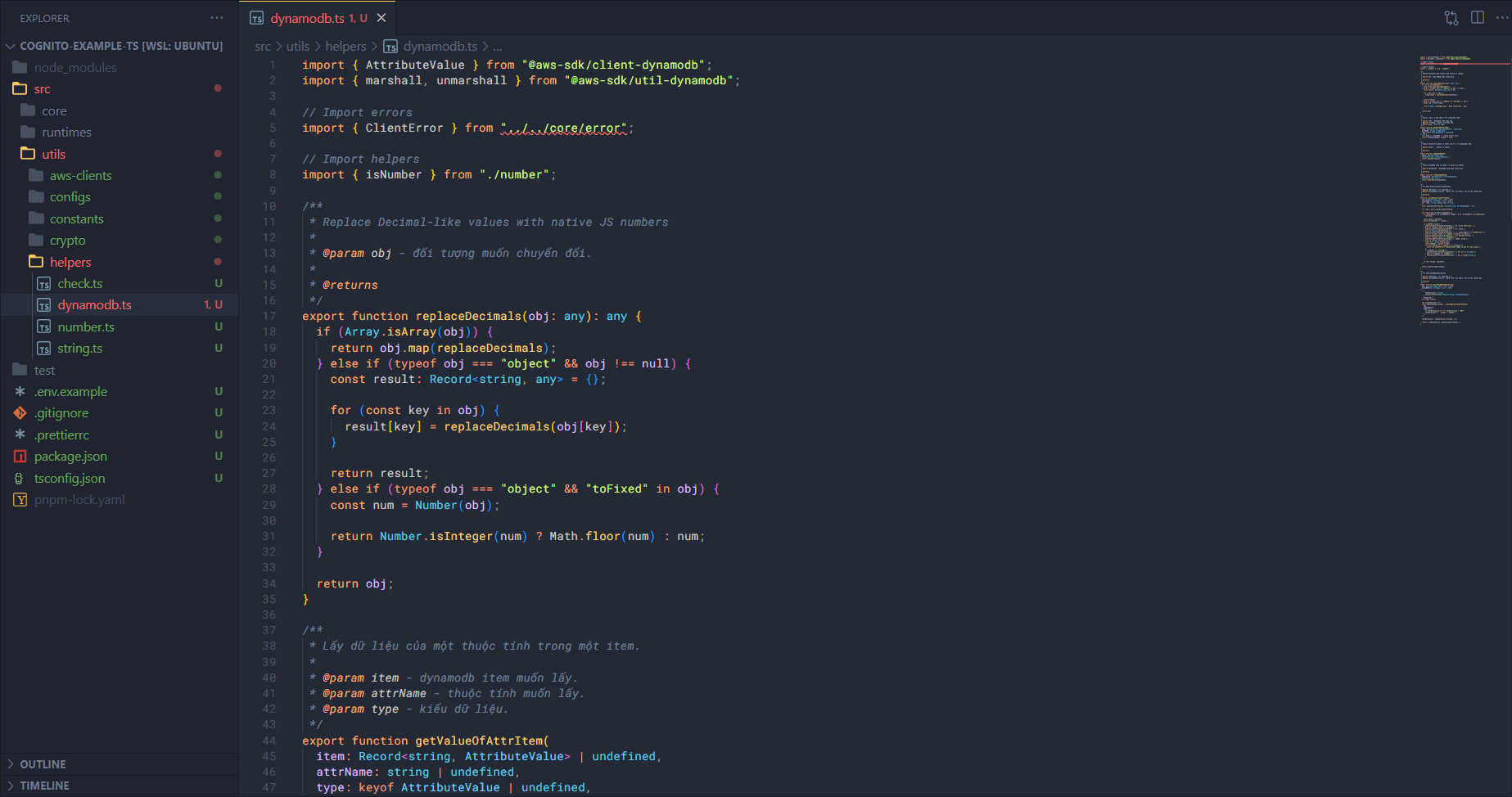
import { AttributeValue } from "@aws-sdk/client-dynamodb";
import { marshall, unmarshall } from "@aws-sdk/util-dynamodb";

// Import errors
import { ClientError } from "../../core/error";

// Import helpers
import { isNumber } from "./number";
First we’ll add the replaceDecimals function, which is used to change the type in the DynamoDB Query result so it can be converted to JSON.
/**
 * Replace Decimal-like values with native JS numbers
 *
 * @param obj - đối tượng muốn chuyển đổi.
 *
 * @returns
 */
export function replaceDecimals(obj: any): any {
  if (Array.isArray(obj)) {
    return obj.map(replaceDecimals);
  } else if (typeof obj === "object" && obj !== null) {
    const result: Record<string, any> = {};

    for (const key in obj) {
      result[key] = replaceDecimals(obj[key]);
    }

    return result;
  } else if (typeof obj === "object" && "toFixed" in obj) {
    const num = Number(obj);

    return Number.isInteger(num) ? Math.floor(num) : num;
  }

  return obj;
}
Next is a function to get the value of an attribute in a DynamoDB Item, by its name and type.
/**
 * Lấy dữ liệu của một thuộc tính trong một item.
 *
 * @param item - dynamodb item muốn lấy.
 * @param attrName - thuộc tính muốn lấy.
 * @param type - kiểu dữ liệu.
 */
export function getValueOfAttrItem(
  item: Record<string, AttributeValue> | undefined,
  attrName: string | undefined,
  type: keyof AttributeValue | undefined,
): any {
  if (!item || !attrName || !type) return null;
  return item[attrName]?.[type] ?? null;
}
Next are two converters: from a JS object to a DynamoDB item and vice versa.
/**
 * Chuyển native JS object về chuẩn cấu trúc của dynamodb item.
 *
 * @param plain - - native js object.
 *
 * @returns
 */
export function toDynamoDBItem(
  plain: Record<string, any>,
): Record<string, AttributeValue> {
  return marshall(plain);
}

/**
 * Chuyển dynamodb item về chuẩn của native js object.
 *
 * @param dynamoItem - dynamodb item muốn chuyển đổi.
 *
 * @returns
 */
export function fromDynamoDBItem(
  dynamoItem: Record<string, AttributeValue>,
): Record<string, any> {
  return unmarshall(dynamoItem);
}
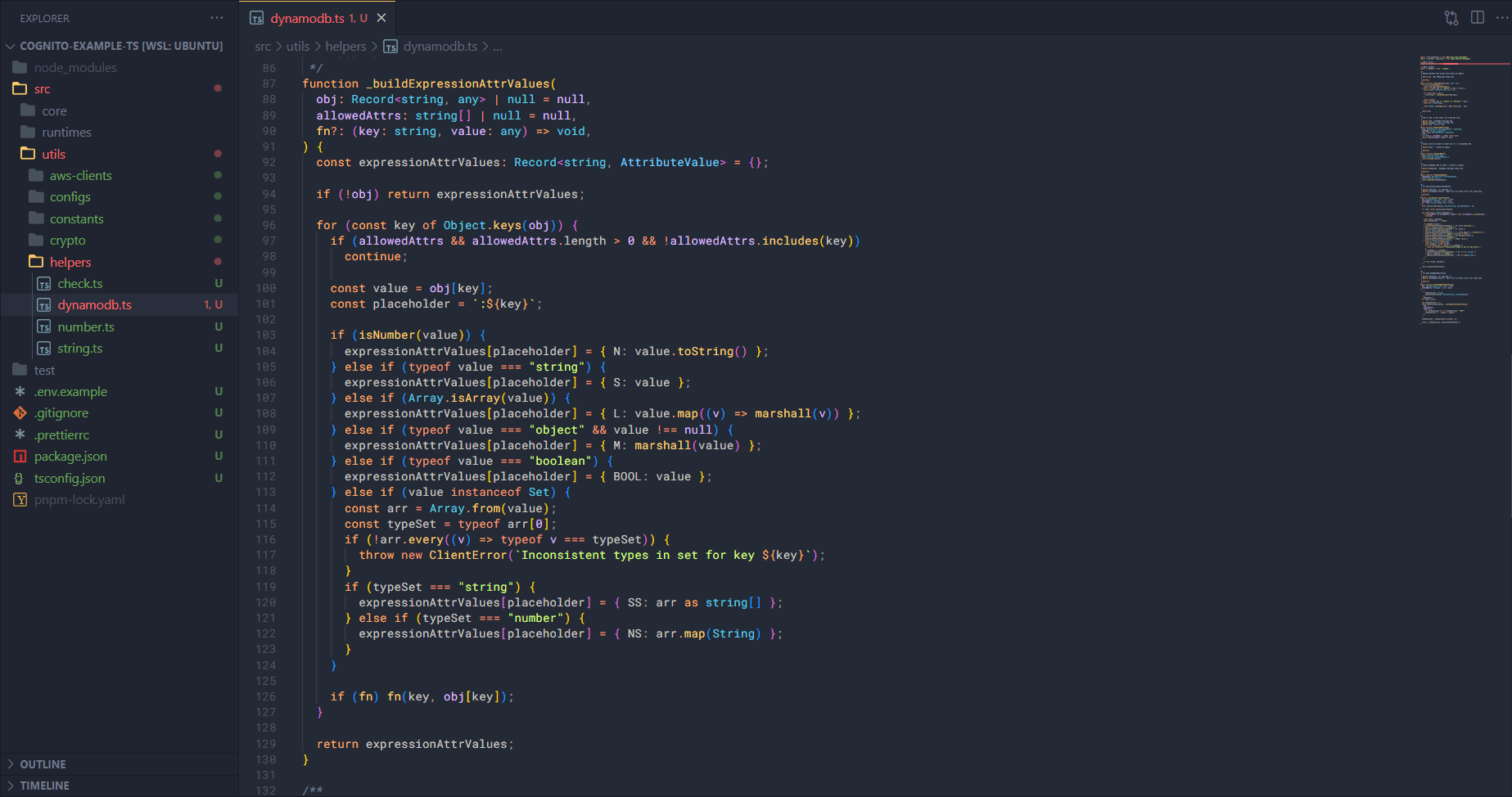
And finally, a function to build an Update Expression for the update item input.
/**
 * Xây dựng ExpressionAttributeValues.
 *
 * @param [obj=null] - dữ liệu đầu vào.
 * @param [allowedAttrs=null] - danh sách cách thuộc tính có thể chuyển đổi.
 *
 * @returns
 */
function _buildExpressionAttrValues(
  obj: Record<string, any> | null = null,
  allowedAttrs: string[] | null = null,
  fn?: (key: string, value: any) => void,
) {
  const expressionAttrValues: Record<string, AttributeValue> = {};

  if (!obj) return expressionAttrValues;

  for (const key of Object.keys(obj)) {
    if (allowedAttrs && allowedAttrs.length > 0 && !allowedAttrs.includes(key))
      continue;

    const value = obj[key];
    const placeholder = `:${key}`;

    if (isNumber(value)) {
      expressionAttrValues[placeholder] = { N: value.toString() };
    } else if (typeof value === "string") {
      expressionAttrValues[placeholder] = { S: value };
    } else if (Array.isArray(value)) {
      expressionAttrValues[placeholder] = { L: value.map((v) => marshall(v)) };
    } else if (typeof value === "object" && value !== null) {
      expressionAttrValues[placeholder] = { M: marshall(value) };
    } else if (typeof value === "boolean") {
      expressionAttrValues[placeholder] = { BOOL: value };
    } else if (value instanceof Set) {
      const arr = Array.from(value);
      const typeSet = typeof arr[0];
      if (!arr.every((v) => typeof v === typeSet)) {
        throw new ClientError(`Inconsistent types in set for key ${key}`);
      }
      if (typeSet === "string") {
        expressionAttrValues[placeholder] = { SS: arr as string[] };
      } else if (typeSet === "number") {
        expressionAttrValues[placeholder] = { NS: arr.map(String) };
      }
    }

    if (fn) fn(key, obj[key]);
  }

  return expressionAttrValues;
}

/**
 * Xây dựng SetUpdateExpression.
 *
 * @param [obj=null] - dữ liệu đầu vào.
 * @param [allowedAttrs=null] - danh sách cách thuộc tính có thể chuyển đổi.
 *
 * @returns
 */
export function buildSetUpdateExpression(
  obj: Record<string, any> | null = null,
  allowedAttrs: string[] | null = null,
):
  | {
      setExpression: string;
      expressionAttrValues: Record<string, AttributeValue>;
    }
  | undefined {
  if (!obj) return;

  let setExpression = "";
  const expressionAttrValues = _buildExpressionAttrValues(
    obj,
    allowedAttrs,
    (key) => {
      if (setExpression === "") setExpression = "SET";
      setExpression += ` ${key} = :${key},`;
    },
  );

  setExpression = setExpression.slice(0, -1);

  return { setExpression, expressionAttrValues };
}
At this point we’ve finished setting up the utils part. In the next section, we’ll add the core part. If you’re ready and want to continue, we can move on to the next part right away.