4.1.2. Build crypto module
I know three types of data transformation: Hashing, Encoding and Encrypting. And in this section, we will perform encoding. For what purpose? When querying information in the DynamoDB table, I’ll use pagination with a start key. This key will be in JSON format, containing all the field information and its data.
So to make the data querying simpler, I’ll convert that JSON into Base64 and send it back to the Client so the client can use it to send additional requests to fetch more data. Why we need to use this technique will be explained further in the next section.
Types
First, create a type.ts file in crypto/ and add the following code:
export type JsonValue =
  | string
  | number
  | boolean
  | null
  | JsonValue[]
  | { [key: string]: JsonValue };

export type Encodable = JsonValue | [JsonValue, ...JsonValue[]];
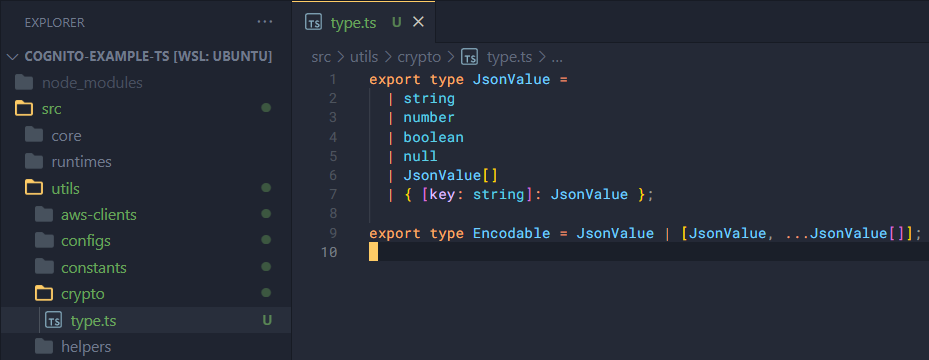
Here we’ll declare the data types for values that can be encoded.
Base64 encoding
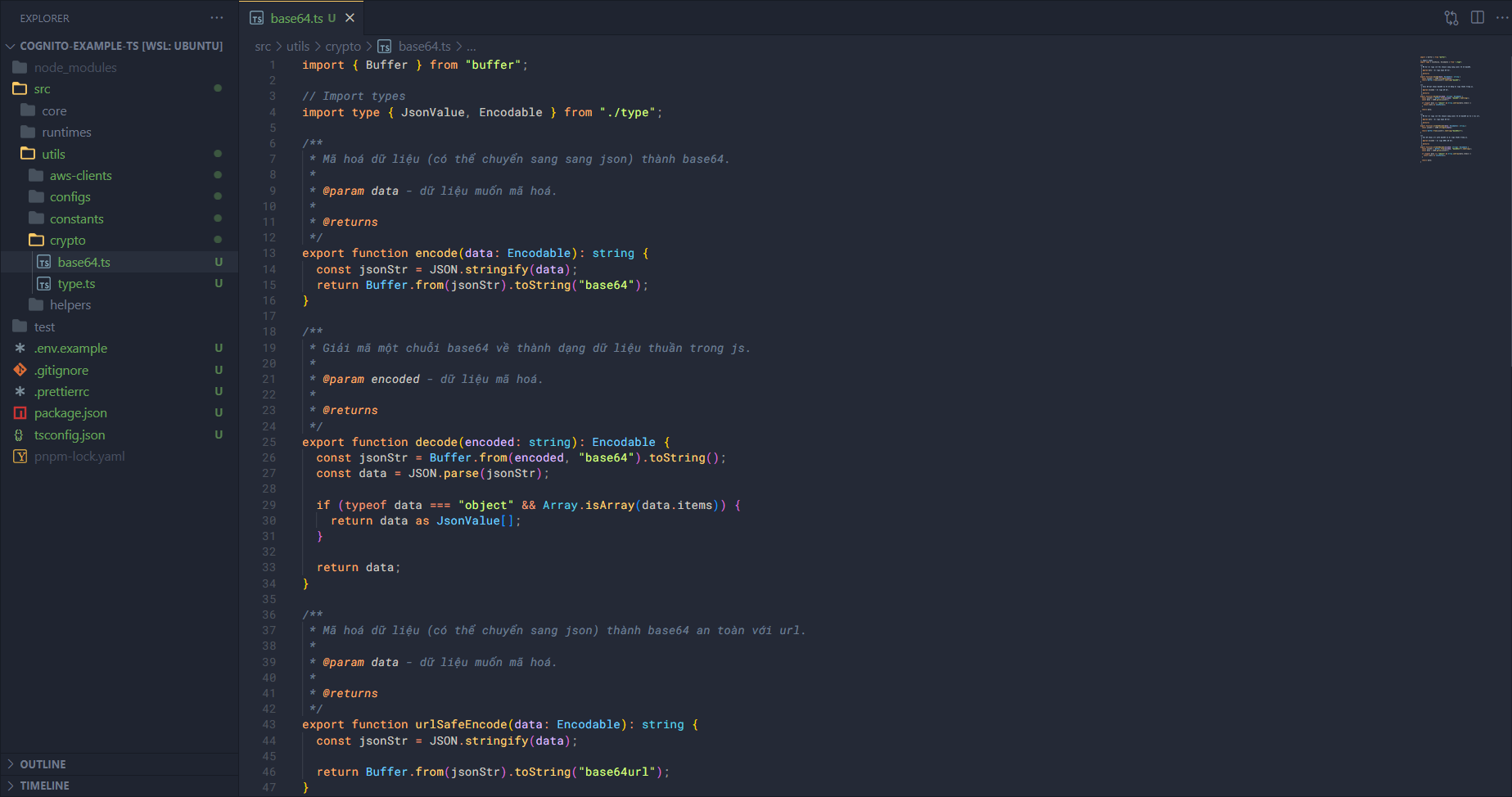
Create another file base64.ts in crypto/ and add some code like this:
Import what is needed.
import { Buffer } from "buffer";

// Import types
import type { JsonValue, Encodable } from "./type";
Now let’s add the code to encode into base64.
import { Buffer } from "buffer";

// Import types
import type { JsonValue, Encodable } from "./type";
Giờ thì chúng ta thêm phần code để mã hoá thành base64.
/**
 * Mã hoá dữ liệu (có thể chuyển sang sang json) thành base64.
 *
 * @param data - dữ liệu muốn mã hoá.
 *
 * @returns
 */
export function encode(data: Encodable): string {
  const jsonStr = JSON.stringify(data);
  return Buffer.from(jsonStr).toString("base64");
}

/**
 * Giải mã một chuỗi base64 về thành dạng dữ liệu thuần trong js.
 *
 * @param encoded - dữ liệu mã hoá.
 *
 * @returns
 */
export function decode(encoded: string): Encodable {
  const jsonStr = Buffer.from(encoded, "base64").toString();
  const data = JSON.parse(jsonStr);

  if (typeof data === "object" && Array.isArray(data.items)) {
    return data as JsonValue[];
  }

  return data;
}
Next, also base64 encoding, but safer for URLs, this is what we’ll actually need here.
/**
 * Mã hoá dữ liệu (có thể chuyển sang json) thành base64 an toàn với url.
 *
 * @param data - dữ liệu muốn mã hoá.
 *
 * @returns
 */
export function urlSafeEncode(data: Encodable): string {
  const jsonStr = JSON.stringify(data);

  return Buffer.from(jsonStr).toString("base64url");
}

/**
 * Giả mã chuỗi url safe base64 về dữ liệu thuần trong js.
 *
 * @param encoded - dữ liệu được mã hoá.
 *
 * @returns
 */
export function urlSafeDecode(encoded: string): Encodable {
  const jsonStr = Buffer.from(encoded, "base64url").toString();
  const data = JSON.parse(jsonStr);

  if (typeof data === "object" && Array.isArray(data.items)) {
    return data as JsonValue[];
  }

  return data;
}