4.1.1. Build aws client, constants and configs
We’ve already set up the source code before, now let’s go ahead and add the code.
Constants
In the constants folder, create some files: app.ts, regex.ts and index.ts.
In app.ts, add:
import dotenv from "dotenv";

dotenv.config();

export const APP_CONSTANTS = {
  HOST: process.env.HOST || "localhost",
  PORT: parseInt(process.env.PORT || "7800"),
};
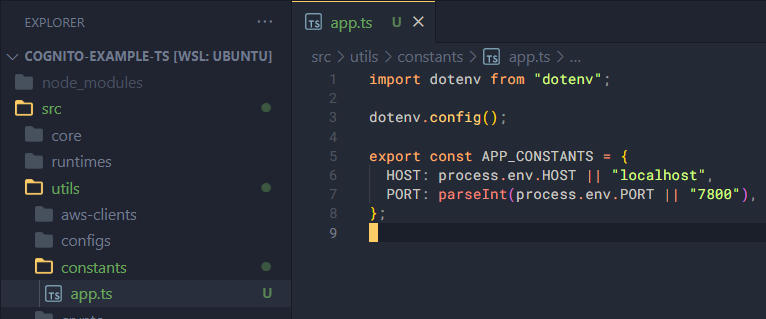
You can see the process variable; it contains runtime information, while env stores environment variables loaded from the .env file we created based on .env.example.
HOST and PORT are the two environment variables we already set up in .env.example.
In regex.ts, add some regular expressions as follows:
// Common Regexes

export const CUSTOMER_ID_PREFIX_REGEX = /^CUSTOMER#/;

export const VIETNAMESE_NAME_REGEX =
  /^[AÀẢÃÁẠĂẰẲẴẮẶÂẦẨẪẤẬBCDĐEÈẺẼÉẸÊỀỂỄẾỆFGHIÌỈĨÍỊJKLMNOÒỎÕÓỌÔỒỔỖỐỘƠỜỞỠỚỢPQRSTUÙỦŨÚỤƯỪỬỮỨỰVWXYỲỶỸÝỴZ][aàảãáạăằẳẵắặâầẩẫấậbcdđeèẻẽéẹêềểễếệfghiìỉĩíịjklmnoòỏõóọôồổỗốộơờởỡớợpqrstuùủũúụưừửữứựvwxyỳỷỹýỵz]+ [AÀẢÃÁẠĂẰẲẴẮẶÂẦẨẪẤẬBCDĐEÈẺẼÉẸÊỀỂỄẾỆFGHIÌỈĨÍỊJKLMNOÒỎÕÓỌÔỒỔỖỐỘƠỜỞỠỚỢPQRSTUÙỦŨÚỤƯỪỬỮỨỰVWXYỲỶỸÝỴZ][aàảãáạăằẳẵắặâầẩẫấậbcdđeèẻẽéẹêềểễếệfghiìỉĩíịjklmnoòỏõóọôồổỗốộơờởỡớợpqrstuùủũúụưừửữứựvwxyỳỷỹýỵz]+(?: [AÀẢÃÁẠĂẰẲẴẮẶÂẦẨẪẤẬBCDĐEÈẺẼÉẸÊỀỂỄẾỆFGHIÌỈĨÍỊJKLMNOÒỎÕÓỌÔỒỔỖỐỘƠỜỞỠỚỢPQRSTUÙỦŨÚỤƯỪỬỮỨỰVWXYỲỶỸÝỴZ][aàảãáạăằẳẵắặâầẩẫấậbcdđeèẻẽéẹêềểễếệfghiìỉĩíịjklmnoòỏõóọôồổỗốộơờởỡớợpqrstuùủũúụưừửữứựvwxyỳỷỹýỵz]*)*/;

export const VIETNAMESE_PHONENUMBER_REGEX = /(84|0[3|5|7|8|9])+([0-9]{8})\b/;

export const USERNAME_REGEX = /^[a-zA-Z0-9._-]{3,30}$/;

export const PASSWORD_REGEX =
  /^(?!\s+)(?!.*\s+$)(?=.*[A-Z])(?=.*[a-z])(?=.*[0-9])(?=.*[$^*.[\]{}()?"!@#%&/\\,><':;|_~`=+\- ])[A-Za-z0-9$^*.[\]{}()?"!@#%&/\\,><':;|_~`=+\- ]{8,256}$/;

// DATE REGEXES
export const ISO8601_DATETIME_REGEX =
  /^\d{4}-\d{2}-\d{2}T\d{2}:\d{2}:\d{2}\.\d{3}Z$/;

// OTHER REGEXES
export const SNAKECASE_REGEX = /^[a-z]+(_[a-z]+)*$/;
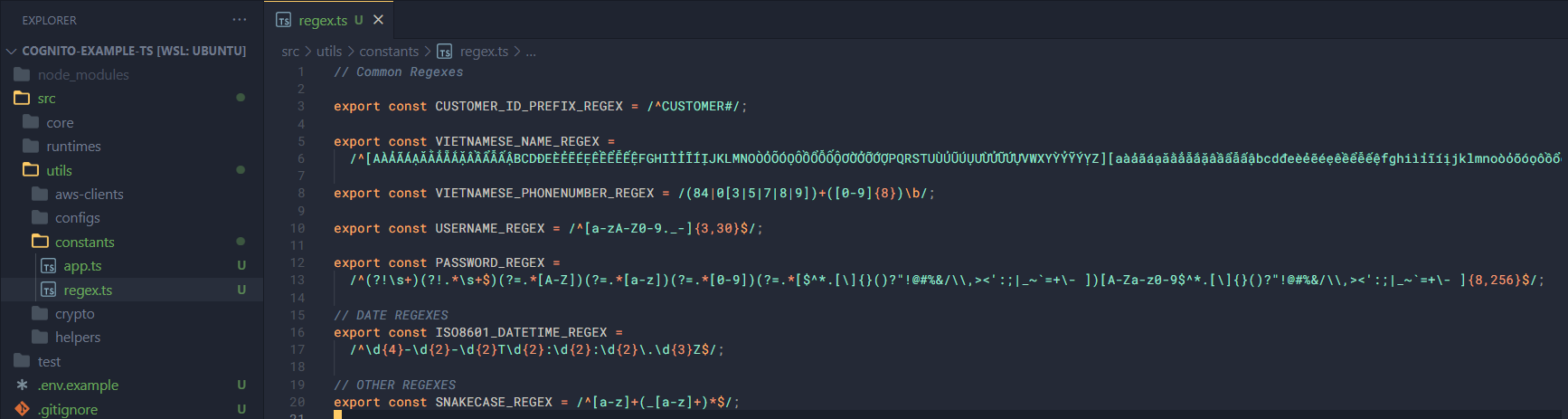
These regular expressions will be used for data validation, in the core section.
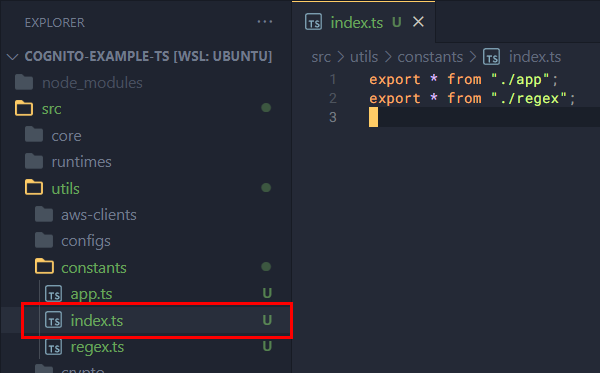
And in index.ts, export the variables from the two files above:
export * from "./app";
export * from "./regex";
Configs
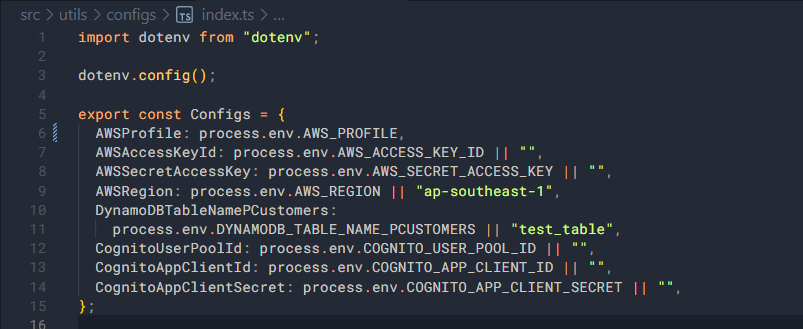
Next, we’ll add an index.ts file for the remaining environment variables and constants related more to the app or functions (here we only need variables):
import dotenv from "dotenv";

dotenv.config();

export const Configs = {
  AWSProfile: process.env.AWS_PROFILE,
  AWSAccessKeyId: process.env.AWS_ACCESS_KEY_ID || "",
  AWSSecretAccessKey: process.env.AWS_SECRET_ACCESS_KEY || "",
  AWSRegion: process.env.AWS_REGION || "ap-southeast-1",
  DynamoDBTableNamePCustomers:
    process.env.DYNAMODB_TABLE_NAME_PCUSTOMERS || "test_table",
  CognitoUserPoolId: process.env.COGNITO_USER_POOL_ID || "",
  CognitoAppClientId: process.env.COGNITO_APP_CLIENT_ID || "",
  CognitoAppClientSecret: process.env.COGNITO_APP_CLIENT_SECRET || "",
};
AWS Clients
Before writing the code for this section, let me briefly introduce some libraries:
@aws-sdk/client-cognito-identity-provider: a sub-library containing Commands and Classes used for communicating with Cognito’s Identity Provider.@aws-sdk/client-dynamodb: similar to the above library, but for working with DynamoDB.
First, create an index.ts file and add the following code:
import { CognitoIdentityProviderClient } from "@aws-sdk/client-cognito-identity-provider";
import { DynamoDBClient } from "@aws-sdk/client-dynamodb";

// Import configs
import { Configs } from "../configs";

// Import types
import type { CognitoIdentityProviderClientConfig } from "@aws-sdk/client-cognito-identity-provider";
import type { DynamoDBClientConfig } from "@aws-sdk/client-dynamodb";
Write a function to get a properly configured DynamoDB client:
/**
 * Configure and get the DynamoDB Client.
 *
 * @param configs - DynamoDBClient configuration.
 *
 * @returns
 */
export function getDynamoDBClient(configs: Partial<DynamoDBClientConfig>) {
  if (!configs.profile) configs.profile = Configs.AWSProfile;
  if (!configs.region) configs.region = Configs.AWSRegion;

  return new DynamoDBClient(configs);
}
Similarly, write a function to get a properly configured Cognito Identity Provider client:
/**
 * Configure and get the Cognito Identity Provider Client.
 *
 * @param configs - CognitoIdentityProviderClient configuration.
 *
 * @returns
 */
export function getCognitoIDProviderClient(
  configs: Partial<CognitoIdentityProviderClientConfig>,
) {
  if (!configs.profile) configs.profile = Configs.AWSProfile;
  if (!configs.region) configs.region = Configs.AWSRegion;

  return new CognitoIdentityProviderClient(configs);
}
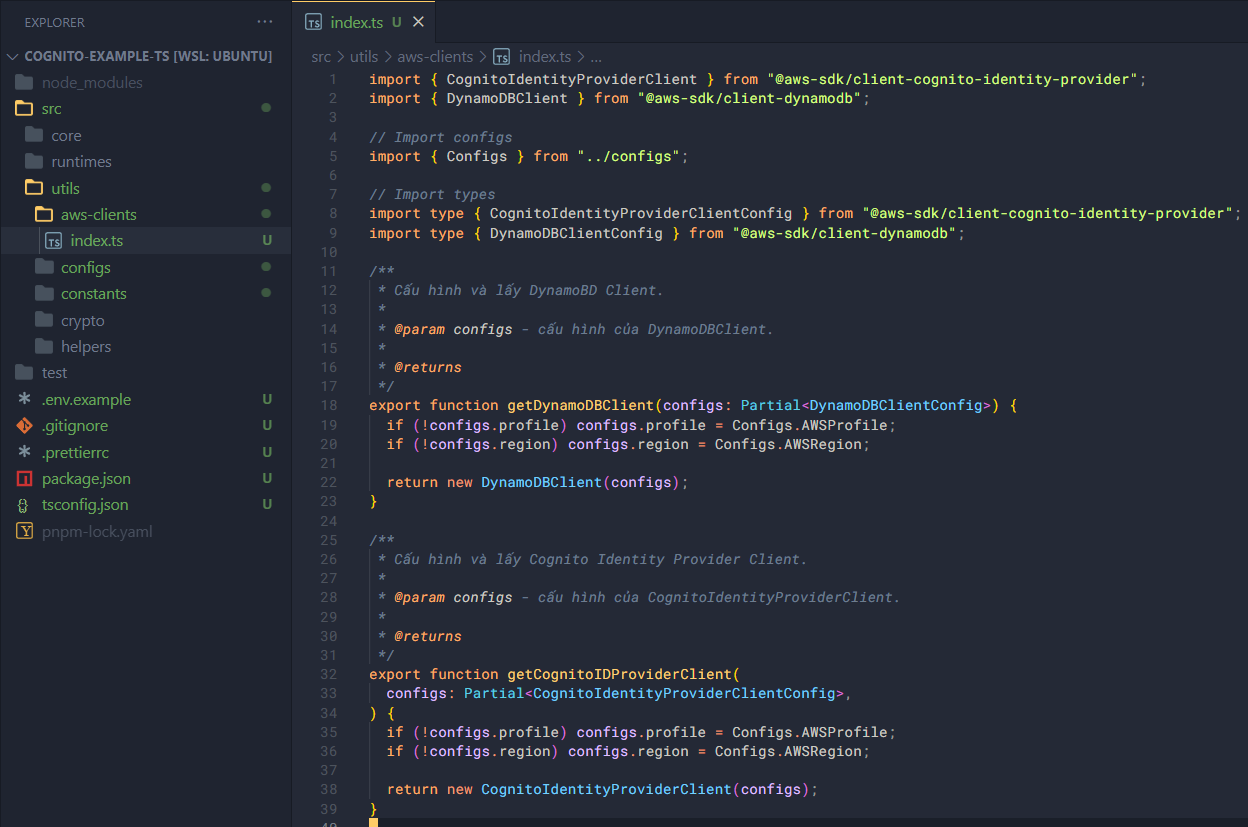
Ok, with that we’ve finished adding code for AWS Client, Constants, and Configs. In the next section, we’ll work on the crypto module, and I’ll explain more about it there.