Setup git repository
You can skip this step if you don’t want to upload the code to GitHub.
Create a repository on GitHub
In this step, we will create a repository on GitHub to store the code. This is an optional step and does not affect the main goal of the workshop (using Cognito in a sample application). However, to keep things complete, we’ll still set up a repository to push the code to.
Go to the main GitHub interface.
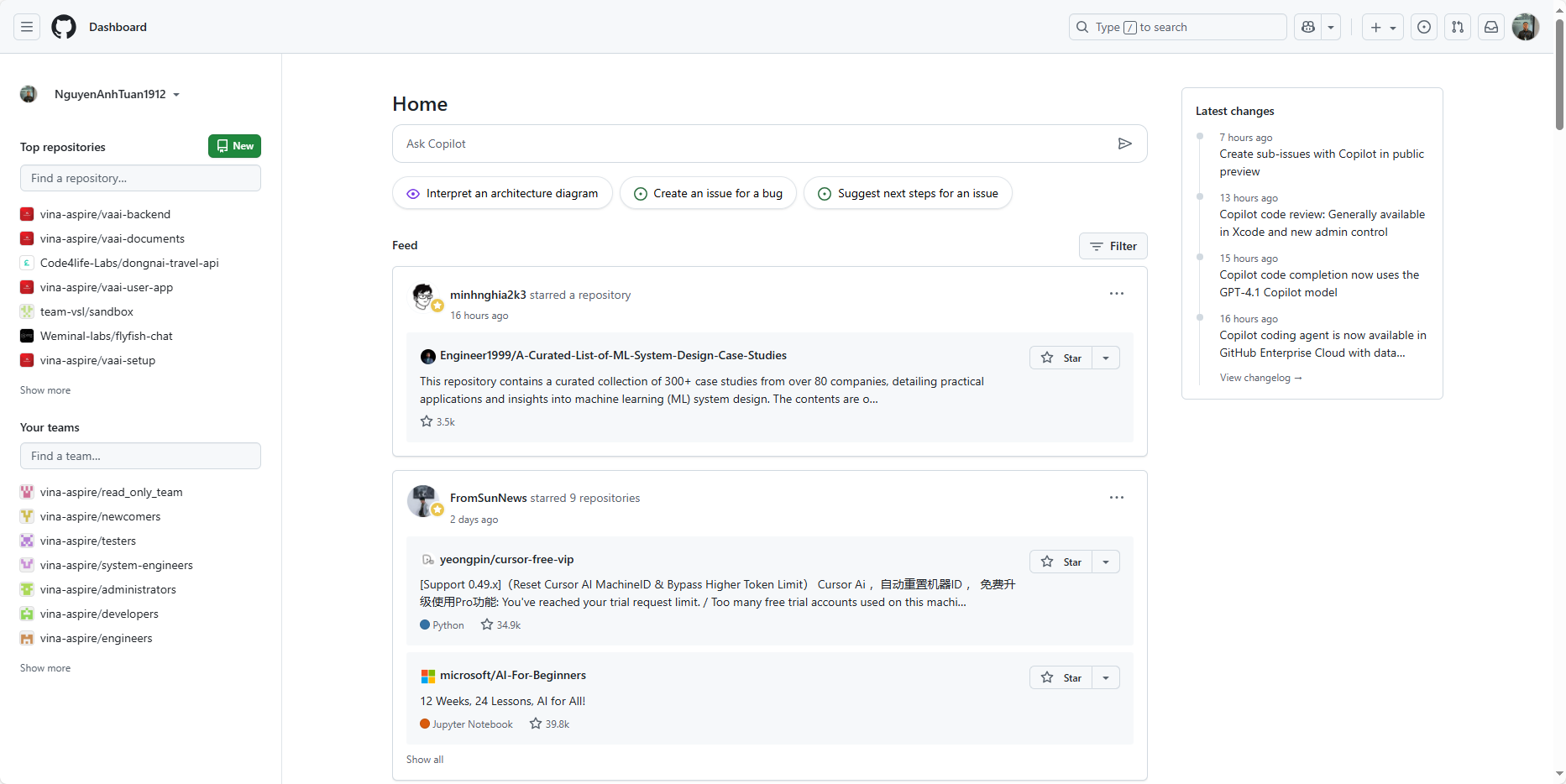
Click Create repository, name it cognito-example-ts. You can enter any description, for example: This is the source code for the Authentication & Authorization with Cognito workshop, and then click Create repository.
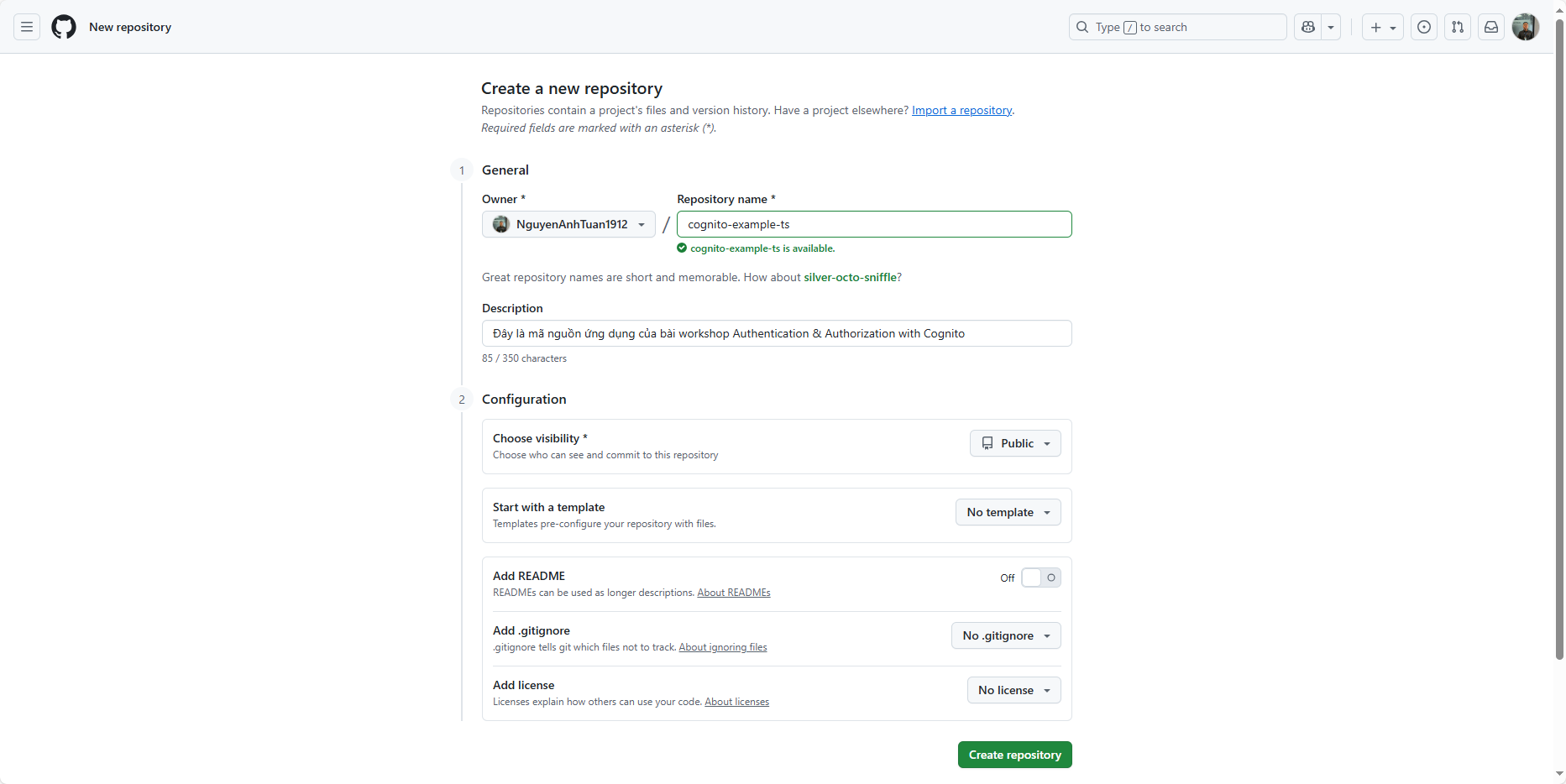
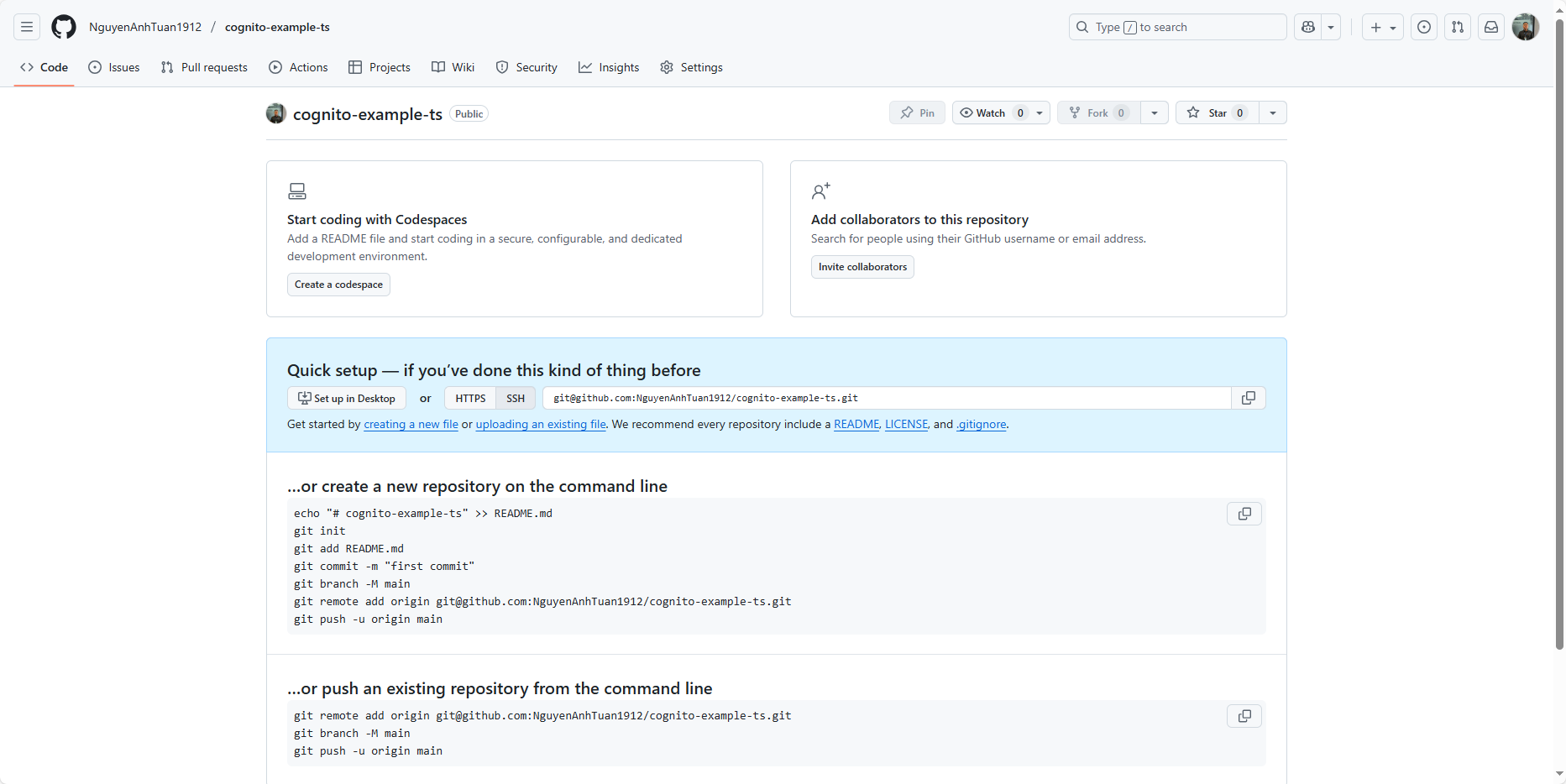
Do the same for Python, just change the repo name to cognito-example-py.
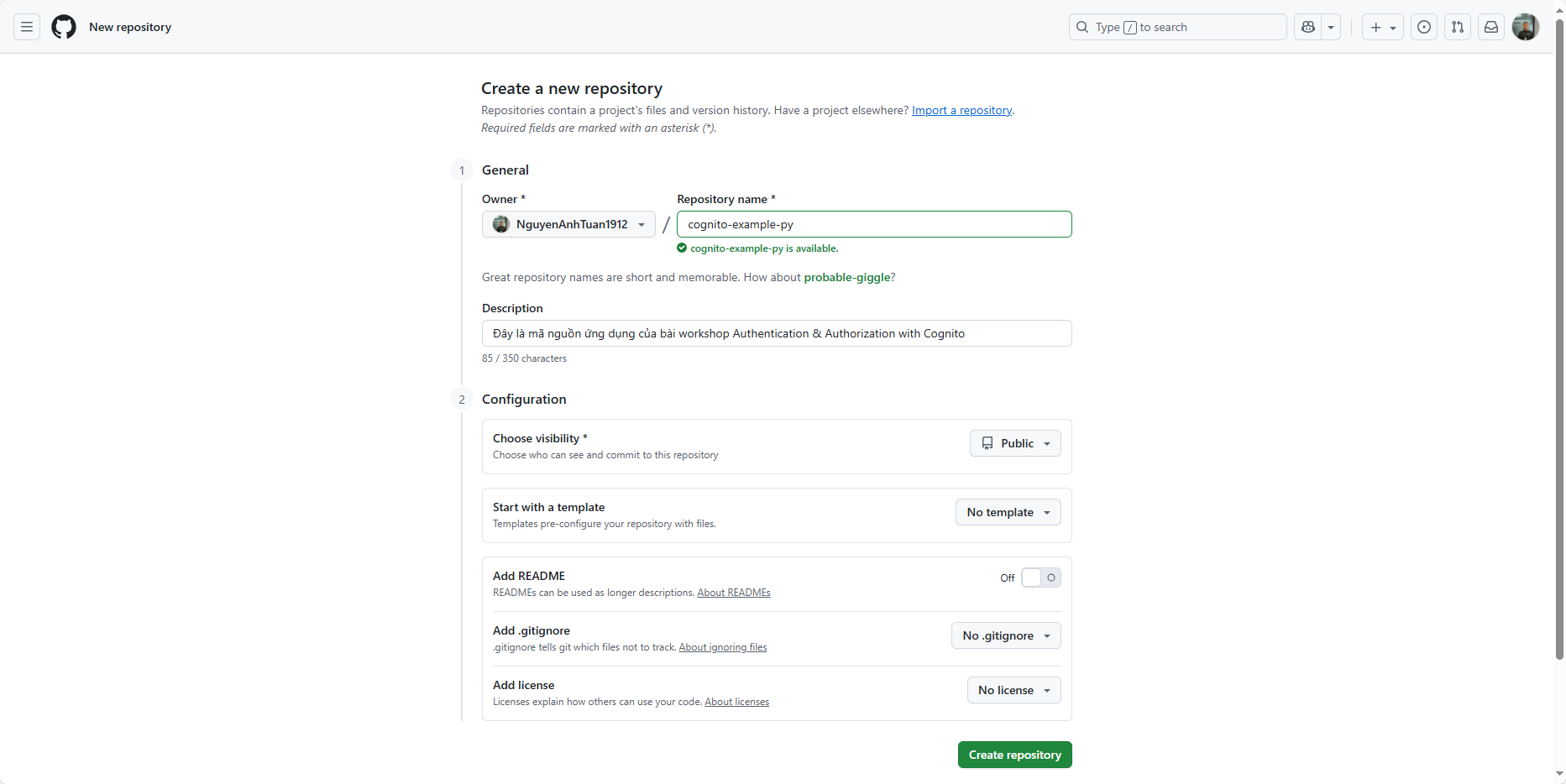
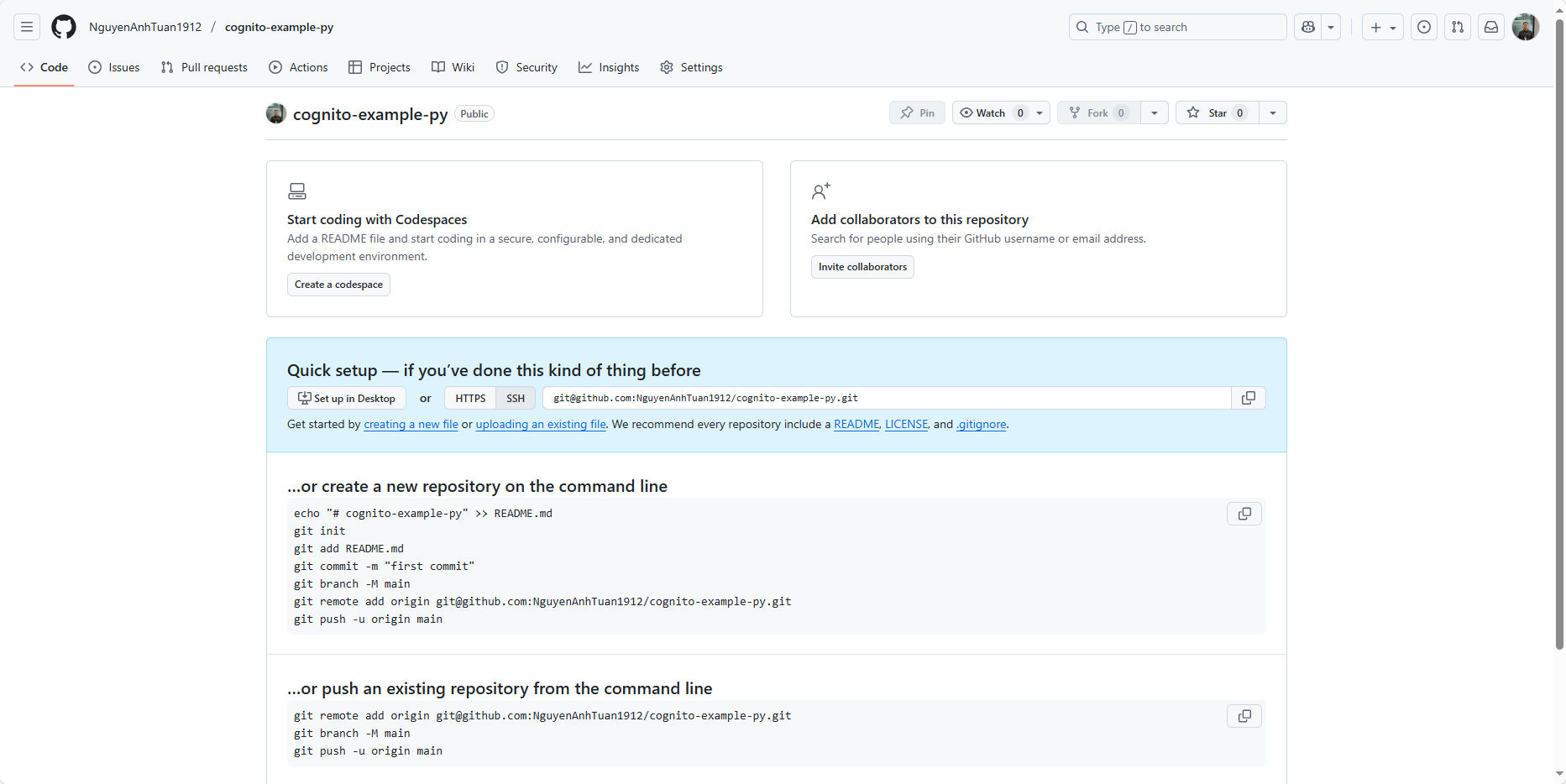
You can name it whatever you like, as long as it’s easy to remember. I name it like this to tell them apart easily.
Set up Git locally
Next, we’ll set up Git locally and point it to the repository we just created on GitHub.
TypeScript
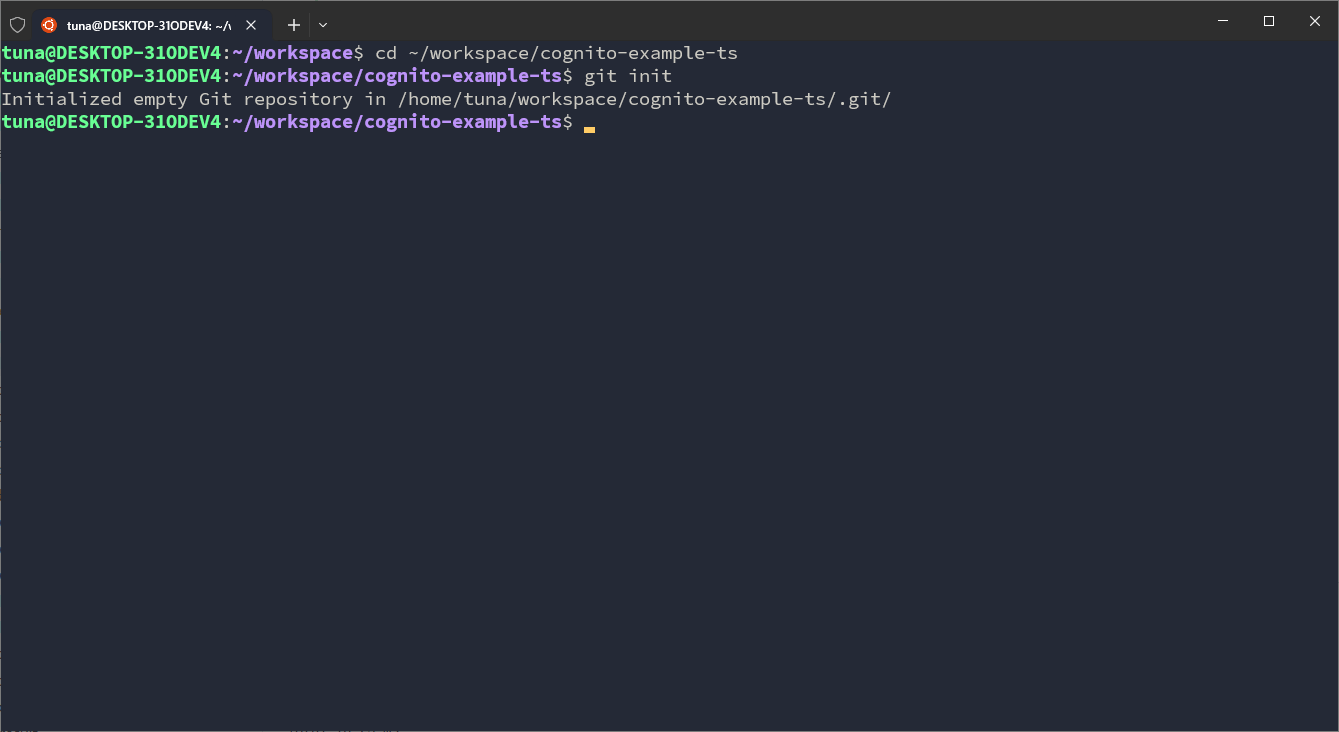
Go into the TypeScript source folder and initialize git:
cd ~/workspace/cognito-example-ts
git init
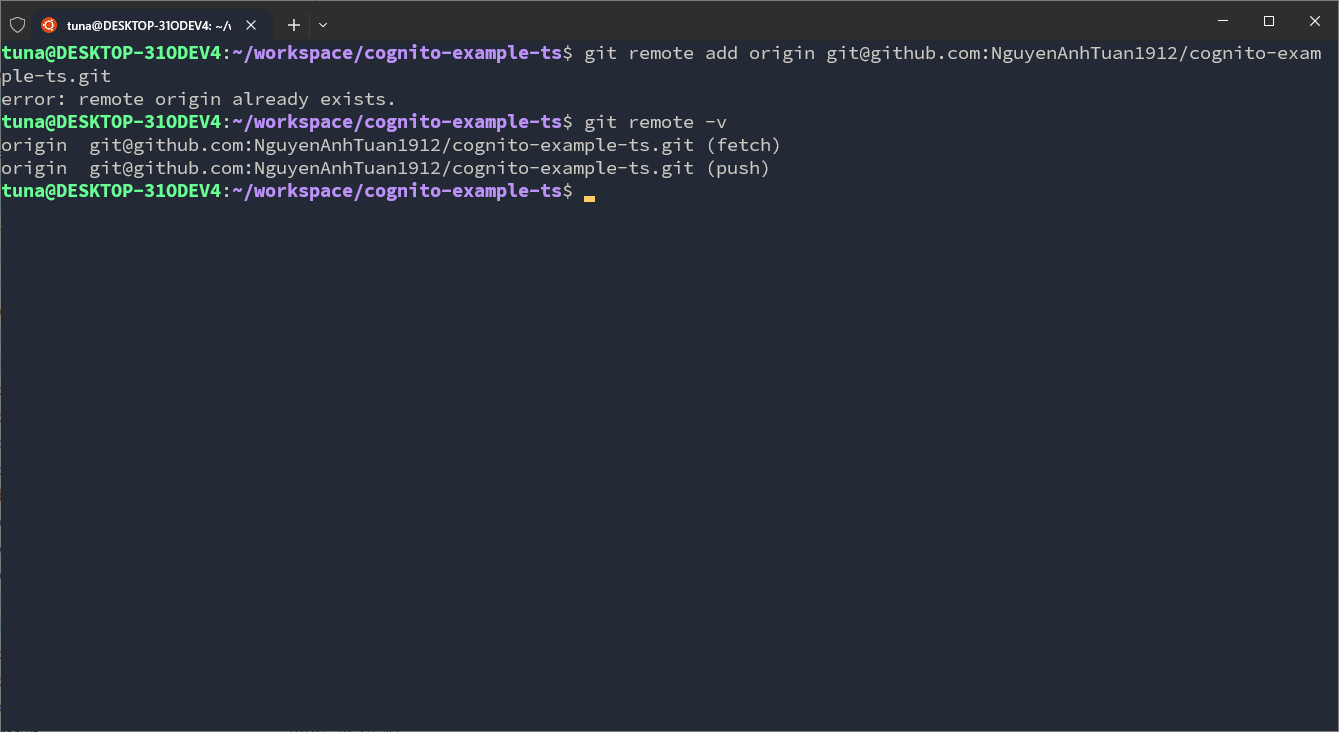
Add the remote to this repository:
# If you use an SSH key
git remote add origin git@github.com:NguyenAnhTuan1912/cognito-example-ts.git

# If you use HTTPs
git remote add origin https://github.com/NguyenAnhTuan1912/cognito-example-ts.git

# Check the result
git remote -v
Python
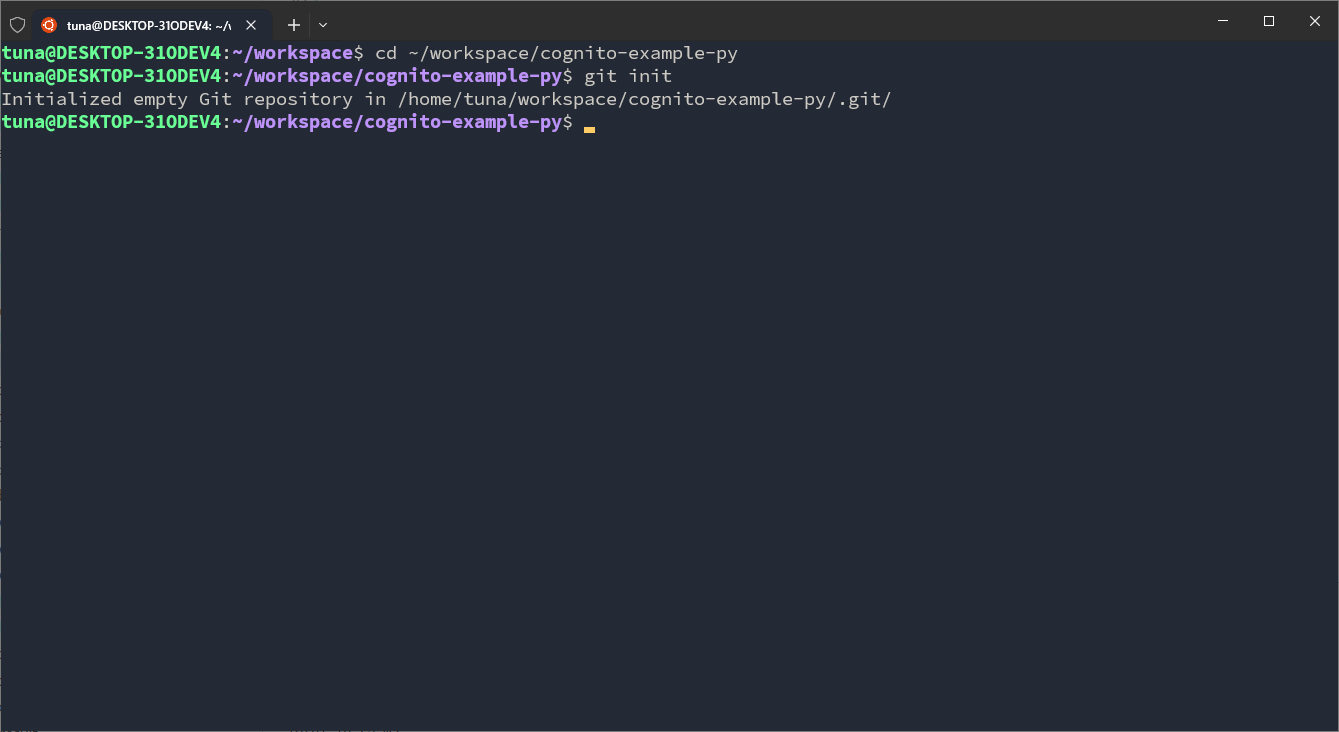
Go into the Python source folder and initialize git:
cd ~/workspace/cognito-example-py
git init
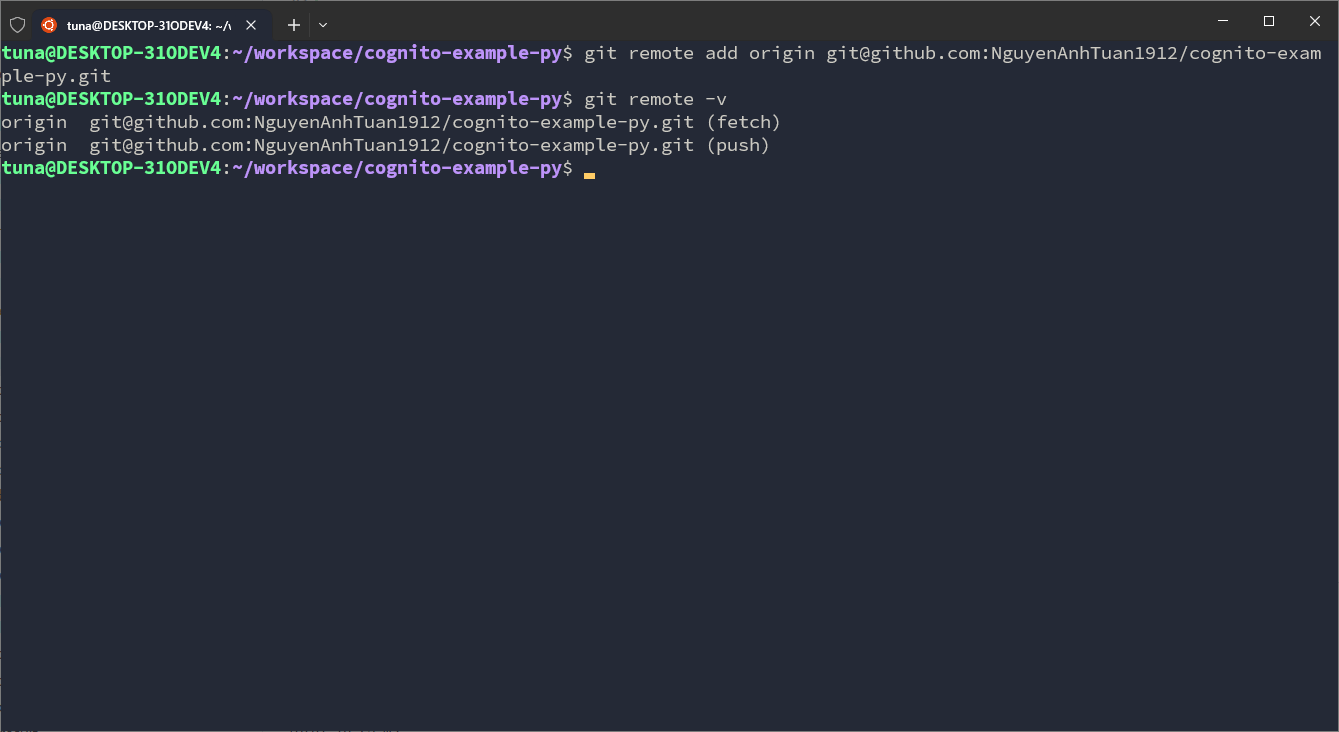
Add the remote to this repository:
# If you use an SSH key
git remote add origin git@github.com:NguyenAnhTuan1912/cognito-example-py.git

# If you use HTTPs
git remote add origin https://github.com/NguyenAnhTuan1912/cognito-example-py.git

# Check the result
git remote -v
Done! In the next part, we’ll create a User Pool for the workshop.