Install required tools
The next step is to install some necessary tools for the application development process.
Install AWS CLI
We will install AWS CLI from this page: https://docs.aws.amazon.com/cli/latest/userguide/getting-started-install.html
sudo apt update -y
Install with the following command:
curl "https://awscli.amazonaws.com/awscli-exe-linux-x86_64.zip" -o "awscliv2.zip"
unzip awscliv2.zip
sudo ./aws/install
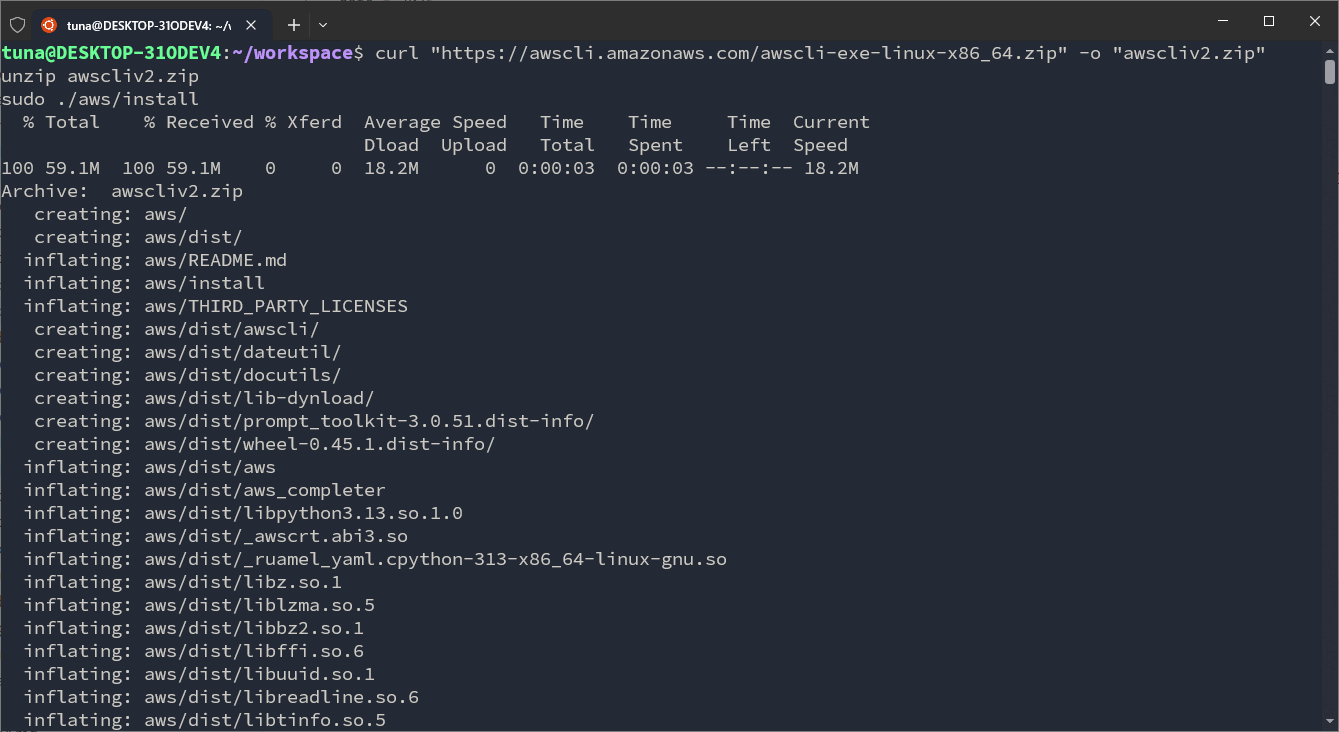
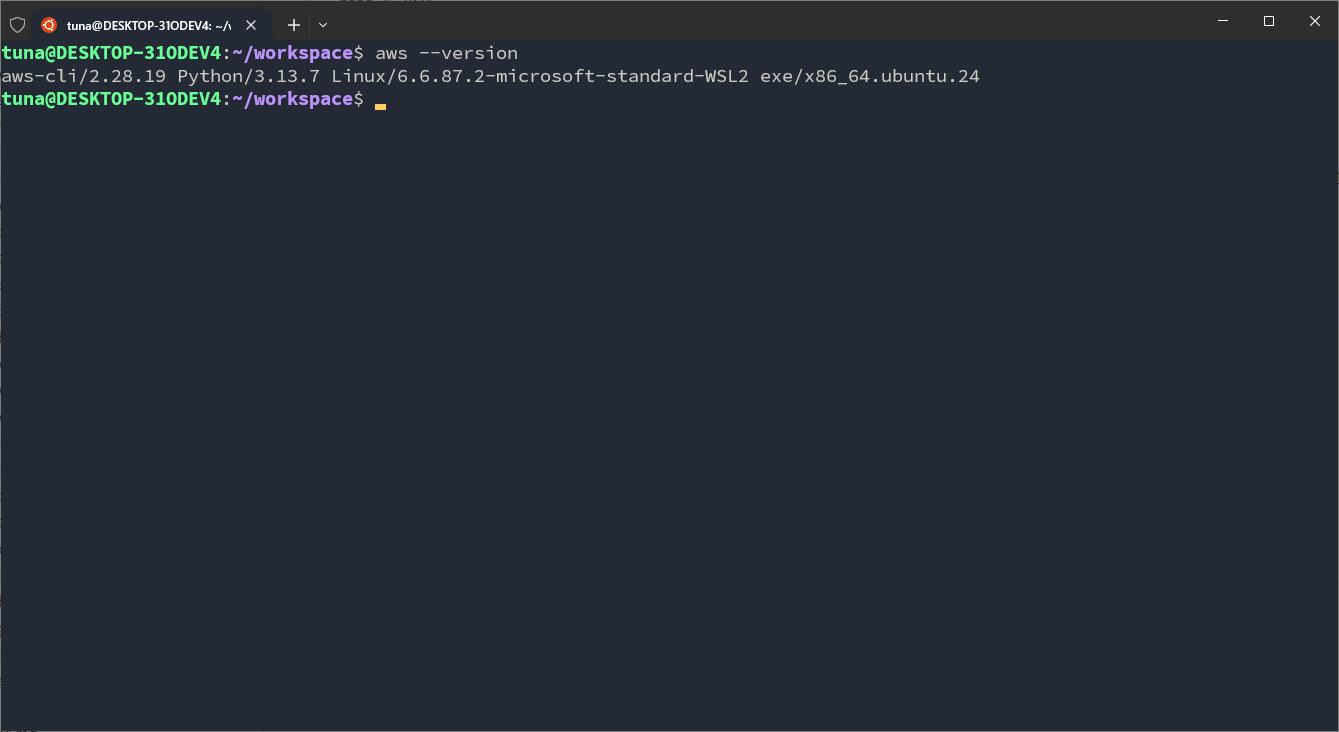
After installing, we will check:
Next, we need to set up a profile to use the CLI. This is not necessary for some AWS services but is needed when we are developing an application with AWS locally. Now we will configure a new profile named cognito-workshop.
# The --profile flag tells us which profile we are configuring,
# like naming and pointing to configure it.
aws configure --profile cognito-workshop
At this step, we will temporarily set 2 configurations:
- Access key id and Secret access key will be configured later.
- Region:
ap-southeast-1. - Output format:
json.
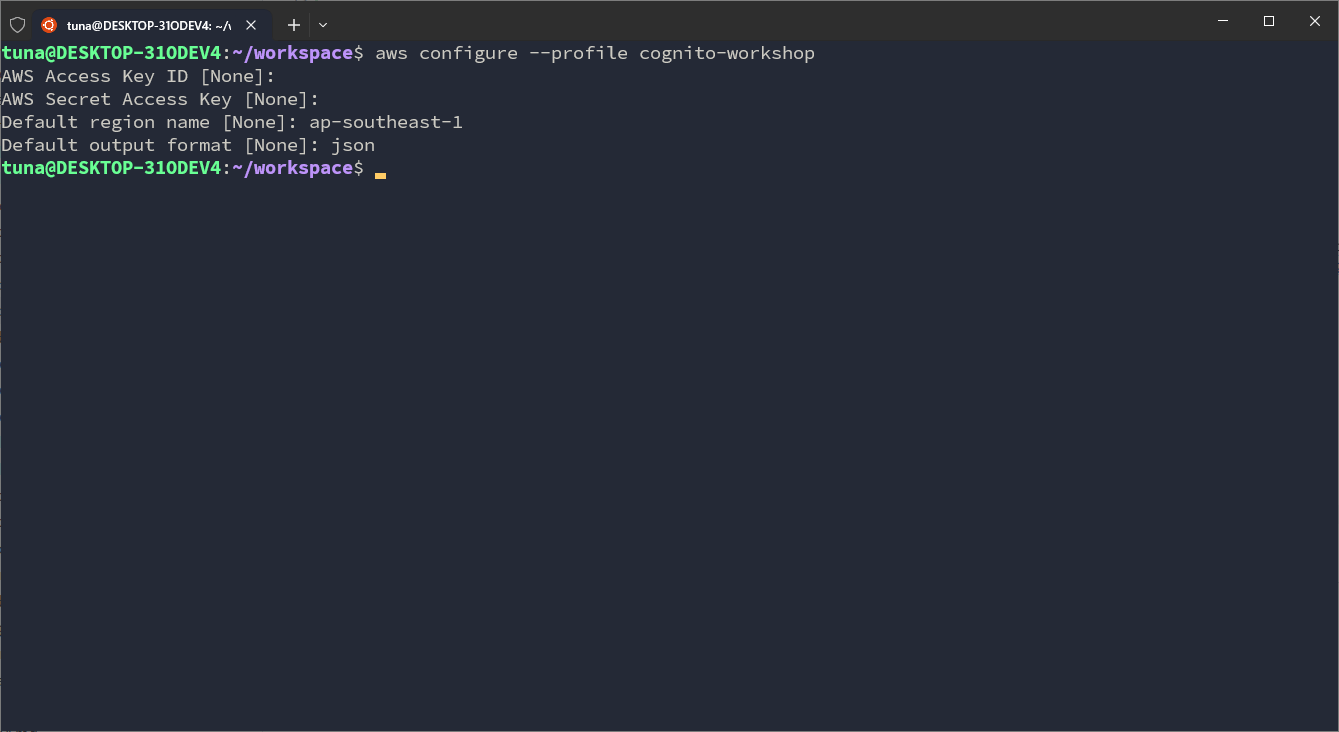
So we have completed installing AWS CLI on the machine.
Install NodeJS
Next, we will install NodeJS. When NodeJS is installed, NPM (Node Package Manager) will also be installed. In addition, you can also use PNPM to reuse downloaded libraries without having to download them all over again like NPM.
First, download the NVM (Node Version Manager) installer:
curl -o- https://raw.githubusercontent.com/nvm-sh/nvm/v0.40.3/install.sh | bash
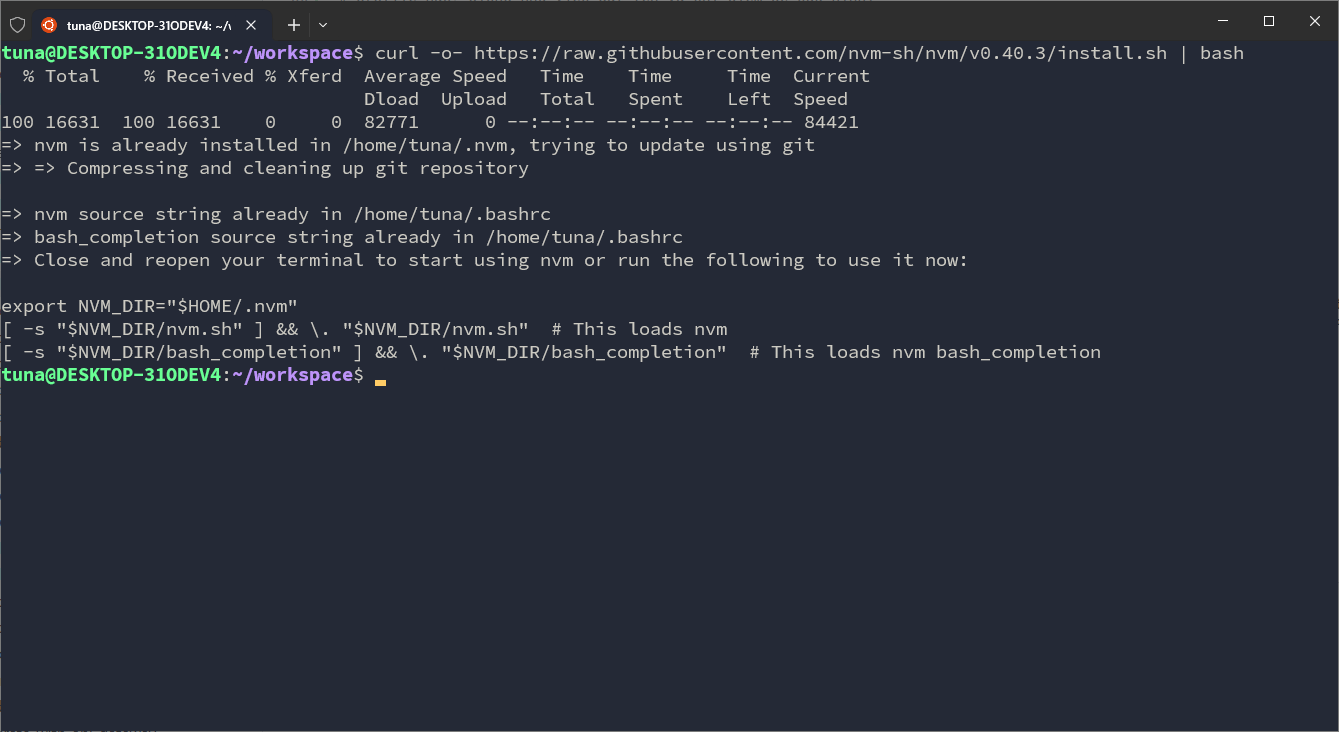
Reset the shell to apply the newly set environment variables:
\. "$HOME/.nvm/nvm.sh"
Proceed to install Node 22.18 (this version will be installed because it is marked as LTS):
nvm install 22
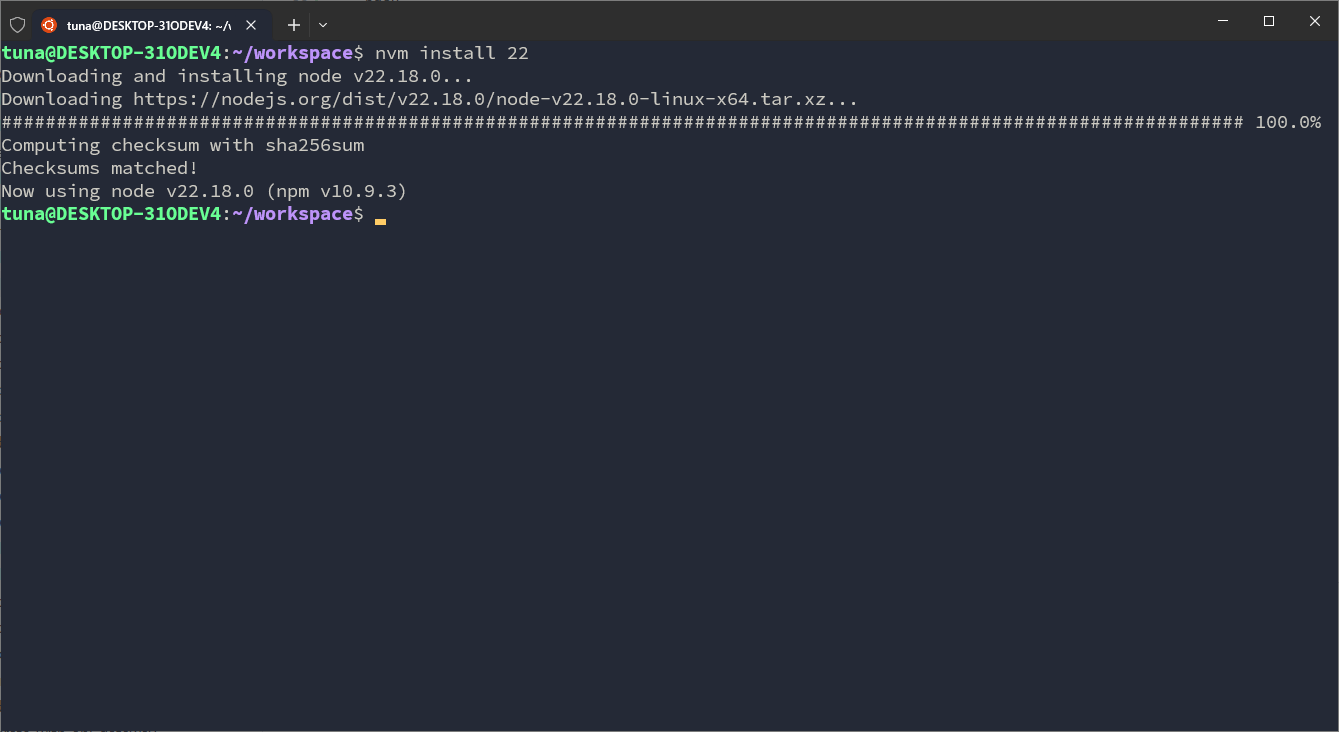
Check Node and Npm:
node -v
npm -v
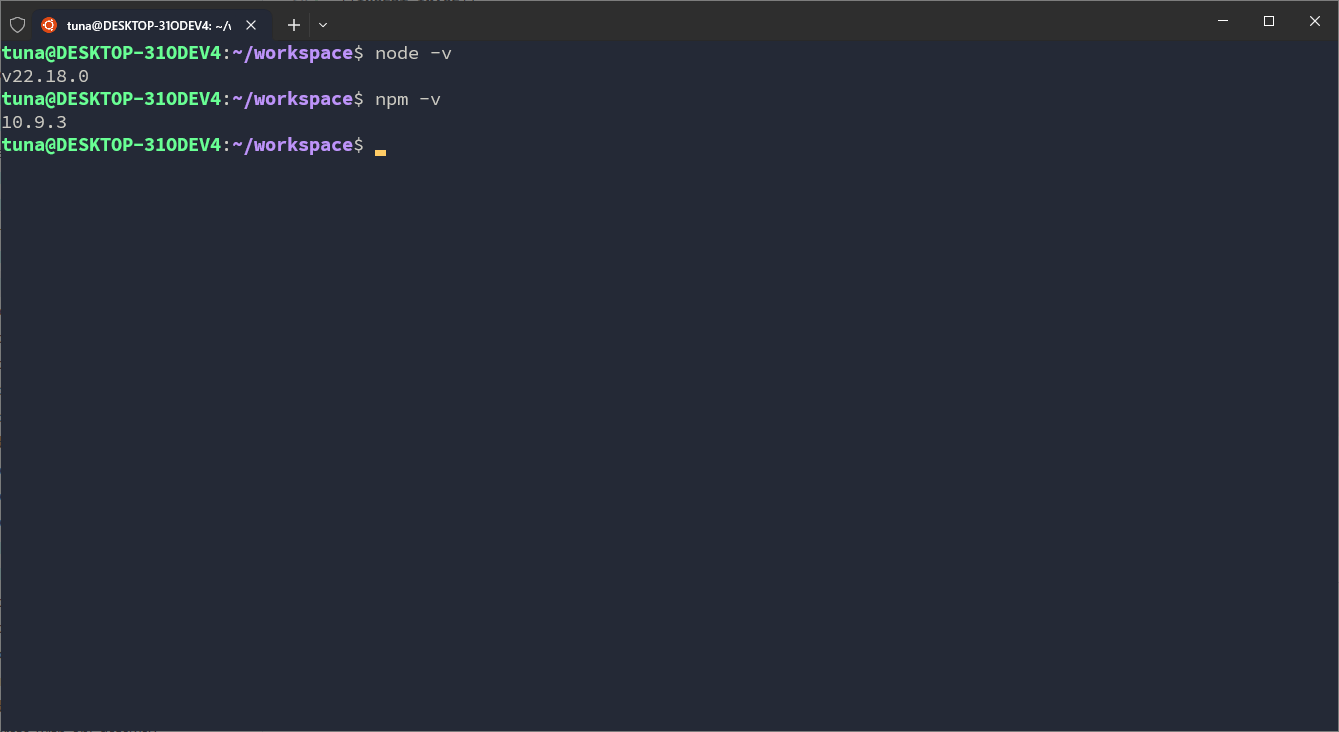
So we have installed the necessary tools to develop applications with NodeJS.
Install Python
Now we move on to installing Python. In this guide, we will install Python 3.12.
sudo apt update -y
sudo apt install python3.12
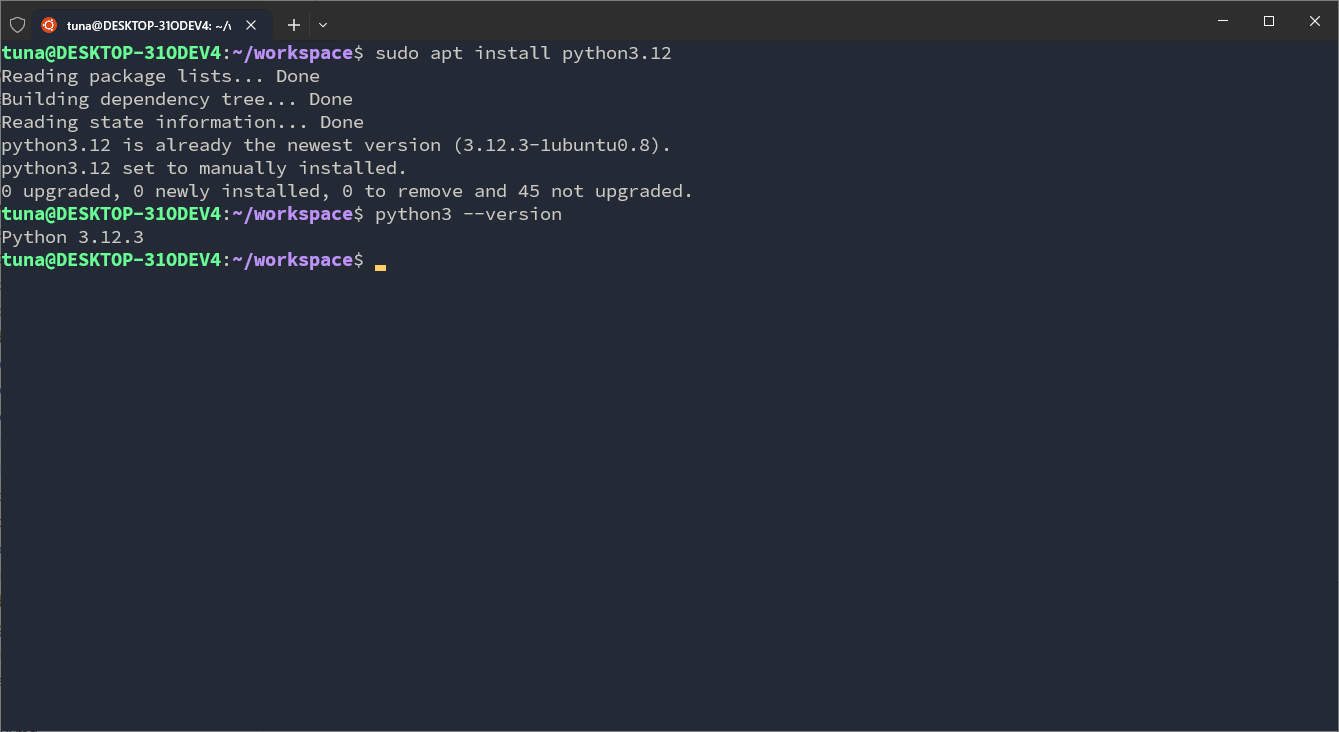
Next is pip and venv (used to create a virtual environment for Python):
sudo apt install python3-pip python3-venv
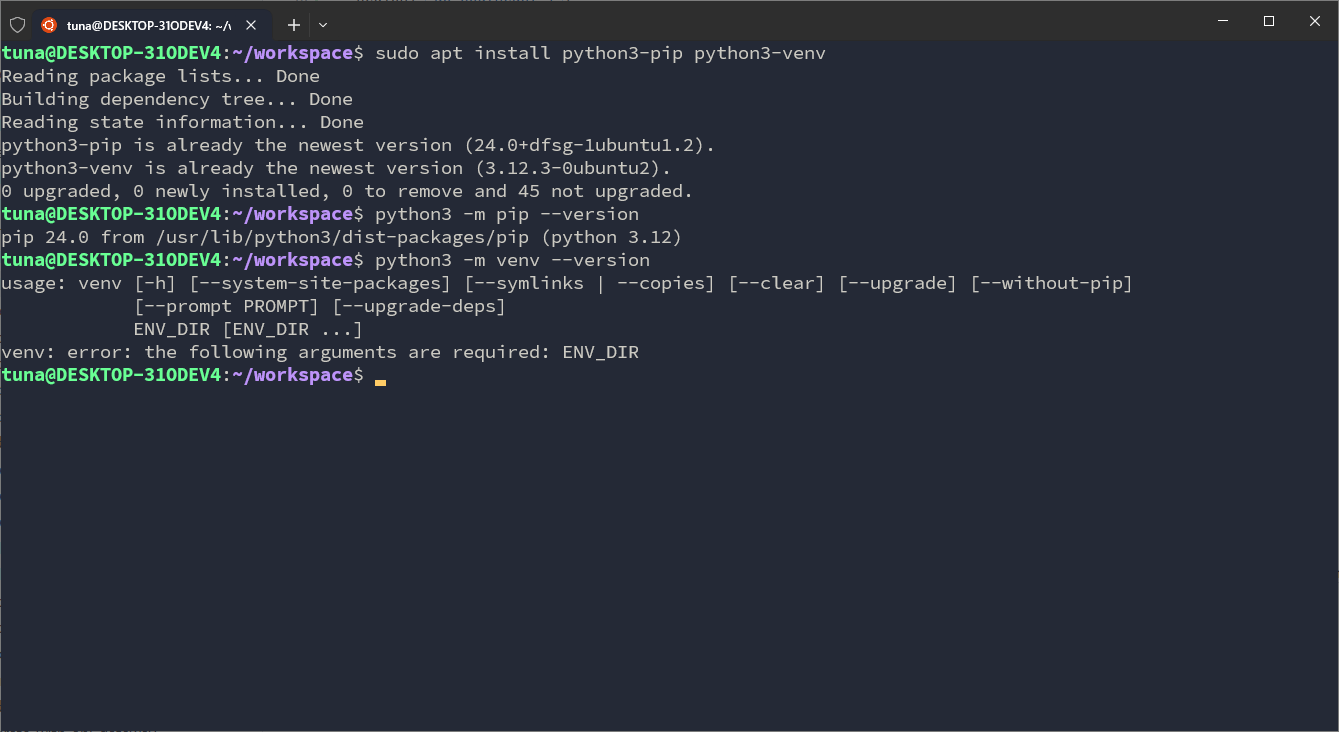
Okay, we have installed the necessary tools to develop Python applications. In the next section, we will set up a repository to store our source code.
Because I already installed them on my machine, the result may be different from what you see, but we will still check whether these tools are installed using various commands.