Learn about AWS SDK
What is a Software Development Kit (SDK)?
For this workshop to be effective when practicing, we will learn about AWS SDK — what it is and what role it plays in our project. First, what is an SDK? According to Google’s definition, an SDK is a set of tools used to develop software or applications on a certain platform, helping your software and applications communicate and perform tasks thanks to that platform. I divide SDKs into two types:
- Native SDK: SDKs that are dependent on the platform. For example, Windows SDK must be used with the Windows operating system to develop ASP, Windows Forms, C++, …
- Separated SDK: SDKs separated from the platform. They help us work with the platform’s REST API (or other types of APIs) more easily. AWS SDK is exactly this type of SDK.
In short, basically SDKs help us communicate with the platform’s API, whether integrated with or separated from the platform. Note that the names above are just ones I created myself to differentiate, and in this workshop we can understand AWS SDK at a certain level.
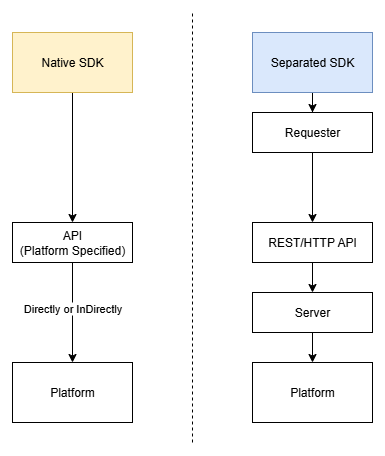
AWS SDK
And according to the definition, AWS SDK is a toolkit consisting of libraries and functions standardized to make it easier to communicate with AWS services.
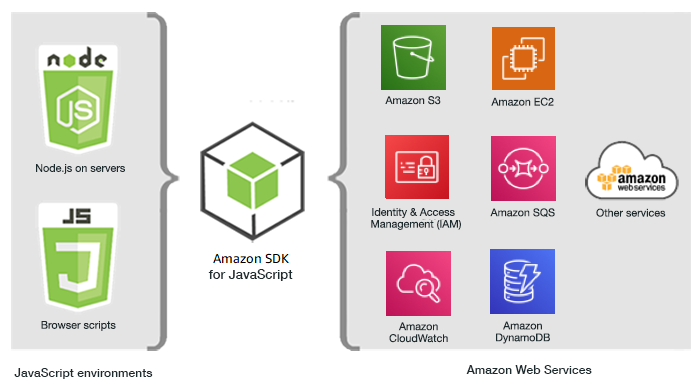
In this workshop we will explore the SDK for TypeScript and Python. Each language has its own usage, so be sure to read their official documentation.
AWS SDK for JavaScript/TypeScript
When working with any tool, you’ll need to refer to its official documentation. This is one of the essential skills for debugging deeply into issues (even in the era where everyone uses GenAI).
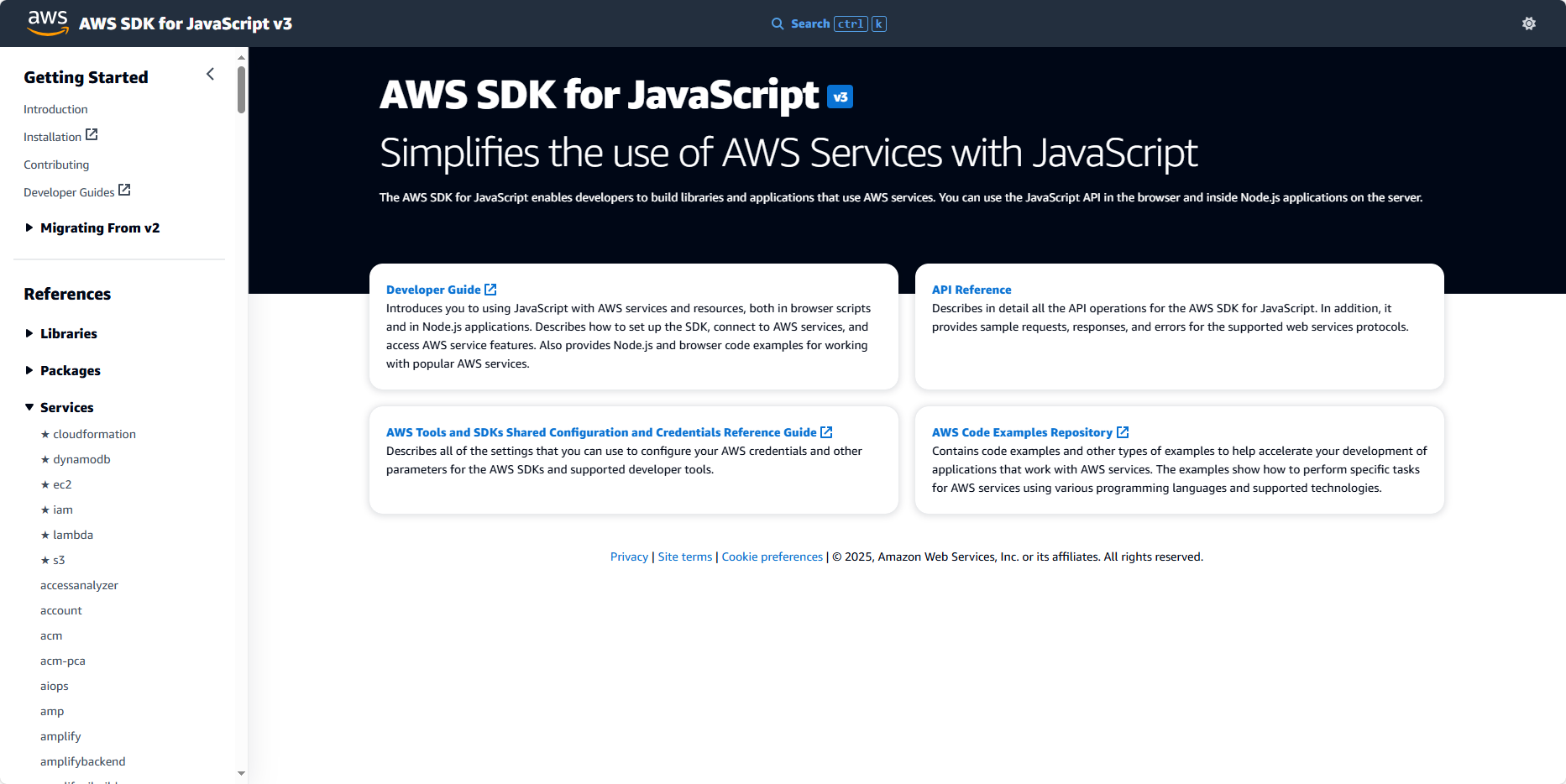
This is the main interface of the official JS SDK site.
Now let’s search for DynamoDB. This is the DynamoDB homepage — you can see they guide you to install the SDK right there.
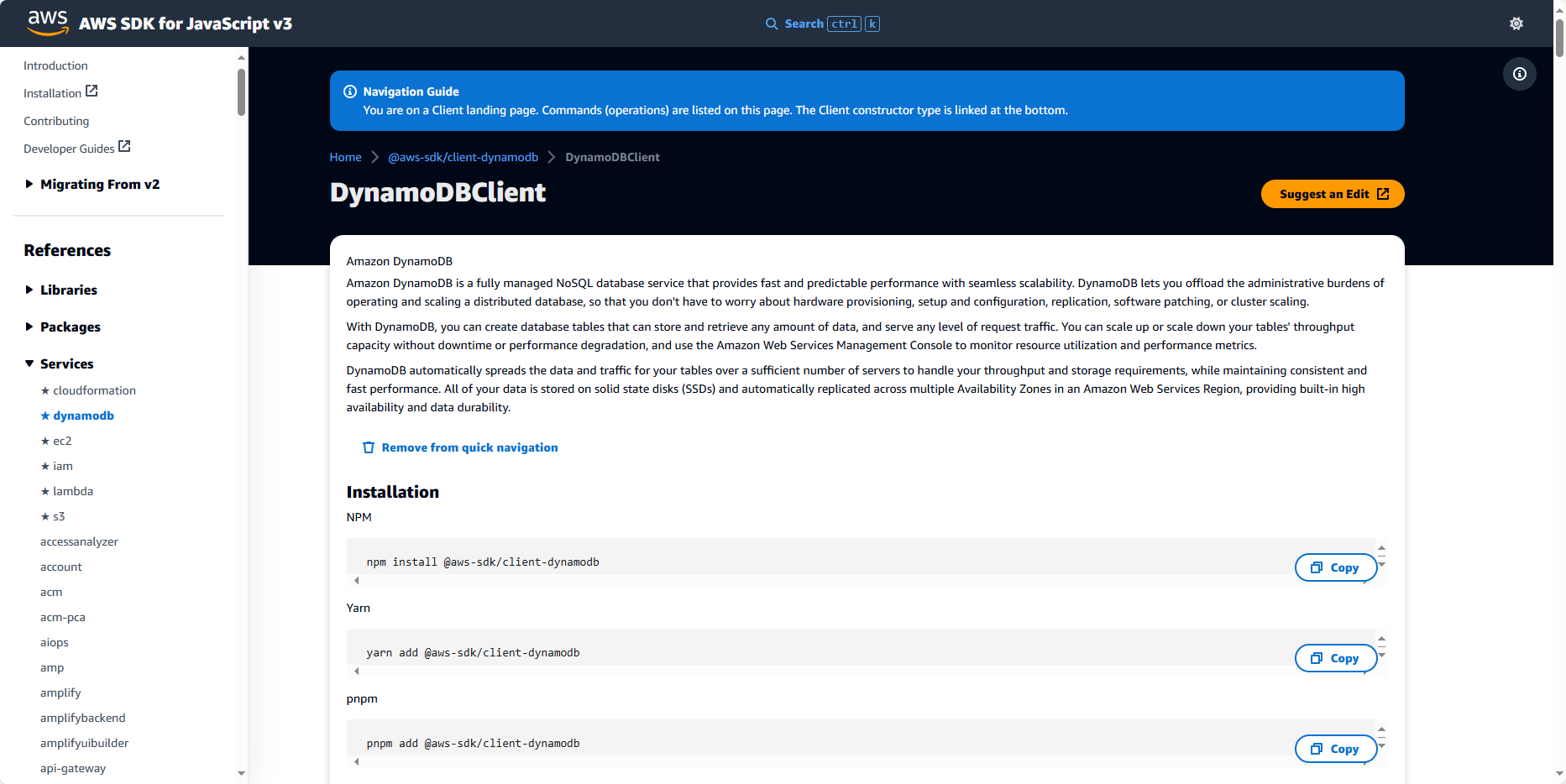
Scrolling down we can see some of the currently supported Commands. When you want to perform something with this service, you need to define your request (Command) and send it — that’s how the JS SDK works.
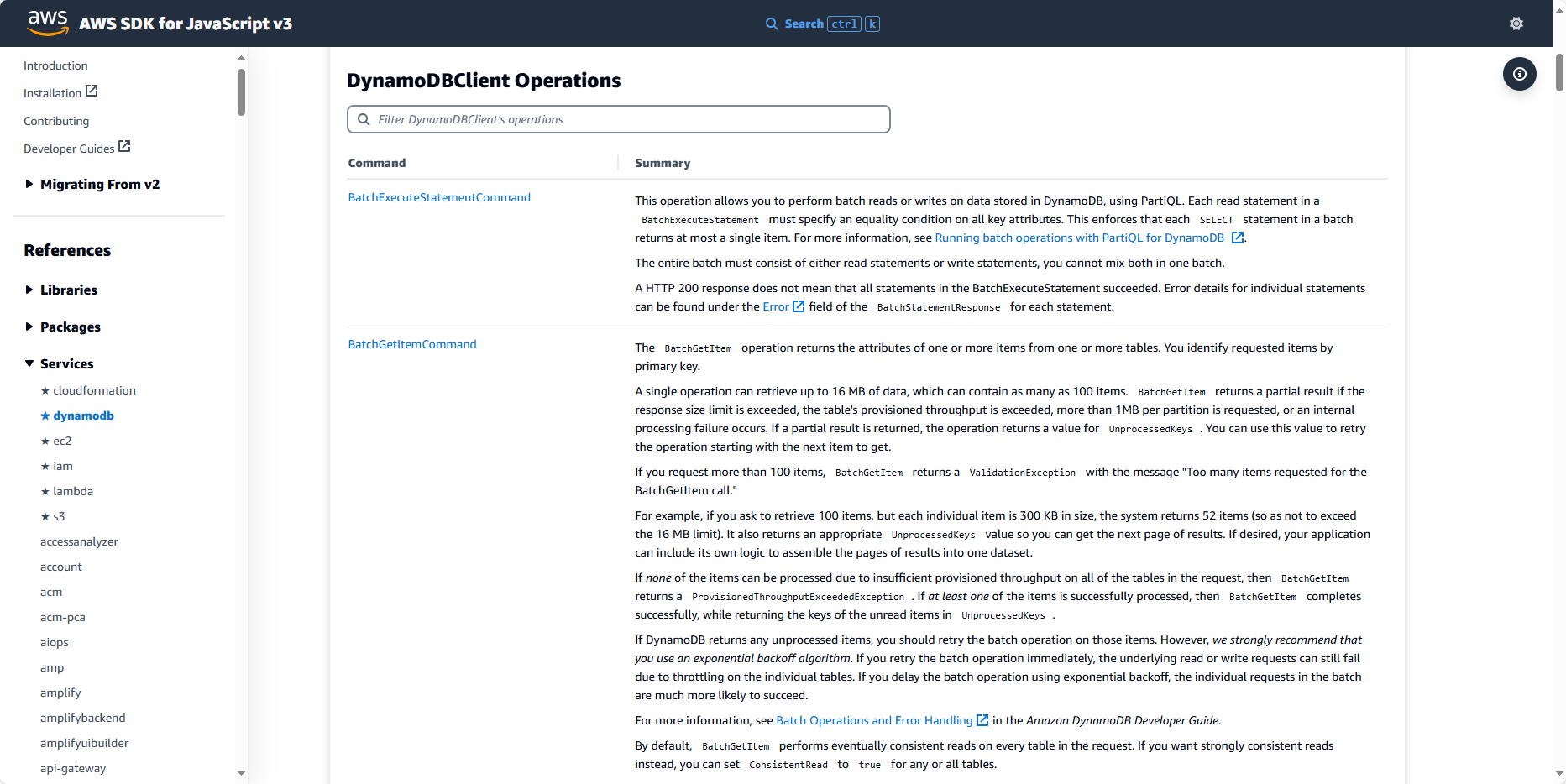
And to find any Command you can go here to search and read its usage. For example, PutItemCommand. Search first and click on it.
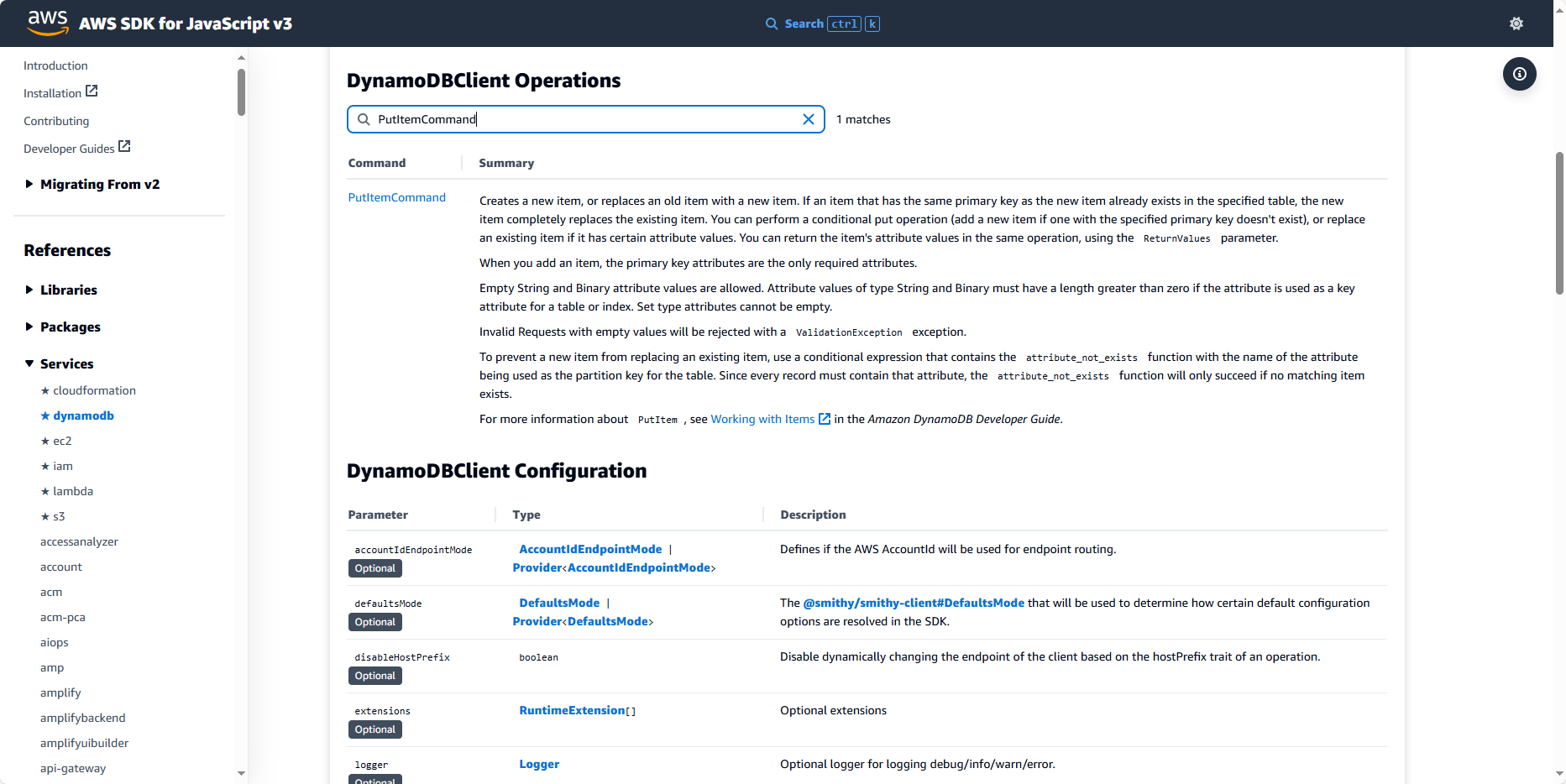
Inside, the documentation has an introduction to the Command.
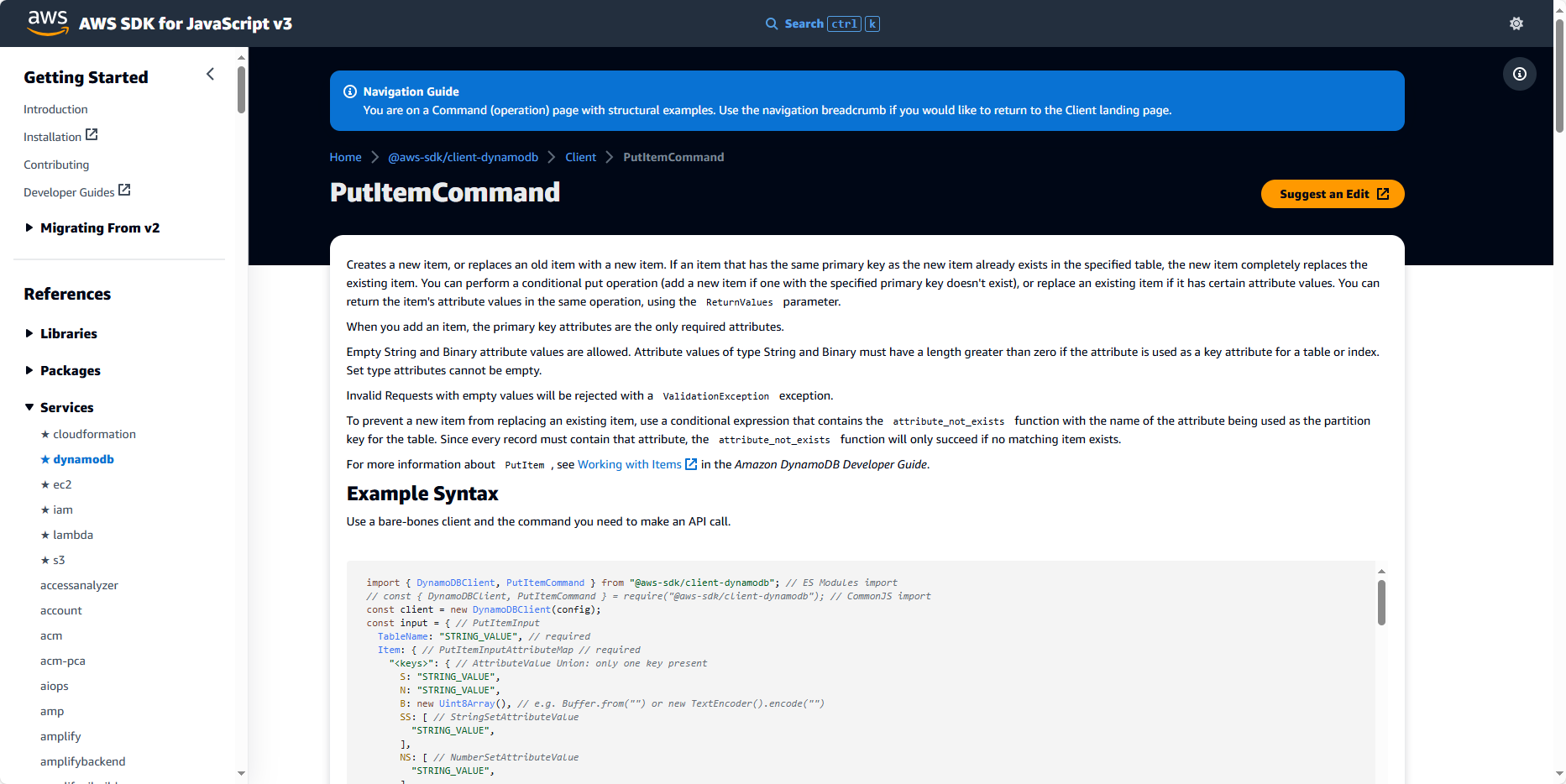
Scroll down for the usage guide.
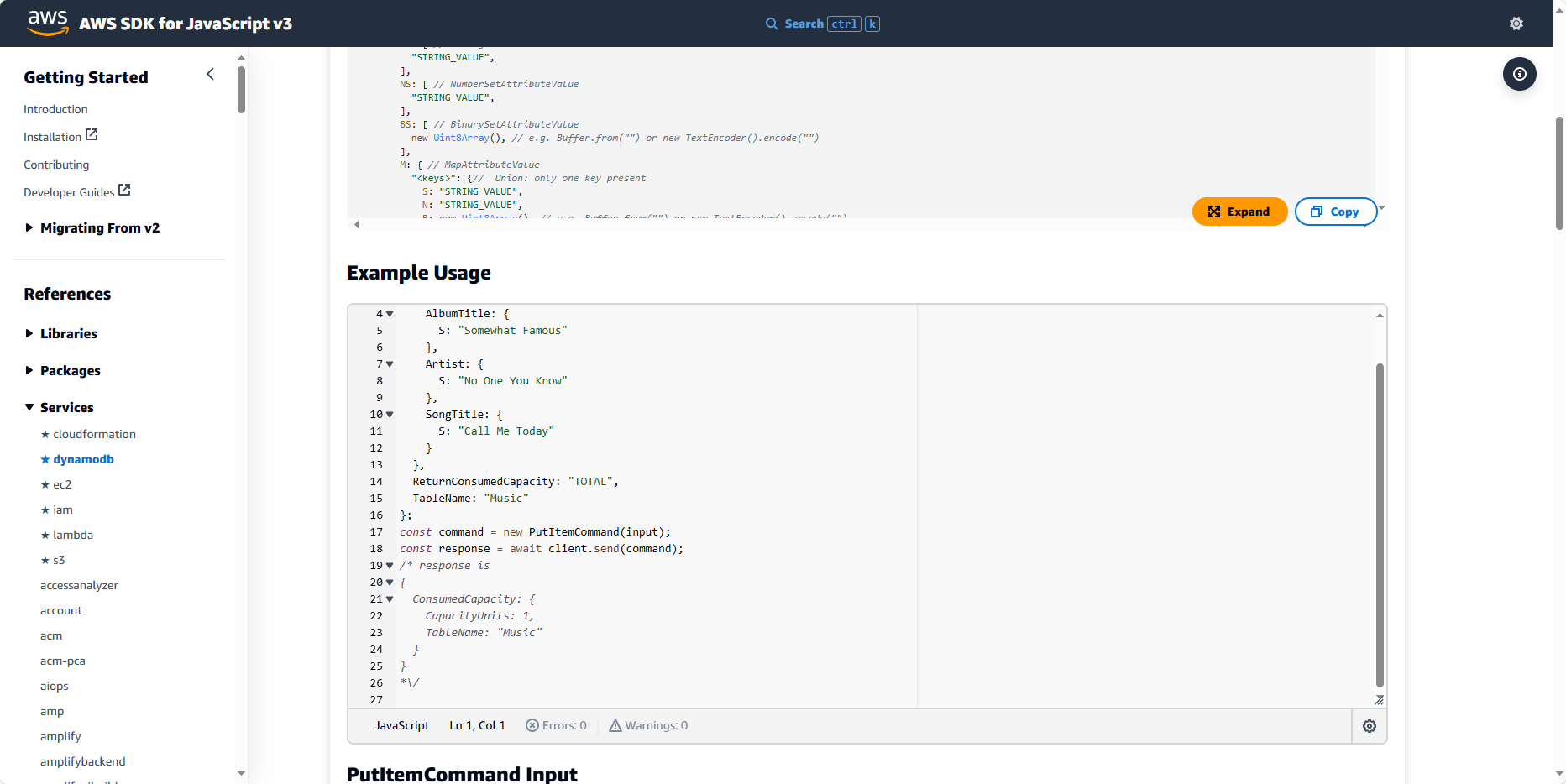
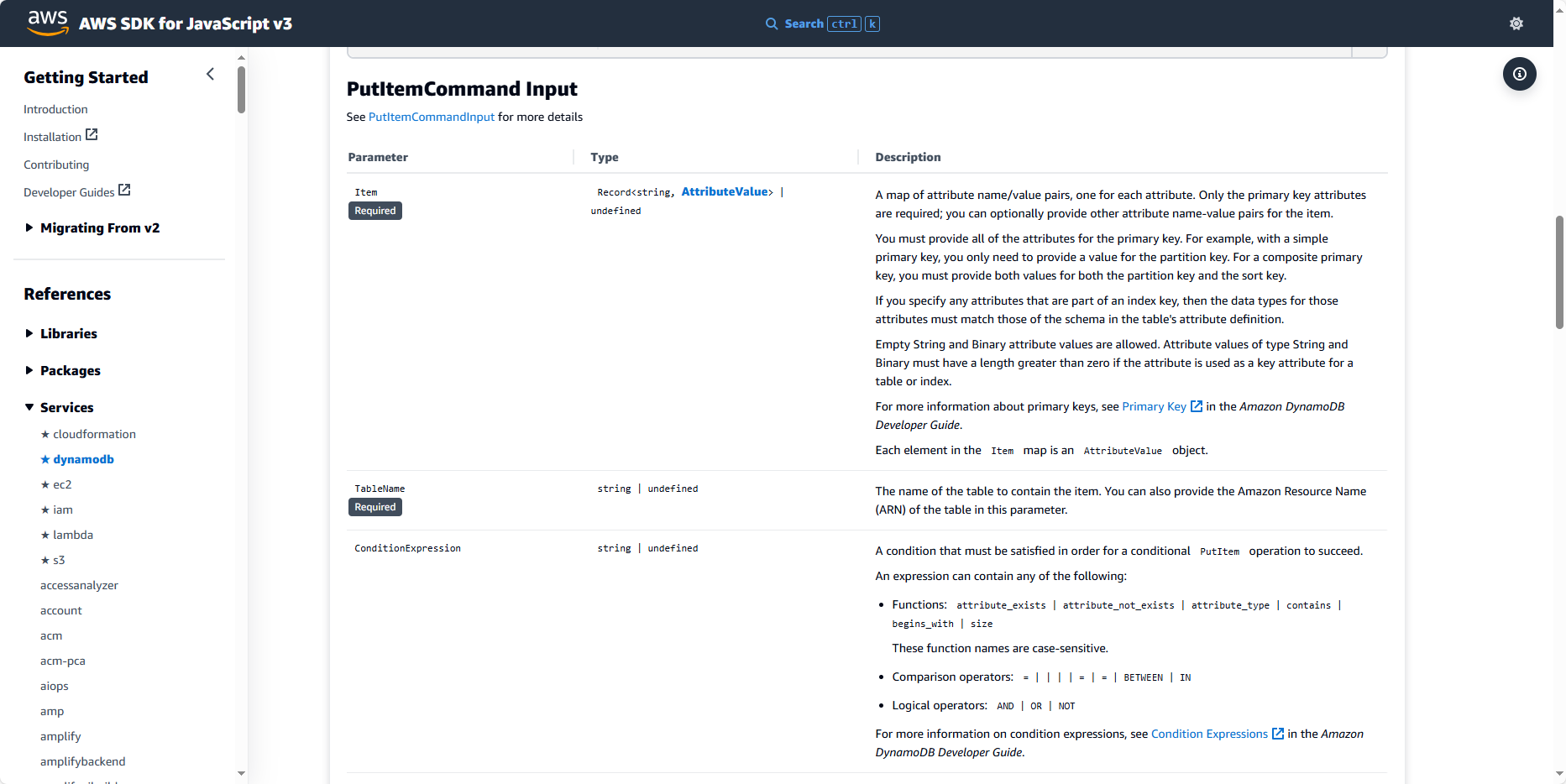
And here is the information about this command’s input.
Example command:
// This example adds a new item to the Music table.
const input = {
  Item: {
    AlbumTitle: {
      S: "Somewhat Famous"
    },
    Artist: {
      S: "No One You Know"
    },
    SongTitle: {
      S: "Call Me Today"
    }
  },
  ReturnConsumedCapacity: "TOTAL",
  TableName: "Music"
};
const command = new PutItemCommand(input);
const response = await client.send(command);
/* response is
{
  ConsumedCapacity: {
    CapacityUnits: 1,
    TableName: "Music"
  }
}
*/
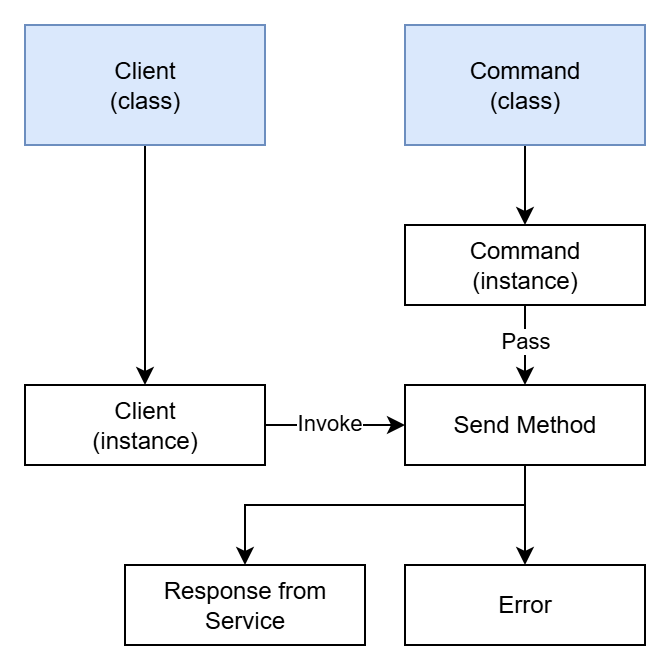
We can model the overall way this SDK works as follows:
AWS SDK for Python (boto3)
Python is very different — AWS does not have a documentation page like for TypeScript/JavaScript, but it still provides all the information we need to perform our tasks. AWS SDK for Python is called Boto3 (the name comes from a species of freshwater dolphin — Boto — living in the Amazon river. It seems Python library authors like naming their libraries after animals).
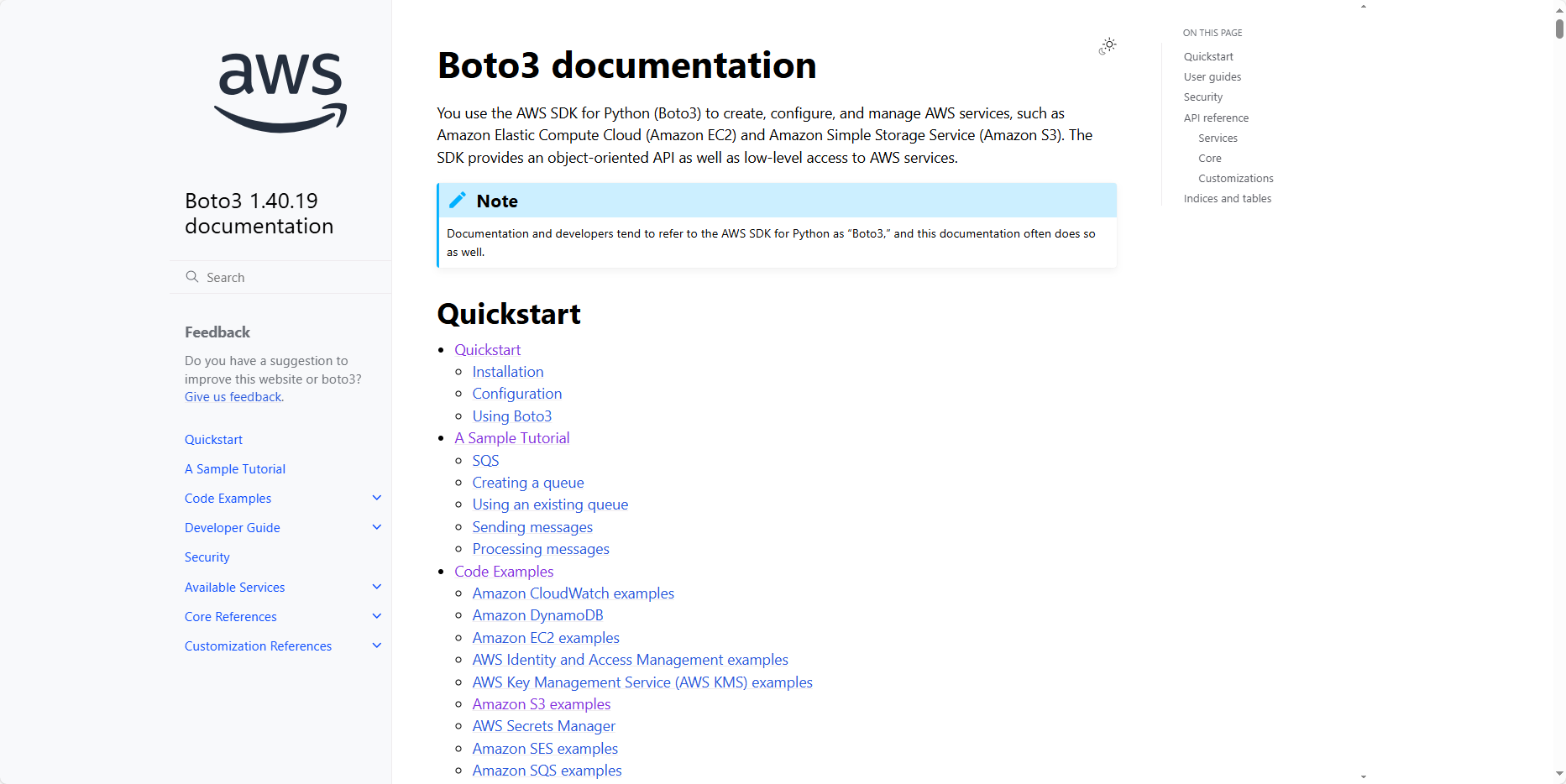
This is Boto3’s main interface:
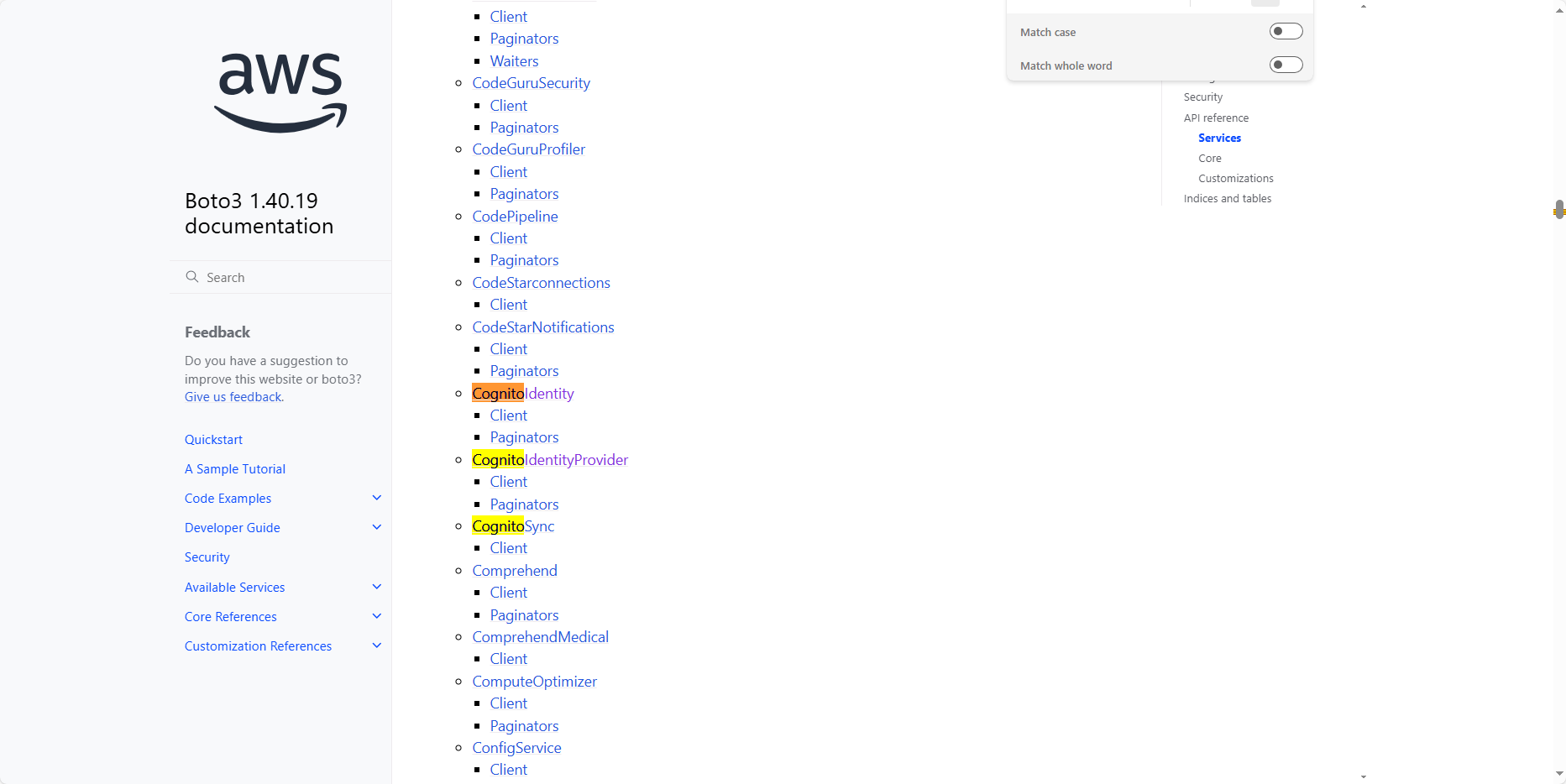
Similar to the previous step, but now we’ll search for Cognito. You can see there are three, but we’ll focus on CognitoIdentityProvider because that’s the feature we need.
This is the description of the CognitoIdentityProvider class used to create a client for this service. The JS SDK also has it, but I’ll talk about it while building.
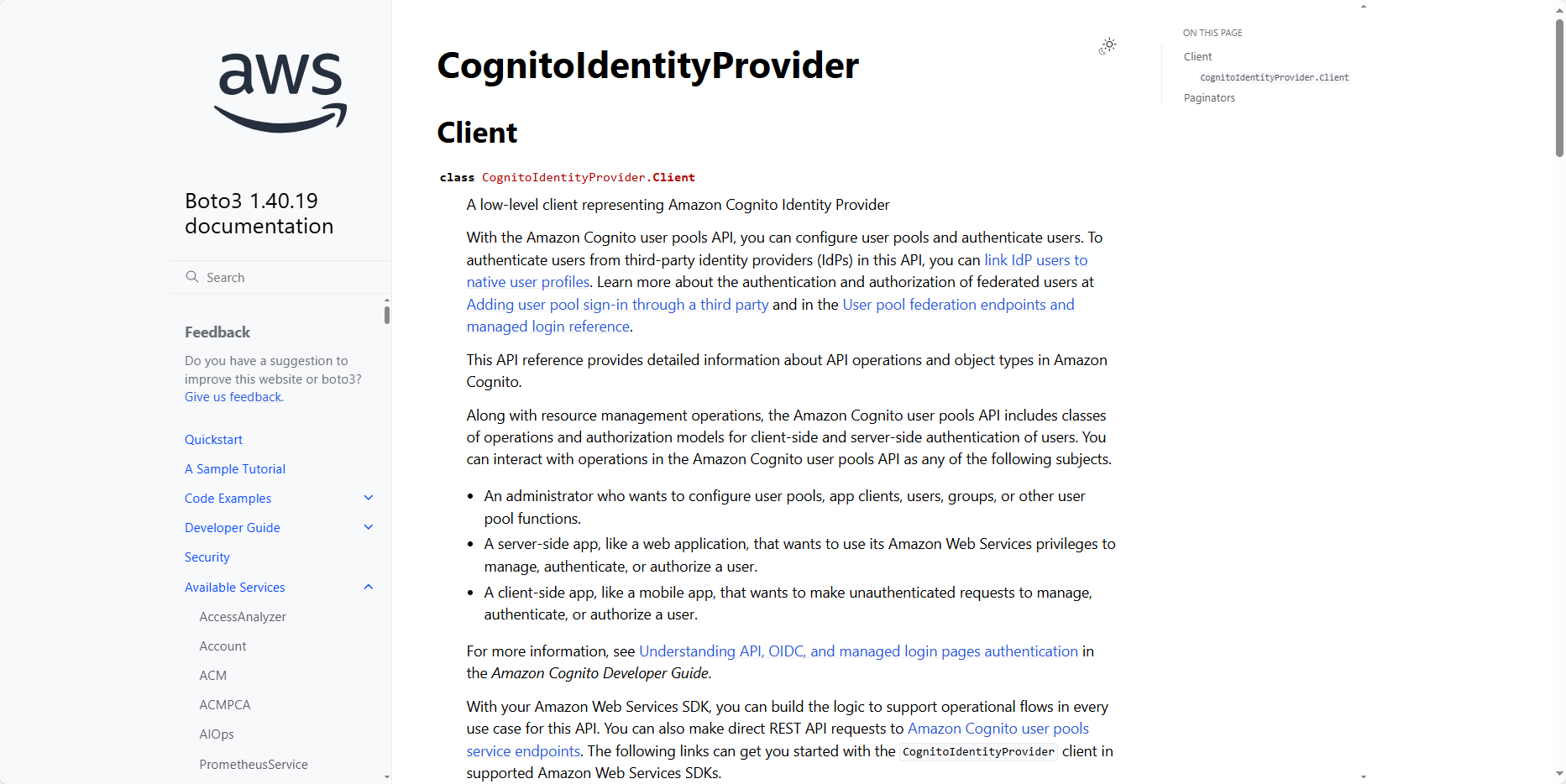
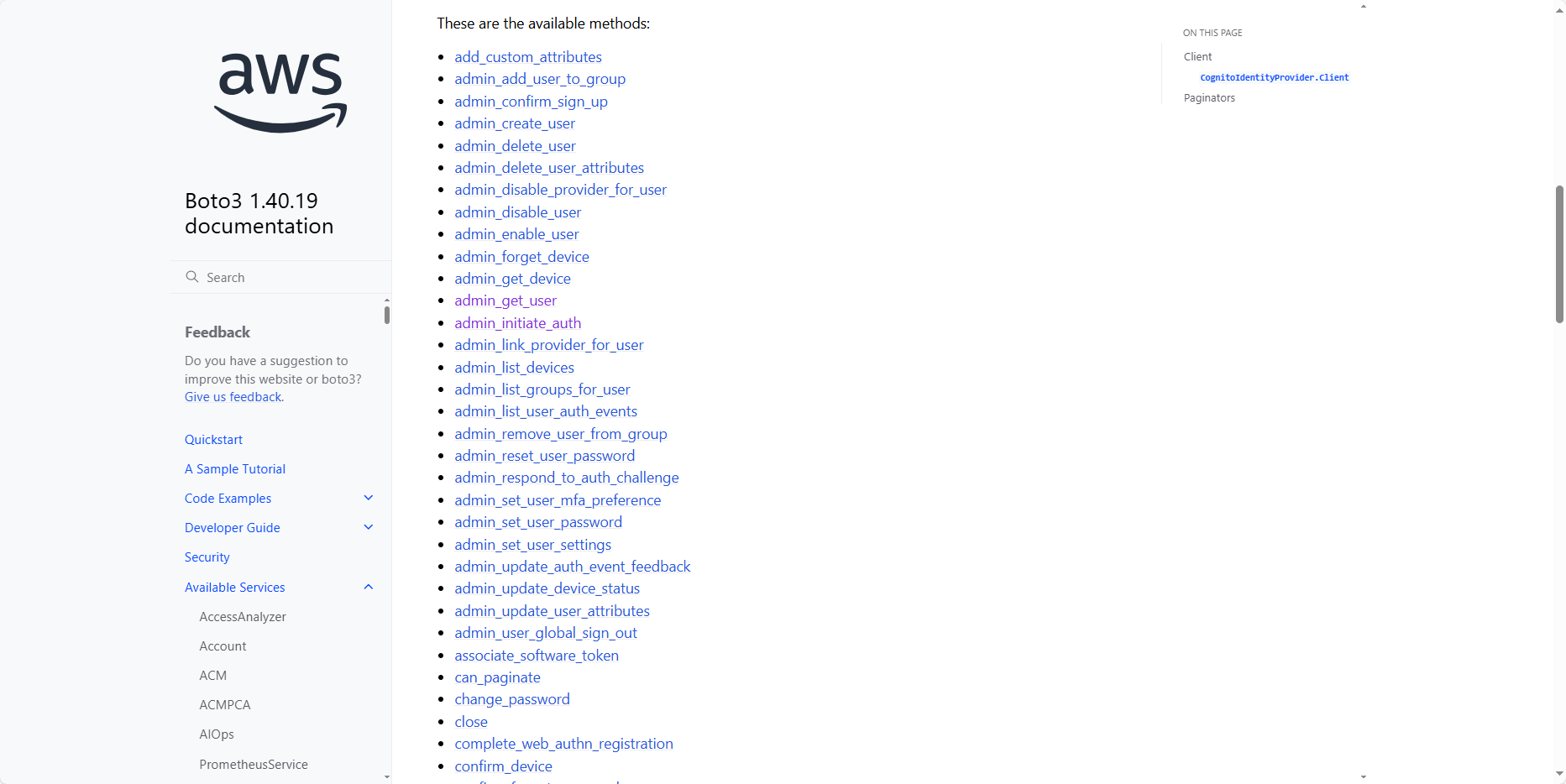
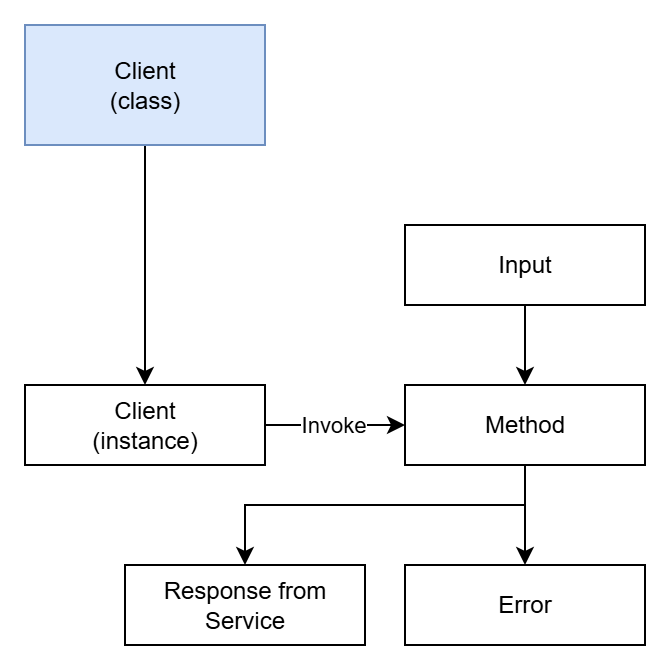
But the difference is that Boto3 has no Commands, only methods inside the class.
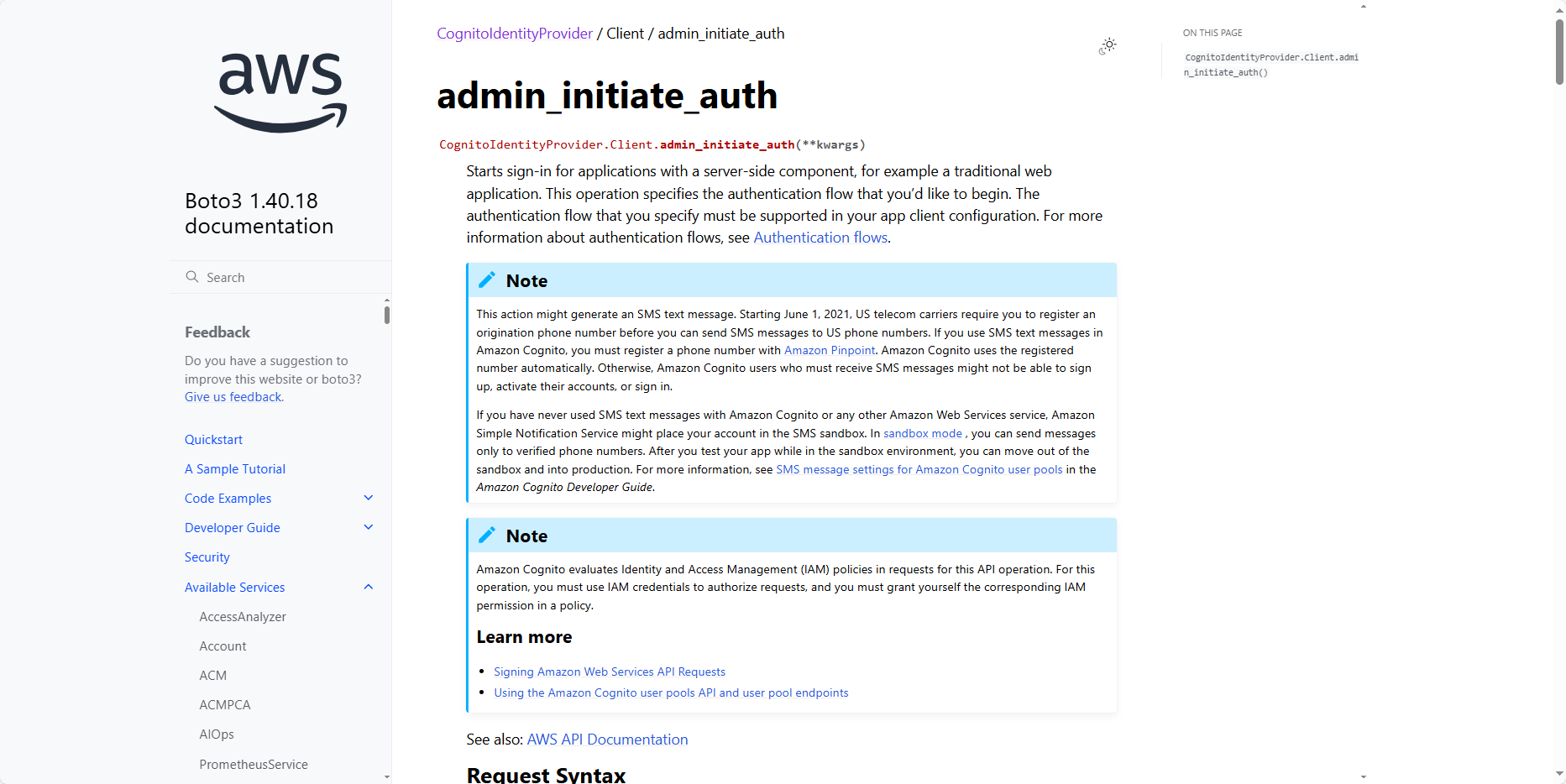
Now I’ll go into the admin_initiate_auth method, and you can also see the introduction, input, and output.
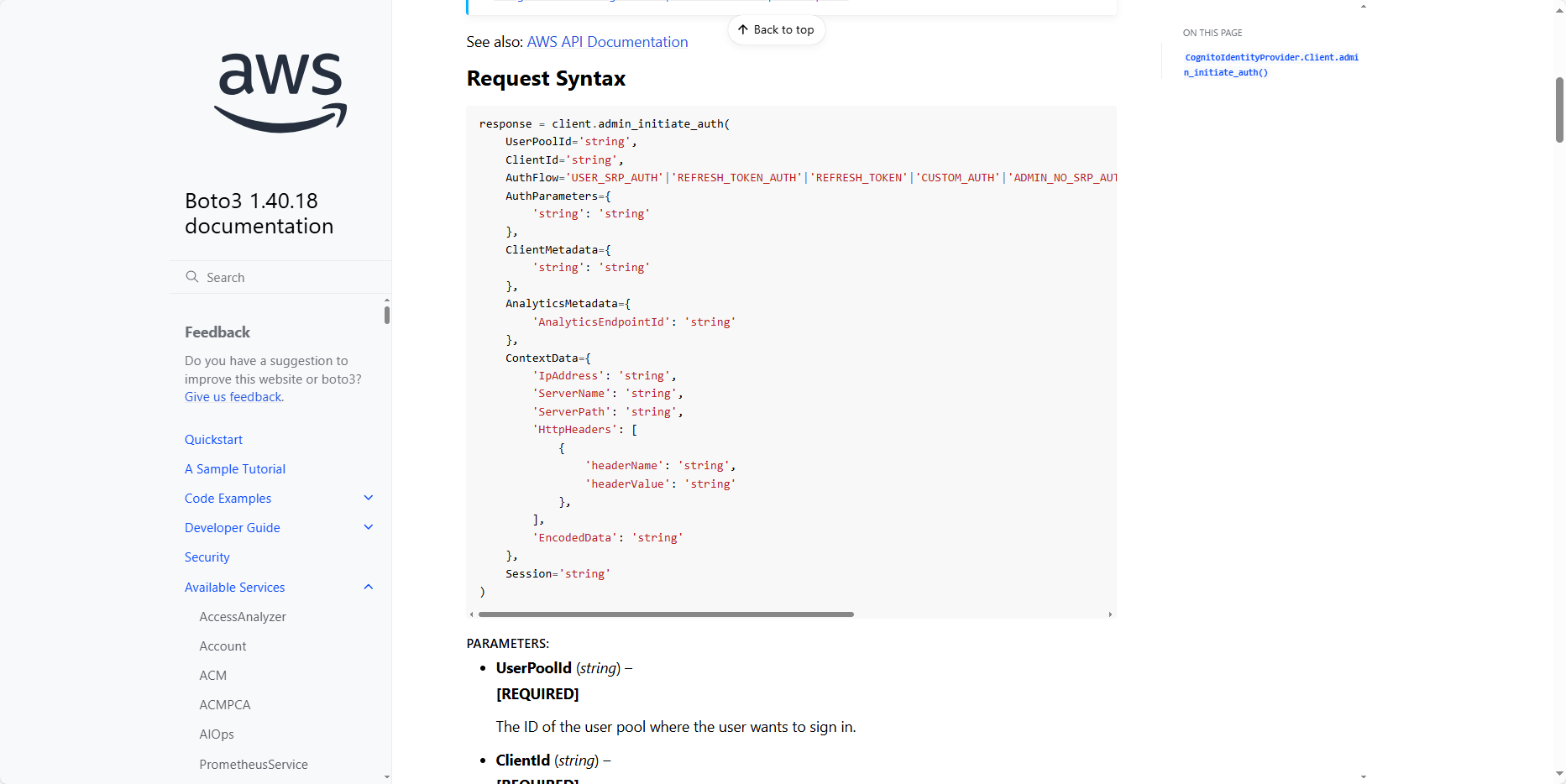
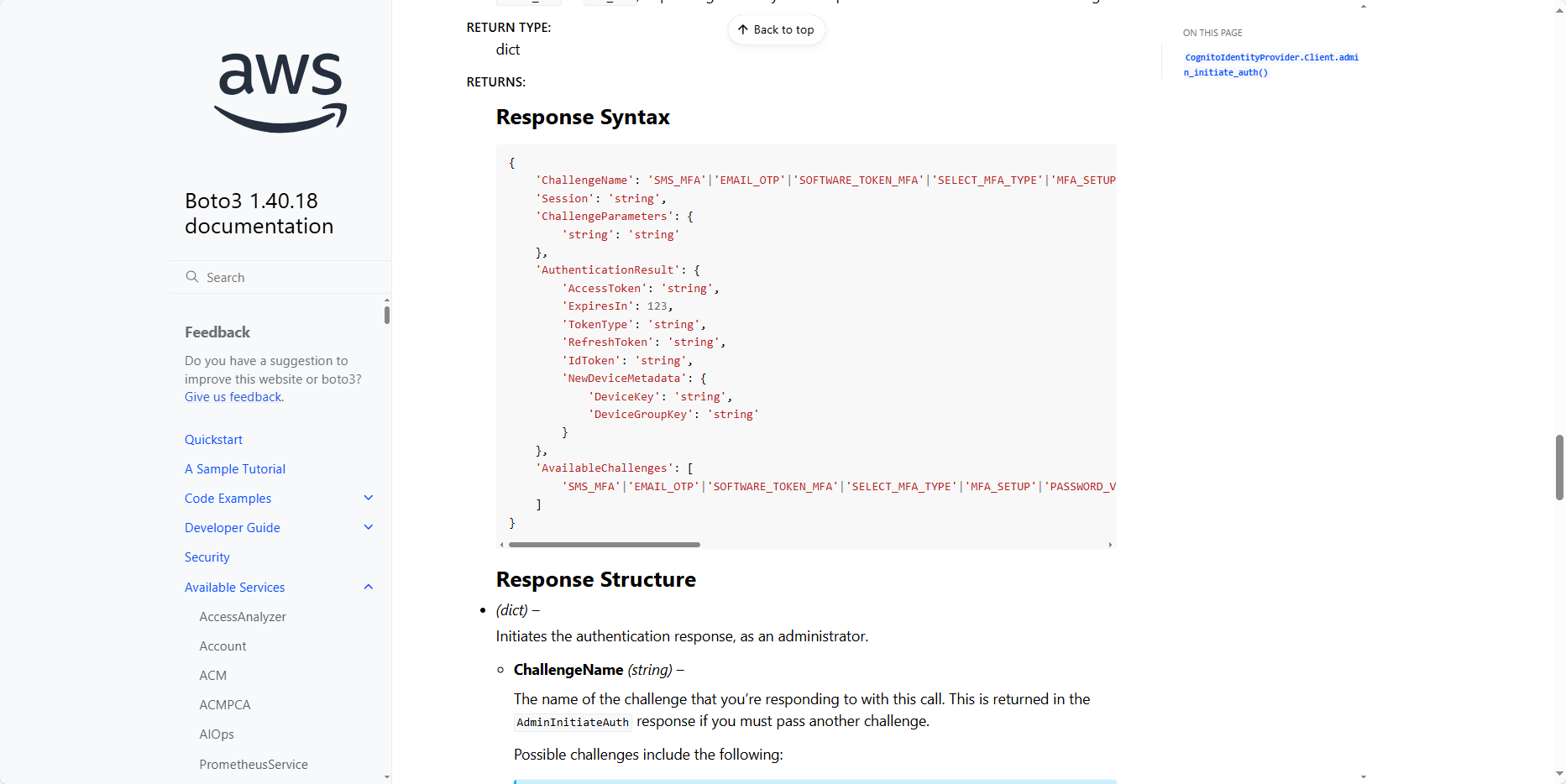
Here is a sample code snippet showing how to use it:
response = client.admin_initiate_auth(
    UserPoolId="string",
    ClientId="string",
    AuthFlow="USER_PASSWORD_AUTH",
    AuthParameters={
        "USERNAME": "string",
        "PASSWORD": "string"
    }
)
And we can model how this SDK works as follows:
At this point I think you have somewhat grasped what AWS SDK is. If not, that’s okay because in the practical part we’ll be working with the SDK a lot, so I’m sure after this workshop you’ll understand AWS SDK (remember to practice more to become proficient).